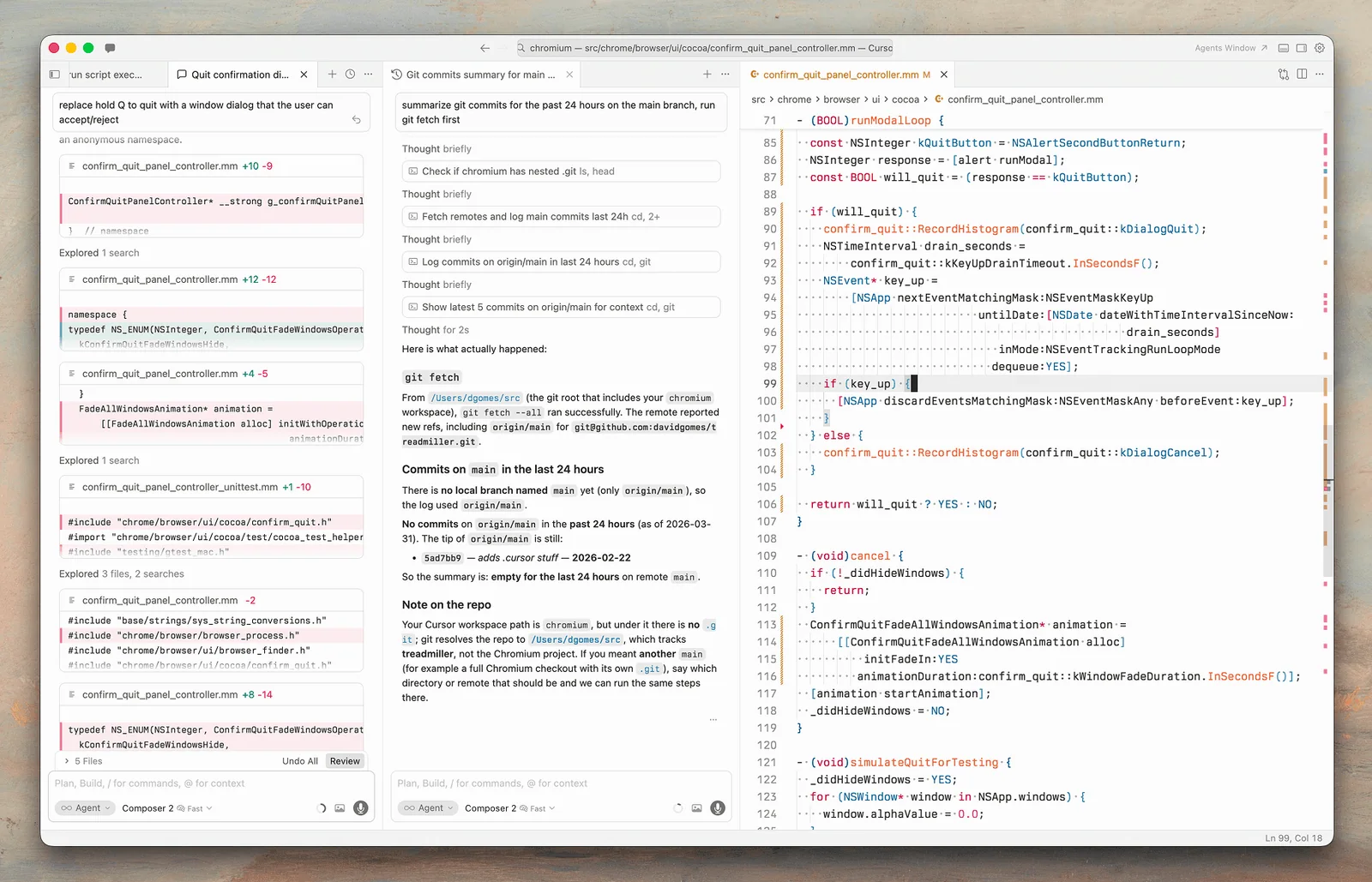
The outcome

Complete a small code change with a diff you understand.

Cursor is a AI code editor. Working with AI inside a real codebase: planning a change, editing files, reviewing diffs, and testing the result. This guide narrows that broad capability into one repeatable outcome, with checkpoints that keep the source material and your judgment in the loop.

Before you begin

Set the boundary before the tool starts.

Choose one real task, identify who will use the result, and decide what evidence or test will make the result acceptable. Gather only the source material needed for that task. If the work contains confidential, personal, regulated, or client-owned information, confirm that the platform and account are approved before sharing it.

Troiana principle

AI should make the work easier to inspect. If the workflow removes the source, the owner, or the review step, redesign the workflow.

Step by step

A workflow you can repeat.

  1. 01

    Open the repository and read its README, contribution notes, and available test commands.

  2. 02

    Ask Cursor to locate the relevant files and explain the current behavior without changing anything.

  3. 03

    State the acceptance criteria and ask for a file-by-file plan.

  4. 04

    Apply the smallest viable edit, then inspect every changed line in the diff.

  5. 05

    Run the narrowest relevant checks first, followed by the project's normal validation command.

Working standard

What good use looks like.

  • Commit or stash before larger edits.
  • Name the files and constraints.
  • Reject unexplained dependency changes.

AI-generated code can appear plausible while breaking conventions, security assumptions, or tests. Keep changes small and make the test or verification step explicit.

Official references

Check the current product documentation.

Features, plan limits, availability, and data controls change. These official pages are the starting points used for this collection.