The outcome
Develop a selected image into a usable creative asset.
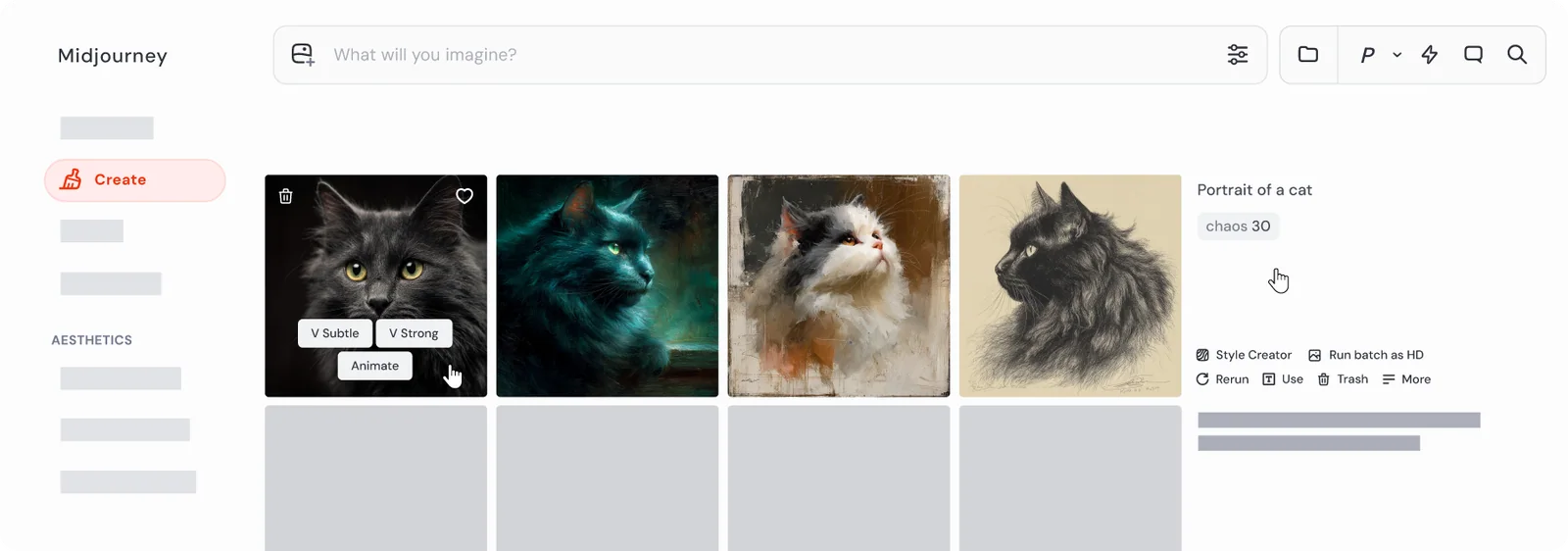
Midjourney is a image and video generation platform. Exploring visual directions, generating art direction references, and iterating on image or video concepts from a clear creative brief. This guide narrows that broad capability into one repeatable outcome, with checkpoints that keep the source material and your judgment in the loop.
Before you begin
Set the boundary before the tool starts.
Choose one real task, identify who will use the result, and decide what evidence or test will make the result acceptable. Gather only the source material needed for that task. If the work contains confidential, personal, regulated, or client-owned information, confirm that the platform and account are approved before sharing it.
AI should make the work easier to inspect. If the workflow removes the source, the owner, or the review step, redesign the workflow.
Step by step
A workflow you can repeat.
- 01
Choose the direction whose composition best solves the brief.
- 02
List what must remain fixed and what needs improvement.
- 03
Use variations for controlled exploration and editing tools for localized changes.
- 04
Check edges, hands, text-like details, perspective, and brand-sensitive elements at full size.
- 05
Export only after completing rights, factual, and brand review.
Working standard
What good use looks like.
- Make localized changes late.
- Keep a clean source generation.
- Do final typography outside the image model.
Generated images need normal rights, brand, and factual review before publication. Read the current Midjourney terms before using output in commercial or sensitive work.
Official references
Check the current product documentation.
Features, plan limits, availability, and data controls change. These official pages are the starting points used for this collection.