In short
Choose Framer for smaller, design-led marketing sites and fast launches by designers. Choose Webflow for content-heavy sites: since its May 2026 plan change, Premium includes 20,000 CMS items at $25 a month billed yearly, far more than Framer's base allowance. Webflow also offers code export on paid Workspace plans, though CMS content is excluded. Check bandwidth and locale costs against your own traffic.
The current numbers
Webflow simplified its plans in May 2026, merging CMS and Business into a single Premium plan, so many older comparisons are now out of date. These figures come from the Framer and Webflow pricing pages, checked on 4 November 2026.
| Framer Basic | Framer Pro | Webflow Basic | Webflow Premium | |
|---|---|---|---|---|
| Listed price | $10/month | $30/month | $15/month billed yearly ($25 monthly) | $25/month billed yearly ($39 monthly) |
| Pages | 30 | 150 | 300 static | 300 static |
| CMS items | 1,000 | 2,500 | No CMS | 20,000 |
| CMS collections | 2 | 10 | No CMS | 40 |
| Bandwidth | 50 GB | 100 GB | 10 GB | From 50 GB |
Prices exclude tax and optional extras. On Framer, extra capacity is sold in blocks: $20 per 100 pages, $20 per 10,000 CMS items, and $40 per 100 GB of bandwidth. Webflow's Premium bandwidth is a selectable tier that raises the price as you go up.
What that means for real sites
A 10-page marketing site with a small blog. Both work. Framer Basic at $10 is cheaper, provided you fit within 30 pages and 50 GB. Webflow would need Premium to get a CMS.
A blog with 5,000 posts. Framer Pro plus one CMS block costs about $50 a month. Webflow Premium includes it at $25 billed yearly. For content volume, Webflow is clearly the better value.
A 10-language site. Framer charges $20 per locale, so $180–$200 for translation locales on top of the plan. Webflow's Localize add-ons start at $9 and $29 a month, with pricing based on locale count and word limits. Price your exact locale count on each page, since Webflow's cost scales up with locales as well.
A viral campaign. Bandwidth overages add up. Estimate traffic on both before launch, especially with video or heavy images.
Where Framer is stronger
Speed for designers. Framer feels like a design tool, and people coming from Figma tend to get productive quickly. Designers can often publish a polished page without a developer.
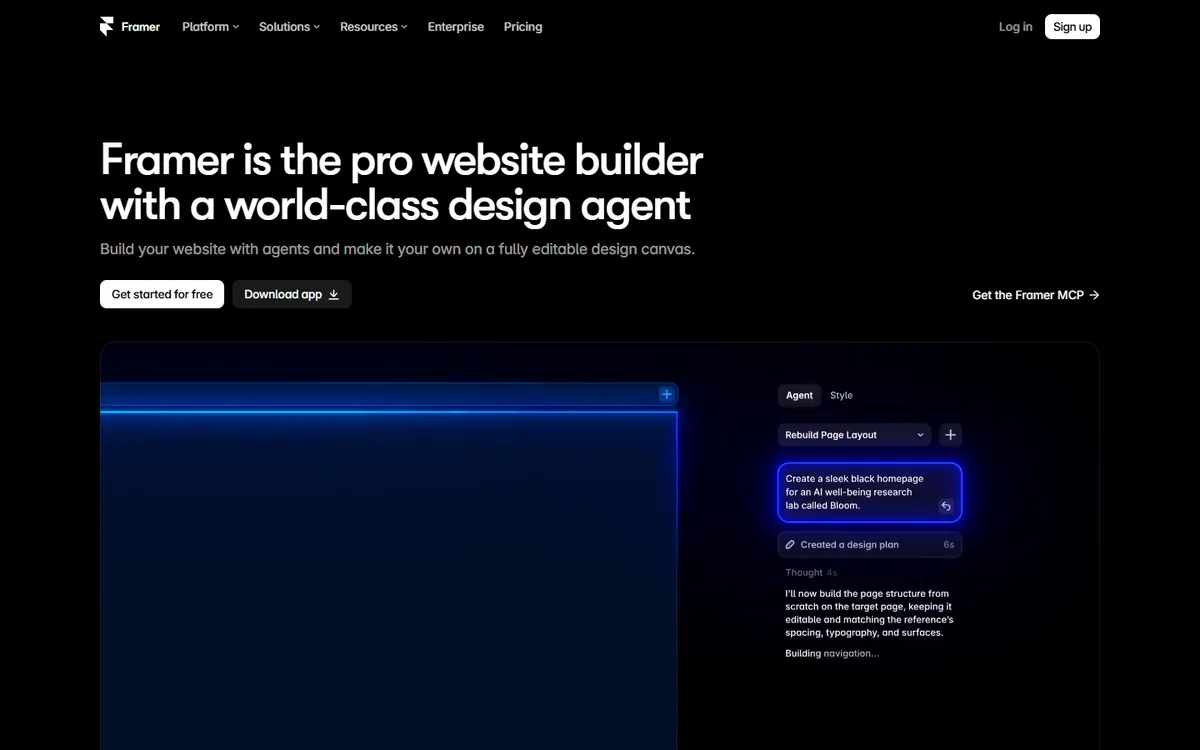
Motion and visual polish. Animation and interaction are a central part of the product, which suits launches and brand-led sites. Do keep performance in mind, because heavy animation can slow down pages and distract from the content. What makes a website fast covers the trade-offs.
A low starting cost. For a small site, Framer's Basic plan is hard to beat, and its A/B testing is available as an add-on, called Convert.
Where Webflow is stronger
Structured content. The CMS allowance makes Webflow the safer choice if content is your growth engine, and it has broader support for building templates around collections.
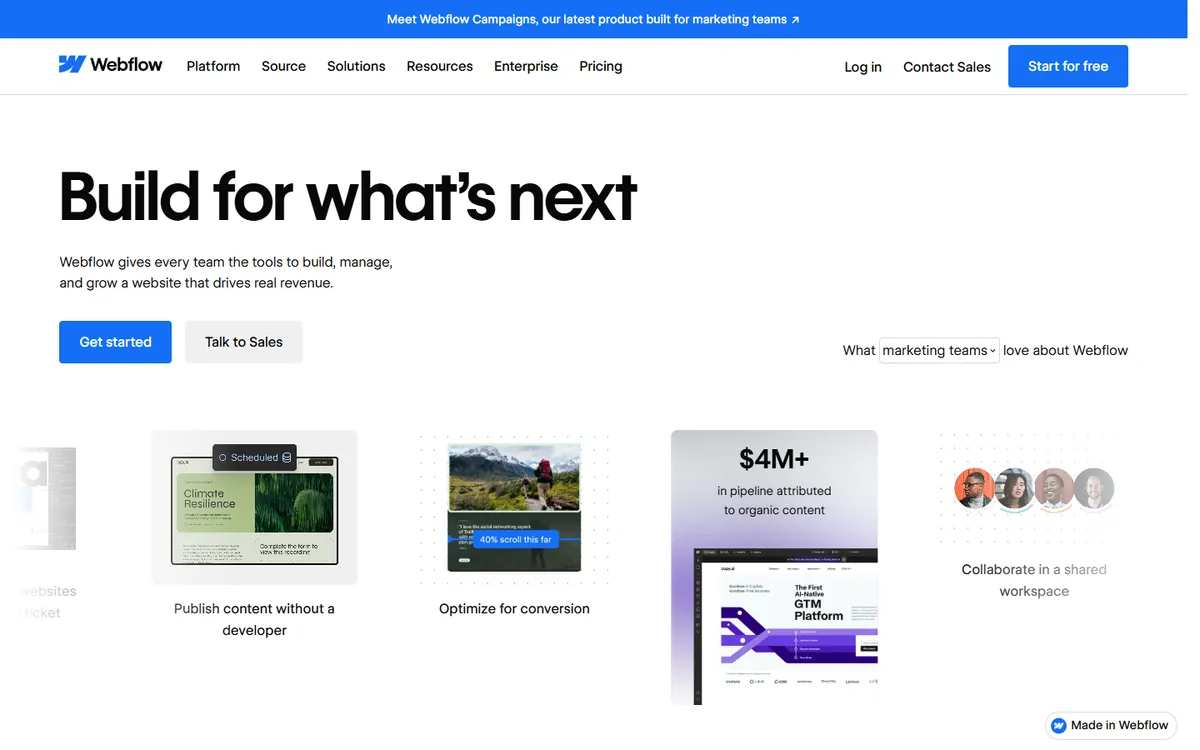
Control over the output. Webflow's model reflects how HTML and CSS work, so there is more to learn but also more precise control. Teams with some web knowledge often appreciate this.
Code export. Webflow includes code export on paid Workspace plans, starting from Core at $19 a month billed yearly. CMS content and dynamic pages do not export, so treat this as a useful safeguard, not a full exit. Framer's pricing page does not list code export, so assume you would rebuild if you left and confirm this with Framer if it matters to you.
Scale of the organisation. Webflow sells a Team platform plan, from $2,500 a month on an annual contract, with governance and publishing workflows. Framer has an Enterprise tier, with custom pricing and limits.
SEO and AI search
Both produce crawlable, server-delivered pages and let you control titles, descriptions and redirects, so neither has an inherent ranking advantage. Your content, structure and speed matter much more than this choice. We have looked separately at whether Webflow is good for SEO. Both are also adding AI search features; Webflow lists AEO agents on its Team plan. Treat those as helpers, not as the strategy.
When to choose neither
Visual builders suit marketing sites. Look elsewhere when you need:
- Application logic: user accounts, dashboards, complex search or customer data.
- Very large content libraries: tens of thousands of pages, where limits and page add-ons get expensive.
- Complex e-commerce: a dedicated platform may fit better.
- Full ownership of your stack: for example, to avoid per-site fees on a large portfolio.
In those cases, a custom website or a headless CMS may be cheaper over time, even though it costs more to begin with.
How to decide
- Count your content. Project pages and CMS items two years ahead. If you expect more than a few thousand items, lean towards Webflow.
- Consider who edits the site. If a designer owns it, try Framer first. If marketers will publish structured content daily, try Webflow.
- Price your actual extras: locales, bandwidth, analytics and A/B testing.
- Build one real page on both. A couple of hours on the free plans will tell you which one your team actually enjoys.
If you want help choosing or building your next site, book a call. We can also tell you when a builder is the right answer, even when that means less work for us.
Common questions
Is Framer cheaper than Webflow?
For small sites, usually yes: Framer Basic lists at $10 a month. For content-heavy sites, Webflow is often cheaper, because Premium includes 20,000 CMS items at $25 a month billed yearly, whereas Framer charges for extra CMS capacity in blocks.
Can you export code from Framer or Webflow?
Webflow offers code export on paid Workspace plans, but CMS content and dynamic pages are not included. Framer's pricing page does not list code export, so plan on a rebuild if you ever leave, and confirm the current position with Framer.
Is Framer or Webflow better for SEO?
Neither has an inherent ranking advantage. Both give you control over metadata and redirects. Page speed, content quality and site structure will matter more, so choose based on your content needs and test the performance of what you build.
Is Framer easier than Webflow?
Most designers find Framer quicker to learn, especially if they know Figma. Webflow takes longer because it follows web concepts more closely, such as the box model and CSS classes, but that gives you more precise control in return.
