In short
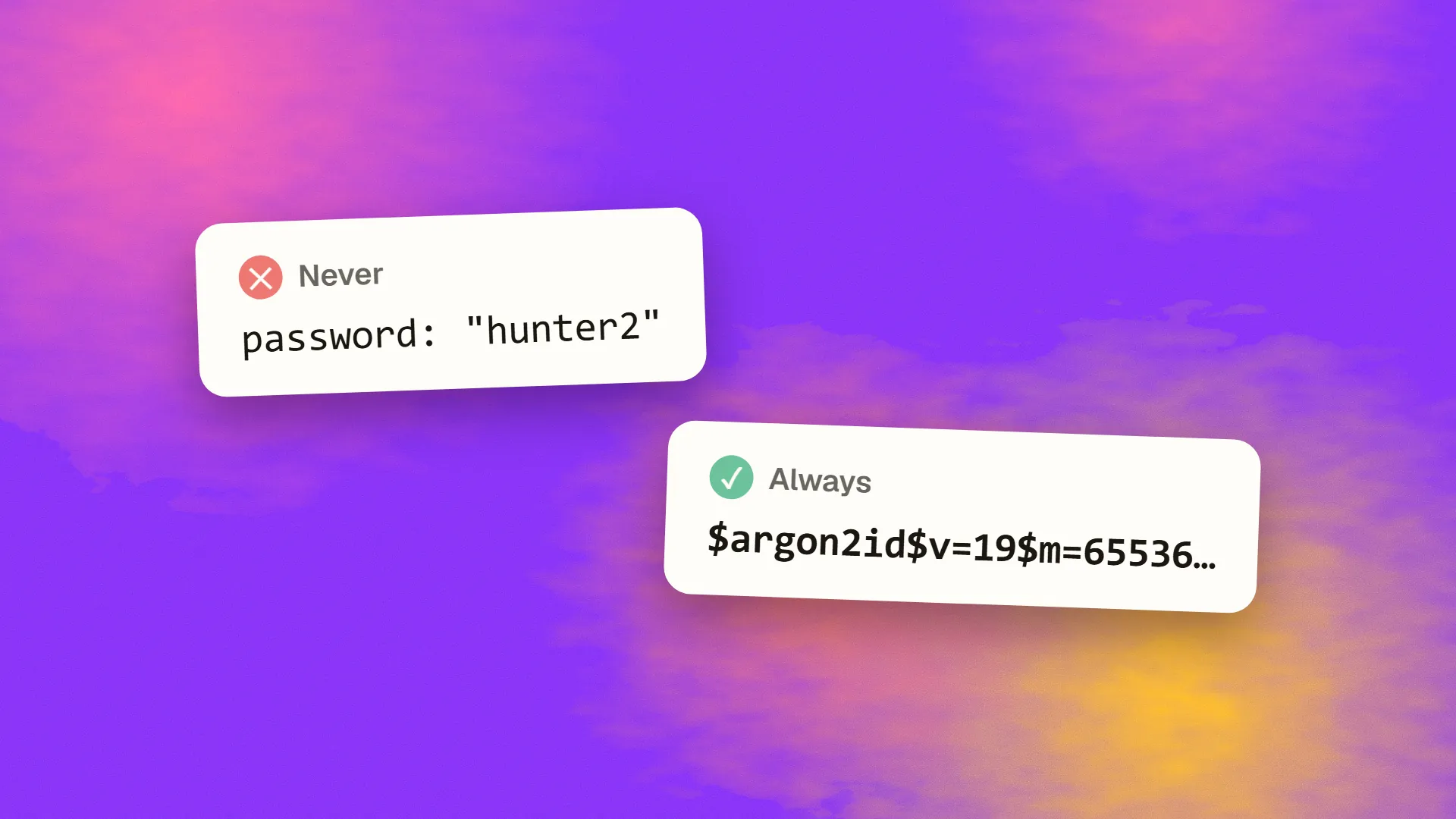
Store passwords using a slow, memory-hard hash. OWASP recommends Argon2id, with at least 19 MiB of memory, 2 iterations and parallelism of 1. Use scrypt if that's unavailable, bcrypt only for legacy systems, and PBKDF2 where FIPS compliance is required. Never use MD5, SHA-1 or plain SHA-256, and never encrypt passwords. Use a well-reviewed library, as it handles salts for you.
The short version
If you're writing code today, do this:
- Use Argon2id, through a maintained library.
- Use OWASP's minimum parameters, or stronger, tuned for your servers.
- Let the library generate a unique salt for each password.
- Store its output string, which contains the salt and parameters.
- Verify using the library's own comparison function.
That's all most apps need. The rest of this article explains why.
Why hashing, and why slow?
Encryption is the wrong tool. Anything encrypted can be decrypted, so a stolen key exposes every password. You never need the original password back. You only need to check whether a guess matches.
Fast hashes are the wrong tool, too. MD5, SHA-1 and SHA-256 were built to be fast. If a database leaks, attackers run billions of guesses per second with graphics cards. Speed helps them, not you. A password hash is deliberately slow and, ideally, memory-hungry, which makes large-scale guessing far more expensive.
| Method | If the database leaks |
|---|---|
| Plain text | Every password is readable |
| Encryption | Whoever gets the key can decrypt them all |
| Fast hash: MD5, SHA-1, SHA-256 | Guesses can be tried very fast |
| Slow, memory-hard hash: Argon2id | Each guess is expensive |
OWASP's current recommendations
From the OWASP Password Storage Cheat Sheet:
| Algorithm | When to use it | Minimum configuration |
|---|---|---|
| Argon2id | Preferred | 19 MiB memory, 2 iterations, parallelism 1 |
| scrypt | If Argon2id isn't available | N=2^17 (128 MiB), r=8, p=1 |
| bcrypt | Legacy systems only | Work factor 10 or higher; 72-byte input limit |
| PBKDF2 | When FIPS-140 compliance is required | 600,000 iterations with HMAC-SHA256 |
OWASP also lists equal-strength alternatives for Argon2id, trading memory for CPU, such as 46 MiB with 1 iteration, or 7 MiB with 5. These figures get updated over time, so check the current sheet. Benchmark on your own servers: hashing should be slow enough to hurt an attacker, while not slowing your login so much that it can be used to overload you.
Example
In Node.js, using the argon2 package:
import argon2 from "argon2";

const options = {
  type: argon2.argon2id,
  memoryCost: 19456, // 19 MiB, in KiB
  timeCost: 2,
  parallelism: 1,
};

// On sign-up or password change
const stored = await argon2.hash(password, options);

// On login
const ok = await argon2.verify(stored, password);
In PHP, use the built-in functions:
$stored = password_hash($password, PASSWORD_ARGON2ID);

if (password_verify($password, $stored)) {
    if (password_needs_rehash($stored, PASSWORD_ARGON2ID)) {
        // save a new hash with current settings
    }
}
Availability of Argon2 in PHP depends on how it was compiled. The stored string contains the algorithm, parameters and salt, so you don't need separate columns.
Salts and peppers
A salt is a unique random value for each password. It means that two users with the same password have different hashes, and it defeats precomputed lookup tables. Modern libraries generate salts automatically, so don't write your own code for this.
salt: Xk2p…
stored: $argon2id$…9fQ
salt: a7Lq…
stored: $argon2id$…c1T
A pepper is a secret shared across all passwords, kept outside the database, for example in a secrets vault. If only your database leaks, the hashes are of no use without it. OWASP treats this as defence in depth, noting that it adds nothing on its own, and that a compromised pepper means users have to reset their passwords. It's optional for most apps. See how to handle secrets and API keys.
Upgrading an old system
If you've inherited MD5, SHA-1 or low-work bcrypt hashes, you can upgrade without a mass password reset:
- Wrap immediately. Hash the existing hash with Argon2id, and record that it's wrapped. This protects every account at once. On login, apply the old hash to the password, and then verify against the wrapper.
- Rehash on login. When someone logs in successfully, you have their plain password for a moment, so store a normal Argon2id hash.
- Force a reset for long-dormant accounts, after a sensible period.
If passwords were stored in plain text or reversibly encrypted, treat that as an incident: hash everything immediately, and require resets. Consider whether you have disclosure duties. See what GDPR means in practice.
What NIST says about the rules around passwords
Hashing is half the job. NIST's current guidance has moved away from some familiar rules:
- Length matters most. Single-factor passwords must be at least 15 characters. If used only as part of multi-factor authentication, the minimum is 8. Allow up to at least 64 characters.
- No composition rules. “One uppercase, one number, one symbol” is out.
- No forced periodic changes. Require a change only if there's evidence of compromise.
- Use a blocklist. Check new passwords against known breached and common passwords, and tell people why one was rejected.
Note the conflict with bcrypt's 72-byte limit if you allow long passwords. That's one more reason to prefer Argon2id.
Other things that matter
- Rate limit logins, to slow online guessing. See how to rate limit an API.
- Add a second factor. See how to add two-factor authentication.
- Never log passwords. Check your request logs and error trackers, which is a very common accident.
- Use HTTPS everywhere.
- Give the same error for a wrong email and a wrong password, and handle password reset carefully, with single-use, expiring tokens.
- Test AI-generated auth code. AI tools may offer outdated hash choices. See is AI-generated code safe to ship?
Consider not storing passwords at all
An auth provider or a managed service takes this work off your plate, and passwordless methods such as passkeys avoid storing shared secrets altogether. For many new apps, that's the better choice. See how to choose an authentication method.
If you've inherited an authentication system and aren't sure about it, book a call.
Common questions
What is the best way to store passwords?
Use a slow, memory-hard hash through a maintained library. OWASP recommends Argon2id with at least 19 MiB of memory, 2 iterations and parallelism of 1. The library handles the unique salt, and stores everything you need in a single string.
Is bcrypt still safe?
It remains usable with a sufficiently high work factor, but OWASP now lists it for legacy systems. It has a 72-byte input limit in most implementations. For new systems, use Argon2id or scrypt if you can.
Why not just encrypt passwords?
Encryption can be reversed, so anyone who obtains the key can read every password. You never need the original, only a way to check a guess. A one-way, slow hash makes a stolen database much less useful to an attacker.
How do I migrate from MD5 to Argon2?
Wrap the existing MD5 hashes in Argon2id straight away, so all accounts are protected. Then, when someone logs in, replace their wrapped hash with a normal Argon2id one. Force resets for accounts that remain dormant after a set period.
