In short
Choose LM Studio if you want a polished desktop app for browsing models and chatting, particularly on an Apple Silicon Mac. Choose Ollama if you are building something: it runs as a simple local service, works well in scripts and servers, and is MIT-licensed. Both offer OpenAI-compatible APIs, so you can begin with one and switch later by changing little more than the base URL and model name.
The short version
These tools overlap more than they used to. Both run open models locally, both offer an API, and both now have a desktop app and a command-line tool. They still start from different places: LM Studio from the interface, Ollama from the service.
Facts below were checked against each project's documentation on 4 November 2026. Both projects ship frequently, so check the current release before relying on a specific feature.
| Ollama | LM Studio | |
|---|---|---|
| Starting point | Command line and local service, plus a desktop app | Desktop app, plus the lms CLI |
| Default local API | localhost:11434/v1 | localhost:1234/v1 |
| Other API support | Native API; Anthropic-compatible client support | Native REST API (beta) |
| Model formats | Own library and registry; GGUF import | GGUF via llama.cpp; MLX on Apple Silicon |
| Headless use | Designed for it | Yes, through llmster |
| Licence | MIT | Proprietary; free licence for personal and internal business use |
| Cloud option | Cloud models available | Local focus |
Where LM Studio is better
You want to see what you are doing. LM Studio gives you a model browser, chat interface, settings you can adjust and offline document chat in one app. You can try a model and watch how it behaves without touching a terminal, so it is the easier choice for non-developers and for anyone comparing models.
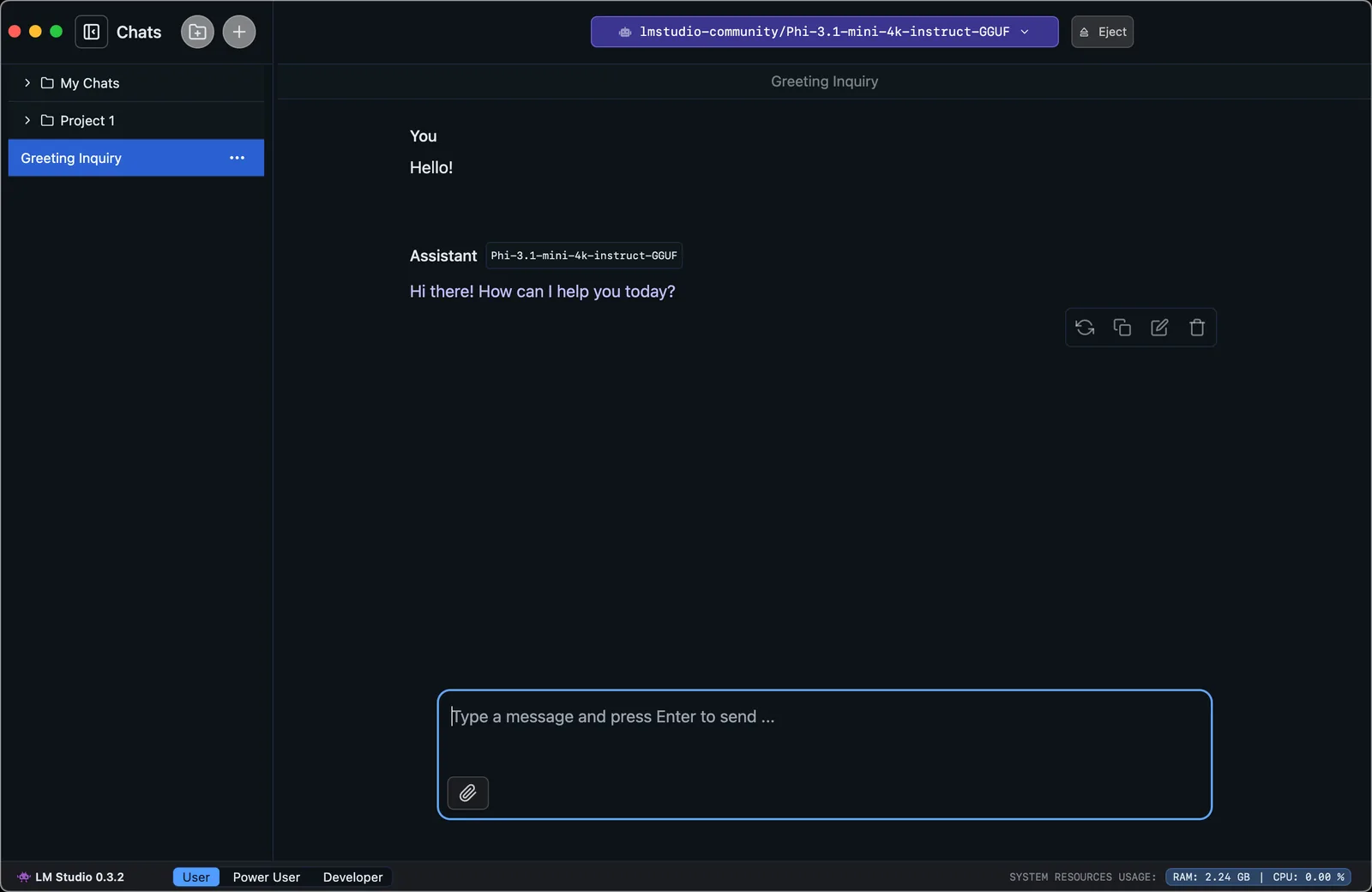
You are on an Apple Silicon Mac. LM Studio supports both GGUF and Apple's MLX framework. Independent tests often show MLX running well on Macs, but results vary by model and test, and comparisons frequently pit different engines and formats against each other. Ollama has also been adding MLX support. Test with the model you intend to use, not someone else's benchmark.
You want to tune settings by hand. Context length, GPU offload and similar options are easy to reach, which is useful when you are working out what your hardware can handle.
Where Ollama is better
You are building on top of it. Ollama behaves like any other local service: it runs in the background, and pulling a model is one command. That makes it easy to script, and it fits naturally into Docker and development setups. Its OpenAI compatibility covers chat completions, responses, embeddings and audio endpoints.
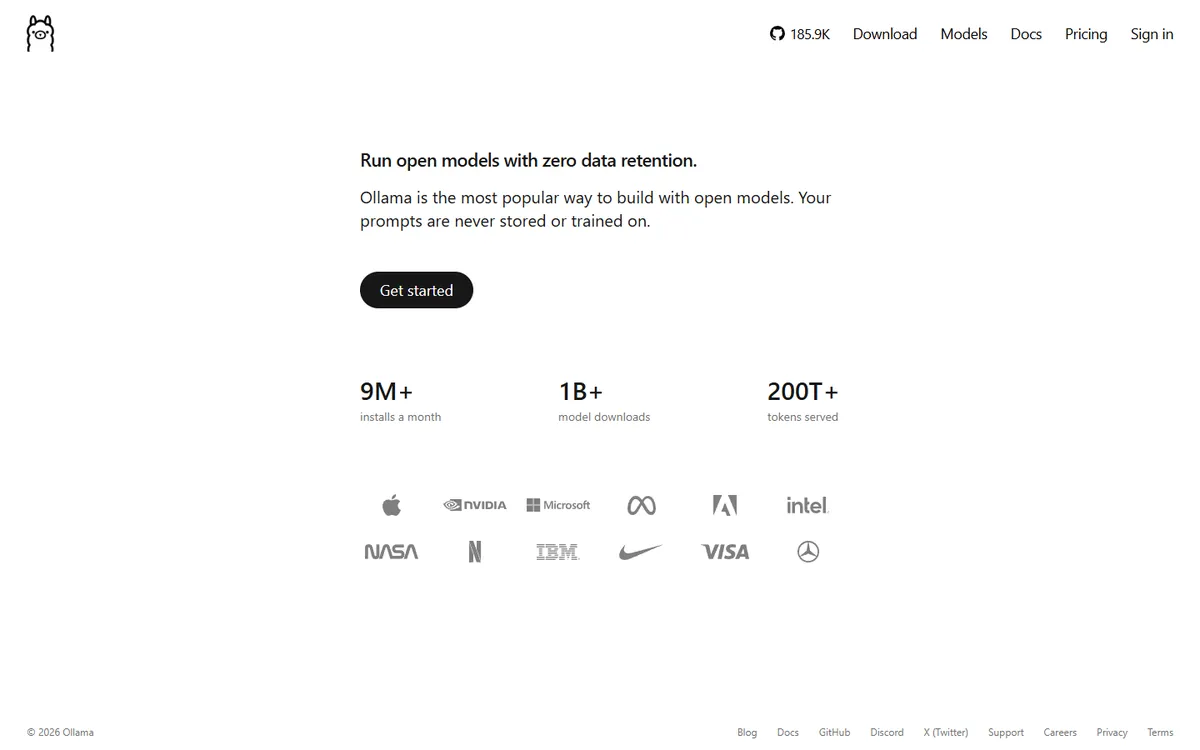
You need to run it on a server. Ollama suits a headless box, a mini PC or a NAS. LM Studio has narrowed this gap with llmster, its headless version aimed at servers and CI, but Ollama has longer been the default in this role, so more third-party guides and integrations assume it.
Licensing matters to you. Ollama's code is MIT-licensed, so you can inspect it, fork it and ship it within the terms of that licence. LM Studio's terms describe proprietary software, licensed for “personal and / or internal business purposes”, and they do not allow offering it to third parties or as a hosted service. Staff using it internally is fine; building a hosted product on it is not. Either way, each model carries its own licence, so check that separately.
Switching later is easy
Because both expose an OpenAI-style API, your application code barely cares which one is running. Moving is mostly a change to the base URL and model name:
from openai import OpenAI

# Ollama
client = OpenAI(base_url="http://localhost:11434/v1", api_key="ollama")

# LM Studio
# client = OpenAI(base_url="http://localhost:1234/v1", api_key="lm-studio")

reply = client.chat.completions.create(
    model="your-model-name",
    messages=[{"role": "user", "content": "Hello"}],
)
print(reply.choices[0].message.content)
Local servers generally accept any placeholder API key unless you turn authentication on. Compatibility also is not identical everywhere: tool calling, structured output and vision depend on both the runtime and the model, so test whichever features your app relies on.
If you expose either server beyond your own machine, add authentication and keep it off the public internet. A local API has no spending limit to protect you, but it can still be misused, and it may have access to whatever tools you connect to it.
Which should you choose?
- Trying local models for the first time: LM Studio.
- Chat, writing and document work on a Mac: LM Studio.
- Connecting a coding agent or building an app: Ollama, though either will work.
- Running on a shared server: Ollama, or vLLM once you need to serve many concurrent users.
- Open-source requirement: Ollama.
Many developers simply keep both: LM Studio to evaluate models and Ollama to run the chosen one. They can coexist because they use different ports, though each keeps its own model files, so disk space can go quickly.
Is running locally worth it?
Local models offer privacy and predictable costs once you own the hardware, and they keep working offline. The trade-offs are capability and speed, since your laptop will not match a hosted frontier model on hard tasks. A common pattern is to use local models for routine or sensitive work and a hosted API for everything else. How to choose an LLM for your product covers that decision, and how to control AI API costs helps if you stay hosted.
If you are building a product around local or hosted models and want help with the architecture, book a call.
Common questions
Is Ollama or LM Studio faster?
It depends on the model, format and hardware. Both can run GGUF models, while MLX can perform well on Apple Silicon. Published benchmarks often compare different formats, so test the model you actually plan to use.
Is LM Studio free for commercial use?
Its terms grant a licence for personal and internal business purposes, so staff can use it at work. They do not permit redistributing it, offering it to third parties or providing it as a hosted service. Check the current terms and each model's own licence.
Can I use Ollama or LM Studio with OpenAI code?
Yes. Both expose OpenAI-compatible endpoints. Point your client at localhost:11434/v1 for Ollama or localhost:1234/v1 for LM Studio, and use a local model name. Check any advanced features, such as tool calling, with your chosen model.
Can Ollama and LM Studio run at the same time?
Yes, as they use different default ports. Models loaded in both will compete for memory, though, and each tool stores its own model files, so unload what you are not using and keep an eye on disk space.
