In short
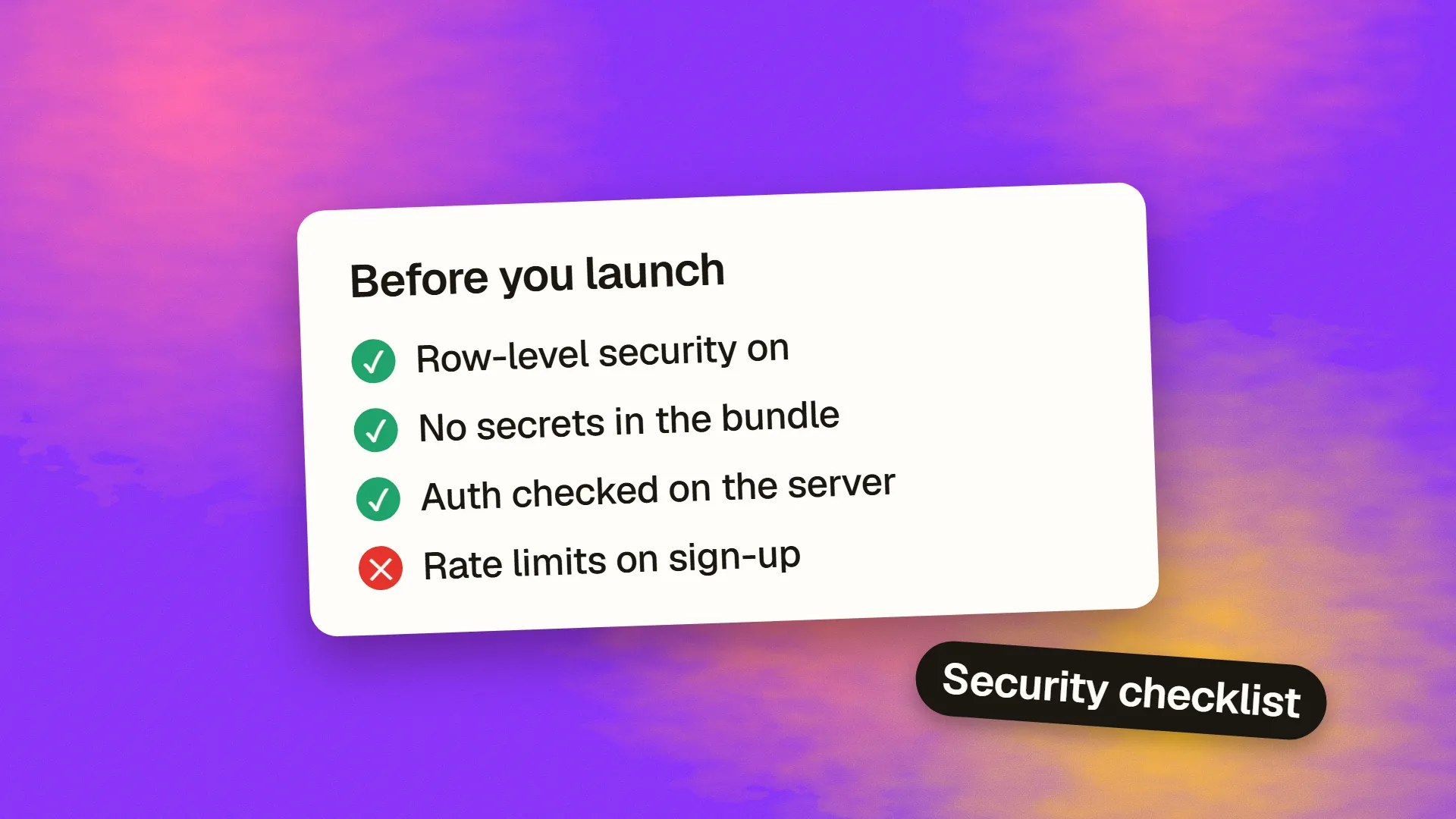
Before launching a vibe-coded app, test that one user cannot read or change another user's data, that every permission is enforced on the server, that no secret keys ship to the browser, and that payments are confirmed by verified webhooks. Then add rate limits, security headers, a dependency audit, backups and error monitoring. A platform's security scanner is a useful first pass, not proof.
Why these apps fail in the same places
AI builders are very good at the path you described: sign up, add a record, see it on a dashboard. They are less reliable on the paths nobody described, such as a signed-in user changing the ID in a request, or a stranger calling your API directly without opening the interface at all. Those paths do not show up when you click around your own demo.
There is a documented example. CVE-2025-48757 described insufficient Row Level Security in Lovable-generated projects, which allowed unauthenticated attackers to read or write database tables. The important part is the mechanism, because it applies to any stack: the front end talked directly to the database, and the database rules were the only thing protecting the data.
Lovable's own documentation now says its scanners “cannot guarantee complete security” and that you are responsible for your app meeting the security requirements of its use case. That is the right framing for every platform. Work through the list below in order and stop launching if anything in the first section fails.
Fix these before anyone signs up
1. Row Level Security is on for every exposed table. If you use Supabase, its docs are blunt: a table in an exposed schema without RLS is readable and writable by any role with a grant on it. Check every table, including the ones the AI added late. Our guide to row-level security explains how policies work.
2. The policies do what you think. A policy existing is not the same as a policy being correct. Create two test accounts. Signed in as A, try to read, edit and delete B's records through the API, not the interface. Repeat with no session at all. A scanner that only confirms a policy exists will not catch a policy that says everyone may read everything.
3. Authorisation lives on the server. Hidden buttons and disabled menus are not security. Anything a user is not allowed to do must be refused by the server or database, even when the request is crafted by hand. Check admin routes first, then anything with an ID in the URL.
4. No secret keys reach the browser. Publishable keys are designed to be public; Supabase's secret keys bypass every RLS policy and must never appear in a browser, a shipped app or source control. Build the app and search the output for service_role, sk_live, secret and your provider names. Then search your Git history too, because deleting a key from the latest commit does not remove it from earlier ones. If one has leaked, rotate it. Our guide to secrets and API keys covers the storage side.
5. Payments are confirmed by the provider. Never mark an order paid because the browser said so. Access should change only after a signature-verified webhook from Stripe or your provider. Test with a cancelled payment, a failed card and a replayed webhook.
Fix these before you promote it
6. Login is real. Remove demo accounts, shared passwords and any bypass the AI added for testing. Check password reset links expire and that email verification works if your app relies on it.
7. Inputs are validated on the server. Client-side validation is a courtesy for users, and an attacker skips it. Reject unexpected types and lengths, and make sure database queries are parameterised rather than built by joining strings.
8. Uploads are restricted. Limit file type and size, store uploads away from your application code, and check that private files are not reachable through a guessable public URL.
9. Expensive endpoints have limits. Login, password reset, email sending and anything that calls an AI model need rate limits. Without them, one script can run up a bill you only notice at the end of the month. Set a hard spending cap with each provider as well.
10. Security headers are set. At minimum: HTTPS everywhere with HSTS, a Content Security Policy, and protection against framing. This header guide gives working values.
11. Error messages say little. Users should see a plain message. Stack traces, SQL errors and personal data belong in private logs, and logs should not contain passwords or tokens.
Fix these before it matters
12. Dependencies are real and current. AI tools can suggest outdated packages, and occasionally ones that do not exist. Run your package manager's audit, look up anything unfamiliar and remove what you do not use.
13. Backups have been restored once. A backup you have never restored is only a hope. Test the process on a copy, then write down the steps. See how to back up a production database.
14. Someone gets told when it breaks. Add error tracking and uptime alerts, and decide who owns them. An incident nobody sees for three weeks is much worse than one seen in three minutes.
When a checklist is not enough
This list catches the common failures. It does not replace a proper review if the app handles health data, financial data, children's data or other people's money; Lovable's docs also recommend a professional review for sensitive apps. The practical test is simple: if a breach would mean notifying customers or a regulator, pay someone independent to try to break it first.
If you have built something that works and you want a second pair of eyes on it before launch, book a call. We can start with an audit rather than a rewrite. For the wider picture, read whether AI-generated code is safe to ship.
Common questions
Is a vibe-coded app secure by default?
No. It may be fine or badly exposed, and you cannot tell from using it. Generated apps tend to handle the normal path well and miss access control on the paths nobody described, so test as a second user and as a stranger with no session.
Is the Supabase anon key safe in the browser?
Yes, that key is designed to be public, but only because Row Level Security limits what it can reach. If RLS is missing or too permissive, anyone can use that public key to query your data. Secret keys are different: they bypass RLS and must stay on the server.
Are Lovable's security scanners enough?
They are a useful first pass. Lovable's own docs say the tools cannot guarantee complete security and that you remain responsible for your app. Run them, then still test access between accounts by hand, and get a professional review for sensitive data.
How do I test access control without being a security expert?
Create two accounts and open your browser's network panel. Copy a request made as account A and change the record ID to one owned by account B. Then try it signed out. If either request returns or changes data, you have a problem to fix before launch.
