In short
Choose Webflow if you want a professionally designed marketing site with hosting, security and updates handled for you, and few plugins. Choose WordPress if you need a large plugin ecosystem, full ownership, complex e-commerce or the ability to move hosts freely. WordPress software is free but needs maintaining; most of its vulnerabilities come from plugins. Webflow's Premium plan is $25 a month billed yearly.
The basic trade-off
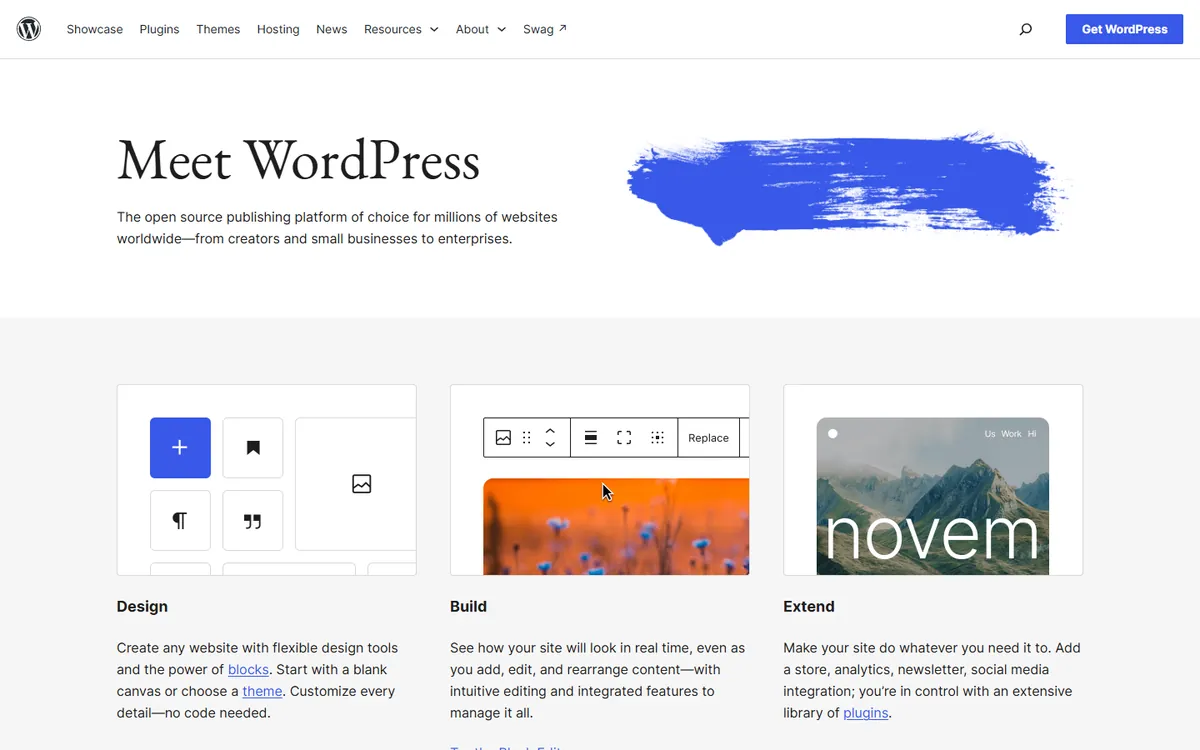
WordPress is open-source software that you can host almost anywhere. W3Techs currently puts it on 39.5% of all websites and 58.2% of sites with an identifiable CMS. That scale means a huge choice of plugins, themes, hosts and developers. It also means that you, or someone you pay, must look after it.
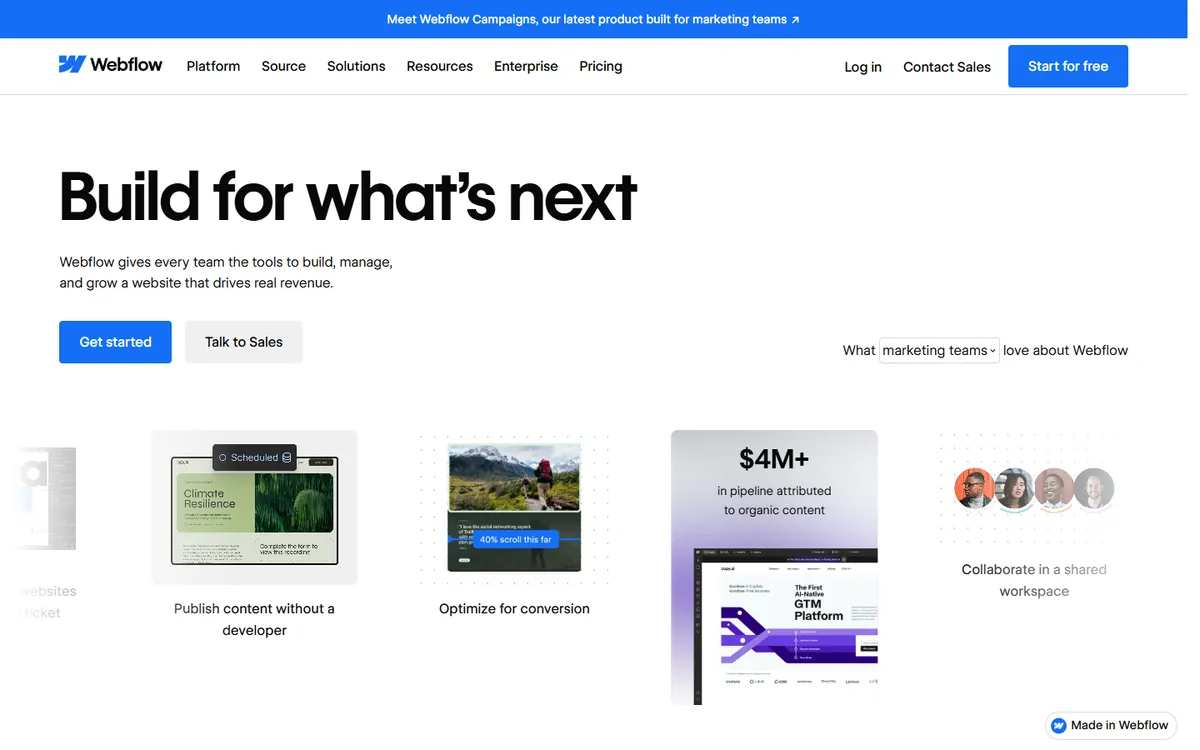
Webflow is a hosted visual builder. Design, CMS, hosting and security arrive as one service, and there is little to patch. The limit is that you can only do what the platform allows, and your site lives there.
So, the question is not which is better, but whether you would rather manage software or accept a platform's limits.
Costs compared
Checked on 4 November 2026. Note that “free” WordPress still needs hosting, a domain and usually paid plugins or a theme.
| Item | Webflow | Self-hosted WordPress |
|---|---|---|
| Software | Included in plan | Free |
| Hosting | Basic $15, Premium $25/month, billed yearly | Separate; varies widely with quality |
| Premium features | Add-ons for localisation, analytics and testing | Plugins, often yearly subscriptions |
| Ongoing maintenance | Platform handles updates | You or a provider handle them |
| Designer or builder | Webflow specialist | Very wide market of developers |
There's also a middle option. WordPress.com sells hosted plans, including Personal at $9 a month or $4 billed yearly, and Business at $40 or $25 billed yearly, with plugins on all paid plans. Check its hosting cost guide against what you'd pay elsewhere, and read what website maintenance should include if you are comparing total costs.
Security and maintenance
This is the sharpest practical difference. Patchstack's State of WordPress Security in 2026 counted 11,334 new vulnerabilities in the WordPress ecosystem in 2025, up 42% on the previous year. The important details are that 91% were in plugins, only six were in WordPress core, and 46% did not receive a fix in time for public disclosure. Patchstack sells WordPress security, which is worth keeping in mind, but the pattern is widely recognised.
So, WordPress core is not the main risk. Your plugin list is. A well-run WordPress site with few reputable plugins, automatic updates, backups and a firewall can be perfectly safe. An abandoned one with 40 plugins will be much less so.
Webflow removes most of that work, since it has no third-party plugin code running on your server in the same way. You are, however, trusting one company for your whole site, including any outages.
Flexibility
WordPress wins on breadth. E-commerce with WooCommerce, memberships, bookings, learning platforms, forums and thousands of integrations are all available, frequently at a low cost. If your site needs to do something unusual, somebody has probably built a plugin, and you can edit the code directly if not.
Webflow wins on design control without code. Designers can build precise custom layouts visually, and the result tends not to depend on a heavy theme or page builder. It has also added code components and hosting for apps, though it remains best suited to marketing sites.
Content limits differ. Webflow's Premium plan includes 20,000 CMS items and 40 collections, which suits many sites. WordPress has no platform limit, so your hosting and setup are the constraint. Very large publishers tend to prefer it for this reason, along with its editorial workflow.
Ownership and lock-in
With WordPress, you can move hosts at any time, export your content in a standard format, and keep the code. Nobody can price you out of the software, even if they can raise your hosting bill.
Webflow's code export is available on paid Workspace plans, but CMS content and dynamic pages don't export with it. You could use its API or CSV exports for content, but expect to rebuild much of the site if you ever leave. It's also worth noting that Webflow changed its plans in May 2026, a reminder that a platform can change its pricing and packaging at any time.
SEO
Neither has an inherent ranking advantage. A fast, well-structured site with useful content can rank on either. Is WordPress still worth using? and Is Webflow good for SEO? look at each in more detail.
WordPress has mature SEO plugins, while Webflow has the essentials built in. WordPress can become slow with too many plugins, while Webflow sites can suffer from heavy animation or scripts. In both cases, speed depends mainly on what you add.
Who should choose what
Choose Webflow if:
- You mainly need a marketing site with a strong design
- You have no developer to look after updates
- Your team wants to edit pages visually, without breaking the layout
- You can work within the platform's features
Choose WordPress if:
- You need complex e-commerce, memberships or specialist plugins
- You publish at a very large scale
- Portability and ownership are important to you
- You have a developer or a maintenance plan
- Your budget favours a large, competitive market of suppliers
Consider neither if you are building an application with accounts and custom logic, or if a simple static site would do the job at very low cost.
If you already have a WordPress site that's working, moving just because Webflow looks modern is rarely worth it. Fix the slow and fragile parts first. If you do move, follow a migration checklist to protect your rankings.
Unsure which fits? Book a call, and we'll give you a straight answer, including when your current setup is fine.
Common questions
Is Webflow better than WordPress?
Webflow is often better for design-led marketing sites with no one to manage updates. WordPress is better when you need a large plugin ecosystem, complex functionality or full ownership. Your team and requirements should decide, not the technology.
Is Webflow more expensive than WordPress?
Often on hosting alone, yes, but compare total cost. WordPress can add paid plugins, premium hosting, and maintenance work, whereas Webflow bundles hosting and updates into its plan. Add-ons for localisation, analytics or testing can raise Webflow's cost as well.
Is WordPress secure?
Its core is generally well maintained, with only six vulnerabilities reported in 2025 according to Patchstack. Most risk comes from plugins, which accounted for 91% of ecosystem vulnerabilities. Use few reputable plugins, update promptly, keep backups and add monitoring.
Can you move from Webflow to WordPress?
Yes, but expect a rebuild rather than a simple import. Webflow's code export excludes CMS content, so content must be moved separately and templates recreated in WordPress. Plan redirects carefully to protect your existing search rankings.
