In short
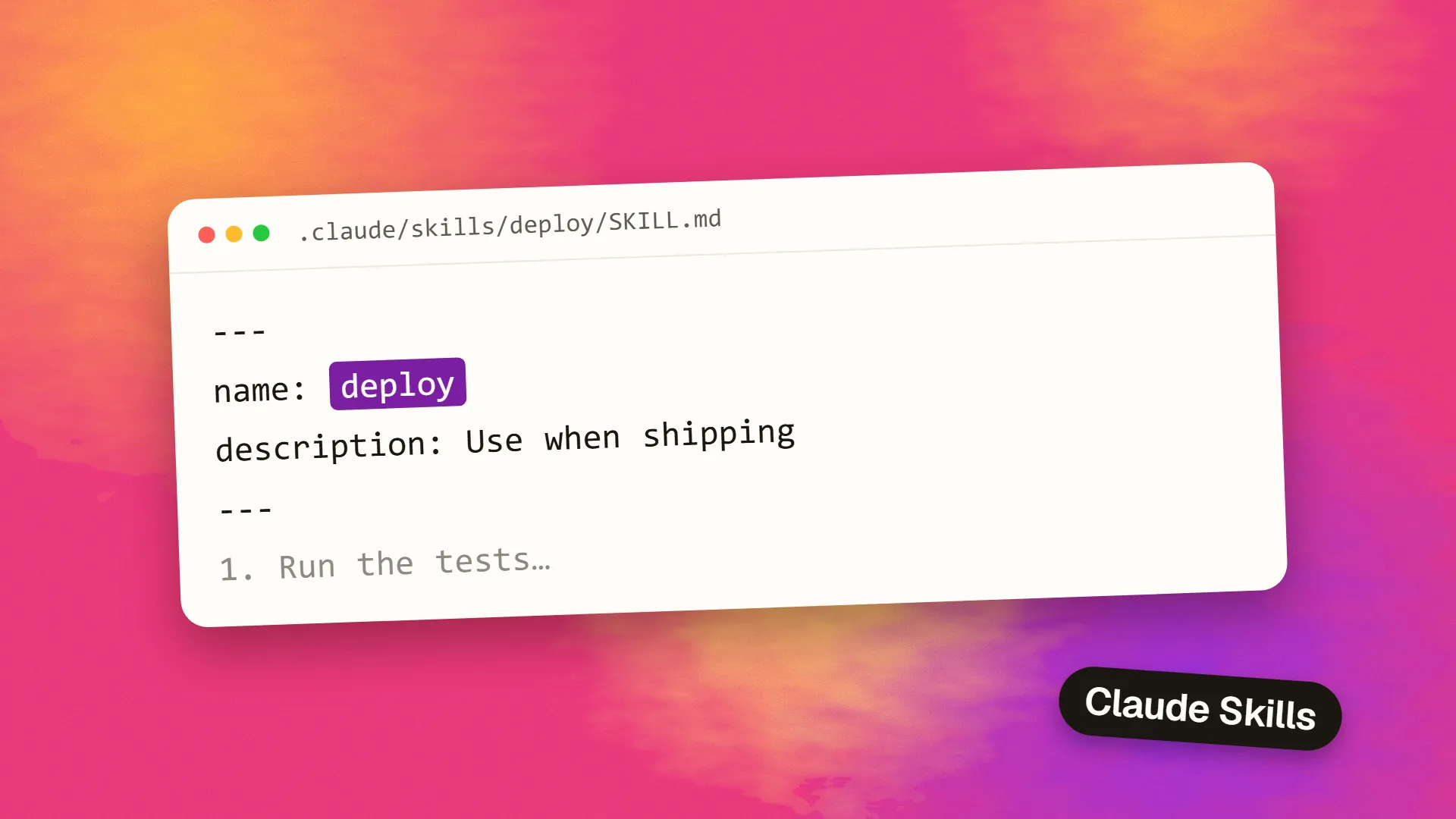
Claude Skills are reusable sets of instructions, stored in a SKILL.md file with a short description at the top. Claude loads the full instructions only when a request matches that description, or when you run the skill by name, such as /explain-code. They follow the open Agent Skills standard. Use them for repeated workflows, checklists and reference material that would otherwise clutter every conversation.
The idea
If you find yourself pasting the same instructions again and again, such as how your team reviews a pull request or how to format a client report, that's a skill. Anthropic's documentation describes it plainly: you create a SKILL.md file with instructions, and Claude adds it to its toolkit.
The main advantage is how little it costs. Only a short description is always available to Claude, and the full body loads when it's needed. So you can keep long reference material in a skill, without it taking up context in every conversation.
description: Explains code…
Reference material
Examples, however long
A minimal example
Save this as ~/.claude/skills/explain-code/SKILL.md:
---
name: explain-code
description: Explains code with a clear structure. Use when the user asks how code works or asks for an explanation.
---

When explaining code:

1. Start with a one-sentence summary of what it does.
2. Walk through the main steps in order.
3. Point out one common mistake or gotcha.
Now you can ask, “How does this function work?”, and Claude may load the skill automatically, or you can run it directly with /explain-code.
That's the whole format: YAML frontmatter that tells Claude when to use it, and a Markdown body containing the instructions.
Where skills live
These locations are for Claude Code. Other Claude products handle this differently.
| Location | Path | Who gets it |
|---|---|---|
| Personal | ~/.claude/skills/<name>/SKILL.md | You, in all projects on this machine |
| Project | .claude/skills/<name>/SKILL.md | Anyone using this repository, once committed |
| Enterprise | Managed settings | Your organisation |
| Plugin | Inside a plugin | Anyone who enables it |
| claude.ai account | Synced | Cowork, cloud and signed-in terminal sessions |
Project skills are particularly useful, since committing them to a repository shares your team's workflows along with the code.
Useful settings
Most frontmatter is optional. These fields are the most useful:
description: what the skill does and when to use it. It's what Claude reads to decide whether to load the skill, so it's the most important line.disable-model-invocation: true: only you can run it. Use this for anything with side effects, such as a deploy.allowed-tools: tools Claude can use without asking during that skill.context: fork: runs the skill in a subagent, keeping its output separate.paths: limits automatic loading to matching files, such as only when working on database migrations.
Field names must match exactly. Claude Code ignores unrecognised fields without reporting an error, so a typo can silently change its behaviour.
The Agent Skills standard
Claude Code skills follow the open Agent Skills standard, which is meant to work across several AI tools. So simple skills can be portable. Claude Code extends the standard with extra features, such as invocation control and subagent execution. Elsewhere, including claude.ai uploads and the Skills API, Anthropic's docs say that only a smaller set of frontmatter fields is accepted, and other fields can make uploads fail. If you want portability, stick to the basics.
Skills vs CLAUDE.md vs subagents
These three get confused constantly.
| Tool | Loaded | Use it for |
|---|---|---|
| CLAUDE.md | At the start of every session | Facts that always apply, such as build commands and conventions |
| Skill | When relevant, or when you call it | Repeatable procedures and reference material |
| Subagent | When delegated to, in a separate context | Self-contained, verbose work, or restricted tools |
A good test: if a piece of guidance is needed in only a few sessions, then move it from CLAUDE.md to a skill. Anthropic's cost guidance recommends this as a way of keeping your base context small, and suggests keeping CLAUDE.md under 200 lines. See skills vs subagents for more.
Writing a skill that works
Get the description right. A vague one like “helps with code” either never fires or fires too often. Name the task and the trigger: “Reviews database migrations for safety. Use when creating or changing a migration file.”
Write for someone new. Give the steps in order, including what good output looks like. One real example beats a page of general advice.
Point to files, instead of pasting everything. A skill can reference other documents in its folder, which Claude reads only if it needs them. This keeps the main file short.
Say what not to do, where a common mistake exists, such as “never run this against production”.
Include a check. Tell Claude how to verify its work, such as by running tests or comparing against a template.
Test it. Ask for the task in natural language and see whether it triggers. Then run /skill-name directly, and read what happens.
Good first skills
- A pull request review checklist based on your team's standards
- Your release or deploy procedure, with
disable-model-invocationset - A database migration safety review. See how to write a safe database migration
- A brand and writing style guide for client documents
- A template for bug reports or technical specs
Be careful with other people's skills
Skills can contain instructions and scripts that run with your access. Treat a skill you've downloaded as you'd treat any other code from the internet: read it before installing. Be especially wary of marketplaces, as a malicious skill could try to exfiltrate data or run harmful commands. See how to stop prompt injection.
If you'd like help building a shared set of skills for your team, book a call.
Common questions
What is a Claude Skill?
It's a reusable set of instructions stored in a SKILL.md file, with a description that tells Claude when to use it. Claude loads the full instructions only when they're relevant, or when you call the skill by name with a slash command.
Where do I put Claude Skills?
In Claude Code, personal skills go in ~/.claude/skills/<name>/SKILL.md, and project skills go in .claude/skills/<name>/SKILL.md, where they can be committed and shared. Skills can also come through plugins, managed settings or your claude.ai account.
Do Claude Skills work with other AI tools?
They follow the open Agent Skills standard, so simple skills can be portable. Some features are specific to Claude Code, and other tools may support them differently. Stick to basic frontmatter fields if you want your skills to work across tools.
Why isn't my skill triggering?
Usually because of the description. Make it specific, naming the task and when to use it. Check that the file is in the right location and that field names are exact, since unknown fields are ignored without warning. You can always run it with /skill-name.
