In short
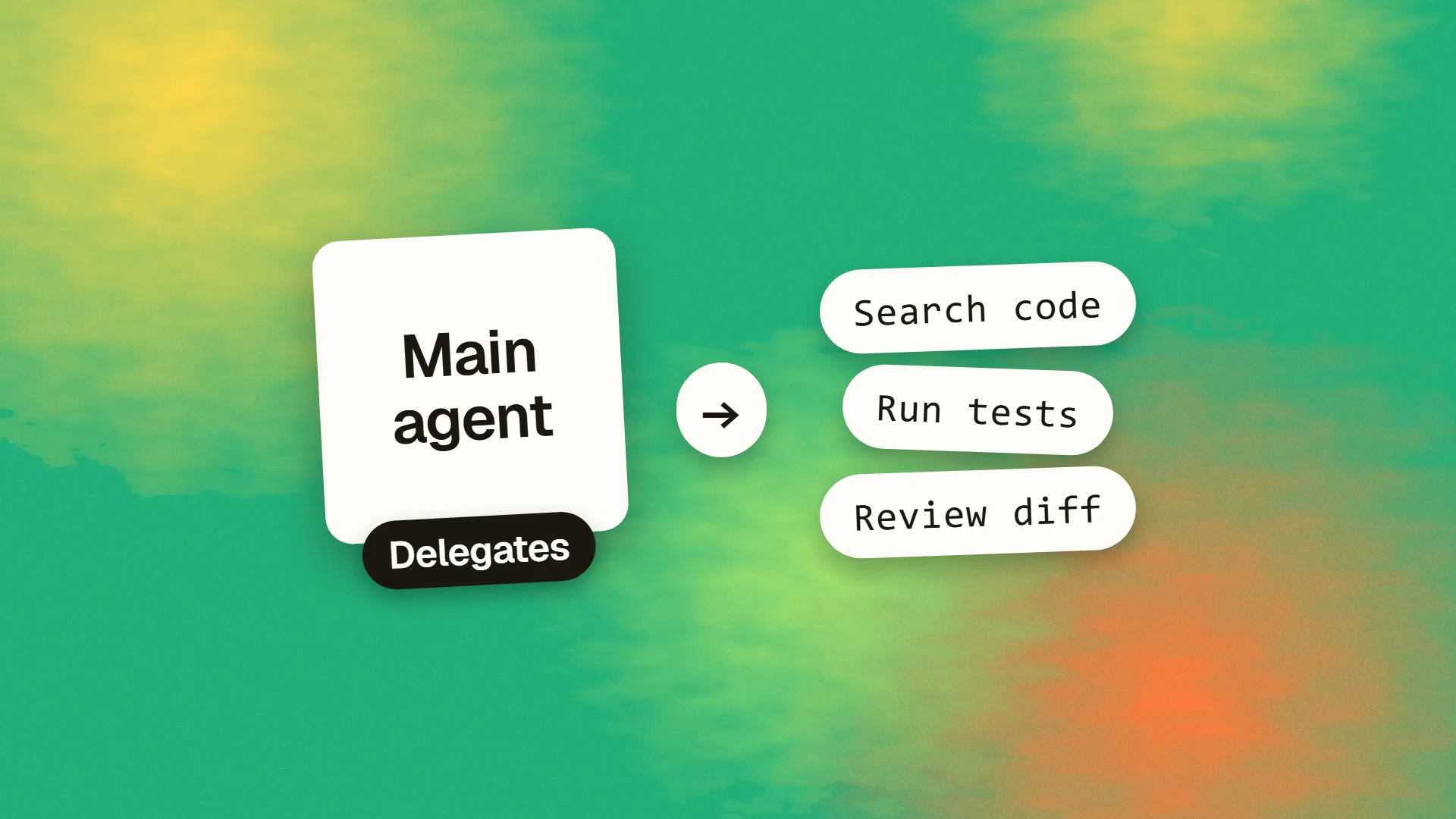
Subagents are separate AI assistants that a coding agent delegates tasks to. Each runs in its own context, with its own instructions, tools and permissions, and returns a result to the main conversation. They're useful for noisy work such as running tests, for research across a large codebase, and for independent reviews. They use your allowance like any other agent, so use them for self-contained tasks.
The basic idea
When you work with a coding agent, everything it reads goes into its context: every file, log and command output. That space is limited, it costs money, and as it fills up, quality can fall. See what a context window is.
A subagent solves this by doing the work elsewhere. Claude Code's documentation describes them as specialised assistants, each running in its own context window, with a custom system prompt, specific tool access and independent permissions. The subagent does the reading, and gives your main conversation only the conclusion.
Other tools have similar ideas under various names. Codex, Cursor and others offer forms of delegation, though the details differ. This article uses Claude Code's model, since it's well documented.
How it works
- You or the main agent delegates a task. The main agent writes a brief.
- The subagent starts fresh. It doesn't see your conversation or the files already read. It gets its system prompt, the delegation message and some environment details, including your project's CLAUDE.md files, unless configured otherwise.
- It works independently, using only the tools allowed.
- It returns a result. The main conversation gets the summary, not the thousands of lines behind it.
A simple example
Subagents are defined in Markdown files, with settings at the top. Here's one in .claude/agents/code-reviewer.md:
---
name: code-reviewer
description: Reviews code for quality and security. Use after significant changes.
tools: Read, Glob, Grep
model: sonnet
---

You are a code reviewer. Analyse the changes and give
specific, actionable feedback on correctness, security
and maintainability. Rank findings by severity.
Do not edit any files.
Then you can ask for it directly: “Use the code-reviewer subagent to review the authentication module.” The main agent may also choose it automatically, based on its description. Since only read and search tools are allowed, this subagent can't change your code.
Project subagents live in .claude/agents/, so they can be shared with your team, and personal ones live in ~/.claude/agents/.
What they're good for
Containing noisy output. Test runs, build logs and large search results can overwhelm a conversation. A subagent can read them all and report back only what's important.
Exploring a large codebase. “Find everywhere we handle refunds, and summarise how it works” can read dozens of files without filling your main context. Claude Code includes built-in subagents for exploration and planning.
Independent review. A reviewer that didn't take part in writing the code hasn't absorbed the same assumptions. It starts with fresh eyes.
Enforcing limits. A read-only researcher or a tester who can't edit code reduces the risk of unexpected changes.
Using cheaper models. Simple tasks can run on a small, inexpensive model, while your main conversation uses a stronger one.
Parallel work. Separate pieces can run at the same time, as long as they don't touch the same files. Isolating work in a Git worktree helps avoid conflicts.
When not to use them
- Quick, targeted changes. The overhead isn't worth it for a one-line fix.
- Work needing frequent back-and-forth. The subagent can't see your discussion, so keep that in the main conversation.
- Tasks that depend on subtle context. You'd spend more time briefing than doing.
- Tightly connected changes. If each step depends on the last, parallel agents will probably just get in each other's way.
See skills vs subagents for choosing between these two.
Costs
Subagents aren't free. Their requests count towards your usage on top of the main conversation's. They can save money, by keeping verbose output away from your main context and by using a cheaper model. They can also waste it when you spawn several for a job that one could do. Anthropic reports that agent teams, a related feature, use about seven times more tokens than standard sessions when teammates run in plan mode.
On Claude Code, the /usage command shows how much usage goes to subagents, so check it now and then. See Claude Code pricing explained.
Writing a good subagent
- A specific description. “Use after changing database migrations” beats “helps with databases”.
- Narrow tools. Grant only what it needs. Note that a deny list still lets a subagent inherit everything else, so an allow list is usually safer.
- A clear output format. “Report only failing tests, with file and line” gives you something useful.
- A definition of done. Otherwise it may stop early or carry on for too long.
- Stated limits, such as “do not change any code”.
And brief it well, because a subagent knows only what's written down. Include the goal, relevant files, constraints and what to return, as you would for a new colleague.
Review what comes back
A subagent's summary is a claim, not proof. It may say that the tests pass, without having run the right ones, or miss a problem while sounding confident. Check anything important yourself, particularly security and data access. The more you delegate, the more review capacity you need, and running five subagents at once can leave you with five sets of changes to read. Start with one or two.
Also, remember what access you're granting. Subagents can run with various permissions, so don't give them production credentials. See how to handle secrets and API keys.
A good first setup
- A read-only reviewer, as shown above, to run before you commit.
- A test runner that reports only failures, on a cheap model.
- Nothing else, until you feel a need. Most teams only use a few regularly.
If you're setting up agent workflows for a team, book a call. You may also like what an AI agent is for the wider picture.
Common questions
What is a subagent?
It's a separate AI assistant that a coding agent delegates work to. It has its own context, instructions and tool permissions, and returns a result to the main conversation. This keeps verbose work out of your main session and allows for restrictions.
Do subagents see my conversation?
Generally not. In Claude Code, each starts with a fresh context, and gets only its system prompt, the delegation message and some environment details, such as your CLAUDE.md files. So the main agent's brief has to include anything it needs to know.
Do subagents cost more?
Their requests count towards your usage, in addition to your main conversation's. They can save money by keeping output out of your main context and using cheaper models, but running many in parallel can quickly become expensive.
Can subagents run at the same time?
Yes, some tools allow parallel subagents. It works best when tasks don't touch the same files, and using Git worktrees helps to avoid conflicts. Remember that someone must review all of the output, which becomes the limiting factor.
