In short
A cookie is a small text record, a name and a value plus attributes, that a website's server sends to the browser in a Set-Cookie response header; the browser stores it and includes it in every subsequent request to that site until it expires. Cookies exist because HTTP has no memory: they let a site recognise a returning browser, keep a user logged in, remember preferences and, when set by third parties across many sites, track people. Attributes such as Secure, HttpOnly, SameSite and Expires control how they are protected and shared, and privacy law in the EU and UK requires consent for any that are not strictly necessary.
The problem cookies solve
HTTP, the protocol the web runs on, is stateless: each request stands alone, and the server has no built-in way to know that this request came from the same browser as the last one. That is fine for reading a page and useless for anything that must remember you: a login, a shopping basket, a language preference.
Cookies were introduced in 1994 to give HTTP a memory. The server sends the browser a small record and asks it to send it back with future requests. The browser does so, automatically, for every request to that site. The server reads the record, recognises the session, and behaves accordingly.
The mechanism
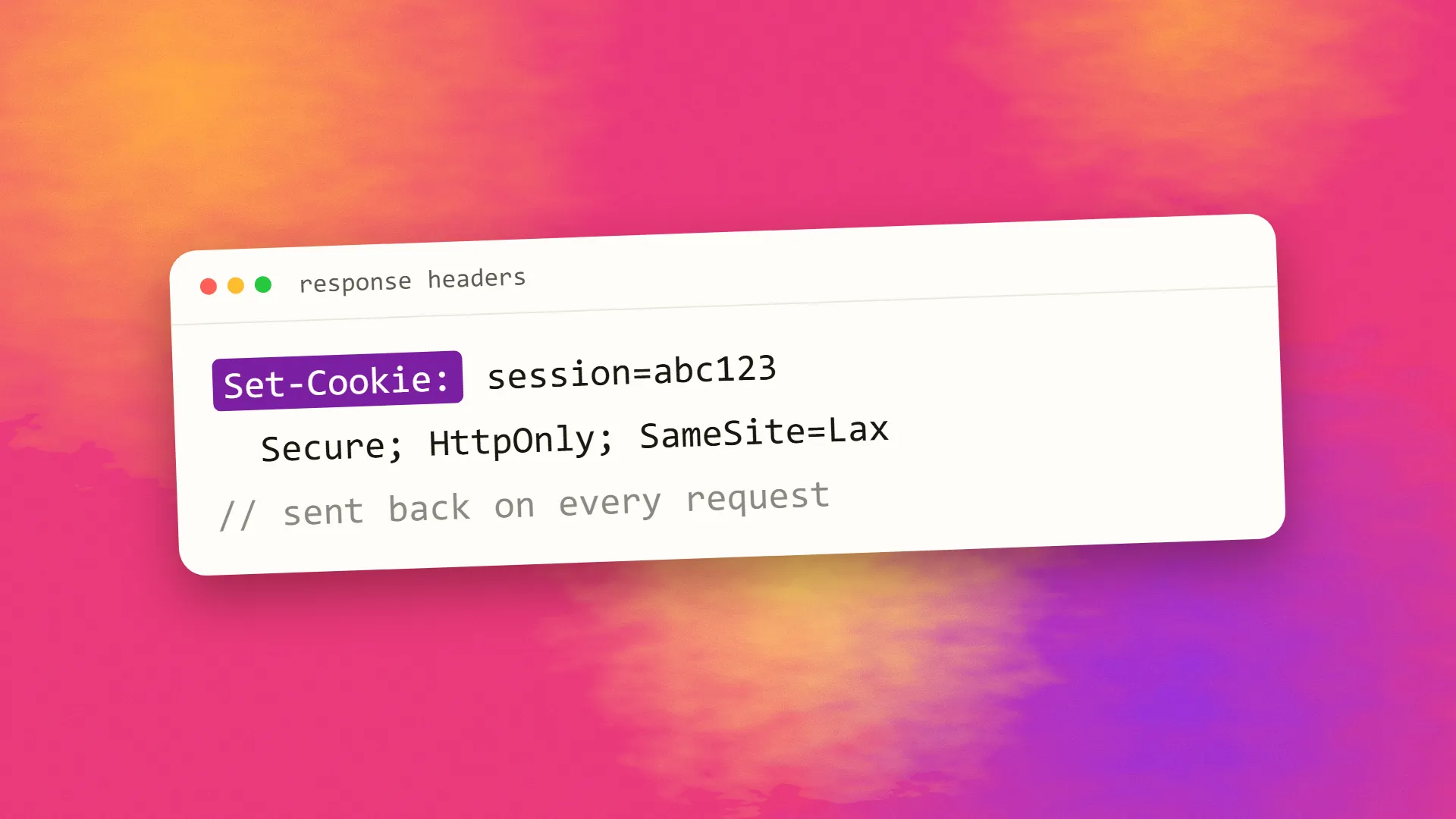
A cookie is set by a response header:
Set-Cookie: session=abc123; Path=/; Secure; HttpOnly; SameSite=Lax; Max-Age=86400The browser stores the name session with value abc123 and the attributes. On every later request to the site that matches the path, it adds Cookie: session=abc123 to the request headers. The server looks up abc123, finds the associated session, and knows who is asking.
JavaScript on the page can also read and set cookies through document.cookie, unless the cookie was marked HttpOnly. Cookies are limited to about 4 KB each and a few dozen per site, so they hold identifiers and small settings, not data; the data lives on the server, keyed by the identifier.
What they are used for
Sessions and authentication. The dominant use: a session identifier that keeps a user logged in. Whether that identifier is an opaque session key or a signed token is the sessions versus JWT question.
Preferences. Language, currency, dismissed banners, a chosen theme.
Security tokens. CSRF tokens and similar protections.
Analytics. An identifier so the analytics tool can count a returning visitor as one person and stitch page views into a visit.
Advertising and tracking. Identifiers set by ad networks and embedded services across many sites, letting them recognise the same browser everywhere and build a profile. This is the use that produced the regulation.
The attributes and what they protect against
- Secure: sent only over HTTPS, so it cannot be read on an insecure network.
- HttpOnly: inaccessible to JavaScript, so a cross-site scripting flaw cannot steal it. Session cookies should always carry this.
- SameSite: controls whether the cookie is sent on requests originating from other sites.
Lax, the modern default, sends it on top-level navigations but not on cross-site embedded requests, which defeats most cross-site request forgery.Strictnever sends it cross-site.Nonealways does, and requires Secure. - Domain and Path: which hosts and paths receive it; narrower is safer.
- Expires or Max-Age: how long it lasts. Without either, it is a session cookie, deleted when the browser closes.
A session cookie set with Secure, HttpOnly, SameSite=Lax and a sensible expiry is the baseline for any site with logins.
First-party and third-party
A first-party cookie is set by the site the user is visiting. A third-party cookie is set by a different domain whose content is embedded in the page, an ad, a widget, a tracking pixel, and it is readable by that domain on every site that embeds it. That is how cross-site tracking works, and it is why third-party cookies have been restricted: Safari and Firefox block them by default, and Chrome has limited them through a series of changes while retreating from full removal. First-party cookies are unaffected and remain the normal way sites remember their own visitors.
The legal position
The EU's ePrivacy rules, implemented in the UK as PECR, require consent before storing or accessing information on a user's device unless it is strictly necessary for a service the user requested. A session cookie for a login is necessary; an analytics or advertising cookie is not, and needs consent before it is set. That is the origin of the cookie banner, and of the argument about whether a site needs one: a site that sets only necessary cookies does not. GDPR then governs any personal data the cookies identify. Other jurisdictions have lighter rules focused on disclosure and opt-out.
The alternatives
Local storage and session storage hold larger data in the browser, readable only by JavaScript on the same origin, and are never sent automatically to the server; they suit client-side state and are the wrong place for anything sensitive. Server-side sessions keyed by a single cookie keep everything else off the device. Cookieless analytics count visits without identifiers, avoiding consent requirements. And tokens in headers replace cookies for API clients that are not browsers.
Cookies are still the right tool for sessions and small preferences, because the browser handles them automatically and securely when the attributes are set. Everything beyond that deserves a question about whether it needs to be on the visitor's device at all. If you would like a site's cookies audited for security attributes and consent requirements, book a call; it is a short review with a short list.
Common questions
What is a cookie in simple terms?
A small text record a website's server sends to your browser and asks it to send back with future requests to that site. Because HTTP has no memory, cookies are how a site recognises you between page loads: staying logged in, keeping a basket, remembering a language. They hold identifiers, not data; the data stays on the server.
What is the difference between first-party and third-party cookies?
A first-party cookie is set by the site you are visiting and readable only there. A third-party cookie is set by another domain embedded in the page, such as an ad network, and readable by that domain on every site that embeds it, which enables cross-site tracking. Browsers increasingly block third-party cookies; first-party ones are unaffected.
What do Secure, HttpOnly and SameSite mean on a cookie?
Secure sends the cookie only over HTTPS. HttpOnly hides it from JavaScript, so a script injection cannot steal it. SameSite controls whether it is sent on requests from other sites: Lax blocks most cross-site requests while allowing normal navigation, Strict blocks all, None allows all. Session cookies should use all three.
Do I need consent for cookies?
In the EU and UK, yes for any cookie not strictly necessary for a service the user asked for: analytics, advertising and most third-party cookies need consent before being set, while login sessions and baskets do not. A site setting only necessary cookies needs no banner. Other jurisdictions mostly require disclosure and an opt-out.
Are cookies dangerous?
The mechanism is not; a session cookie with Secure, HttpOnly and SameSite attributes is the standard safe way to keep users logged in. The concerns are third-party tracking cookies that follow people across sites, and poorly configured cookies that can be stolen through insecure connections or script injection. Blocking third-party cookies addresses the first; correct attributes address the second.
