In short
A cron job is a command or script that a server runs automatically at scheduled times, defined in a crontab entry using five fields for minute, hour, day of month, month and day of week. Websites use cron for backups, sending queued emails, publishing scheduled content, generating reports, clearing caches and syncing data. It is reliable when the server is always on; platforms without persistent servers use scheduled functions or a hosted scheduler instead. The common failures are jobs that fail silently, overlap with themselves, or depend on a timezone nobody set, and the fix is logging, locking and monitoring.
What it is
Cron is the standard scheduler on Unix-like systems, present on every Linux server since the 1970s. A cron job is one line in a crontab, the table of scheduled tasks, pairing a schedule with a command. The cron daemon checks every minute and runs whatever is due. Nothing else is involved: no queue, no service, no dashboard.
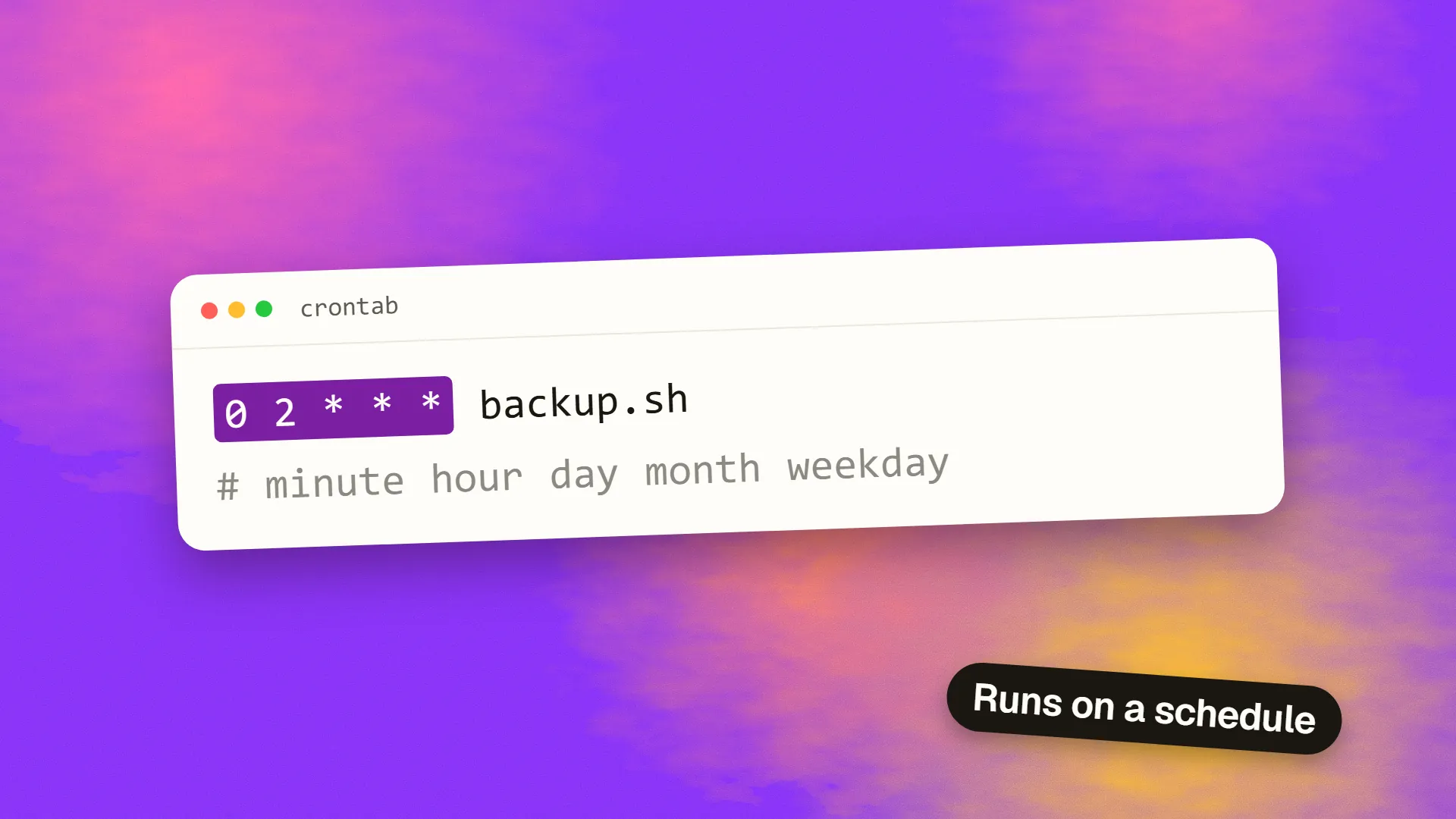
The schedule uses five fields:
┌ minute (0-59)
│ ┌ hour (0-23)
│ │ ┌ day of month (1-31)
│ │ │ ┌ month (1-12)
│ │ │ │ ┌ day of week (0-6, Sunday = 0)
│ │ │ │ │
0 2 * * *   /usr/bin/php /var/www/site/artisan backup:run
That entry runs the backup at 02:00 every day. /15 runs every fifteen minutes; 0 9 1 runs at 09:00 on Mondays; 0 0 1 * runs at midnight on the first of each month. The syntax is terse enough that most people keep a reference open, and several websites will translate an expression into English.
What websites use it for
Backups. Nightly database dumps and file archives, copied off the server.
Scheduled publishing. Checking for posts whose publish time has arrived and making them live; this site's admin publishes queued articles exactly this way, with a cron entry that runs the publish script hourly.
Email and notifications. Sending queued messages, digests and reminders.
Reports and exports. Daily summaries, monthly invoices, data feeds for partners.
Cleanup. Deleting expired sessions, old logs, temporary files, abandoned carts.
Sync and import. Pulling data from external APIs, refreshing caches, regenerating sitemaps.
Health checks and certificate renewal, which is how automated TLS renewal usually runs.
Most of these are background work that should not happen during a visitor's request, and cron is the simplest way to run it.
The WordPress problem
WordPress does not use real cron by default. WP-Cron is a pseudo-scheduler that checks for due tasks whenever someone visits the site. On a busy site it works well enough; on a quiet site, scheduled posts publish late, backups run at odd times, and tasks pile up until the next visitor triggers them all at once, slowing that visitor's page load. The standard fix is to disable WP-Cron in the configuration and add a real cron entry that calls wp-cron.php every few minutes, which every managed WordPress host documents.
Alternatives on modern platforms
Cron needs a server that is always on. Static sites on a CDN and applications on serverless platforms have no such server, so they use the platform's scheduler: Vercel and Netlify scheduled functions, Cloudflare Workers cron triggers, AWS EventBridge rules invoking Lambda, GitHub Actions on a schedule for build-time jobs. These accept cron-style expressions and run a function instead of a command, and they add the logging and retry that plain cron lacks.
For applications with many scheduled and queued tasks, a job system such as a queue with a scheduler, or a hosted service that triggers a URL on a schedule and records the result, is more manageable than a crontab, because it makes the jobs visible.
The mistakes
Silent failure. Cron runs the command and discards the output unless told otherwise. A backup that has been failing for six months is discovered when the backup is needed. Redirect output to a log, and better, have the job report success to a monitoring service that alerts when a run is missed.
Overlap. A job scheduled every five minutes that takes eight minutes runs concurrently with itself, and two copies of an import corrupt each other. Use a lock file or a tool such as flock so a job skips a run if the previous one is still going.
Timezones. Cron uses the server's timezone, which may be UTC while the business runs on local time; scheduled posts publish an hour early or late, and daylight saving shifts it. Set the timezone explicitly, and handle time zones in the application rather than assuming.
Environment. Cron runs with a minimal environment, so commands that work in a shell fail in cron because a path or a variable is missing. Use absolute paths and set what the script needs.
Frequency. A job every minute that is actually needed hourly wastes resources; a job hourly that is needed every minute delays what depends on it. Match the schedule to the need.
Nobody knows it exists. Crontabs on servers nobody logs into, running scripts nobody remembers. Document every scheduled job, what it does, and who owns it.
The practical setup
One crontab, or one scheduler configuration, listing every job with a comment. Every job logging to a file and pinging a monitor on success. Locks on anything that could overlap. Explicit timezone. Absolute paths. A monthly glance at the logs. That is the whole discipline, and it turns cron from the thing that fails quietly into the thing that runs the routine work while nobody thinks about it. If you have scheduled jobs and are not sure whether they are running, book a call; adding monitoring to them is a short job.
Common questions
What is a cron job used for?
Running routine tasks automatically on a schedule: nightly backups, publishing scheduled content, sending queued emails and digests, generating reports, clearing expired sessions and temporary files, syncing data from external APIs, regenerating sitemaps and renewing TLS certificates. Anything that should happen at set times rather than during a visitor's request.
How do you read cron syntax?
Five fields separated by spaces: minute, hour, day of month, month, day of week, followed by the command. An asterisk means every value; a slash gives a step, so /15 in the minute field means every fifteen minutes; commas list values. 0 2 runs at 02:00 daily; 0 9 1 runs at 09:00 on Mondays.
Why do WordPress scheduled posts miss their time?
Because WordPress uses WP-Cron, which checks for due tasks only when someone visits the site, so a quiet site publishes late and a busy one runs tasks during a visitor's page load. Disable WP-Cron in wp-config.php and add a real server cron entry calling wp-cron.php every few minutes, as managed hosts document.
How do you run scheduled tasks without a server?
Use the hosting platform's scheduler: scheduled functions on Vercel or Netlify, cron triggers on Cloudflare Workers, EventBridge rules invoking Lambda on AWS, or GitHub Actions on a schedule for build-time work. They accept cron-style expressions, run a function instead of a command, and usually add logging and retries.
How do I know if a cron job is running?
Cron discards output by default, so add logging to each job and, more reliably, have the job ping a monitoring service on completion so that a missed run triggers an alert. Check the system log for cron entries, and use a lock to prevent a job overlapping with a still-running previous instance.
