In short
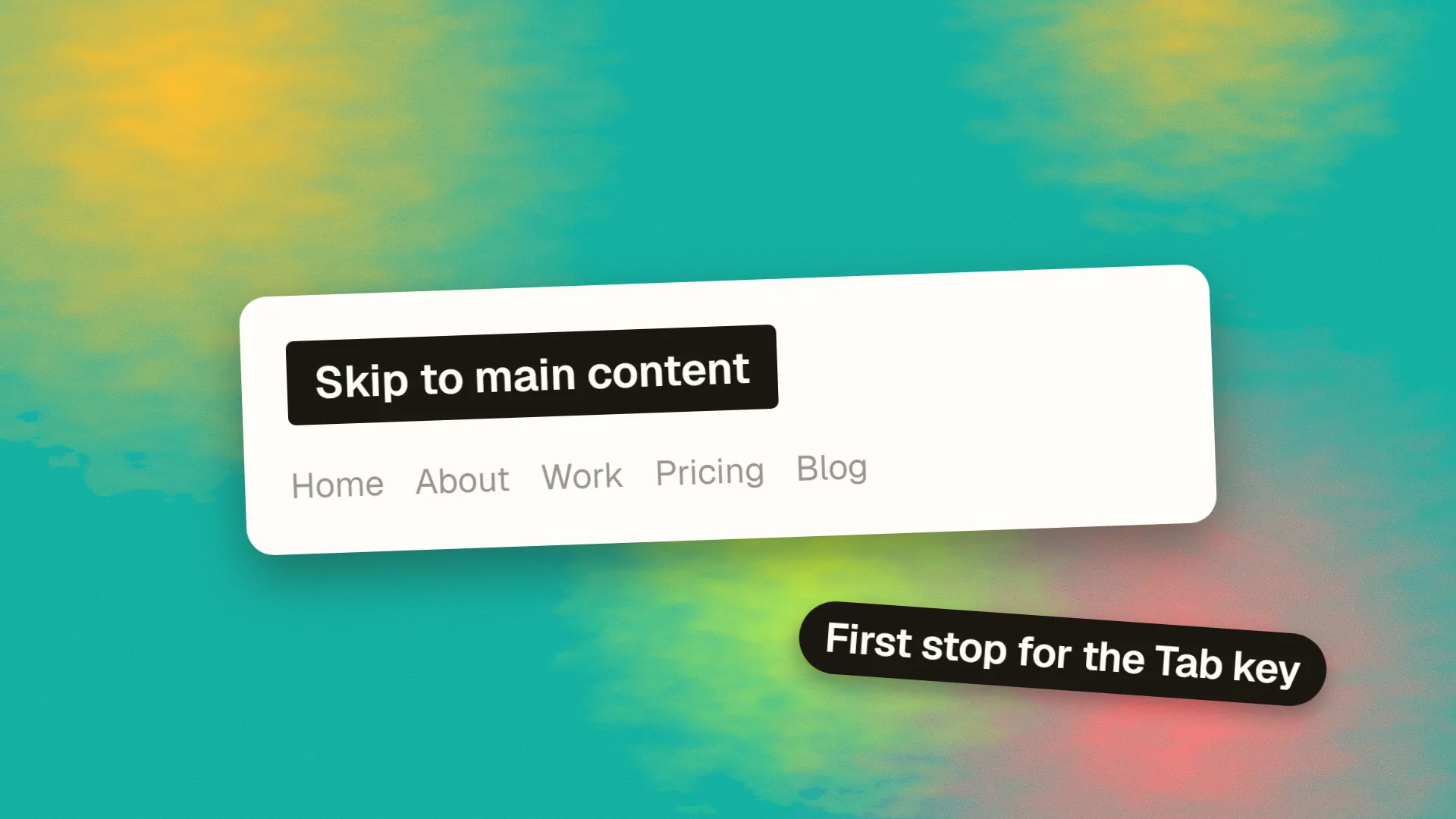
A skip link is a link placed at the very start of a page, usually hidden until it receives keyboard focus, that jumps directly to the main content, letting keyboard and screen-reader users bypass the header, navigation and other repeated blocks instead of tabbing through them on every page. WCAG 2.4.1, Bypass Blocks, requires a mechanism like it at level A. It is built as an anchor to the main landmark's id, made visible on focus, with the target able to receive focus so the jump actually works.
The problem
A sighted mouse user reading a page ignores the header and goes straight to the content. A keyboard user cannot. Tabbing from the top of the page moves through every link in the header: the logo, six navigation items, a search field, a login link, social icons, then finally the content. On every page. A screen-reader user has the same experience in audio. Thirty tab presses to reach an article is the kind of friction that makes people give up on a site.
The skip link fixes it with the simplest possible mechanism: a link, first in the tab order, that jumps to the main content.
The requirement
WCAG success criterion 2.4.1, Bypass Blocks, at conformance level A, requires a mechanism to skip blocks of content that repeat across pages. Landmark regions and heading structure partly satisfy it for screen-reader users, who can navigate by landmark; a skip link satisfies it for keyboard users who are not using assistive technology, such as people with motor impairments, and for everyone else. It is the most widely recognised way to meet the criterion, and its absence is one of the most common findings in an accessibility review.
The implementation
The link goes first in the body, before the header:
<body>
  <a class="skip-link" href="#main">Skip to main content</a>
  <header>…</header>
  <main id="main" tabindex="-1">…</main>
</body>
It is hidden off-screen until focused, then shown prominently:
.skip-link {
  position: absolute;
  top: 0; left: 0;
  padding: 0.75rem 1rem;
  background: #000; color: #fff;
  transform: translateY(-100%);
}
.skip-link:focus {
  transform: translateY(0);
  outline: 3px solid #ffbf47;
}
Pressing Tab once on page load reveals the link; pressing Enter moves focus to the main content. The tabindex="-1" on the target lets it receive focus programmatically without adding it to the tab order, which is what makes the next Tab press continue from the content rather than from the top.
The details that matter
Visible on focus, and obviously so. A skip link that appears as faint text in a corner is missed. High contrast, large, at the top of the viewport.
Hidden properly when not focused. Use transform or positioning, not display: none or visibility: hidden, which remove it from the tab order entirely.
A focusable target. Without tabindex="-1" on the target, some browsers scroll to the anchor but leave focus at the top, so the next Tab goes back into the header. This is the most common reason skip links appear to work and do not.
Plain wording. "Skip to main content" or "Skip to content". Not "Skip navigation", which describes what is being skipped rather than where the user is going.
First in the DOM. Before the header, before any cookie banner script injects content, before anything focusable.
Multiple skip links on complex pages. A long sidebar or a large filter panel may warrant additional links: skip to results, skip to footer. One is enough for most sites.
Fixed headers. If the header is sticky, the target may scroll under it; scroll-margin-top on the main element fixes the landing position.
Single-page applications. Focus should be managed on route changes so that the skip link and the main content behave as on a full page load; many frameworks require this to be done explicitly.
Common failures
A skip link present in the markup but hidden with display: none and therefore unusable. A link whose target id does not exist, so nothing happens. A target without tabindex, so focus stays in the header. A link that appears but is styled so small or faint that sighted keyboard users do not see it. A link added after the header, defeating its purpose. And a site where the skip link works on the homepage template and is missing from the article template.
Each takes a minute to check: load the page, press Tab, look, press Enter, press Tab again, and see where focus lands.
Beyond the skip link
The skip link is one of several mechanisms that together make a site navigable by keyboard: landmark regions (header, nav, main, footer), a logical heading hierarchy, visible focus indicators everywhere, and a sensible tab order. The skip link is the cheapest and the most visible sign that the others were considered. A site built to be accessible has one on every page; a site that has never been tested with a keyboard usually does not. If you would like a keyboard pass on your key templates, book a call; it is a short review with findings that are quick to fix.
Common questions
What is a skip link used for?
To let keyboard and screen-reader users jump straight from the top of a page to its main content, bypassing the header, navigation and other blocks that repeat on every page. Without one, a keyboard user tabs through every header link on every page before reaching the content.
Are skip links required for accessibility?
WCAG 2.4.1, Bypass Blocks, at level A, requires a mechanism to skip repeated blocks of content. A skip link is the standard way to meet it for keyboard users; landmarks and headings help screen-reader users but do not serve sighted keyboard users. Its absence is among the most common accessibility audit findings.
How do you make a skip link?
Place an anchor as the first element in the body, linking to the id of the main content element, and give the main element tabindex='-1' so it can receive focus. Style the link to sit off-screen until it receives keyboard focus, then appear prominently at the top of the viewport with high contrast. Test by pressing Tab, then Enter, then Tab again.
Should a skip link be visible all the time?
It can be, and some sites, particularly government ones, show it permanently. The common pattern is to hide it off-screen until it receives keyboard focus, so it does not affect the visual design for mouse users but appears immediately for anyone tabbing. Either is acceptable; hiding it with display: none is not, since that removes it from the tab order.
Why does my skip link not work?
Usually because the target element cannot receive focus: without tabindex='-1' on the main element, the page scrolls but focus stays in the header, so the next Tab returns there. Other causes are a target id that does not match, the link hidden with display: none, or the link placed after the header rather than first in the page.
