In short
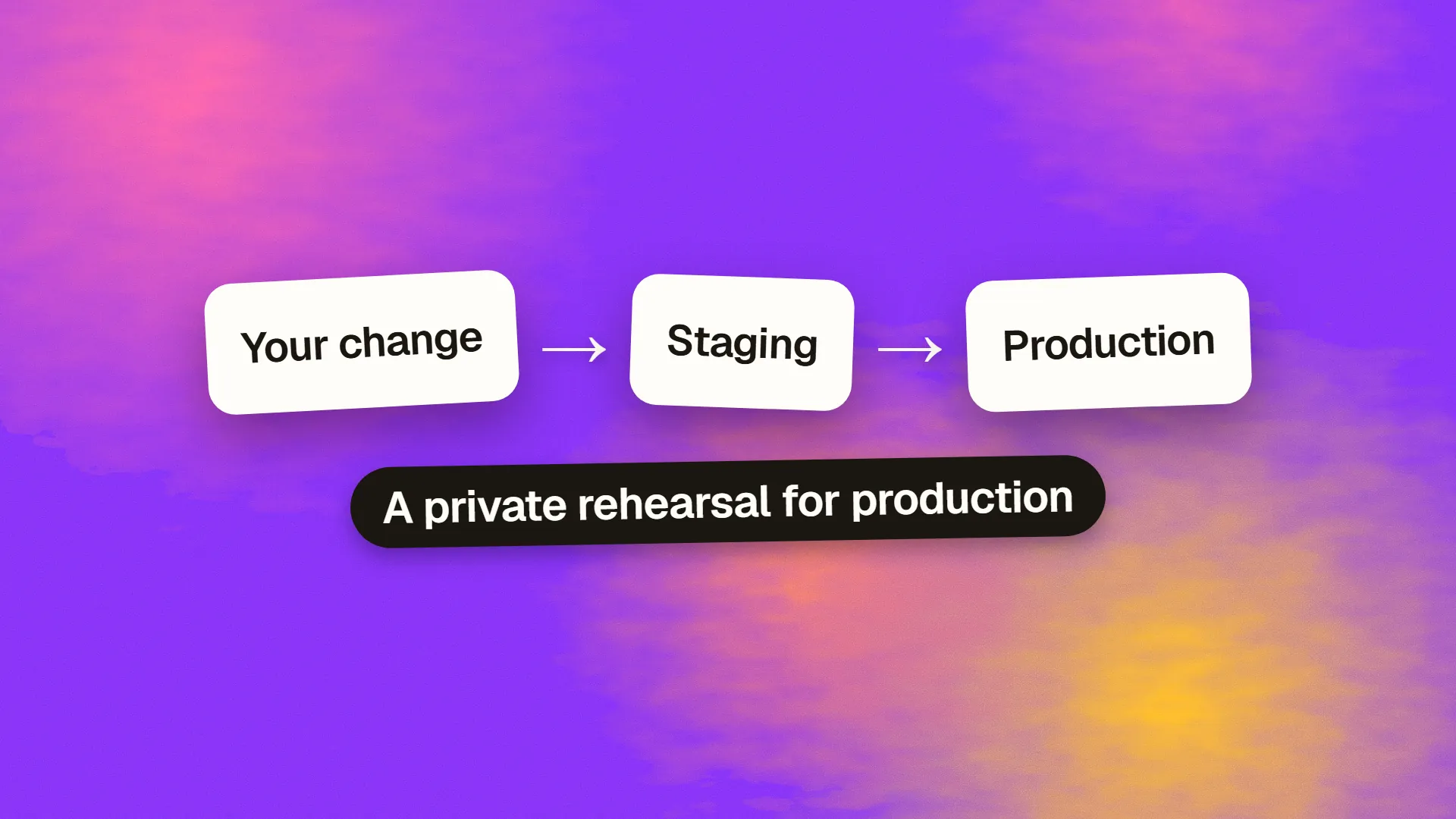
A staging environment is a separate, private deployment of a website or application that mirrors production as closely as practical, used to test changes, content and integrations under realistic conditions before they are released to real users. It sits between development, where work happens, and production, where visitors are. It should match production's software, configuration and structure, use realistic but not real personal data, and be blocked from search engines and public access. For small sites, per-branch preview deployments from the hosting platform cover most of what a dedicated staging server once required.
The environment ladder
Software moves through environments on its way to users:
Development is where changes are made: a developer's own machine, or a personal cloud environment, with debugging on and shortcuts allowed.
Staging is where changes are tested as if they were live: the same software, configuration, hosting arrangement and structure as production, with realistic data, and accessible only to the team and stakeholders.
Production is the live site or application that visitors use.
Some teams add a testing or QA environment before staging, and a pre-production environment after it that is a near-exact clone used for final checks and rollback rehearsals. Small teams collapse the ladder to development, staging and production, and that is enough.
What staging is for
Catching what development cannot. A change may work on a developer's laptop and fail on the server because a library version differs, a configuration value is missing, a file permission is wrong, an integration needs a real endpoint, or the data is shaped differently at scale. Staging finds these before a deploy does. It is also where non-developers do their part: a client reviewing a redesign, an editor checking a template with real content, a stakeholder approving a release, a tester running through the pre-launch checks. And it is where migrations, upgrades and infrastructure changes are rehearsed, so the production run is a repeat rather than a first attempt.
What it must match
The same application code at the release candidate version. The same runtime and dependency versions. The same web server, database engine and configuration structure, with values appropriate to staging. The same hosting arrangement where possible, including the CDN, the caching rules and any security headers, since those are where surprises hide. Realistic data volume, so performance problems appear. Third-party integrations pointed at their sandbox or test modes: payment providers, email services, APIs.
Staging that differs from production in these respects tests a different system, and its passes mean less.
What it must not do
Be indexed. A staging site that Google crawls creates duplicate content competing with production and can leak unreleased pages. Protect it with HTTP authentication or an IP allow-list, which keeps both crawlers and the public out; add a noindex header as a second layer; and, critically, make sure the protection does not travel to production at launch, which is one of the classic reasons a site disappears from Google.
Hold real personal data. A copy of the production database contains customers' details, and staging is usually less protected and more widely accessible than production. Use anonymised or synthetic data, or a scrubbed copy with names, emails and identifiers replaced. Under GDPR, a staging database full of real customer records is a processing activity with all the obligations attached.
Send real messages or take real payments. Email in staging goes to a catch-all inbox or a testing service; payments use the provider's test mode. A staging environment that emails real customers is a recurring embarrassment.
Share credentials with production. Separate API keys, database passwords and secrets, so a leak from staging does not compromise the live system.
Preview deployments
Modern hosting platforms changed the economics. Vercel, Netlify, Cloudflare Pages, Render and others deploy every branch or pull request to its own temporary URL automatically, with the same build and hosting as production. For static sites and front-end applications this is staging on demand: every change gets its own environment for review, and the dedicated staging server becomes unnecessary. A CI pipeline that runs tests on each preview completes the picture.
Previews are less suited to changes that need a persistent database, long-running integrations or a stakeholder's week-long review, which is where a standing staging environment still earns its place.
A minimal setup for a small team
For a static or front-end site: preview deployments from the hosting platform, protected by the platform's password feature, plus a staging branch deployed to a fixed URL for stakeholder review.
For a CMS or application: a second hosting account or a subdomain on the same host, blocked with HTTP authentication, running the same versions, refreshed from a scrubbed production copy on a schedule, with integrations in test mode. Most managed hosts offer a one-click staging copy for exactly this.
In both cases: a written note of how staging differs from production, and a rule that nothing reaches production that was not on staging first, including content and configuration changes. The zero-downtime deploy process starts from a staging that passed.
If your site goes straight from a developer's machine to production, or your staging site is indexed or full of real customer data, book a call; both are common and both are fixed in an afternoon.
Common questions
What is the difference between staging and production?
Production is the live site or application that real visitors use. Staging is a private copy that mirrors production's software and configuration, used to test changes under realistic conditions before release. Staging uses realistic but not real personal data, points integrations at test modes, and is blocked from search engines and the public.
What is the difference between development and staging?
Development is where changes are made, typically on a developer's machine with debugging enabled and shortcuts allowed. Staging is where finished changes are tested as if live, on the same server setup as production, by the team and stakeholders. A change works in development when the code runs; it passes staging when it works under production-like conditions.
Should a staging site be indexed by Google?
No. Block it with HTTP authentication or an IP allow-list so neither crawlers nor the public can reach it, and add a noindex header as a second layer. An indexed staging site creates duplicate content competing with production and can expose unreleased pages. Ensure the blocking is removed from production at launch, not copied to it.
Can I use real customer data in staging?
It is unwise and, under GDPR, a processing activity with full obligations. Staging is usually less protected and more widely accessible than production. Use synthetic data or a scrubbed copy of production with names, emails, identifiers and other personal details replaced, and keep payment and email integrations in test mode.
Do I need a staging environment for a small website?
Something equivalent, yes. For static and front-end sites, per-branch preview deployments from hosts such as Vercel, Netlify or Cloudflare Pages provide a test environment for every change automatically. For a CMS or application, most managed hosts offer a one-click staging copy. Deploying straight from a developer's machine to production is how small sites break.
