In short
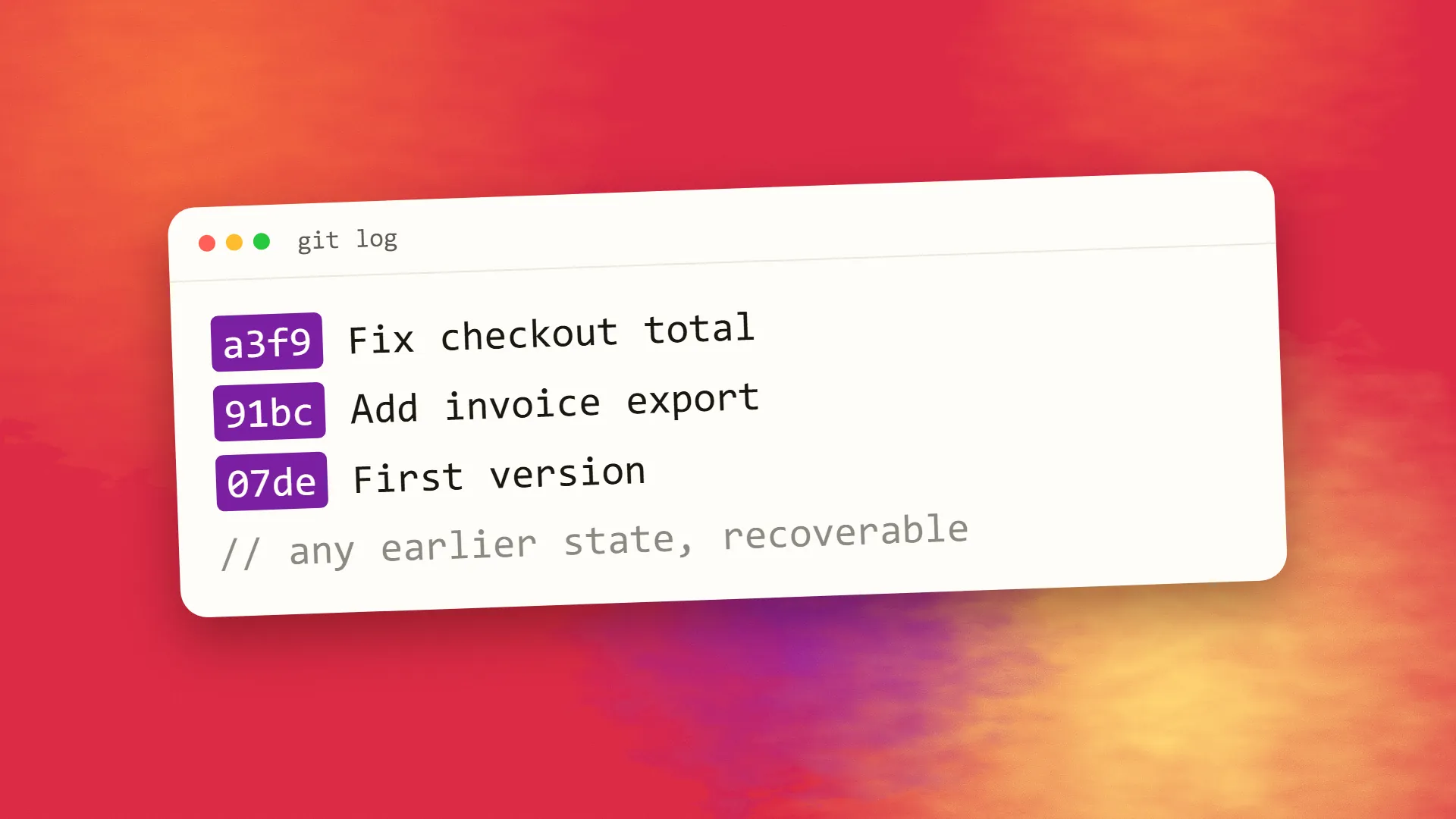
Git is a version control system: software that records snapshots of a project's files over time, with a message explaining each change, so that any earlier state can be recovered, changes can be compared and reviewed, and several people can work on the same code in parallel branches and merge their work. Released in 2005 for Linux development, it is now used for nearly all software. GitHub, GitLab and Bitbucket are services that host Git repositories and add collaboration features. For a business, a Git repository is the authoritative copy of the code and the record of its history; insist that every project has one, in your organisation's name.
What version control solves
A project's code changes constantly. Without version control, the history of those changes is lost the moment they are made: there is only the current state, and a mistake made last Tuesday is indistinguishable from the work done since. Recovering means finding a backup, if one exists, and losing everything after it. Two people editing the same file overwrite each other. Nobody can say who changed a line or why.
Version control keeps the history. Every change is recorded as a snapshot with an author, a time and a message. Any earlier state can be restored. Any two states can be compared. Several people can work simultaneously and combine their work. It is not optional for software any more than accounting records are optional for a business.
How Git works, in outline
A repository is a project folder plus a hidden database of its complete history. Developers make changes, then commit them: a commit is a snapshot of the project at that moment, with a message describing what changed and why. Commits chain together into a history that can be browsed, searched and reverted.
A branch is a parallel line of development. A developer creates a branch to work on a feature without touching the main line, commits to it, and when the work is ready, merges it back. Git handles combining the changes, and flags any that conflict for a person to resolve. The main branch stays deployable while any number of features progress in their own branches.
Git is distributed: every developer has the entire history on their own machine, so work continues offline and no single server is a point of failure. Copies are synchronised by pushing and pulling commits between them.
That is most of it. The rest is workflow built on those pieces: code review through proposed merges, continuous integration that tests every commit, tags marking releases, and the ability to trace any bug to the commit that introduced it.
Git and GitHub
Git is the tool, free and open source, running on a developer's computer. GitHub is a company that hosts Git repositories online and adds what teams need around them: access control, pull requests for reviewing and discussing changes before merging, issue tracking, automation, and a web interface. GitLab and Bitbucket offer the same. "Put it on GitHub" means "store the Git repository somewhere shared, with the collaboration tools on top." Almost every professional project uses one of these services; which one matters much less than that one is used.
Why it matters to a business owner
The repository is the asset. The code your business paid for exists authoritatively in the repository. If it lives only on a developer's laptop or a server, it is one failure or one departed contractor from being unrecoverable. The repository should be in an account your organisation controls, with the developer given access, not the other way round; this is part of owning your website and its code.
The history is the audit trail. Who changed what and when, which is invaluable when something breaks, when a dispute arises, or when a new developer needs to understand what was done.
Rollback is a commit away. A bad release can be reverted to the previous known-good state in minutes, which is the foundation of safe deployment.
Collaboration needs it. The moment a second developer touches the project, working without version control produces overwritten work and untraceable errors.
Handover depends on it. A developer leaving, an agency changing, a project being taken in-house: all of these are manageable when the repository and its history exist and painful when they do not.
The questions to ask your developer
Is the code in a Git repository? Where is it hosted, and does our organisation own the account? Who has access? Is the main branch what is deployed, and is the deployment automated from it? Are changes reviewed before they are merged? Are releases tagged? Can you show me the history?
A developer or agency with good answers is working professionally. One who says the code is "on the server" or "on my machine" is exposing you to a loss you will discover at the worst moment.
What it is not
Git is not a backup system, though a hosted repository functions as one for code. It does not manage large binary files well and is not for storing databases, media libraries or documents, which have their own tools. It does not deploy anything by itself; deployment is a process that starts from it. And it is not something a business owner needs to operate; it is something they need to insist on.
If you are not sure whether your project's code is in a repository you control, book a call; it is a five-minute check and one of the more important ones.
Common questions
What is Git in simple terms?
A tool that records every change to a project's files as a snapshot with a message, so that earlier versions can be recovered, changes can be reviewed and compared, and several people can work in parallel and merge their work. It keeps the complete history of a codebase and is used by nearly all software projects.
What is the difference between Git and GitHub?
Git is the free version control software that runs on a developer's computer and manages a project's history. GitHub is a hosting service that stores Git repositories online and adds collaboration features such as access control, pull requests for reviewing changes, issue tracking and automation. GitLab and Bitbucket are equivalent services.
Why should a business care about Git?
Because the repository is the authoritative copy of the code the business paid for and the record of every change to it. It makes recovery from mistakes, collaboration, code review, safe deployment and handover between developers possible. Code that exists only on a server or a contractor's laptop is one failure or departure from being lost.
Who should own the Git repository, the client or the developer?
The client. The repository should live in an account the business controls, with developers and agencies granted access. A repository owned by a departed contractor may be inaccessible, and recovering the code and its history from a server is far harder than from the repository.
Is Git a backup?
A hosted repository does preserve the code and its history, which is a form of backup for source code specifically. It is not a general backup system: it does not suit large binary files, databases, uploaded media or documents, which need their own backups. Treat the repository as the code's home and back up everything else separately.
