In short
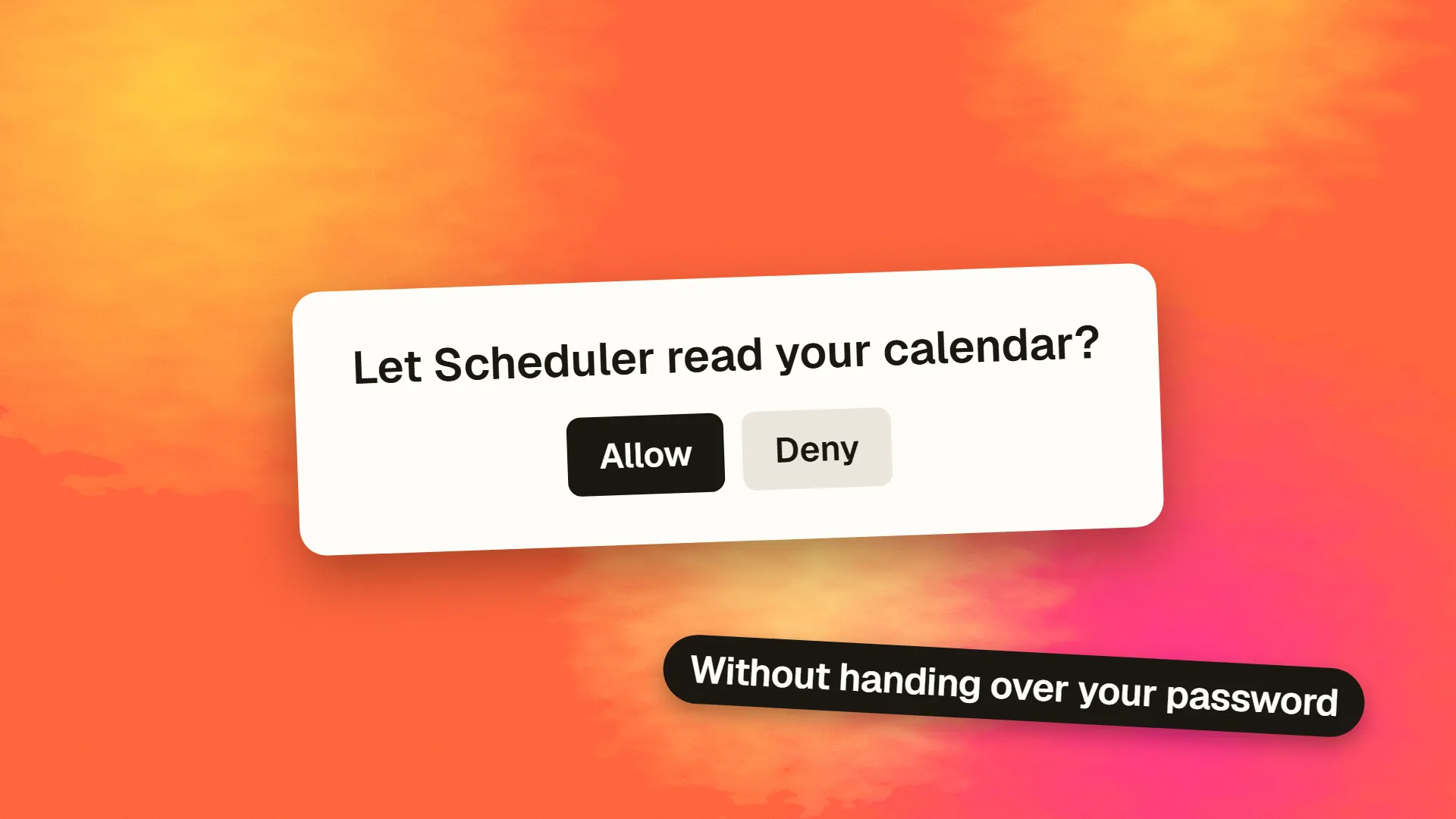
OAuth 2.0 is an authorisation protocol that lets a user allow one application to access specific parts of their account on another service, such as letting a scheduling tool read their Google Calendar, without handing over their password; the user approves on the service's own screen, and the application receives a limited, revocable access token. OpenID Connect builds on it to add identity, which is what 'Sign in with Google' uses. Products use OAuth to integrate with third-party services and to offer social login; the authorisation code flow with PKCE is the standard for web and mobile apps.
The problem it solves
Before OAuth, an application that wanted to read your calendar or post to your account asked for your username and password and used them directly. That gave the application total access, forever, and meant changing your password broke every integration. OAuth, standardised in 2012 as OAuth 2.0, replaced that with delegation: the user approves a specific, limited grant on the service's own site, and the application receives a token that opens exactly that door and can be revoked without touching anything else.
The protocol is about authorisation, what an application is allowed to do, not authentication, who the user is. The confusion between the two is the source of most misunderstanding, and OpenID Connect exists to resolve it.
The parties
Resource owner: the user. Client: the application asking for access. Authorisation server: the service that authenticates the user and issues tokens, such as Google's accounts system. Resource server: the API holding the data, such as the Calendar API. Often the last two belong to the same provider.
The authorisation code flow
The flow used by web and mobile applications, in outline:
- The application sends the user to the provider's authorisation page, with its client ID, the scopes it wants, and a redirect address.
- The user signs in to the provider, if not already, and sees a consent screen: this application wants to view your calendar. They approve or decline.
- The provider redirects the user back to the application with a short-lived authorisation code.
- The application's server exchanges the code, along with its client secret, for an access token and usually a refresh token.
- The application calls the API with the access token. When it expires, the refresh token obtains a new one without bothering the user.
The code exchange happens server to server so the tokens never pass through the browser. For mobile and single-page applications that cannot keep a secret, the PKCE extension replaces the client secret with a one-time proof, and is now recommended for all clients.
Scopes and tokens
Scopes are the permissions requested: calendar.readonly, email, repo. Request the minimum; users decline broad requests and providers review them.
Access tokens are short-lived credentials for the API, typically an hour. Refresh tokens are long-lived and used only to get new access tokens; they must be stored server-side, encrypted, and never exposed to the browser. Revoking the grant, by the user or the provider, invalidates both.
Where tokens are stored on the client follows the same rules as any secret: not in browser local storage, and on the server wherever possible.
OAuth and OpenID Connect
OAuth tells an application what it may do, not who the user is. OpenID Connect (OIDC), a layer on top of OAuth 2.0, adds an ID token, a signed statement of the user's identity, plus a standard way to fetch profile information. "Sign in with Google", "Sign in with Apple", "Log in with Microsoft" and enterprise single sign-on are OIDC: the application uses the provider's authentication and receives a verified identity, without managing passwords. Choosing it as an authentication method trades password handling for dependence on the provider.
When a product uses OAuth
Integrating with third-party services. Reading a user's calendar, files, contacts or repositories; posting on their behalf; connecting a payment or accounting account. The product is the client.
Offering social or enterprise login. Through OIDC, so users sign in with an account they already have. The product is again the client, receiving identity rather than data access.
Exposing an API to other applications. The product becomes the provider, running or buying an authorisation server so that partners can request access to its users' data with consent. This is a substantial undertaking and usually handled by an identity platform rather than built from scratch.
The decisions
Which flow: authorisation code with PKCE for anything user-facing; client credentials for server-to-server access with no user. Which scopes: the fewest that work. Where tokens live: server-side, encrypted, with refresh handled there. How to handle revocation and expiry: gracefully, prompting the user to reconnect rather than failing silently. Whether to build or buy: for social login and integrations, well-maintained libraries per provider; for becoming a provider, an identity service. And what happens when the provider is down or changes its terms, since an OAuth dependency is a third-party dependency like any other.
OAuth is the plumbing behind most of the connections users take for granted. It is well understood and well supported, and the mistakes are almost always in token storage and scope, not in the protocol. If you are adding integrations or social login and want the flows reviewed before launch, book a call.
Common questions
What is OAuth in simple terms?
A way for you to let one application use part of your account on another service without giving it your password. You approve a specific request on the service's own screen, such as letting a scheduling tool view your calendar, and the application receives a limited, revocable token instead of your credentials.
What is the difference between OAuth and OpenID Connect?
OAuth 2.0 handles authorisation: what an application is allowed to access. OpenID Connect is a layer on top that adds authentication: a signed ID token stating who the user is, plus profile information. 'Sign in with Google' and similar social logins use OpenID Connect; connecting an app to your calendar uses plain OAuth.
Is OAuth secure?
The protocol is, when implemented correctly: the authorisation code flow with PKCE, minimal scopes, tokens stored server-side and never in browser local storage, exact redirect URIs, and refresh tokens encrypted at rest. Most OAuth vulnerabilities come from implementation mistakes such as loose redirect validation or tokens exposed to the client rather than from the protocol.
What is a scope in OAuth?
A named permission an application requests, such as read-only access to a calendar or the ability to see an email address. The user sees the requested scopes on the consent screen and approves or declines. Applications should request the minimum scopes they need, since broad requests are declined more often and reviewed more strictly by providers.
What is the difference between an access token and a refresh token?
An access token is a short-lived credential, often valid for about an hour, presented to the API with each request. A refresh token is long-lived and used only to obtain new access tokens when they expire, without asking the user again. Refresh tokens must be stored securely on the server; revoking the grant invalidates both.
