In short
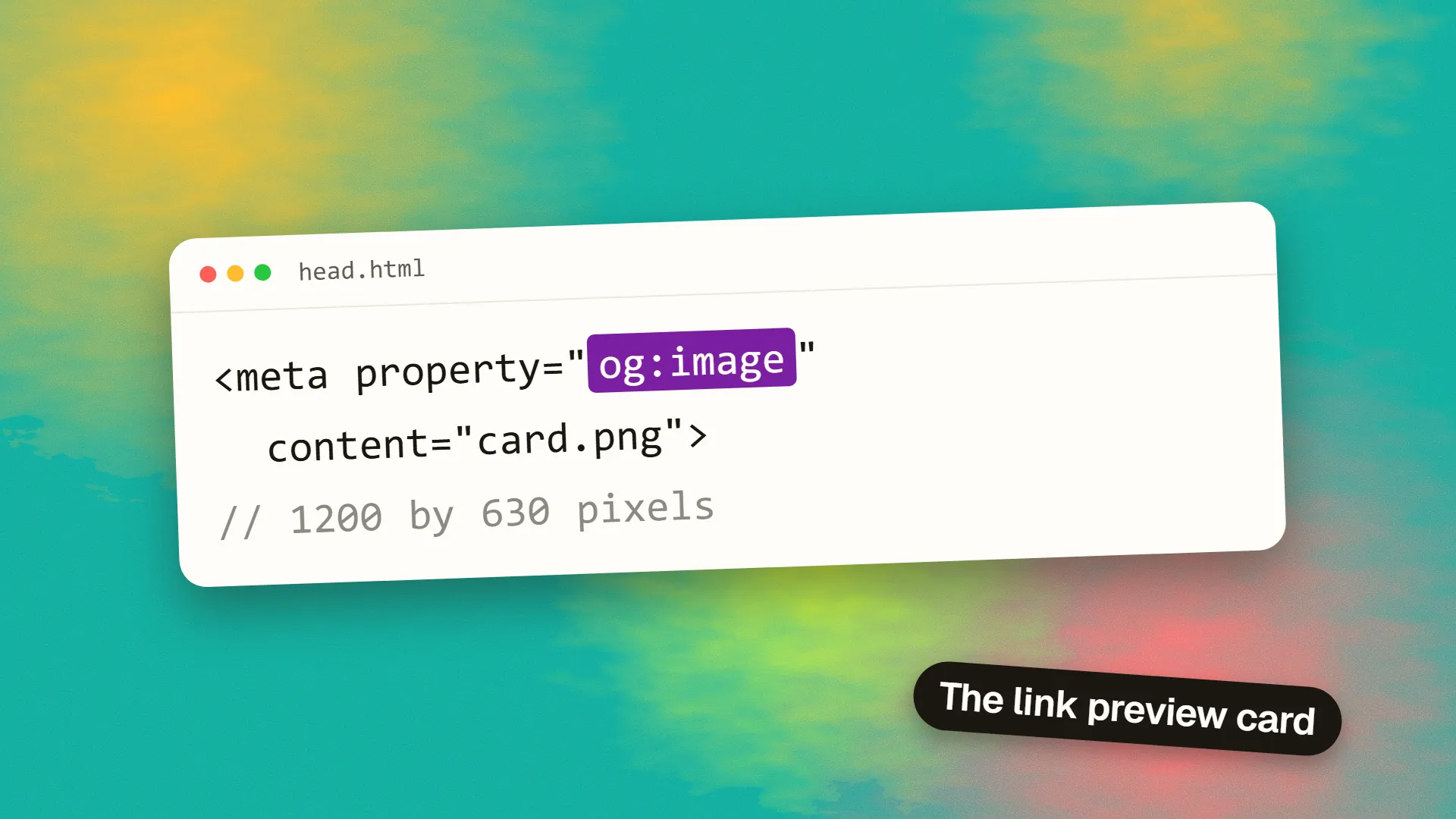
Open Graph is a protocol of meta tags in a page's head, og:title, og:description, og:image, og:url and og:type, that social networks and messaging apps read to build a link preview card. The image should be 1200 by 630 pixels (a 1.91:1 ratio), a JPG or PNG under about 1 MB, served from an absolute HTTPS URL, with any text kept inside the central area because some platforms crop to square. Add twitter:card set to summary_large_image for X, test with each platform's debugger, and remember that previews are cached, so a fixed image will not appear until the cache is cleared.
What Open Graph is
Open Graph is a small vocabulary of meta tags, introduced by Facebook in 2010, that tells other services what a page is about in a structured way. When someone pastes a link into LinkedIn, Facebook, Slack, WhatsApp, Discord, iMessage or Teams, the service fetches the page, reads the tags, and builds the preview card from them. Without the tags it guesses, and its guesses are poor: the first image it finds, or none, and a title cropped from whatever text it found.
The tags live in the head of the page:
<meta property="og:title" content="What Is Open Graph?">
<meta property="og:description" content="The tags that control link previews, and the image size that works.">
<meta property="og:image" content="https://example.com/img/og/open-graph.jpg">
<meta property="og:url" content="https://example.com/insights/open-graph/">
<meta property="og:type" content="article">
<meta name="twitter:card" content="summary_large_image">
These are separate from the meta title and description that search engines use, though they often carry the same text. Search engines ignore Open Graph for ranking. The tags exist for humans sharing links, and their effect is on click-through from feeds and chats, not on search position.
The tags that matter
| Tag | What it does | Notes |
|---|---|---|
| og:title | Card headline | Around 60 characters before truncation on most platforms |
| og:description | Card body text | Often hidden on mobile; keep it under 160 characters |
| og:image | Card picture | Absolute HTTPS URL; the one tag that most affects clicks |
| og:url | Canonical address | Stops the same page splitting into several share counts |
| og:type | website or article | Minor; article enables a few extra tags |
| og:image:width / height | Dimensions | Lets the first share render at full size instead of waiting for a fetch |
| twitter:card | X card style | summary_large_image for a wide picture; X reads og: tags for the rest |
Everything else in the specification, locale, site name, audio, video, is optional and rarely worth the effort on a business site.
The image size
The safe answer is 1200 by 630 pixels, an aspect ratio of 1.91:1. That size renders at full width on Facebook, LinkedIn, X (with summary_large_image), Slack, Discord and most chat apps. Some platforms accept larger images and scale down; none render a smaller one better.
The complications:
- Square crops. WhatsApp, iMessage and some feed layouts on mobile crop the preview to a square or near-square. Keep the title, logo and anything that must be legible inside the central 630 by 630 area, and let the outer margins carry only background.
- File size. Keep it under 1 MB; some fetchers time out or skip images above about 5 MB, and a slow fetch means no image on the first share. A JPG at quality 80 or a PNG with a flat background is usually 100 to 300 KB.
- Format. JPG or PNG. WebP support in preview fetchers is still inconsistent, so serve one of the two older formats for og:image even if the page itself uses WebP everywhere else, a point that also comes up in image optimisation.
- Text in the image. Fine, and often the whole point for an article card, but keep it large. The card may be displayed at 300 pixels wide in a chat.
A default and per-page images
Every page should have an og:image, which means every site needs a default: a branded image with the logo and site name, used wherever nothing more specific exists. Pages worth sharing (articles, case studies, product pages) deserve their own, and the difference in click-through between a generic card and a specific one is large enough that the effort pays on any page you expect to be shared.
Generating per-page images automatically from the title is a common approach: a template rendered at build time, or a small service that draws the headline onto a background. It removes the chore and guarantees every article has a card.
Testing and cache clearing
Each platform caches the preview the first time a URL is shared, sometimes for days. If you fix a broken image and share again, you will see the old card. Use the platform debuggers, which also force a re-fetch: Facebook's Sharing Debugger, LinkedIn's Post Inspector, and X's Card Validator. Slack and Discord re-fetch on their own schedule; appending a query string to the URL is the usual workaround while testing.
When a card comes back blank, the causes are nearly always one of: a relative image URL, an image behind a login or a bot block, a page that returns the tags only after JavaScript runs, an image over the size limit, or a robots rule that blocks the fetcher's user agent.
Does it matter for a small site?
A business site is shared less often than a publisher's, but every share is a warm introduction: someone is recommending you to someone else. The card is what that someone sees. A default image, correct titles and one debugger check take under an hour and are among the cheapest visibility fixes available. If you would like a check of how your pages appear when shared, book a call.
Common questions
What is the best Open Graph image size?
1200 by 630 pixels, a 1.91:1 ratio, as a JPG or PNG under 1 MB. It renders full-width on Facebook, LinkedIn, X, Slack and Discord. Keep important content in the central square, because WhatsApp and some mobile layouts crop to 1:1.
Does Open Graph affect SEO?
Not directly; search engines do not use Open Graph tags for ranking. It affects how links look when shared, which affects clicks from social and chat, and those visits can contribute indirectly.
Why is my Open Graph image not showing?
Usually a relative image URL, an image that is too large, a page blocking the platform's fetcher, tags injected by JavaScript after load, or a cached old preview. Run the URL through the platform's debugger to see what it fetched and force a refresh.
Do I need Twitter card tags as well as Open Graph?
Add one: twitter:card with the value summary_large_image. X reads og:title, og:description and og:image for the rest. Without the card tag, X may show a small square thumbnail instead of the wide image.
Can I use the same image for every page?
You can, and every site should have a branded default for pages without a specific image. Pages that get shared, such as articles and case studies, perform better with their own image, ideally generated from the title.
