In short
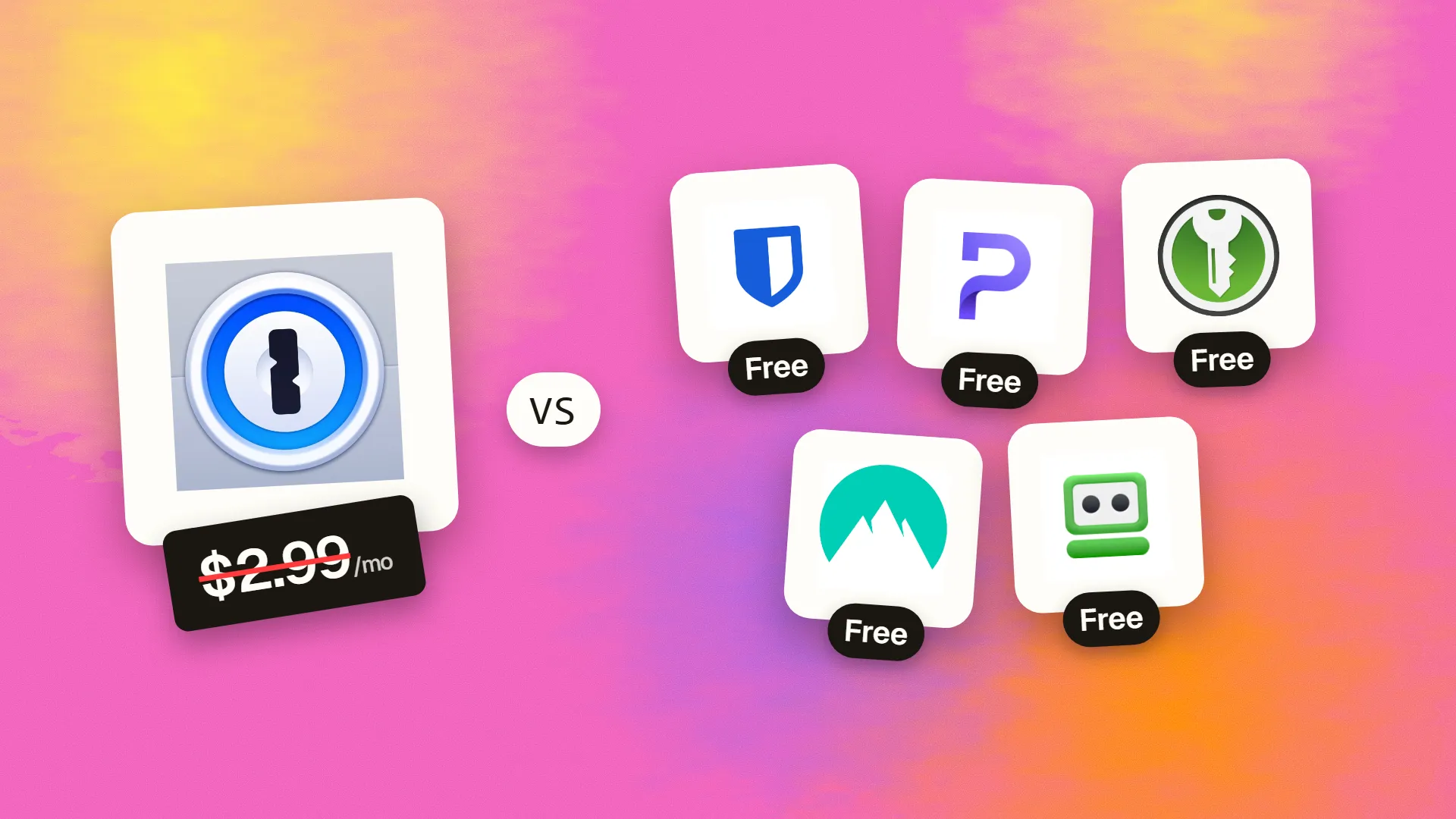
The best cheaper alternatives to 1Password in 2026 are Bitwarden (free), Proton Pass (free), KeePassXC (free), NordPass (free) and RoboForm (free). 1Password itself starts at $2.99 a month, so most teams can cut the cost substantially without losing the features they actually use.
1Password is one of the best password managers available: beautiful apps, excellent security design, passkey support, Watchtower breach alerts, Travel Mode and strong business features. It has no free plan. Individual costs $2.99 a month billed yearly ($3.99 monthly), Families costs $4.99 a month for up to five people, the Teams Starter Pack is $19.95 a month for up to ten users, and Business costs $7.99 per user per month. A 30-person company on Business pays about $2,900 a year.
Using any password manager is far more important than which one you choose — but if price matters, the alternatives below include the best free password manager available and several that cost half as much.
 1Passwordvs
 Bitwarden
 Proton Pass
 KeePassXC
 NordPass
 RoboForm
What 1Password actually costs in 2026
| Plan | Price | Users | Notes |
|---|---|---|---|
| Individual | $2.99/mo billed yearly ($3.99 monthly) | 1 | Unlimited devices and items |
| Families | $4.99/mo | Up to 5 | Shared vaults, family recovery |
| Teams Starter Pack | $19.95/mo | Up to 10 | Small business admin |
| Business | $7.99/user/mo | Unlimited | SSO integration, policies, reporting |
| Enterprise | Custom | — | Extended access management |
Every plan includes a 14-day free trial. The current tiers are listed on 1Password's official pricing page.
The 5 cheaper alternatives at a glance
| Tool | Starts at | Model | Best for |
|---|---|---|---|
| 1Password | $2.99/mo | subscription | The benchmark |
| Bitwarden | Free tier | open source | Almost everyone — the best free password manager |
| Proton Pass | Free tier | free | Privacy-focused users, especially Proton Mail users |
| KeePassXC | Free tier | open source | Technical users who want complete control |
| NordPass | Free tier | free | Users who want a polished app and long-term discounts |
| RoboForm | Free tier | free | People who fill in a lot of web forms |
How we picked these alternatives
We compared security architecture and audits, passkey support, autofill quality, sharing, business admin features, platform support and price for one person, a family and a 30-person team. Prices checked 28 October 2026.
1. Bitwarden
Price: Free (unlimited passwords on unlimited devices); Premium about $19.80 a year (~$1.65 a month); Families $40 a year for six users; Teams $4 per user per month; Enterprise $6. See Bitwarden's official pricing page for current plans.
Bitwarden is the best free password manager and an outstanding paid one. It is open source, independently audited every year, and its free plan includes unlimited passwords, unlimited devices, passkeys and secure sharing with one other person. Premium adds TOTP codes, emergency access, file attachments and advanced 2FA, at well under half the price of 1Password Individual. You can even self-host the server.
Bitwarden pricing in detail
| Plan | Price | Users | Key features |
|---|---|---|---|
| Free | $0 | 1 | Unlimited passwords and devices, passkeys |
| Premium | ~$19.80/yr | 1 | TOTP, emergency access, attachments, health reports |
| Families | $40/yr | 6 | Shared collections, premium for all |
| Teams | $4/user/mo | Unlimited | Admin console, groups, event logs |
| Enterprise | $6/user/mo | Unlimited | SSO, policies, SCIM |
Bitwarden raised Premium from $10 to about $19.80 a year in early 2026 — its first increase in roughly a decade — and it is still the cheapest paid tier here.
What you get
- Open-source code audited by third parties.
- Unlimited devices on the free plan.
- Passkeys, TOTP and secure Send for sharing secrets.
- Self-hosting option for full control.
- Business admin console with groups, policies and logs.
Where it falls short
- Interface is less polished than 1Password's.
- Autofill is good but occasionally less smooth.
- No Travel Mode equivalent.
Who it's best for
Almost everyone — individuals who want a free manager, families on a budget and businesses that want open-source security. Skip it if design polish is your top priority.
2. Proton Pass
Price: Free (unlimited passwords and devices, limited email aliases); Pass Plus about $2.99 a month billed yearly; Family about $4.99 a month; business plans available. See Proton Pass' official pricing page for current plans.
Proton Pass comes from Proton, the Swiss company behind Proton Mail and Proton VPN. Everything — including usernames and URLs, not just passwords — is end-to-end encrypted, and the apps are open source and audited. Its standout feature is hide-my-email aliases: create a unique email address for every site to cut spam and protect your real inbox.
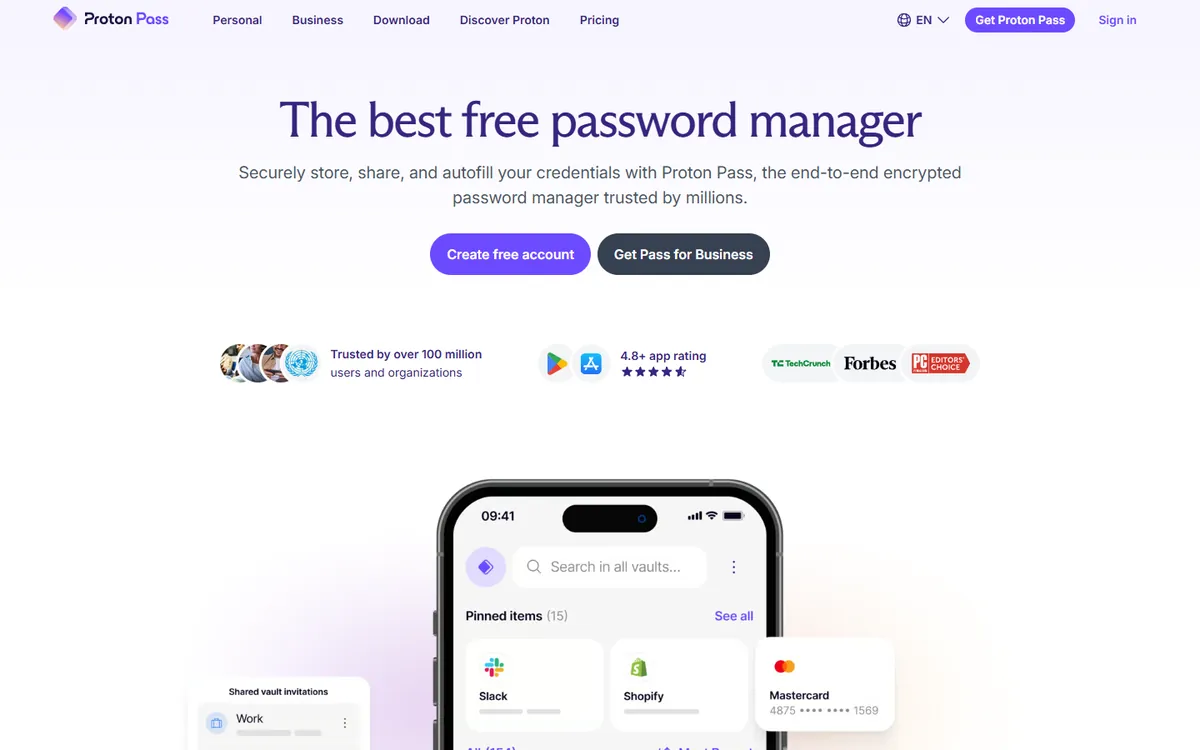
Proton Pass pricing in detail
| Plan | Price | Key features |
|---|---|---|
| Free | $0 | Unlimited passwords, devices and passkeys, limited aliases |
| Pass Plus | ~$2.99/mo yearly | Unlimited aliases, built-in 2FA, vault sharing |
| Pass Family | ~$4.99/mo yearly | Up to 6 users |
| Proton Unlimited | Higher | Mail, VPN, Drive and Pass |
| Business | Per user | Admin console, policies |
Proton frequently runs introductory discounts — compare renewal prices.
What you get
- End-to-end encryption of all vault data.
- Email aliases to protect your inbox.
- Built-in 2FA codes and passkeys.
- Open-source, audited apps.
- Swiss privacy jurisdiction.
Where it falls short
- Fewer business admin features than 1Password.
- Younger product with fewer integrations.
- Best value inside the Proton ecosystem.
Who it's best for
Privacy-focused individuals and families, especially Proton Mail users. Skip it if you need mature enterprise reporting.
3. KeePassXC
Price: Free and open source. See KeePassXC's official site for current plans.
KeePassXC stores your passwords in a single encrypted database file on your own computer — no account, no cloud, no subscription. It has a browser extension for autofill, TOTP support, an SSH agent and password generators, and it is trusted by security professionals. You decide how to sync the file across devices (for example, via a cloud drive or Syncthing), and use compatible apps such as KeePassDX or Strongbox on phones.
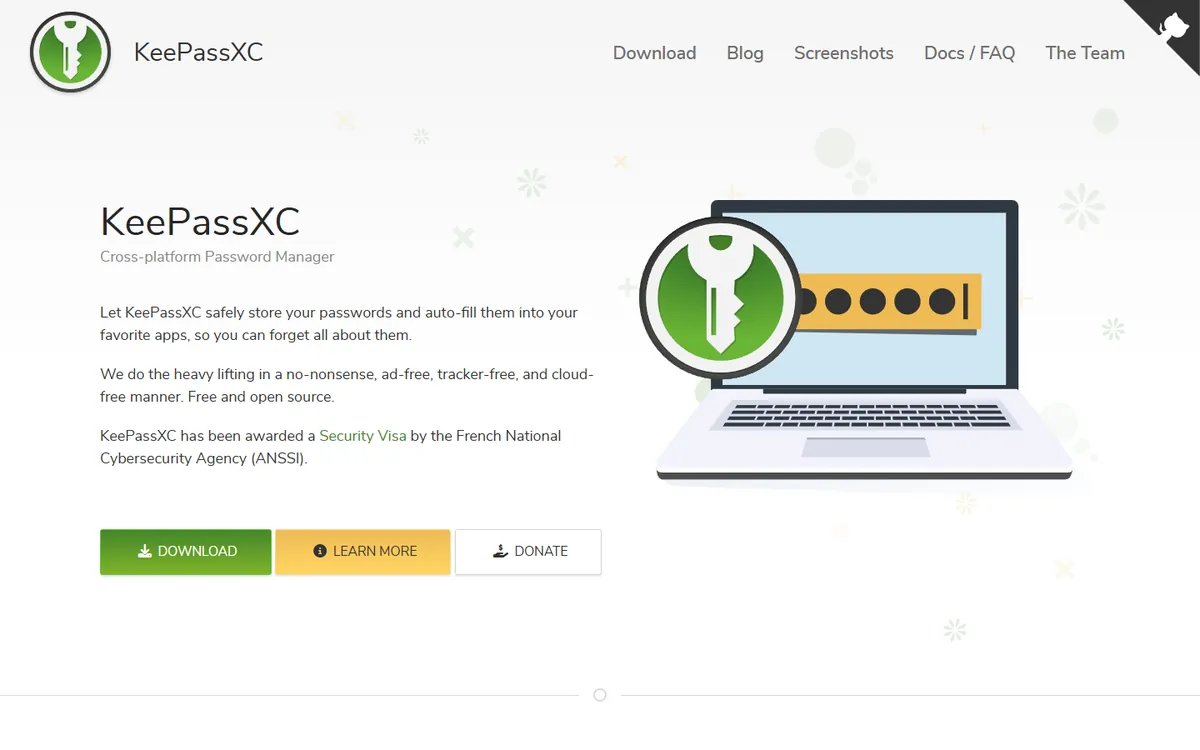
KeePassXC pricing in detail
| Option | Price | Notes |
|---|---|---|
| KeePassXC | Free | Windows, macOS, Linux |
| Mobile companions | Free to low cost | KeePassDX (Android), Strongbox (iOS) |
What you get
- Fully offline encrypted vault (KDBX format).
- Browser integration for autofill.
- TOTP codes and SSH agent.
- No account or vendor lock-in.
- Open-source code reviewed by the security community.
Where it falls short
- You manage syncing and backups.
- No built-in sharing or team admin.
- Less convenient on phones.
Good to know
Store your KeePassXC database in a cloud folder (OneDrive, iCloud, Dropbox) or sync it with Syncthing, and protect it with a strong master password plus a key file for extra security. Keep at least one offline backup of the database file — if you lose it and the master password, nothing can be recovered. Teams can share a separate database for shared credentials, with access controlled by who has the file and key.
Who it's best for
Technical users who want complete control of their data. Skip it if you need easy sharing with family or colleagues.
4. NordPass
Price: Free (one active device at a time); Premium about $1.49 a month on a two-year plan; Family and Business plans per user. See NordPass' official pricing page for current plans.
NordPass, from the makers of NordVPN, is a polished password manager using XChaCha20 encryption. Premium adds unlimited active devices, password health reports, breach scanning, email masking and passkeys. Its long-term pricing is very low, but the best rates require a two-year commitment and renewals cost more.
NordPass pricing in detail
| Plan | Price | Notes |
|---|---|---|
| Free | $0 | One active device session at a time |
| Premium | ~$1.49/mo (2-year) | Unlimited devices, breach scanner, email masking |
| Family | Per month (2-year) | Up to 6 users |
| Teams / Business | Per user | Admin console, sharing, policies |
What you get
- Password health and data breach scanner.
- Passkeys and email masking.
- Clean apps on all platforms.
- Business admin console with activity logs.
Where it falls short
- Free plan allows only one active device at a time.
- Lowest prices need a two-year term, and renewals are higher.
- Not open source.
Good to know
NordPass includes a free Data Breach Scanner that checks whether your email addresses appear in known breaches, even on the free plan. For businesses, NordPass Teams and Business add an admin panel, password policies and activity logs at lower prices than 1Password Business. Read the renewal price before buying a two-year plan, and set a reminder before the term ends.
Who it's best for
Users who want a polished app at a low price and are happy to commit for two years. Skip it if you dislike long contracts.
5. RoboForm
Price: Free (one device); Premium about $1.66–2.49 a month billed yearly; Family about $1.59 a month introductory for five users; business plans available. See RoboForm's official site for current plans.
RoboForm has been around since 1999 and is still the best password manager for filling in long web forms — addresses, payment details, company information and custom fields. It supports passkeys, sharing, emergency access and TOTP, and its prices are among the lowest for a polished commercial product. Watch for introductory prices that increase at renewal.
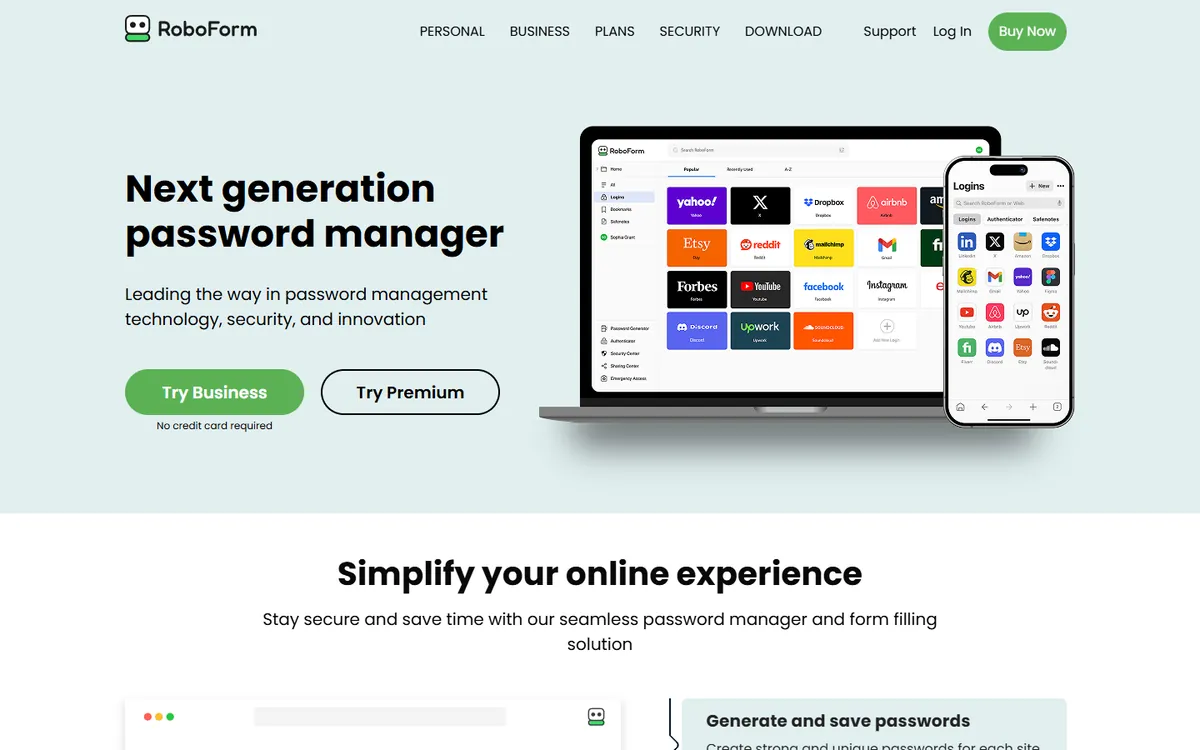
RoboForm pricing in detail
| Plan | Price | Notes |
|---|---|---|
| Free | $0 | One device |
| Premium | ~$1.66–2.49/mo billed yearly | All devices, sync, sharing, emergency access |
| Family | ~$1.59/mo intro | Up to 5 users |
| Business | Per user | Admin, groups, reports |
What you get
- Best-in-class form filling for complex web forms.
- Password sharing and emergency access.
- Passkeys and TOTP.
- Password audit and breach monitoring.
- Business plans with admin control.
Where it falls short
- Introductory prices rise at renewal.
- Interface feels older than 1Password.
- Not open source.
Good to know
RoboForm's identities feature stores names, addresses, company details and payment cards, then fills complex forms with one click — it saves real time on government, insurance and booking sites. Business plans include groups and role-based access for sharing credentials across teams. Watch introductory prices: the first year is often discounted, and renewals return to the standard rate.
Who it's best for
People who fill in a lot of web forms and want a cheap, reliable manager. Skip it if you want open-source code you can audit.
What a 30-person company pays per year
| Option | Annual cost |
|---|---|
| 1Password Business (30 × $7.99 × 12) | ~$2,876 |
| Bitwarden Enterprise (30 × $6 × 12) | $2,160 |
| Bitwarden Teams (30 × $4 × 12) | $1,440 |
| NordPass / RoboForm Business | Usually lower per user |
| KeePassXC (self-managed) | $0 |
How to switch without losing your work
- Export your 1Password data as a 1PUX or CSV file from the desktop app.
- Import it into the new manager — Bitwarden, Proton Pass, NordPass and RoboForm all import 1Password exports.
- Delete the export file securely — it contains every password in plain text.
- Check attachments, passkeys and TOTP codes, which may not transfer and need re-adding.
- Turn off 1Password autofill to avoid conflicts once the new manager is working.
Which one should you choose?
- You want the best free and best-value option: Bitwarden.
- You care about privacy and email aliases: Proton Pass.
- You want an offline vault with no account: KeePassXC.
- You want a polished app at a low long-term price: NordPass.
- You fill in a lot of web forms: RoboForm.
Hidden costs and gotchas
- Renewal prices. NordPass, RoboForm and Proton advertise introductory or multi-year rates that rise later.
- Passkeys. Passkey export between managers is still maturing; some passkeys must be recreated.
- Business features. SSO, SCIM and policies may require the top business tier.
- Family sharing. Check how many users a family plan really includes.
- Export security. Plain-text exports are dangerous — delete them immediately after importing.
Our verdict
Bitwarden is the best 1Password alternative for almost everyone — free for individuals and roughly half the price for businesses, with open-source security. Proton Pass is the privacy pick, KeePassXC gives complete control, NordPass offers polish at a low long-term price, and RoboForm is unbeatable at form filling.
More cheaper alternatives: see our breakdowns of the cheaper options to ExpressVPN, Google Workspace and Dropbox.
Related reading: How to Handle Secrets and API Keys, Why Does My Website Say "Not Secure"? and What Is Row Level Security, and When Do You Need It?.
Planning a switch, or not sure which tool fits the way your team works? Book a free call and we will look at your stack with you.
Prices are US list prices in USD unless marked, checked on 27 October 2026. "Annual" means the per-month price when billed yearly. Vendors change pricing often, so confirm on the vendor's site before buying. Product names and logos are trademarks of their respective owners and are used here for identification only.
Common questions
What is the best free alternative to 1Password?
Bitwarden. Its free plan includes unlimited passwords on unlimited devices and passkey support.
Is Bitwarden as secure as 1Password?
Both use strong end-to-end encryption and are independently audited. Bitwarden is also open source.
Does 1Password have a free plan?
No. 1Password only offers a 14-day free trial.
Can I import my 1Password vault into Bitwarden?
Yes. Export a 1PUX or CSV file from 1Password and import it into Bitwarden.
Did Bitwarden raise its prices?
Yes. Premium rose from about $10 to about $19.80 a year in early 2026.
