In short
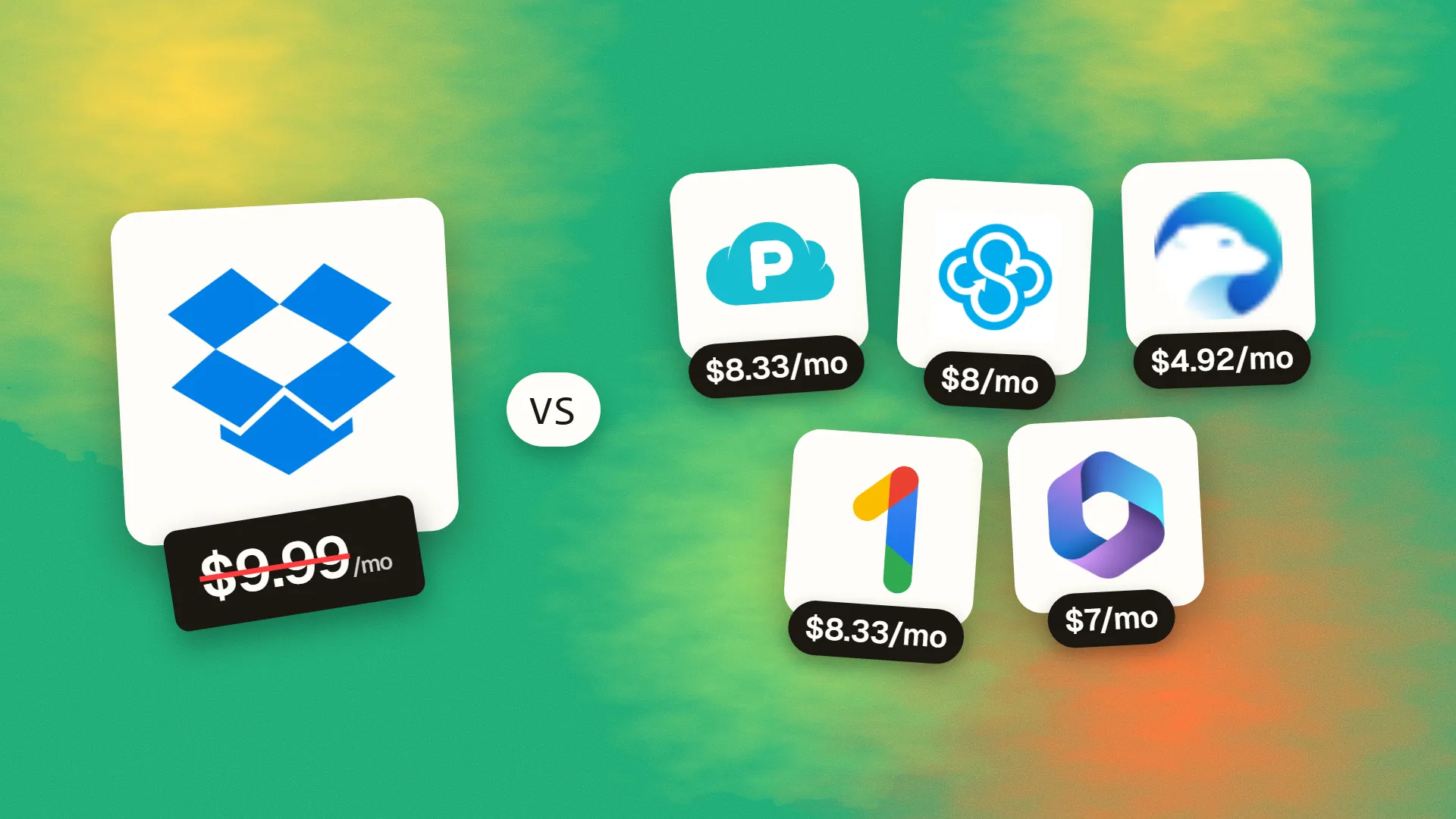
The best cheaper alternatives to Dropbox in 2026 are pCloud (from $8.33/month or $399 one-time), Sync.com (from $8/month), Icedrive (from $4.92/month), Google One (from $8.33/month) and Microsoft 365 Business Basic (from $7/month). Dropbox itself starts at $9.99 a month, so most teams can cut the cost substantially without losing the features they actually use.
Dropbox pioneered effortless file sync, and its desktop app is still among the fastest and most reliable. It is not the cheapest. In 2026 Dropbox Plus (2TB) costs $11.99/month or about $9.99/month billed annually, Essentials (3TB) about $19.99, and team plans start at $18 per user per month for Business (three-user minimum) and $30 for Business Plus.
Storage itself has become a commodity, and many people already pay for cloud space they do not use — through Google or Microsoft subscriptions. Others would rather pay once and own their storage for life. Here are five cheaper options.
 Dropboxvs
 pCloud
 Sync.com
 Icedrive
 Google One
 Microsoft 365 Business Basic
What Dropbox actually costs in 2026
| Plan | Price | Storage | Notes |
|---|---|---|---|
| Basic | Free | 2GB | Three devices |
| Plus | $9.99/mo annual ($11.99 monthly) | 2TB | 1 user |
| Essentials | ~$19.99/mo | 3TB | Pro tools for freelancers |
| Business | $18/user/mo | Pooled (5TB+ per team) | 3-user minimum |
| Business Plus | $30/user/mo | Pooled (15TB+) | Advanced admin and recovery |
The current tiers are listed on Dropbox's official pricing page.
The 5 cheaper alternatives at a glance
| Tool | Starts at | Model | Best for |
|---|---|---|---|
| Dropbox | $9.99/mo | subscription | The benchmark |
| pCloud | $8.33/mo or $399 one-time | one time | Anyone tired of paying yearly for storage |
| Sync.com | $8/mo | subscription | Privacy-sensitive files (legal, health, finance) |
| Icedrive | $4.92/mo | subscription | Cheap personal bulk storage |
| Google One | $8.33/mo | subscription | Personal users in the Google ecosystem |
| Microsoft 365 Business Basic | $7/mo | subscription | Teams that want storage + email + chat for less than Dropbox Business |
How we picked these alternatives
We compared price per terabyte, desktop sync quality, sharing features, security (encryption and data location) and whether the service suits individuals, families or teams. Prices checked 27 October 2026.
1. pCloud
Price: 2TB for about $99.99/year (about $8.33/month), or Lifetime 2TB for $399 one-time. Lifetime 500GB costs about $199–219. Zero-knowledge encryption (pCloud Encryption) is an optional add-on. See pCloud's official pricing page for current plans.
pCloud is a Swiss company founded in 2013, best known for something almost no other provider offers: lifetime storage plans. You pay once and keep the storage for the life of the account. It has more than 20 million users and lets you choose between EU (Luxembourg) and US data centres.
pCloud pricing in detail
| Plan | Annual | Lifetime | Storage |
|---|---|---|---|
| Free | $0 | — | Up to 10GB (with tasks) |
| Premium | ~$49.99/yr | ~$199–219 | 500GB |
| Premium Plus | ~$99.99/yr | $399 | 2TB |
| Family (lifetime) | — | ~$449–599 (frequent sales) | 2TB+ shared by up to 5 |
| pCloud Encryption | Add-on | Add-on (lifetime available) | Zero-knowledge folder |
| pCloud Business | Per user/month | — | Team plans |
What you get
- Lifetime plans — 2TB for $399 pays for itself in about 3.3 years compared with Dropbox Plus.
- pCloud Drive, a virtual drive that shows your cloud files on your computer without using local disk space.
- Data region choice between the EU and US.
- File versioning and rewind (30 days on paid plans, extendable).
- Shared links, upload links and file requests.
- Built-in audio and video players that stream media without downloading.
Where it falls short
- Encryption costs extra. Client-side, zero-knowledge encryption is an add-on.
- Collaboration features such as comments and co-editing are lighter than Dropbox's.
- Lifetime depends on the company's longevity.
Who it's best for
Individuals and families who want to stop paying for storage every year. Skip it if your team relies on Dropbox Paper or deep collaboration features.
2. Sync.com
Price: Free 5GB. Solo Basic 2TB about $8/month on annual billing. Team plans available. See Sync.com's official pricing page for current plans.
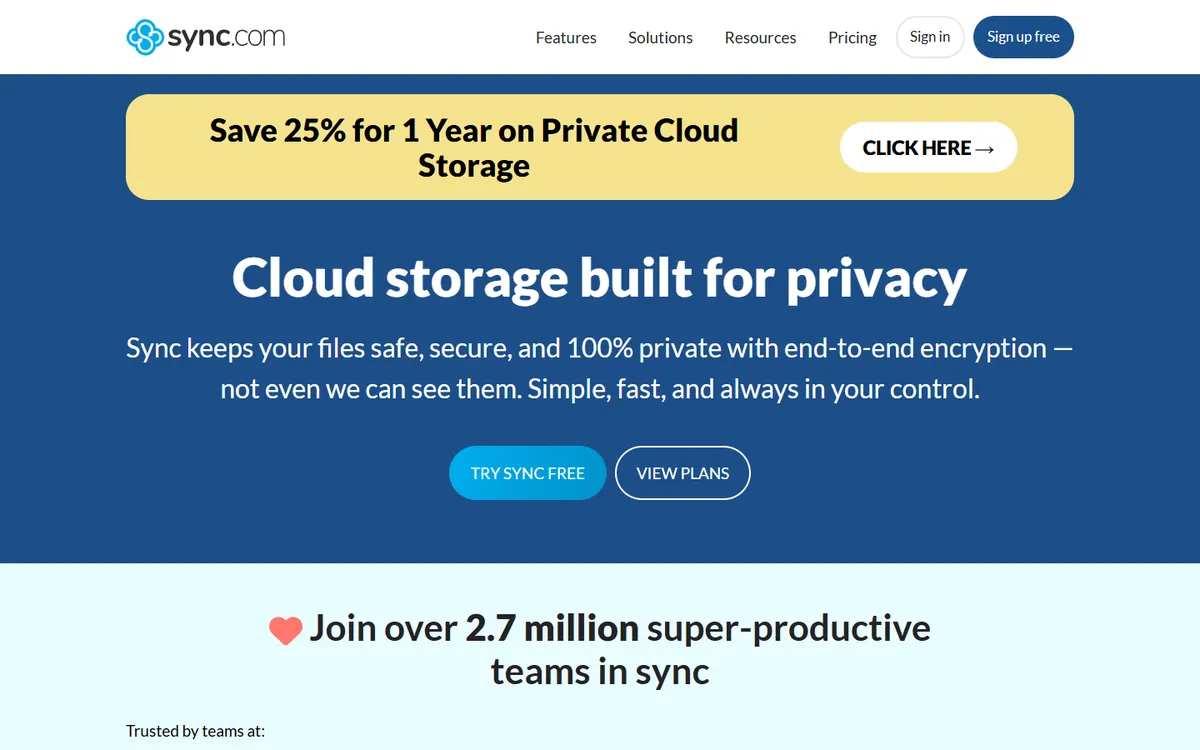
Sync.com is a Toronto-based cloud storage provider founded in 2011 with privacy as its core feature. Every file is end-to-end encrypted by default — encrypted on your device before it is uploaded — so Sync itself cannot read your data. That "zero-knowledge" design makes it popular with lawyers, accountants, therapists and healthcare providers.
Sync.com pricing in detail
| Plan | Price (annual, approx.) | Storage | Highlights |
|---|---|---|---|
| Free | $0 | 5GB | End-to-end encryption, sharing |
| Solo Basic | ~$8/mo | 2TB | Advanced sharing controls, 180-day file history |
| Solo Professional | Higher | 6TB+ | Custom branding on shares, longer history, priority support |
| Teams Standard | Per user | 1TB per user | Admin console, team shared folders |
| Teams Unlimited | Per user | Unlimited | Unlimited storage, advanced admin, phone support |
What you get
- Zero-knowledge, end-to-end encryption on every plan, including free.
- Compliance support for HIPAA, GDPR and Canadian PIPEDA, with a signed BAA available for healthcare.
- Secure sharing with password-protected links, expiry dates, download limits and notifications.
- File requests so clients can upload documents to you securely.
- Version history and deleted-file recovery (180 days on Solo Basic).
- Desktop apps for Windows and macOS, mobile apps with automatic camera upload.
Where it falls short
- Slower sync than Dropbox for very large or frequently changing files.
- No Linux desktop client.
- Limited collaboration — no real-time co-editing of Office files inside Sync.
Good to know
Sync's Solo Basic plan costs a little less than Dropbox Plus for the same 2TB, and adds encryption Dropbox does not offer by default.
Who it's best for
Professionals handling confidential client documents. Skip it if you need lightning-fast sync of huge design or video project folders.
3. Icedrive
Price: Free 10GB. Pro 2TB about $59/year (about $4.92/month); Pro+ 4TB about $89/year. Lifetime plans available. See Icedrive's official pricing page for current plans.
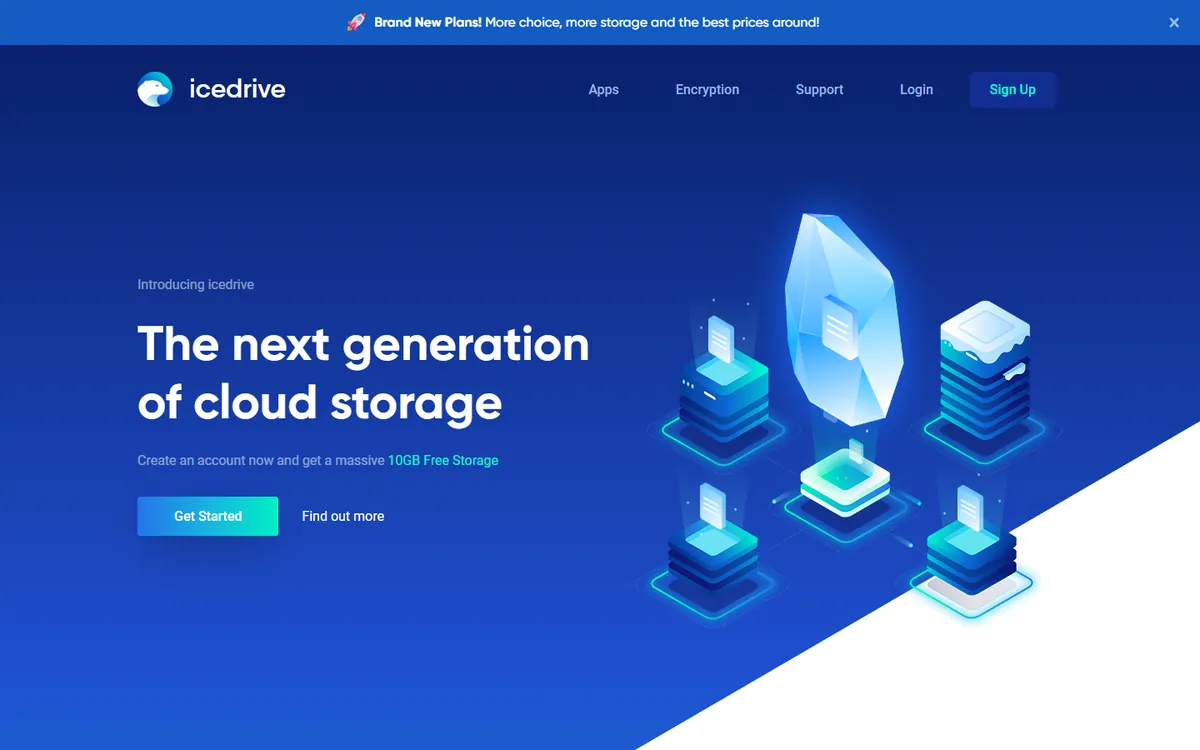
Icedrive is a UK cloud storage provider launched in 2019. It competes mainly on price and simplicity, offering some of the lowest costs per terabyte of any reputable service, plus client-side encryption and a virtual drive that makes cloud files look like a local disk.
Icedrive pricing in detail
| Plan | Annual price (approx.) | Storage | Notes |
|---|---|---|---|
| Free | $0 | 10GB | Daily bandwidth limits |
| Pro | ~$59 | 2TB | Client-side encryption, higher bandwidth |
| Pro+ | ~$89 | 4TB | More storage |
| Pro Max | ~$149 | 6TB | Largest personal plan |
| Lifetime | One-time | Various | Offered periodically |
Pricing differs between sources and promotions, so check Icedrive's page.
What you get
- Very low price per terabyte — 2TB for about $5 a month.
- Client-side encryption (Twofish) for private folders on paid plans.
- Virtual drive that mounts your storage on Windows, macOS and Linux without filling your local disk.
- Clean web, desktop and mobile apps.
- File sharing links with passwords and expiry dates on paid plans.
- Lifetime plans for people who prefer to pay once.
Where it falls short
- Smaller company than Dropbox or Google, with fewer team features.
- No business admin console comparable to Dropbox Business.
Good to know
Over five years, Icedrive Pro costs roughly half of Dropbox Plus.
Who it's best for
Individuals who need cheap bulk storage and backups. Skip it if you need team administration.
4. Google One
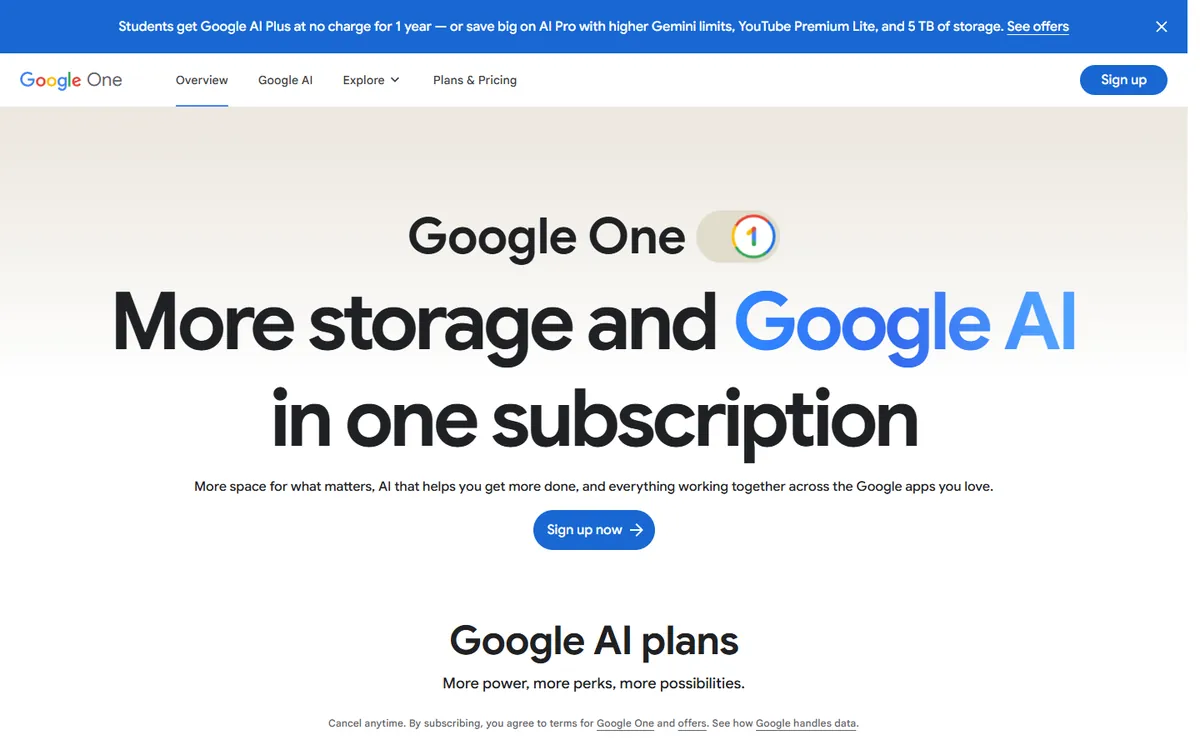
Price: 15GB free. 2TB about $99.99/year (about $8.33/month). Shareable with up to five family members. See Google One's official pricing page for current plans.
Google One is Google's paid storage subscription, shared across Google Drive, Gmail and Google Photos. Most people already have a Google account, so upgrading storage there is the easiest way to replace Dropbox for personal and family use.
Google One pricing in detail
| Plan | Price | Storage | Notes |
|---|---|---|---|
| Free | $0 | 15GB | Shared across Gmail, Drive and Photos |
| Basic / Standard | Lower tiers | 100GB / 200GB | Family sharing included |
| Premium 2TB | ~$99.99/yr | 2TB | Share with up to 5 family members |
| AI plans | Higher | 2TB+ | Include Gemini features in Gmail and Docs |
A 50% first-year promotion for 2TB ended in January 2026; check for current offers.
What you get
- One storage pool for Drive files, Gmail and Google Photos.
- Family sharing with up to five people at no extra cost.
- Google Docs, Sheets and Slides collaboration on your files.
- Desktop sync with Google Drive for desktop on Windows and macOS.
- Apps for every platform, including automatic photo backup.
- Extra perks on some plans, such as support from Google experts.
Where it falls short
- Storage is shared with Gmail and Photos.
- Desktop sync is less precise than Dropbox's for large, frequently changing folders.
- Not a business tool — use Google Workspace for teams.
Good to know
A family of five sharing Google One 2TB pays about $20 per person per year.
Who it's best for
Individuals and families in the Google ecosystem. Skip it if you need business-grade admin controls.
5. Microsoft 365 Business Basic (OneDrive)
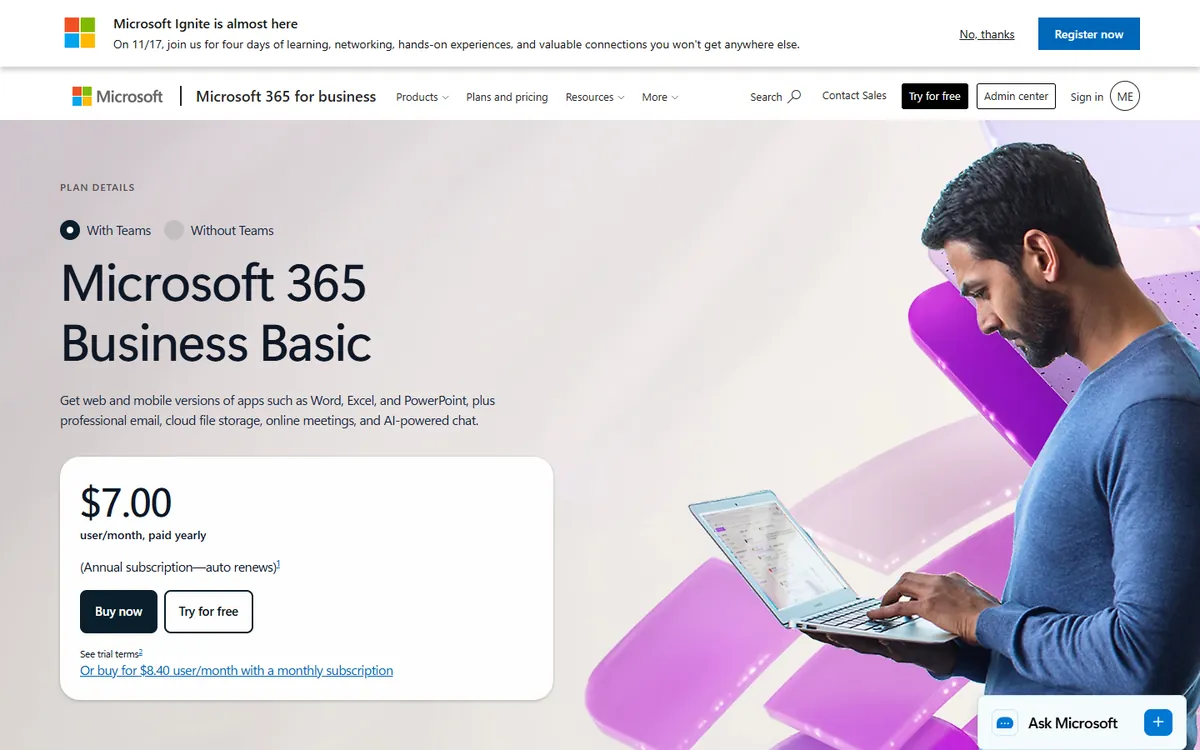
Price: $7/user/month on annual billing — includes 1TB OneDrive per user, business email, Teams and web Office apps. See Microsoft 365 Business Basic's official site for current plans.
For teams, the cheapest Dropbox Business replacement is often a Microsoft 365 plan they may already need for email. Business Basic gives every user 1TB of OneDrive storage plus SharePoint team sites, Exchange email and Teams — for less than half the price of Dropbox Business alone.
Microsoft 365 options in detail
| Plan | Price per user/month | Storage | Also includes |
|---|---|---|---|
| OneDrive for Business Plan 1 | Lower | 1TB | Storage only |
| Business Basic | $7 (annual) | 1TB | Email, Teams, SharePoint, web and mobile Office |
| Business Standard | $14 | 1TB | Desktop Office apps, webinars |
| Business Premium | $22 | 1TB | Advanced security and device management |
What you get
- 1TB of OneDrive storage per user.
- SharePoint team sites for shared folders, intranets and document libraries.
- Business email on your own domain.
- Teams chat and meetings.
- Real-time co-editing of Word, Excel and PowerPoint files in the browser.
- Retention policies, eDiscovery and admin controls.
Where it falls short
- Sharing and permissions are more complex than Dropbox's.
- OneDrive sync can be fussier with very large folders.
Good to know
A 10-person team pays $840 a year for Business Basic versus $2,160 for Dropbox Business — and gets email and Teams included.
Who it's best for
Teams that want storage, email and collaboration together. Skip it if you only need simple file sync.
What you pay over five years
| Option | 5-year cost |
|---|---|
| Dropbox Plus (annual) | ~$600 |
| pCloud 2TB annual | ~$500 |
| Google One 2TB | ~$500 |
| Sync.com Solo Basic | ~$480 |
| Icedrive Pro 2TB | ~$295 |
| pCloud Lifetime 2TB | $399 once |
For a 10-person team, Dropbox Business costs $2,160 a year; Microsoft 365 Business Basic costs $840 and includes email and Teams.
How to switch without losing your work
- Download or sync your entire Dropbox to a local drive.
- Install the new provider's desktop app and move folders into it.
- Recreate shared folders and links — old Dropbox links will stop working.
- Check version history of important files you might need later.
- Cancel or downgrade Dropbox once everything has uploaded and verified.
Which one should you choose?
- You want to stop paying for storage every year: pCloud Lifetime 2TB.
- You store confidential client, legal or medical files: Sync.com.
- You want the cheapest 2TB subscription: Icedrive.
- Your family uses Gmail and Google Photos: Google One, shared with up to five people.
- You run a team that also needs email and chat: Microsoft 365 Business Basic with OneDrive.
Hidden costs and gotchas
- Encryption add-ons. pCloud's zero-knowledge encryption is a paid add-on; Sync.com includes it by default.
- Lifetime risk. Lifetime plans depend on the company staying in business. pCloud has offered them for years, but keep a local or second backup of irreplaceable files.
- Sync performance. Dropbox's block-level sync is very efficient for large, frequently changing files (video projects, design files). Test your heaviest folders before switching.
- Shared links. Every Dropbox link you have sent will stop working. Update links in documents, websites and emails.
- Backup is not sync. Cloud sync mirrors deletions. Turn on version history or use a separate backup service for important data.
Our verdict
Pay once with pCloud Lifetime if you want to stop renting storage. Choose Sync.com for sensitive files, Icedrive for the cheapest subscription, Google One for families on Google, and Microsoft 365 Business Basic for teams that need storage plus email and collaboration.
More cheaper alternatives: see our breakdowns of the cheaper options to Microsoft 365, Adobe Acrobat and DocuSign.
Related reading: How to Back Up a Production Database, Build vs Buy Software: A Practical Decision Framework and How Much Does Website Hosting Cost?.
Planning a switch, or not sure which tool fits the way your team works? Book a free call and we will look at your stack with you.
Prices are US list prices in USD unless marked, checked on 27 October 2026. "Annual" means the per-month price when billed yearly. Vendors change pricing often, so confirm on the vendor's site before buying. Product names and logos are trademarks of their respective owners and are used here for identification only.
Common questions
What is the cheapest alternative to Dropbox?
Icedrive offers 2TB for about $59 per year. For a one-time cost, pCloud's lifetime 2TB plan costs $399.
Is pCloud's lifetime plan worth it?
If you expect to need 2TB for more than about three to four years, it is cheaper than any subscription.
Which Dropbox alternative is most secure?
Sync.com encrypts end-to-end by default. pCloud and Icedrive offer client-side encryption options.
Is OneDrive a good Dropbox replacement for businesses?
Yes, especially with Microsoft 365 Business Basic, which includes 1TB per user plus email and Teams.
Can I share files with people who do not have an account?
Yes, all five offer public or password-protected sharing links.
