In short
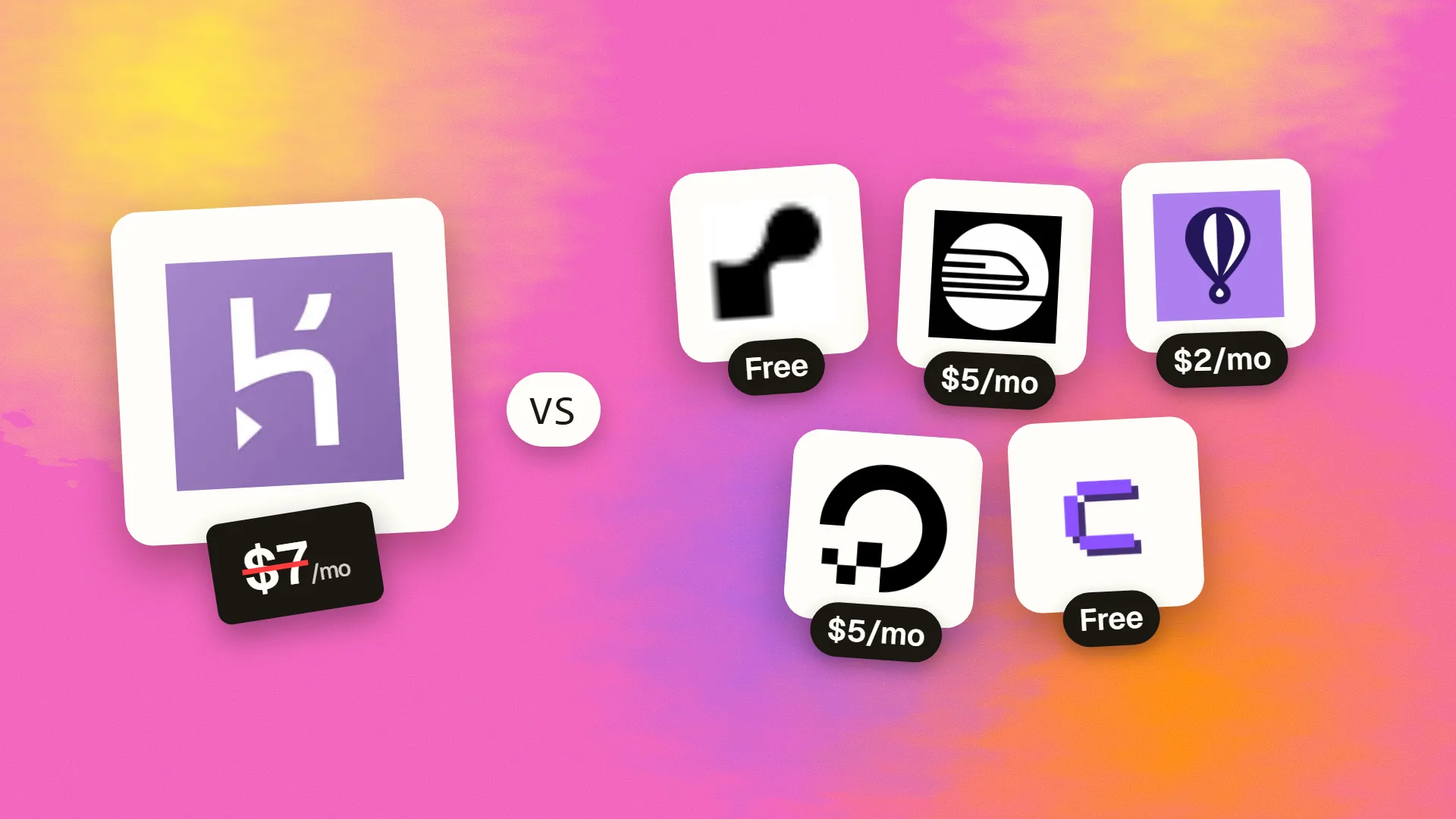
The best cheaper alternatives to Heroku in 2026 are Render (free), Railway (from $5/month), Fly.io (~$2/mo per small app), DigitalOcean App Platform (from $5/month) and Coolify (free). Heroku itself starts at $7 a month, so most teams can cut the cost substantially without losing the features they actually use.
Heroku invented the modern developer platform: git push heroku main, and your app is built, deployed and running, with managed Postgres and Redis, an add-on marketplace, pipelines and review apps. Since its free tier ended in 2022, its prices have looked high next to newer platforms. Eco dynos cost $5 a month for a shared pool of 1,000 hours and sleep when idle, Basic dynos cost $7 each, Standard-1X costs $25 and Standard-2X $50. Postgres Essential-0 costs $5, Essential-1 $9 and Essential-2 $20. A modest production app with a web dyno, a worker and a database on Standard plans easily costs $70–100 a month — before Redis, logging and monitoring add-ons.
The alternatives below deliver a similar git push experience for less, or let you run your own Heroku on a cheap server.
 Herokuvs
 Render
 Railway
 Fly.io
 DigitalOcean App Platform
 Coolify
What Heroku actually costs in 2026
| Resource | Price | Notes |
|---|---|---|
| Eco dynos | $5/mo | 1,000 shared dyno hours, sleep after inactivity |
| Basic dyno | $7/mo | Never sleeps, 512 MB |
| Standard-1X | $25/mo | 512 MB, horizontal scaling |
| Standard-2X | $50/mo | 1 GB |
| Performance-M | $250/mo | Dedicated 2.5 GB |
| Postgres Essential-0 / 1 / 2 | $5 / $9 / $20 | 1 GB / 10 GB / 32 GB |
Prices are prorated to the second. Add-ons such as Redis, logging and monitoring are billed separately. The current tiers are listed on Heroku's official pricing page.
The 5 cheaper alternatives at a glance
| Tool | Starts at | Model | Best for |
|---|---|---|---|
| Heroku | $7/mo | subscription | The benchmark |
| Render | Free tier | free | Teams that want the closest Heroku-like experience |
| Railway | $5/mo | usage based | Side projects and small apps |
| Fly.io | ~$2/mo per small app | usage based | Global apps and cost-conscious developers |
| DigitalOcean App Platform | $5/mo | subscription | Teams already using DigitalOcean |
| Coolify | Free tier | open source | Developers who want PaaS convenience at VPS prices |
How we picked these alternatives
We compared deployment experience, supported languages and Docker, managed databases, background workers and cron jobs, preview environments, scaling, pricing model and the monthly cost of a small production app. Prices checked 28 October 2026.
1. Render
Price: Free web services (spin down when idle) and free static sites; Starter instances $7 a month; Standard $25; managed Postgres and Redis priced by plan; workspace pricing was revised in August 2026. See Render's official pricing page for current plans.
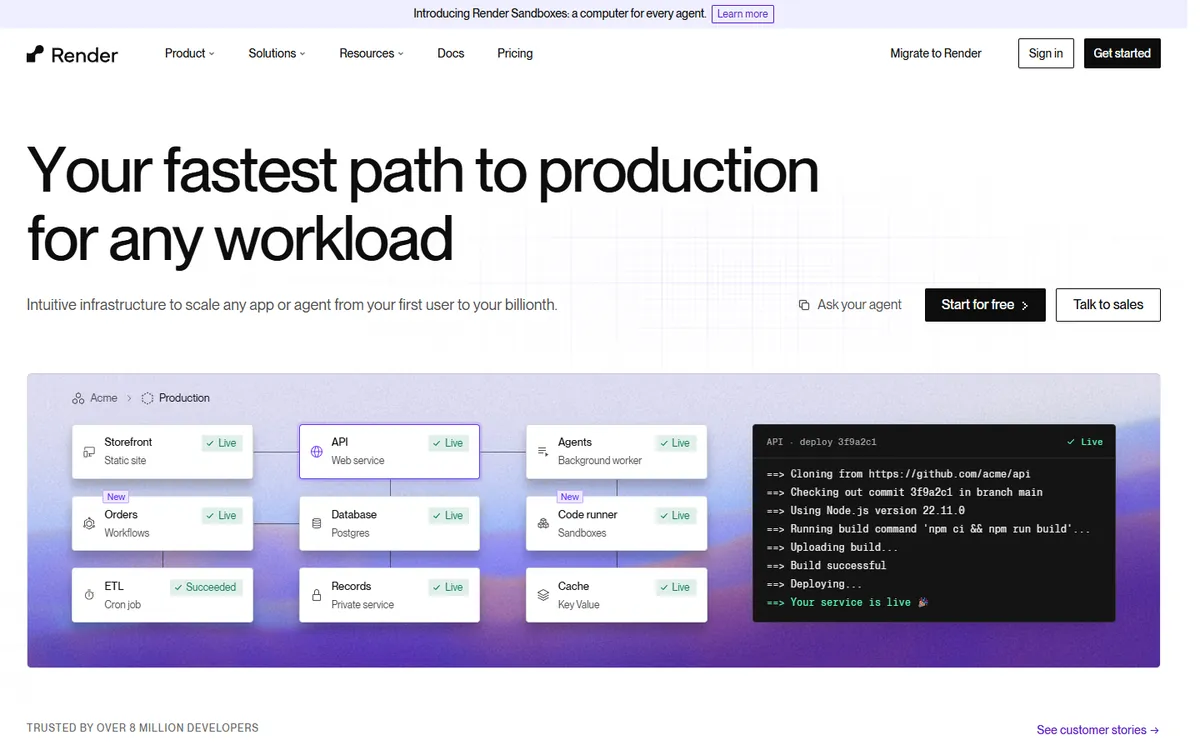
Render is the closest thing to "Heroku, but modern." Connect a Git repository and Render builds and deploys web services, background workers, cron jobs and static sites, with managed Postgres and Redis, private networking, preview environments for pull requests and free TLS. Its free tier is useful for prototypes, and its paid instances are priced similarly to Heroku dynos — but with more memory and fewer add-ons needed.
Render pricing in detail
| Service | Price | Notes |
|---|---|---|
| Static sites | Free | Global CDN |
| Web service (free) | $0 | Spins down after inactivity |
| Starter instance | $7/mo | 512 MB, always on |
| Standard instance | $25/mo | 2 GB |
| Postgres | From a few dollars/mo | Managed backups |
| Workspace plans | Per-seat tiers | Team features |
What you get
- Git-based deploys with automatic builds.
- Web services, workers, cron jobs and static sites.
- Managed Postgres and Redis.
- Preview environments for pull requests.
- Infrastructure as code with render.yaml blueprints.
Where it falls short
- Free services sleep and cold-start slowly.
- Instance pricing is similar to Heroku — savings come from fewer add-ons and more memory.
- Workspace pricing changed in 2026; check team costs.
Who it's best for
Teams that want the closest Heroku-like experience with modern features. Skip it if you need the absolute lowest price for tiny apps.
2. Railway
Price: Hobby $5 a month including $5 of usage; Pro $20 per seat a month including usage credit; pay for CPU, memory, storage and egress used. See Railway's official pricing page for current plans.
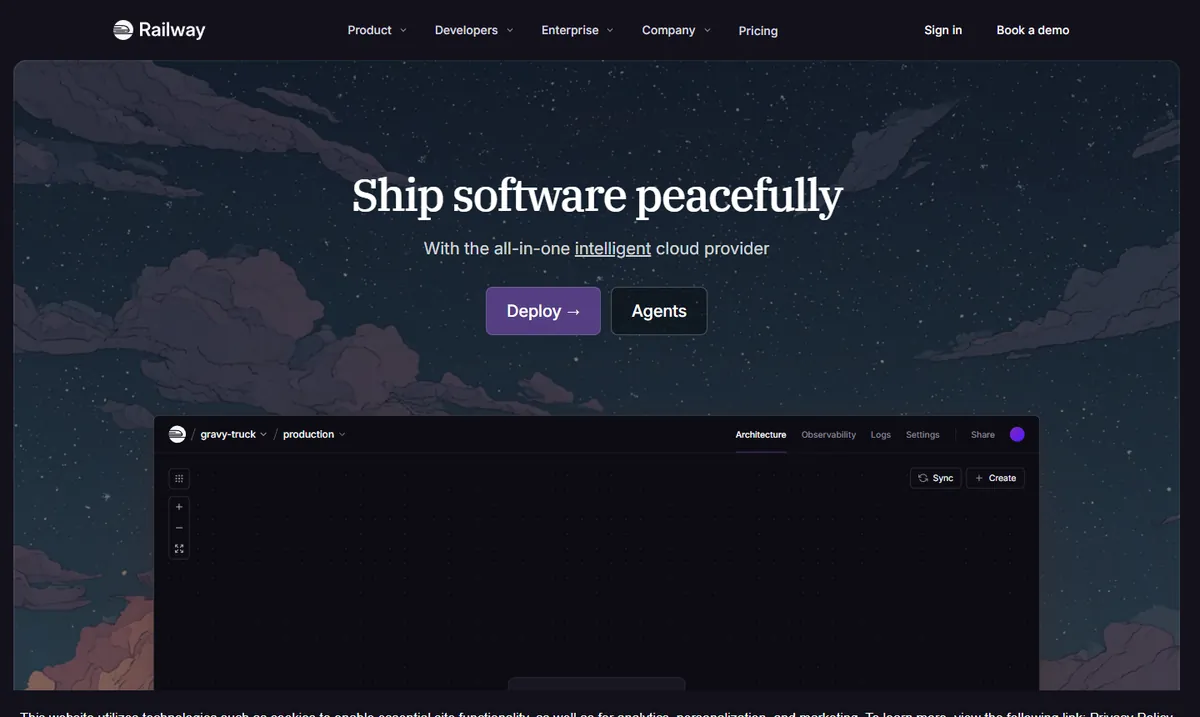
Railway makes deploying apps and databases feel effortless: deploy from GitHub, a Docker image or a template, and add Postgres, MySQL, Redis or MongoDB with one click. Billing is usage-based — you pay for the CPU and memory your services actually use — so small apps that idle most of the time often cost a few dollars a month.
Railway pricing in detail
| Plan | Price | Included usage | Notes |
|---|---|---|---|
| Hobby | $5/mo | $5 of usage | Credit card required |
| Pro | $20/seat/mo | Usage credit | Team features, higher limits |
| Enterprise | Custom | — | SSO, compliance |
Usage is billed per minute of vCPU and GB of RAM, plus egress and volume storage.
What you get
- One-click databases.
- Usage-based billing.
- Templates for hundreds of stacks.
- Private networking and volumes.
- Excellent developer experience.
Where it falls short
- Usage bills can surprise you if services stay busy.
- Billing continues while services run, even idle.
- Fewer enterprise features on lower plans.
Good to know
Railway supports Docker images, Nixpacks and templates for frameworks such as Next.js, Django and Rails. Set usage limits in your workspace so a runaway process cannot create a large bill. Its private networking connects services and databases securely without exposing them to the internet.
Who it's best for
Side projects, startups and small apps. Skip it if you need fixed, predictable bills.
3. Fly.io
Price: Pay as you go — a shared-cpu-1x machine with 256 MB costs about $2 a month and with 512 MB about $3.19; dedicated IPv4, volumes and Postgres cost extra. See Fly.io's official pricing page for current plans.
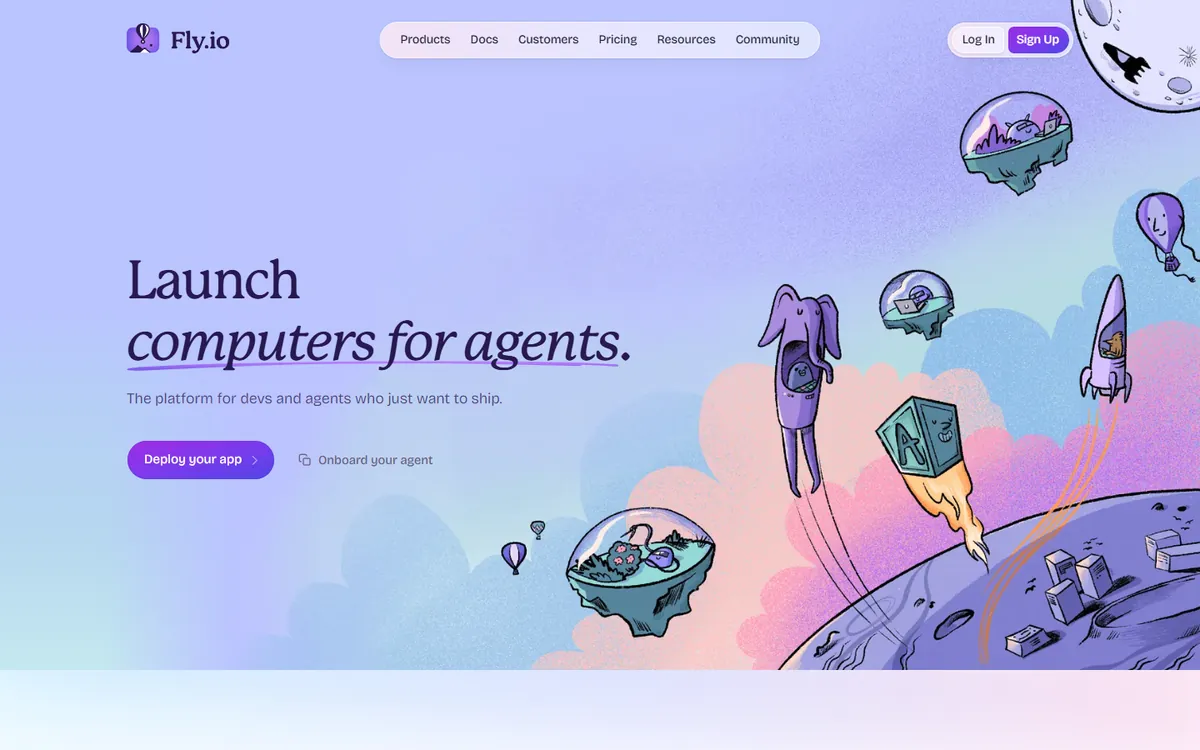
Fly.io runs your app as lightweight virtual machines close to your users, in regions around the world. It is extremely cheap for small apps and powerful for global ones, with a Machines API, volumes and managed or self-managed Postgres. It needs more operations knowledge than Heroku — you work with a CLI and configuration files.
Fly.io pricing in detail
| Resource | Approx. price |
|---|---|
| shared-cpu-1x, 256 MB | ~$2/mo |
| shared-cpu-1x, 512 MB | ~$3.19/mo |
| Dedicated IPv4 | ~$2/mo |
| Volumes | Per GB/month |
| Bandwidth | Per GB, varies by region |
What you get
- Global deployment close to users.
- Very cheap small machines.
- Machines API for advanced workflows.
- Postgres and volumes.
- Autostop and autostart to save money.
Where it falls short
- More ops knowledge needed.
- Network and snapshot charges were added in 2026.
- Managed Postgres costs more than self-managed.
Good to know
Fly.io machines can stop automatically when idle and start when a request arrives, which keeps costs low for small apps. You can deploy to several regions and route users to the nearest one. Use Fly's managed Postgres or run your own with volumes, depending on how much operations work you want.
Who it's best for
Cost-conscious developers and apps with global users. Skip it if you want a fully managed, hands-off platform.
4. DigitalOcean App Platform
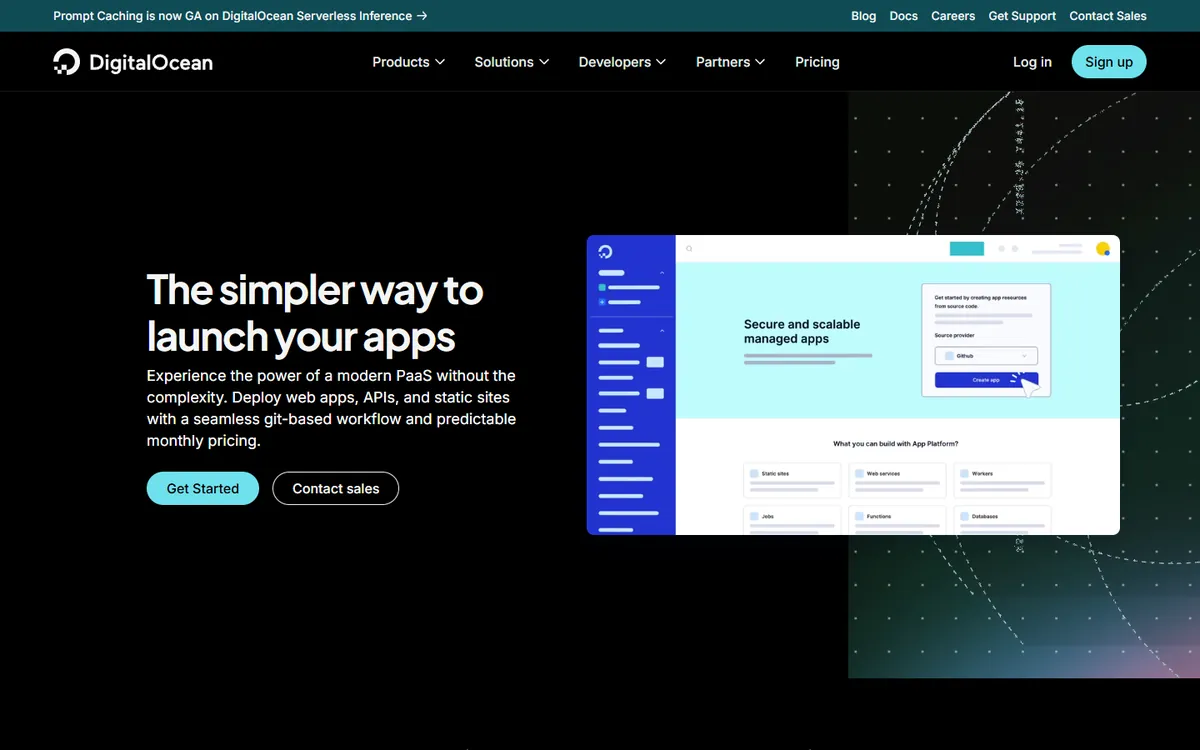
Price: Static sites free; containers from $5 a month (512 MiB, 50 GiB egress); managed databases from about $15 a month. See DigitalOcean App Platform's official pricing page for current plans.
DigitalOcean App Platform is a straightforward PaaS: deploy from Git or a container registry, with automatic builds, HTTPS, autoscaling and predictable monthly pricing. It connects easily to DigitalOcean's managed Postgres, MySQL, Redis and Spaces storage.
DigitalOcean App Platform pricing in detail
| Component | Price |
|---|---|
| Static sites | Free (limited) |
| Shared container 512 MiB | $5/mo |
| Shared container 1 GiB | $10–12/mo |
| Dedicated containers | Higher |
| Managed Postgres | From ~$15/mo |
What you get
- Git and container deploys.
- Predictable pricing.
- Managed databases.
- Autoscaling on dedicated plans.
- DigitalOcean ecosystem.
Where it falls short
- Fewer add-ons than Heroku's marketplace.
- Managed databases cost more than Heroku's smallest plans.
- Fewer preview-environment features.
Good to know
App Platform can deploy from GitHub, GitLab or a container registry, with automatic deploys on every push. It integrates with DigitalOcean Spaces for file storage and managed databases with automatic backups. Its predictable pricing makes it easy to budget for small and medium apps. Apps can scale horizontally with more containers or vertically with bigger ones, and alerts notify you when CPU or memory usage spikes.
Who it's best for
Teams already using DigitalOcean who want simple, predictable PaaS. Skip it if you depend on Heroku add-ons.
5. Coolify
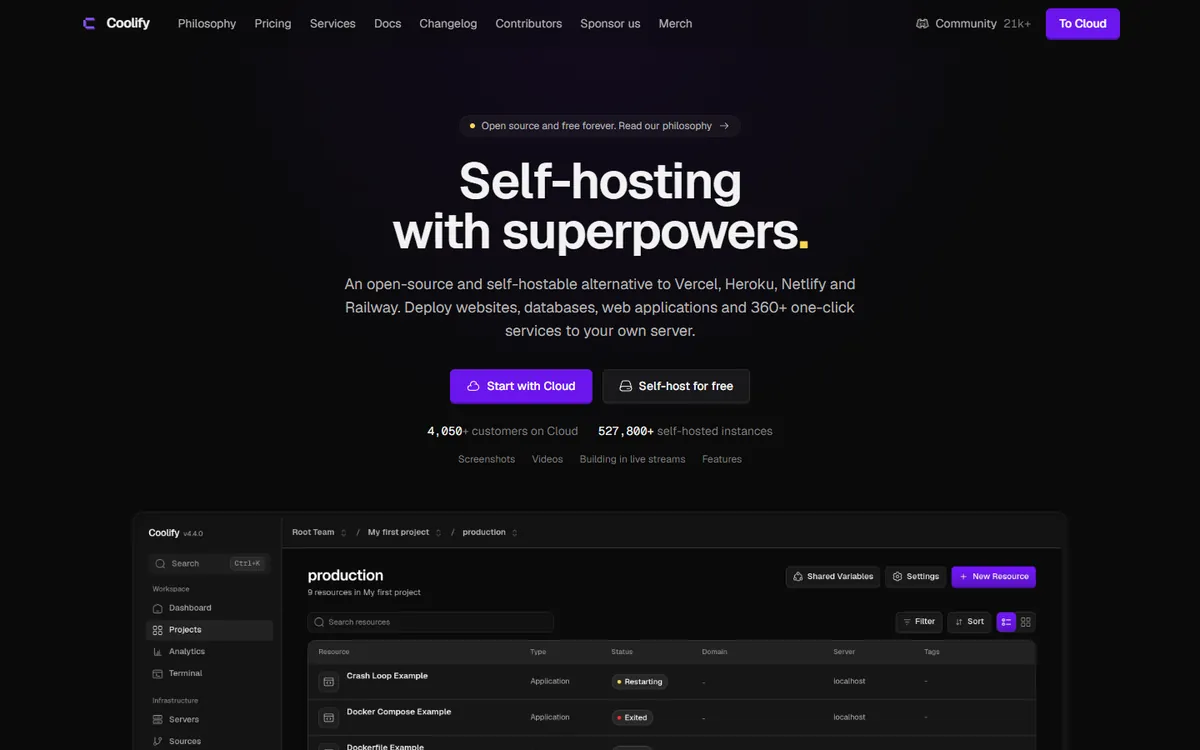
Price: Free and open source (self-host on any server); Coolify Cloud about $5 a month to manage your own servers. See Coolify's official pricing page for current plans.
Coolify is an open-source, self-hostable alternative to Heroku, Netlify and Vercel. Install it on any VPS — for example, a $6–12 server — and you get Git-based deploys, Docker support, one-click databases, automatic HTTPS, preview deployments and backups. You can run many apps on one server, so the cost per app drops to almost nothing.
Coolify pricing in detail
| Option | Price | Notes |
|---|---|---|
| Self-hosted | Free | Runs on your server |
| Coolify Cloud | ~$5/mo | Coolify manages the control plane; you bring servers |
| Your servers | From ~$5–12/mo | Any VPS provider |
What you get
- Heroku-style deploys on your own servers.
- One-click databases and services.
- Preview deployments.
- Automatic HTTPS and backups.
- No vendor lock-in.
Where it falls short
- You are responsible for the server.
- Security updates and monitoring are on you.
- Less support than managed platforms.
Good to know
Coolify can manage several servers from one dashboard, so you can separate production and staging. It supports Docker Compose, which means most open-source apps can be deployed with one click. Keep your server updated and enable Coolify's backups to S3-compatible storage.
Who it's best for
Developers who want PaaS convenience at VPS prices. Skip it if nobody can maintain a server.
What a small production app costs per month
Assume one web process, one worker and a small Postgres database.
| Option | Approx. monthly cost |
|---|---|
| Heroku (2 × Standard-1X + Essential-1) | ~$59 |
| Heroku (2 × Basic + Essential-0) | ~$19 |
| Render (2 × Starter + small Postgres) | ~$20–25 |
| Railway (usage-based) | ~$10–20 |
| Fly.io (2 small machines + Postgres) | ~$10–20 |
| DigitalOcean App Platform (2 × $5 + DB) | ~$25 |
| Coolify on a $12 VPS | ~$12 |
How to switch without losing your work
- Containerise or confirm buildpack support — most platforms support Dockerfiles and many support Heroku buildpacks.
- Export your Postgres database with
pg_dump(or Heroku backups) and restore it on the new platform. - Copy config vars to environment variables on the new platform.
- Replace Heroku add-ons (Redis, logging, scheduler) with platform equivalents.
- Switch DNS after testing, keeping Heroku running until traffic has moved.
Which one should you choose?
- You want the closest Heroku experience: Render.
- You run side projects and small apps: Railway.
- You want cheap, global deployment: Fly.io.
- You want simple, predictable PaaS: DigitalOcean App Platform.
- You want PaaS on your own cheap servers: Coolify.
Hidden costs and gotchas
- Egress and bandwidth. Usage platforms charge for data transfer.
- Sleeping services. Free tiers sleep and cold-start slowly.
- Database backups. Check point-in-time recovery and retention.
- Add-on replacements. Heroku add-ons often bundle logging and monitoring you will need elsewhere.
- Usage spikes. Set spending limits on usage-based platforms.
Our verdict
Render is the best Heroku alternative for most teams — the same workflow with modern features. Railway is ideal for side projects, Fly.io for cheap global apps, DigitalOcean App Platform for predictable pricing, and Coolify for running your own Heroku on a cheap server.
More cheaper alternatives: see our breakdowns of the cheaper options to WP Engine, SendGrid and GoDaddy.
Related reading: How to Do a Zero-Downtime Deploy, What Is Serverless? and How Much Does Website Hosting Cost?.
Planning a switch, or not sure which tool fits the way your team works? Book a free call and we will look at your stack with you.
Prices are US list prices in USD unless marked, checked on 27 October 2026. "Annual" means the per-month price when billed yearly. Vendors change pricing often, so confirm on the vendor's site before buying. Product names and logos are trademarks of their respective owners and are used here for identification only.
Common questions
What is the closest alternative to Heroku?
Render. It offers Git deploys, workers, cron jobs, managed Postgres and preview environments.
Does Heroku have a free plan?
No. Heroku's free dynos ended in 2022; Eco dynos cost $5 a month.
What is the cheapest way to host a small app?
Fly.io or Railway for managed platforms, or Coolify on a cheap VPS.
Can I use Heroku buildpacks elsewhere?
Yes. Cloud Native Buildpacks are supported by several platforms, and Dockerfiles work almost everywhere.
How do I move my Heroku Postgres database?
Create a backup with pg_dump or Heroku PG Backups and restore it on the new provider.
