In short
The best cheaper alternatives to Notion in 2026 are Obsidian (free), Anytype (free), AppFlowy (free), Capacities (free) and Microsoft Loop (free). Notion itself starts at $10 a month, so most teams can cut the cost substantially without losing the features they actually use.
Notion is the all-in-one workspace that replaced wikis, docs and spreadsheets for millions of teams. Its free plan is generous for one person, but it limits block usage as soon as you invite a second member, keeps only seven days of page history and caps file uploads at 5 MB. Plus costs $10 per member per month, and Business costs $20 per member per month — Business is now the plan that includes Notion AI (Notion Agent, AI meeting notes and enterprise search), while Free and Plus only get a trial. Custom AI agents are billed on top at $10 per 1,000 Notion credits.
For a ten-person team that wants AI, that is $2,400 a year before agent credits. If you mainly need notes, docs and a light database — or you care about owning your data — several alternatives cost a fraction of that or nothing at all.
 Notionvs
 Obsidian
 Anytype
 AppFlowy
 Capacities
 Microsoft Loop
What Notion actually costs in 2026
| Plan | Price per member | Notion AI | Key limits |
|---|---|---|---|
| Free | $0 | Trial only | Limited blocks for 2+ members, 5 MB uploads, 7-day history |
| Plus | $10/mo | Trial only | 5 GB uploads, 30-day history |
| Business | $20/mo | Included | 90-day history, SAML SSO, private teamspaces |
| Enterprise | Custom | Included | Zero data retention with AI providers, audit log |
Notion says yearly billing saves up to 20%. Custom domains for Notion Sites cost $8–10 per domain per month extra.
The 5 cheaper alternatives at a glance
| Tool | Starts at | Model | Best for |
|---|---|---|---|
| Notion | $10/mo | subscription | The benchmark |
| Obsidian | Free tier | free | Personal knowledge bases and writers |
| Anytype | Free tier | free | Privacy-minded users who want a Notion-like structure |
| AppFlowy | Free tier | open source | Teams that want a Notion clone they can host themselves |
| Capacities | Free tier | free | Individuals building a personal knowledge system |
| Microsoft Loop | Free tier | free | Teams already paying for Microsoft 365 |
How we picked these alternatives
We compared docs and database features, collaboration, offline access, data ownership (local files, open source, self-hosting), AI options and the real cost for one person and a ten-person team. Prices checked 28 October 2026.
1. Obsidian
Price: Free, including commercial use; Sync $4/month billed yearly ($5 monthly); Publish $8/month billed yearly. See Obsidian's official pricing page for current plans.
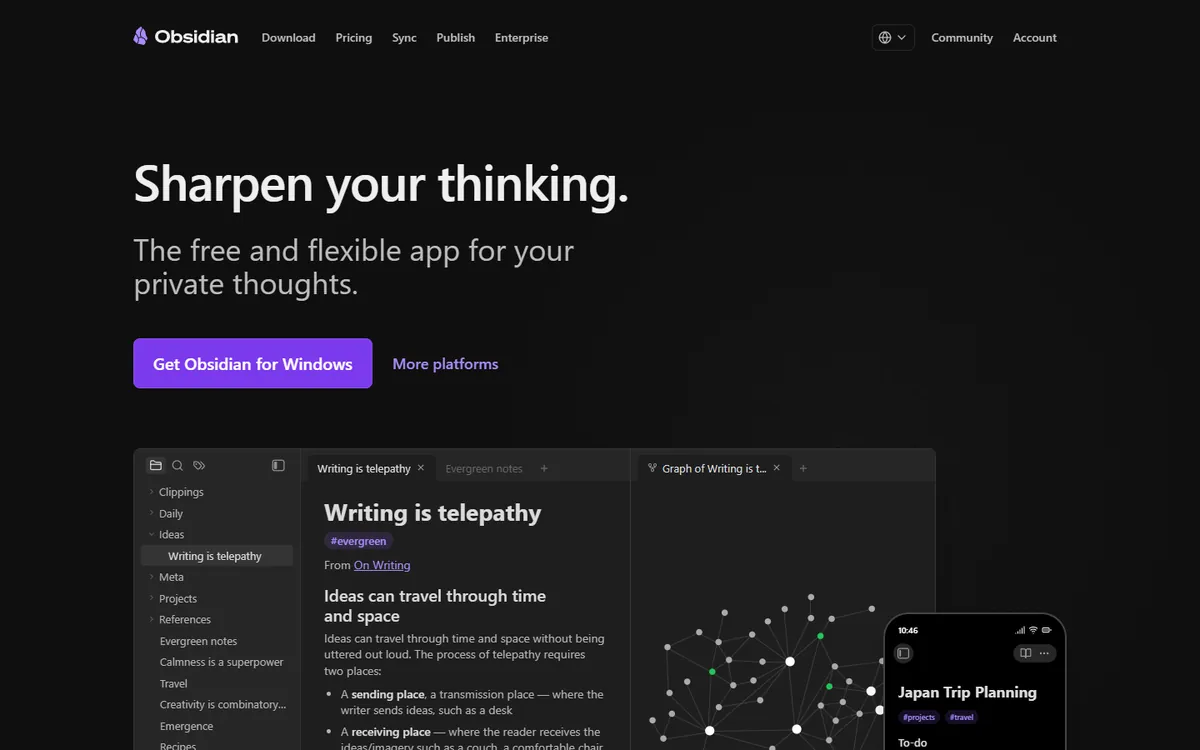
Obsidian is the opposite of Notion in one important way: your notes are plain Markdown files in a folder on your own computer. Nothing is locked into a proprietary database, and if Obsidian disappeared tomorrow you would still have every note. On top of that simple foundation it adds backlinks, a graph view of how notes connect, canvases and more than 2,000 community plugins — including Dataview, which turns notes into Notion-like queryable tables.
Obsidian pricing in detail
| Product | Price | What you get |
|---|---|---|
| Obsidian app | Free (personal and commercial) | All core features on every platform |
| Sync Standard | $4/mo yearly ($5 monthly) | 1 vault, 1 GB, 1 month version history, end-to-end encryption |
| Sync Plus | $8/mo yearly ($10 monthly) | 10 vaults, 10 GB (up to 100 GB), 12 months history |
| Publish | $8/mo yearly | Publish notes as a website |
Since 2025 Obsidian no longer requires a commercial licence for business use, so a company can run it for free and pay only for Sync where it is needed.
What you get
- Local Markdown files you can open in any editor and back up however you like.
- Backlinks, tags and graph view for building a connected knowledge base.
- Canvas for visual boards and mind maps.
- 2,000+ community plugins for tasks, calendars, Kanban boards, spaced repetition and databases.
- End-to-end encrypted Sync across desktop and mobile.
Where it falls short
- Real-time collaboration is weak. Shared vaults work, but there is no Google Docs-style co-editing.
- Plugins vary in quality and can break after updates.
- No built-in relational databases like Notion's; Dataview queries require some learning.
Who it's best for
Individuals, writers, researchers and developers who want a fast, private knowledge base they own. Skip it if your team needs a shared wiki that ten people edit at the same time.
2. Anytype
Price: Free (local-first, 100 MB of remote storage, shared spaces); paid tiers around $4–8 a month add more storage and collaboration. See Anytype's official pricing page for current plans.
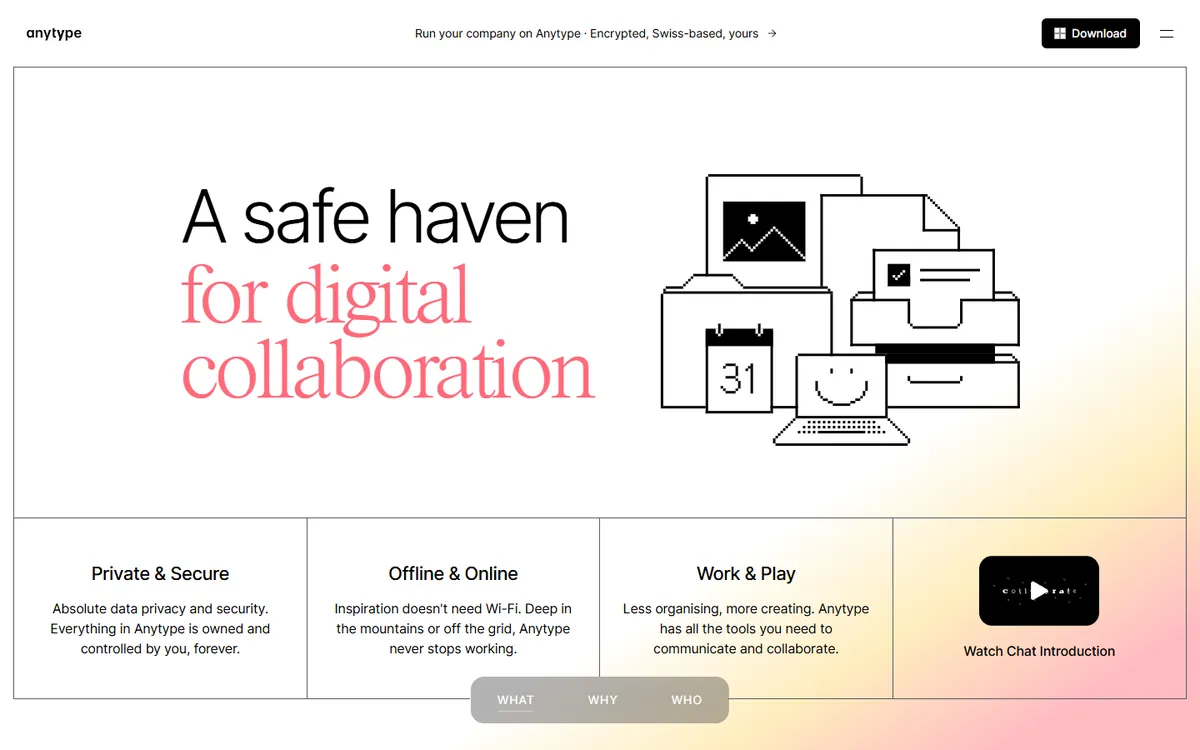
Anytype looks and feels like Notion — pages built from blocks, databases called sets and collections, templates and relations — but it is local-first and end-to-end encrypted. Your data lives on your devices and syncs peer-to-peer or through Anytype's encrypted network, and you can self-host the sync node. It is the most direct answer for teams that like Notion's structure but not the idea of their entire company knowledge sitting on someone else's servers.
Anytype pricing in detail
| Plan | Price | Storage and sharing |
|---|---|---|
| Free | $0 | Unlimited local objects, 100 MB remote storage, limited shared spaces |
| Paid tiers | ~$4–8/month (annual) | More remote storage, more editors in shared spaces |
| Self-hosted | Free | Run your own sync infrastructure |
Prices have changed several times; check the in-app membership page for the current tiers.
What you get
- Notion-style objects, sets and collections with relations between them.
- End-to-end encryption and local-first storage — works fully offline.
- Shared spaces for collaborating with others.
- Templates and widgets for a personal dashboard.
- Desktop and mobile apps that sync.
Where it falls short
- Younger ecosystem with fewer templates and integrations than Notion.
- No public API on the scale of Notion's.
- Collaboration features are still maturing.
Who it's best for
Privacy-conscious individuals and small teams who want Notion's way of organising information without a cloud vendor holding their data. Skip it if you need deep integrations with Slack, Jira or your CRM.
3. AppFlowy
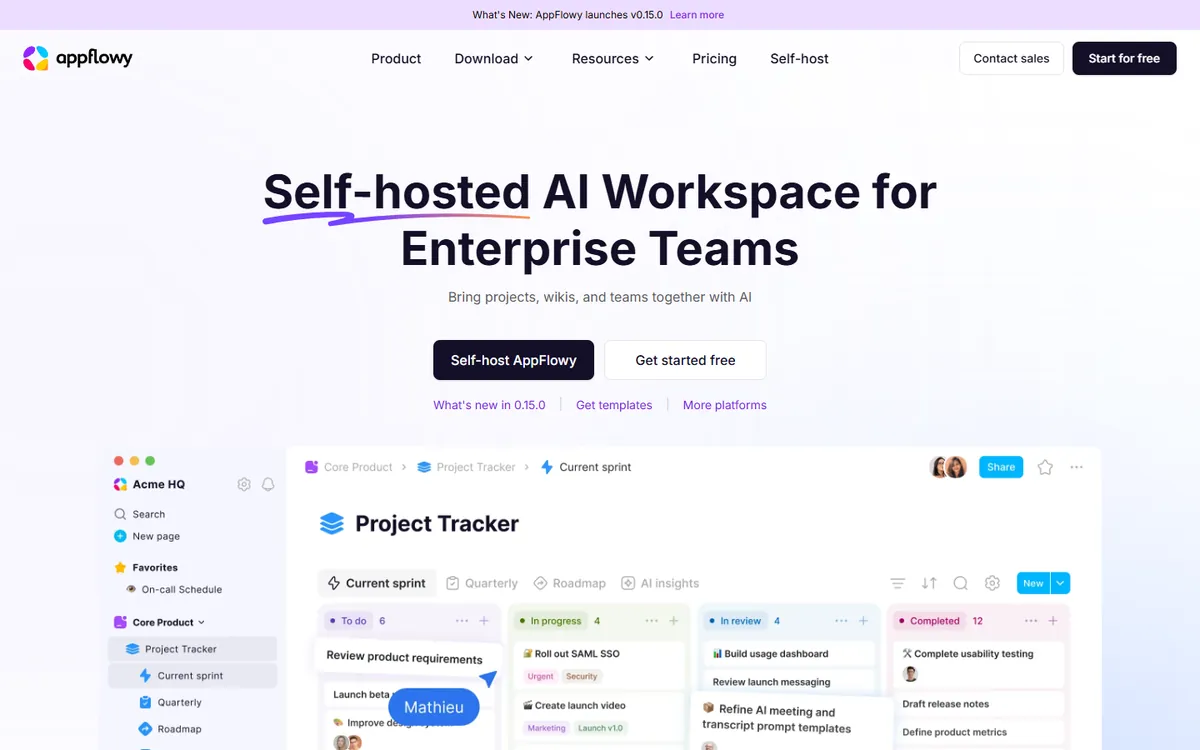
Price: Open source and free to self-host; cloud Free (5 GB); Pro $10/month billed yearly ($12.50 monthly). See AppFlowy's official pricing page for current plans.
AppFlowy is an open-source Notion clone written in Rust and Flutter. It offers documents, Kanban boards, grids and calendars that will feel immediately familiar to Notion users, plus AI writing assistance that can run on local models. The big advantage is choice: use the hosted cloud, or run it on your own server and pay nothing per user.
AppFlowy pricing in detail
| Plan | Price | Members | Key features |
|---|---|---|---|
| Free (cloud) | $0 | Small teams | 5 GB storage, core features |
| Pro (cloud) | $10/mo yearly ($12.50 monthly) | Up to 50 members, 100 guests | Unlimited storage, unlimited AI responses |
| Self-hosted | Free | Unlimited | Your own infrastructure |
What you get
- Docs, boards, grids and calendars with Notion-like blocks.
- Open source (AGPL) — inspect, modify and self-host the code.
- AI writing with cloud models or local models via Ollama.
- Offline-first desktop and mobile apps.
- Templates and a growing plugin ecosystem.
Where it falls short
- Fewer integrations and automations than Notion.
- Some features lag behind Notion, such as advanced database formulas and permissions.
- Self-hosting needs technical skills.
Who it's best for
Teams that want a Notion-style workspace they can host themselves, or that want unlimited AI on a budget. Skip it if you depend on Notion's integrations or its marketplace of templates.
4. Capacities
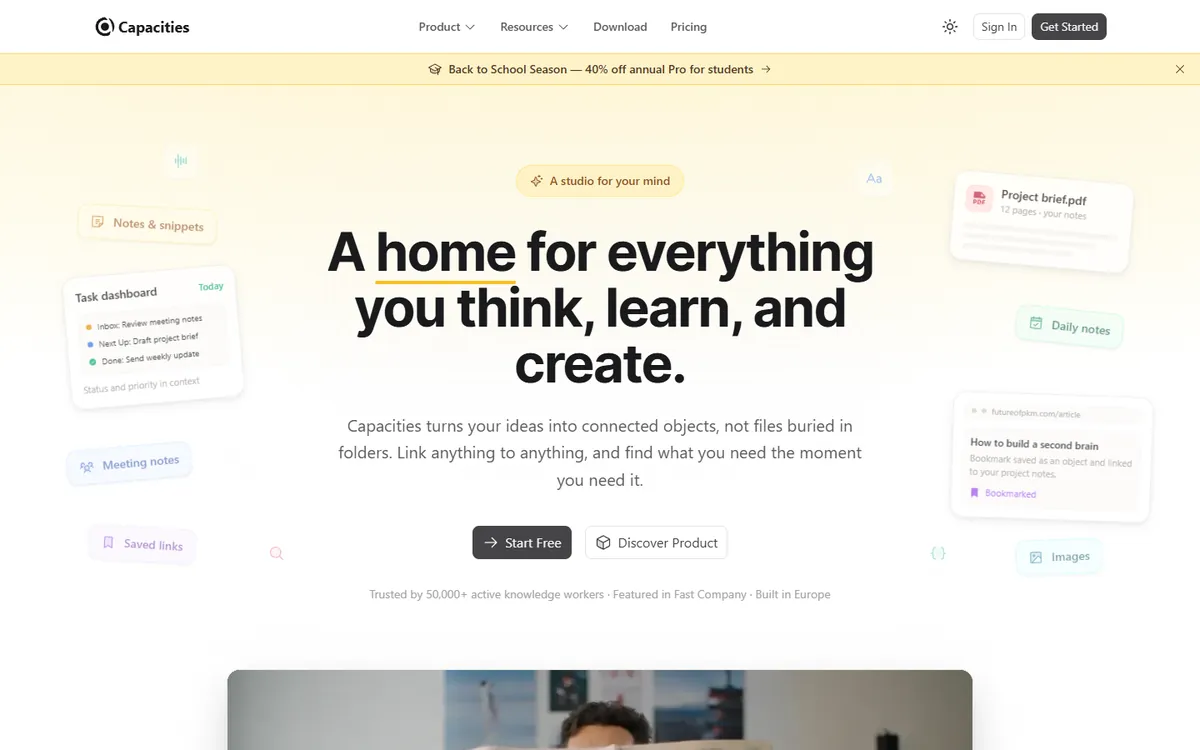
Price: Free (unlimited objects and sync); Pro $9.99/month billed yearly ($11.99 monthly); Believer tier for supporters. See Capacities' official pricing page for current plans.
Capacities organises notes as objects — people, books, meetings, projects, ideas — rather than as pages in folders. Each object type has its own properties, and everything links together automatically, so your notes become a personal database without you having to design one. It is aimed at individuals building a "second brain" and is one of the most pleasant apps in this list to use.
Capacities pricing in detail
| Plan | Price | Key features |
|---|---|---|
| Basic | Free | Unlimited objects, spaces and blocks; sync across devices; offline |
| Pro | $9.99/mo yearly ($11.99 monthly) | Tasks, AI assistant, calendar integration, queries, API |
| Believer | Higher | Pro features plus early access |
What you get
- Object types with properties for structured notes.
- Daily notes and backlinks that connect everything.
- Media and web clipping — save articles, tweets and videos as objects.
- Offline support on desktop and mobile.
- AI assistant and calendar integrations on Pro.
Where it falls short
- Built for individuals, not team wikis.
- Pro costs about the same as Notion Plus; the saving is in the free plan.
- Export is available but not as open as Obsidian's local files.
Who it's best for
Knowledge workers, students and researchers who want a structured personal knowledge base for free. Skip it if you are choosing a tool for a whole team.
5. Microsoft Loop
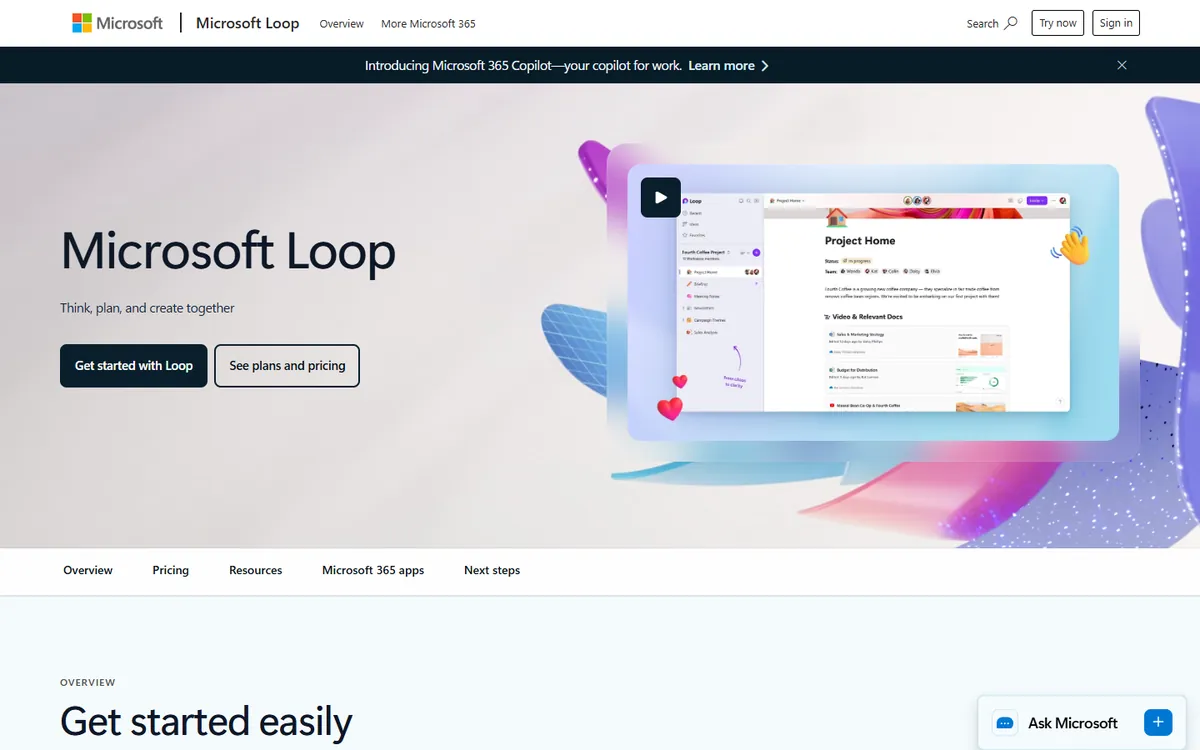
Price: Included with Microsoft 365 business and personal plans; free with a Microsoft account with limited storage. See Microsoft Loop's official site for current plans.
Microsoft Loop is Microsoft's Notion-style workspace. It has workspaces, pages and Loop components — live tables, lists and task lists that stay in sync wherever you paste them, including in Teams chats and Outlook emails. If your company already pays for Microsoft 365, Loop is effectively free and fits into the security, compliance and identity setup you already have.
Microsoft Loop pricing in detail
| Access | Price | Notes |
|---|---|---|
| Microsoft account | Free | Personal use, limited storage |
| Microsoft 365 Personal/Family | Included | Uses your OneDrive storage |
| Microsoft 365 Business plans | Included | Shared workspaces, admin controls |
| Microsoft 365 Copilot | Add-on | AI drafting and summarising inside Loop |
What you get
- Workspaces and pages for projects, meeting notes and planning.
- Live components that sync across Teams, Outlook and Loop.
- Templates for meetings, projects and plans.
- Enterprise security — data stays in your Microsoft 365 tenant.
- Copilot integration for organisations that pay for it.
Where it falls short
- Databases are far less flexible than Notion's.
- Fewer templates and integrations outside Microsoft's ecosystem.
- Mobile apps are basic.
Who it's best for
Teams that already run on Microsoft 365 and want shared docs and plans without another subscription. Skip it if you need Notion-level databases or work mostly in Google Workspace.
What a ten-person team pays per year
| Option | Annual cost |
|---|---|
| Notion Business with AI (10 × $20 × 12) | $2,400 |
| Notion Plus (10 × $10 × 12) | $1,200 |
| AppFlowy Pro cloud (10 × $10 × 12) | $1,200 |
| AppFlowy self-hosted | Server cost only |
| Obsidian + Sync Standard (10 × $48) | $480 |
| Anytype Free | $0 |
| Microsoft Loop (with existing Microsoft 365) | $0 extra |
How to switch without losing your work
- Export your Notion workspace (Settings → Export) as Markdown & CSV, including subpages.
- Import into the new tool — Obsidian, Anytype and AppFlowy all import Notion exports; check how databases arrive.
- Rebuild your key databases first (projects, CRM, content calendar) and check relations.
- Fix internal links — page links often need cleaning after import.
- Keep Notion Free read-only for a month before deleting anything.
Which one should you choose?
- You want notes you truly own, for free: Obsidian.
- You like Notion's structure but want encryption and offline-first: Anytype.
- You want a self-hosted Notion clone for a team: AppFlowy.
- You are building a personal knowledge base: Capacities.
- Your company already pays for Microsoft 365: Microsoft Loop.
Hidden costs and gotchas
- AI pricing. Notion AI is now tied to Business, and Custom Agents use paid credits. Budget for AI separately when comparing.
- Guests and members. Notion bills members, not guests, but members are anyone who edits regularly.
- Imports are imperfect. Linked databases, rollups and formulas rarely survive a migration intact.
- Sync costs. Free local-first tools need a sync method — paid sync, iCloud, Git or your own server.
- Self-hosting. Free open-source software still needs hosting, backups and updates.
Our verdict
Obsidian is the best Notion alternative for individuals — free, fast and future-proof. Teams that want Notion's structure with privacy should try Anytype, teams that want to self-host should choose AppFlowy, personal knowledge builders will love Capacities, and Microsoft 365 companies already own Microsoft Loop.
More cheaper alternatives: see our breakdowns of the cheaper options to Evernote, Basecamp and Airtable.
Related reading: Build vs Buy Software: A Practical Decision Framework and What Is Agile, for a Small Team?.
Planning a switch, or not sure which tool fits the way your team works? Book a free call and we will look at your stack with you.
Prices are US list prices in USD unless marked, checked on 27 October 2026. "Annual" means the per-month price when billed yearly. Vendors change pricing often, so confirm on the vendor's site before buying. Product names and logos are trademarks of their respective owners and are used here for identification only.
Common questions
What is the best free alternative to Notion?
Obsidian for individuals and Anytype for people who want Notion's block-and-database structure. Both are free.
Is there an open-source Notion alternative?
Yes. AppFlowy is open source and can be self-hosted. Anytype is source-available and local-first.
Is Notion AI included in Plus?
No. In 2026 Notion AI is included in Business and Enterprise; Free and Plus only get a trial.
Can Obsidian replace Notion for a team?
For shared documentation with occasional edits, yes. For a wiki many people edit at once, Notion or Loop is better.
Is Microsoft Loop free?
It is included with Microsoft 365 plans and free with a Microsoft account with limited storage.
