In short
Build your site, then search the output for key patterns such as sk_live, service_role and your provider names. Check your live site in the browser's Sources and Network tabs, and scan your Git history with a tool such as gitleaks. Public keys, like Stripe publishable keys, are designed to be visible, but secret keys are not. If you find one, rotate it first, then remove it.
The rule
Anything sent to a browser is public. Minifying doesn't hide it, and neither does putting it in an environment variable, if that variable gets compiled into your front-end code.
Build tools make this easy to get wrong. In Vite, variables prefixed with VITE_ are exposed to client code, and in Next.js the prefix NEXT_PUBLIC_ does the same. A developer, or an AI tool, adding that prefix to “fix” an undefined variable has just published the secret.
Which keys are safe, and which aren't
| Key | In the browser? | Why |
|---|---|---|
Stripe publishable (pk_) | Yes, by design | Limited to creating tokens |
Stripe secret (sk_) | Never | Full account access |
| Supabase publishable or anon | Yes, with RLS | Reaches only what RLS allows |
| Supabase secret or service_role | Never | Bypasses every RLS policy |
| OpenAI, Anthropic, Gemini API keys | Never | Anyone can spend your money |
| Email and SMS provider keys | Never | Allows spam from your account |
| Google Maps browser key | Yes, with restrictions | Restrict it by domain and API |
| Database connection string | Never | Direct database access |
If you're not sure, check the provider's docs. The default position should be that it's a secret.
Check 1: search your build output
This is the quickest and most reliable check. Build the project as it ships to production, then search:
npm run build
grep -rEn "sk_live|sk-[A-Za-z0-9]|service_role|BEGIN (RSA|EC) PRIVATE|AKIA[0-9A-Z]{16}|AIza[0-9A-Za-z_-]{20,}|postgres(ql)?://" dist/
Replace dist/ with your output folder, such as .next/static/ or build/. For Next.js, focus on .next/static, because that's what browsers receive. Also search for the actual start of your keys, and for your provider names.
This list is only a starting point. Your own providers may have different formats.
Check 2: look at your live site
Check what's actually deployed, because a production environment may have different variables:
- Open your site in a private window, then open developer tools.
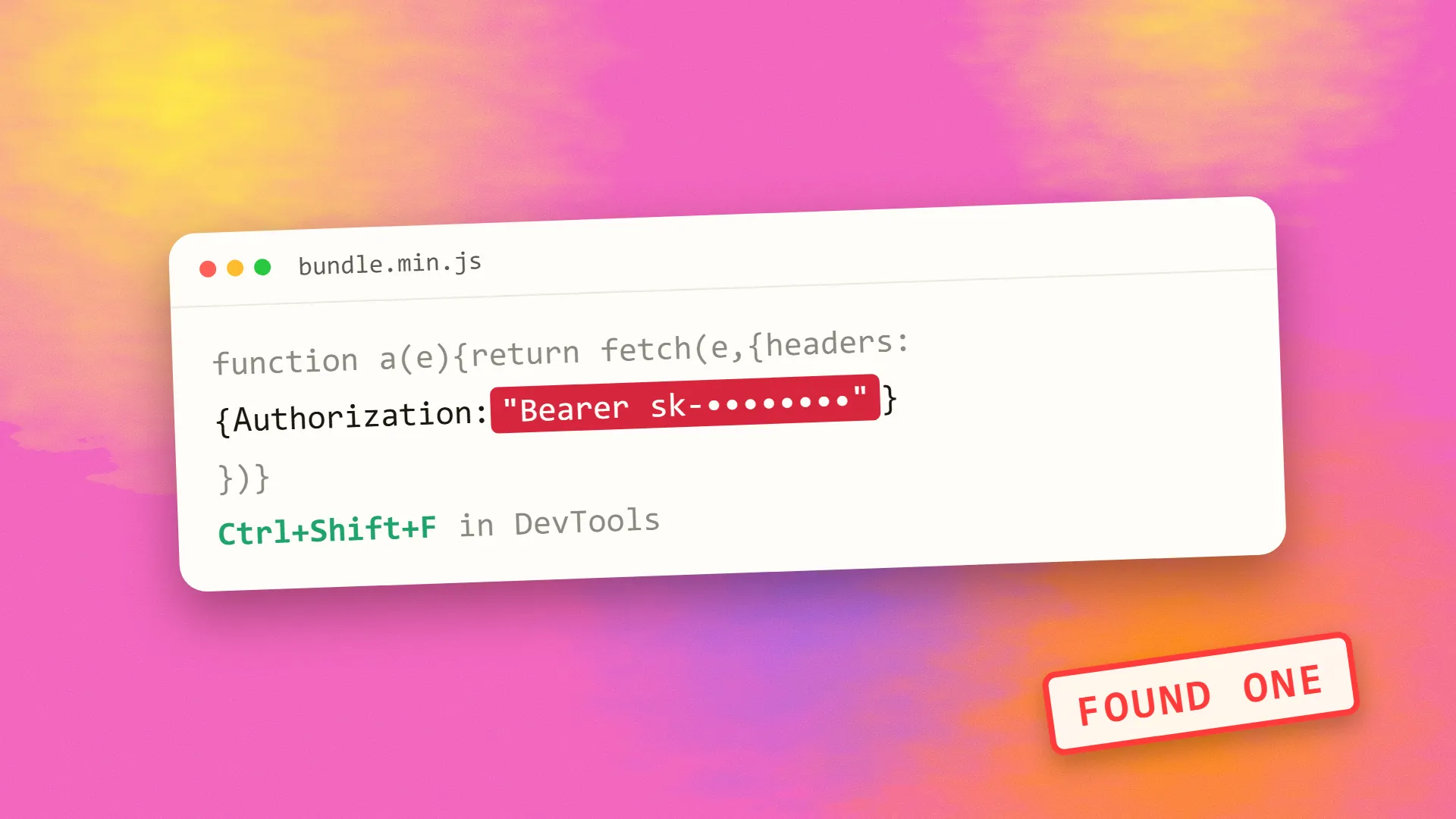
- In the Sources tab, use the search-all-files shortcut (Ctrl+Shift+F, or Cmd+Option+F on a Mac) to look for the same patterns.
- In the Network tab, use the site, sign in and carry out key actions. Inspect request headers and responses, particularly the
Authorizationheader on calls that go directly to third parties.
If your browser is talking directly to api.openai.com or to a payment API with a secret key, that's a real leak. Those calls belong on your server.
Also view the page source. Server-rendered frameworks can embed configuration into the HTML, for example in a __NEXT_DATA__ script.
Check 3: scan your Git history
Deleting a key in your latest commit doesn't remove it from history. Anyone with access to the repository can still read it, and if the repository is public, automated scanners will likely have found it long ago.
Open-source tools can scan the whole history:
gitleaks detect --source . -v

trufflehog git file://. --only-verified
Run them locally first, and read what they find. Remember to check forks, old branches and any zipped copies, too. GitHub also offers secret scanning, which may already have alerted you.
Check 4: check the less obvious places
- Source maps. If published, they expose your original source, including comments. Don't serve them publicly unless you intend to.
- Mobile apps. Keys inside an app binary can be extracted, in the same way as a web bundle.
- Logs and error trackers. Are tokens being recorded by your logging or error tracking?
- Public buckets and backups.
.envfiles and backups in public storage are a classic mistake. Try fetching/.envand/.git/configon your own domain. They should return a 404. - Prompts and chat history. Keys pasted into AI tools may be stored in those tools' histories. Rotate anything you've pasted, and check how your tool handles it.
Check 5: automate it
Manual checks don't last. Add a secret scanner to your CI pipeline, and a pre-commit hook, so that problems get caught before they leave a developer's machine. See how to set up a CI/CD pipeline for a small team.
If you find a real key
Work in this order. Speed matters more than tidiness.
- Rotate the key at the provider first. Removing it from code doesn't help, since it's already been exposed. Assume it has been copied.
- Update your server configuration with the new key, and deploy.
- Check the provider's logs for unusual use, such as unexpected charges, emails sent or data read.
- Move the call to your server. The browser calls your API, and your API calls the provider, adding authentication and rate limits.
- Clean up the history if required, using a tool such as
git filter-repo. It's optional once the key is revoked, and it's disruptive for a shared repository. - Assess the damage. If personal data may have been accessed, you may have legal duties, so take advice quickly. See what GDPR means in practice.
Set hard spending limits with your AI and cloud providers, as an exposed key can run up a bill in hours.
Stop it happening again
- Keep secrets in your host's environment settings, not in code
- Use a separate key for each environment and service, with the least access possible
- Review any AI-generated change that adds a public prefix to a variable
- Add security headers and work through the full vibe-coded app security checklist
If you'd like someone to do this check for you, book a call.
Common questions
Can API keys be hidden in front-end code?
No. Anything the browser receives can be read, even when minified or encoded. Secret keys must stay on your server, and the browser should call your own backend, which then calls the third-party service on its behalf.
Is it safe to put API keys in environment variables?
It depends on where they end up. Server-side variables are fine. Variables exposed through prefixes such as VITE_ or NEXT_PUBLIC_ get compiled into browser code, which makes them public. Never give a secret key one of those prefixes.
Is the Stripe publishable key safe to expose?
Yes, it's designed to be used in the browser. The secret key, starting with sk_, must never be exposed. The same principle applies to many services that offer a public and a secret key.
If I delete a leaked key from GitHub, am I safe?
No. It stays in your Git history, and bots scan public repositories constantly. Rotate the key at the provider immediately, then check its logs for misuse. You can clean the history afterwards, if you need to.
