In short
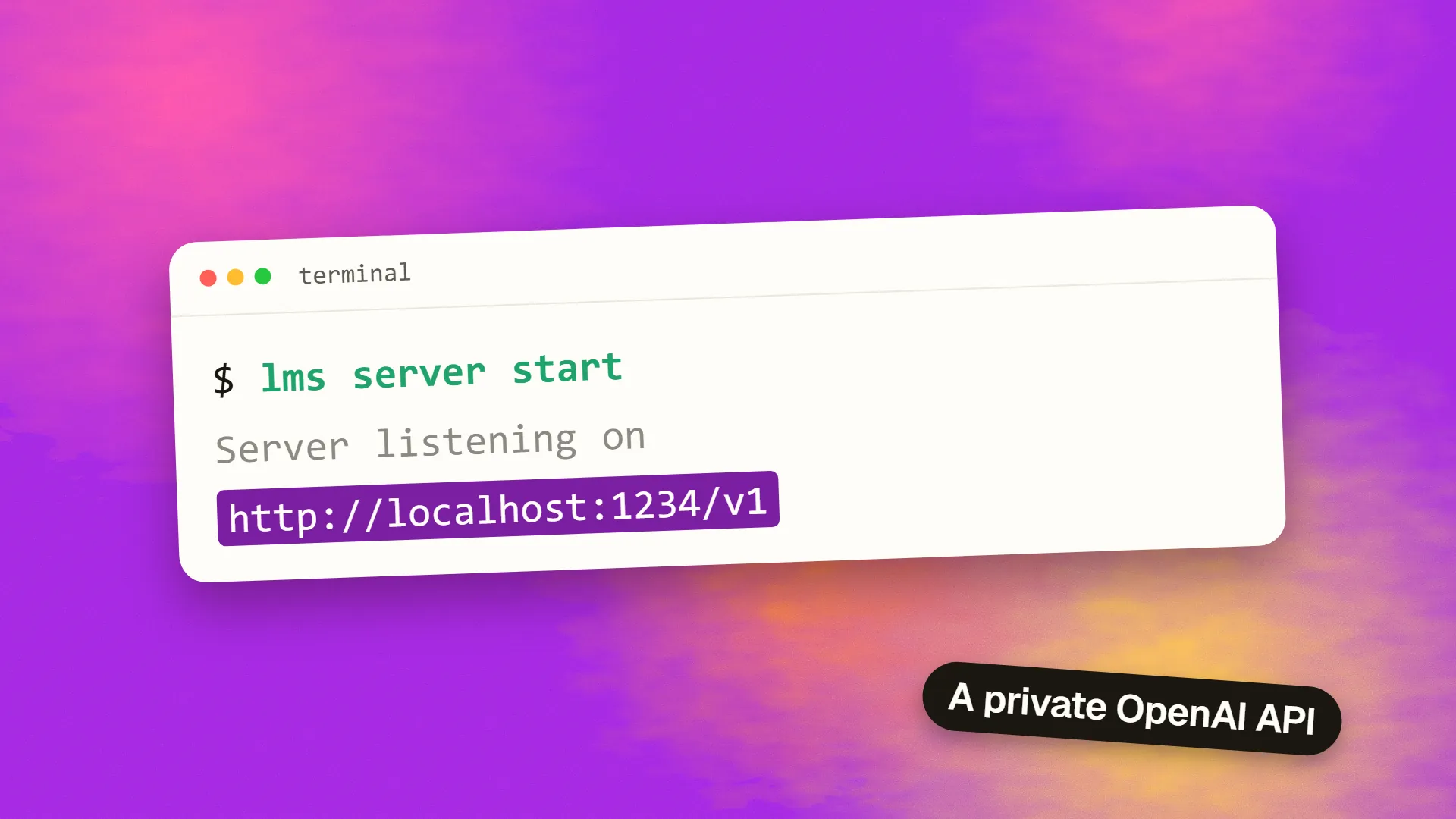
To use LM Studio as an API, download a model, then turn on Start server in the Developer tab, or run lms server start. The server listens at http://localhost:1234/v1 and accepts OpenAI-style requests. Point your OpenAI client at that base URL and use the local model name. Keep it on localhost unless you have enabled authentication and understand who can reach your network.
What you get
LM Studio's server exposes local models through OpenAI-compatible endpoints, including chat completions, responses, embeddings and model listing. It also has its own REST API. Anything that can talk to OpenAI and allows you to change the base URL can usually talk to it.
Why do this? Your prompts stay on your machine, there are no per-token charges, and you can build and test while offline. If you are still choosing a tool, read Ollama vs LM Studio first.
Step 1: download a model
In the app, search for a model and download a version that fits your memory. As a rough guide, the model file has to fit in your available memory with some room to spare. See what hardware you need to run an LLM locally if you are unsure.
Step 2: start the server
From the app: open the Developer tab and turn on the Start server switch.
From the terminal: use the lms command-line tool that comes with LM Studio:
lms ls                 # list downloaded models
lms load your-model    # load one into memory
lms server start       # start the API server
lms server status      # check that it is running
For a machine without a screen, LM Studio also offers llmster, a headless version aimed at servers and CI.
Step 3: test it
Check that the server responds, and find the exact model identifiers:
curl http://localhost:1234/v1/modelsThen send a request:
curl http://localhost:1234/v1/chat/completions \
  -H "Content-Type: application/json" \
  -d '{
    "model": "your-model-id",
    "messages": [{"role": "user", "content": "Say hello"}]
  }'
Step 4: connect your code
Python:
from openai import OpenAI

client = OpenAI(base_url="http://localhost:1234/v1", api_key="lm-studio")

reply = client.chat.completions.create(
    model="your-model-id",
    messages=[{"role": "user", "content": "Summarise this in one line"}],
)
print(reply.choices[0].message.content)
JavaScript:
import OpenAI from "openai";

const client = new OpenAI({
  baseURL: "http://localhost:1234/v1",
  apiKey: "lm-studio",
});

const reply = await client.chat.completions.create({
  model: "your-model-id",
  messages: [{ role: "user", content: "Summarise this in one line" }],
});
console.log(reply.choices[0].message.content);
The API key is usually a placeholder unless you have turned on authentication, but many client libraries refuse an empty value, so supply any text. Keep your local and production settings in environment variables so you can switch between a local model and a hosted one by changing configuration. Our guide to OpenAI-compatible APIs explains how far this compatibility really goes.
Using it with tools and agents
Many coding tools, chat interfaces and agent frameworks allow a custom OpenAI base URL. Enter http://localhost:1234/v1 and select your model. If the tool runs inside Docker, localhost refers to the container itself, so you'll need host.docker.internal on Docker Desktop, or your machine's address.
For tool calling or structured output, test each feature with your specific model, as support depends on the model and its template. A model that chats well may still handle tool calls badly.
Serving your local network
only this machine
turn on authentication first
trusted networks only
LM Studio can also make the server available to other devices on your network, through its Serve on Local Network setting. Before you do that:
- Enable authentication. LM Studio documents an authentication option. Turn it on, and don't rely on a placeholder key.
- Only use networks that you trust. Do not enable this on public Wi-Fi.
- Never forward the port to the internet. If you need remote access, use a VPN instead. An open inference server can be abused, and if it has tools connected to it, the risk grows quickly.
- Check your firewall rules. You will likely need to allow the port, but only from your local network.
Common problems
| Symptom | Likely cause | Fix |
|---|---|---|
| Connection refused | Server is off, or a wrong port | Run lms server status and check the port |
| Model not found | Wrong identifier | Copy it from /v1/models |
| Very slow replies | Model is too big, or running on the CPU | Use a smaller quantisation or raise GPU offload |
| Out-of-memory errors | Context length too large | Reduce context or use a smaller model |
| Works locally, not from Docker | localhost means the container | Use host.docker.internal |
| Browser app is blocked | CORS | Enable CORS in server settings, for local development only |
When to move on
LM Studio's server is ideal for local development, personal tools and small internal use. Check its terms before building anything for outside customers, since the licence covers personal and internal business use, and does not allow offering it as a hosted service. For production traffic with many concurrent users, a dedicated serving engine like vLLM will suit you better. And at low volume, a hosted API may be cheaper than any hardware: the cheapest way to run an LLM runs the numbers.
Need help building a feature on local or hosted models? Book a call.
Common questions
What port does LM Studio use?
By default, the local server uses port 1234, so the OpenAI-compatible base URL is http://localhost:1234/v1. You can change the port in the server settings if something else on your machine is already using it.
Does LM Studio need an API key?
Not by default for local use, although many client libraries require a non-empty value, so a placeholder works. If you expose the server on a network, enable LM Studio's authentication and use a proper token.
Can I use LM Studio without the app open?
Yes. The lms command-line tool can run and manage the server, and LM Studio offers llmster, a headless version intended for servers and CI environments. Check the current documentation for installation and service setup.
Can I use LM Studio's server for my production app?
Its terms allow personal and internal business use, but not offering it to third parties or as a hosted service. For customer-facing products, consider an openly licensed serving engine or a hosted API, and read the current terms yourself.
