In short
Choose Supabase if your data is relational, you want SQL, or you value portability: it is built on Postgres and can be self-hosted. Choose Firebase if you want mature mobile SDKs, real-time sync and tight Google integration, and your data suits documents. Billing differs too: Supabase Pro starts at $25 a month with a spend cap, while Firebase's Blaze plan charges for usage, and its budget alerts do not pause services.
The core difference
Supabase gives you a Postgres database with authentication, storage, real-time features and edge functions around it. Firebase is Google's app platform, centred on Firestore, a NoSQL document database, with authentication, hosting, functions and strong mobile SDKs.
Most of the practical differences follow from that. With Postgres, you model relationships between tables and query them flexibly using SQL. With Firestore, you structure documents around the screens and queries you already know you need. Our guide to SQL vs NoSQL goes further into this, but the short version is that most business apps, with users, orders, invoices and permissions, are relational.
Firebase has moved in this direction too. It now offers Data Connect, built on Cloud SQL for PostgreSQL, so “Firebase means NoSQL only” is no longer strictly true. Most Firebase projects and guides still centre on Firestore.
Side by side
Prices come from the Supabase and Firebase pricing pages, checked on 4 November 2026.
| Supabase | Firebase | |
|---|---|---|
| Main database | Postgres | Firestore (NoSQL); Data Connect for Postgres |
| Free database | 500 MB | 1 GiB Firestore storage |
| Free auth users | 50,000 MAU | 50,000 MAU |
| Paid model | Pro from $25/month, then usage | Blaze: pay for use beyond free quotas |
| Free tier catch | Projects pause after a week of inactivity | Daily limits: 50K reads, 20K writes, 20K deletes |
| Access control | Row Level Security in SQL | Security Rules language |
| Self-hosting | Supported | Not for the managed services |
Cost: predictable versus proportional
Supabase feels like a subscription. Pro includes 8 GB of database per project, 100,000 monthly active users and 100 GB of storage, then charges for extra. Its spend cap is on by default, so going over limits does not silently run up a bill unless you turn the cap off.
Firebase charges for what you do, including document reads. That means it can be very cheap at low traffic. It also means costs depend on how you structure your screens: a page that loads hundreds of documents, or a listener that re-reads a large collection, can multiply your bill without any change in your user numbers.
Firebase's own guidance is clear that “budget alerts do not pause services”. Spend caps exist, but only for certain products: AI Logic, App Hosting, Cloud Functions and Extensions. So set alerts, watch your read counts and design queries carefully. Neither pricing model is automatically cheaper, and your access patterns determine the result.
Security: both can be misconfigured
Neither platform is safe by default just because you use it. Both let client apps talk directly to the database, so your rules are the main defence.
On Supabase, a table in an exposed schema without RLS is readable and writable by any role with a grant. Our guide to row-level security explains how to write and test policies. On Firebase, Security Rules have the same role, and overly open rules cause the same type of leak.
Test either one the same way: sign in as one user and try to read another user's data directly through the API. AI builders commonly generate apps on these platforms, so if yours was built that way, work through the vibe-coded app security checklist.
Lock-in and portability
This is Supabase's clearest advantage. Your data sits in standard Postgres, so you can export it with ordinary tools and move it to another Postgres host. You can also run Supabase on your own infrastructure, although self-hosting means taking on the operational work.
Firestore's data model and queries are specific to Google. Moving away usually involves restructuring data and rewriting queries, not just changing a connection string. That may be perfectly fine if you are happy on Google Cloud, but it should be a deliberate choice.
Where Firebase is stronger
Mobile apps. Firebase's SDKs for iOS, Android and Flutter are long established, and offline persistence and sync are important parts of the product.
The surrounding ecosystem. Crash reporting, push notifications, analytics, remote config and A/B testing all sit together, which saves considerable integration work for a mobile team.
Real-time, document-shaped apps. Chat, presence, and simple collaborative features map naturally onto documents and listeners.
Where Supabase is stronger
Relational data and reporting. Joins, constraints, transactions and ad hoc SQL queries are all available from day one, and analysts can use familiar tools.
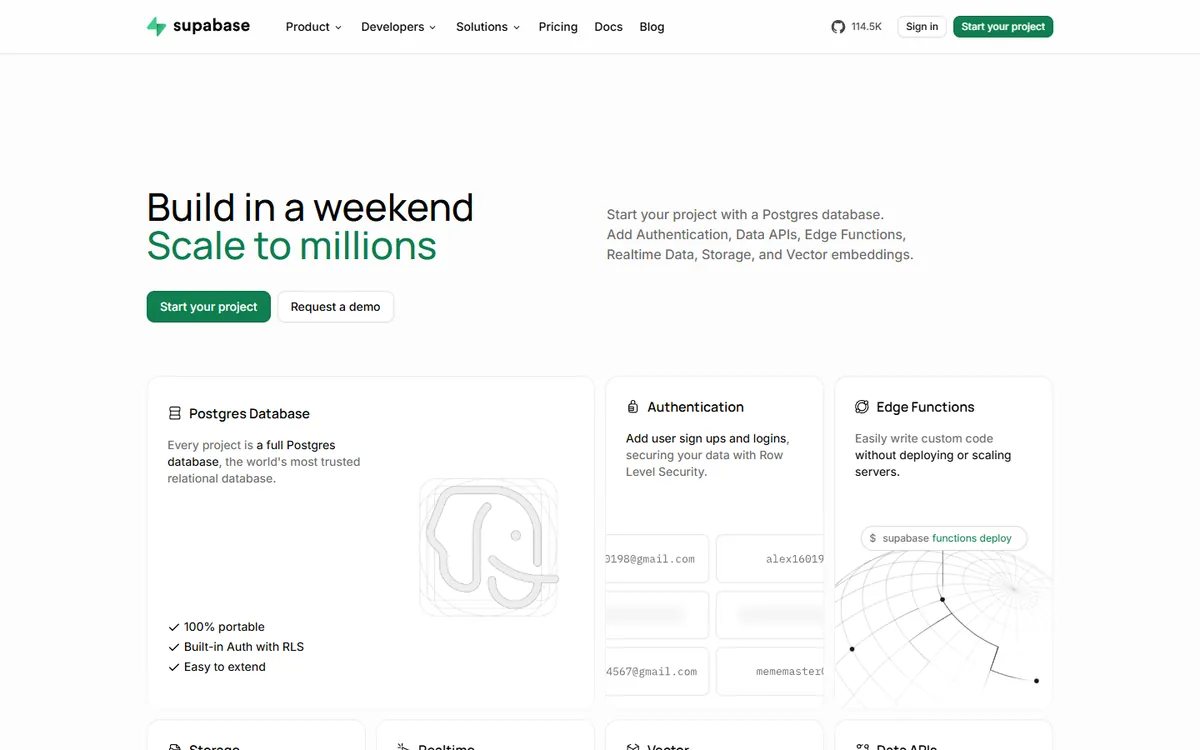
Postgres extensions. You get a mature ecosystem, including vector search through pgvector, which is useful for AI features without adding a separate database.
Web apps and AI-built projects. Many AI builders generate Supabase projects, and more developers can read and repair the result, because SQL is so widely known.
How to choose
- A business app with related data: Supabase.
- A mobile-first app needing offline sync and push: Firebase.
- You expect complex reporting: Supabase.
- You are already invested in Google Cloud: Firebase is a natural fit.
- Portability is a priority: Supabase.
- Unsure: default to relational. It is generally easier to add a document or cache layer to Postgres later than to retrofit relationships into documents.
Want a second opinion on your data model before you commit? Book a call. Getting this right early is much cheaper than migrating it later.
Common questions
Is Supabase cheaper than Firebase?
It depends on your usage. Firebase can be very cheap at low traffic because it charges per operation, but read-heavy screens can get expensive. Supabase Pro starts at $25 a month with generous allowances and a spend cap, which is easier to predict.
Can you migrate from Firebase to Supabase?
Yes, but it is a real project. Documents need restructuring into relational tables, queries and security rules must be rewritten, and users must be moved. Plan and test this in stages, particularly if the app already has live customers.
Is Supabase open source?
Its code is published in a public GitHub repository, and its docs explain how to self-host using Docker Compose. Check the licence of each component if this matters to you, and remember that self-hosting makes you responsible for updates and operations.
Does Firebase have a spending limit?
Only partly. Firebase says budget alerts do not pause services. Spend caps that can pause a service are available for certain products, such as Cloud Functions and App Hosting. Set budget alerts, watch your usage and review your read-heavy queries.
