In short
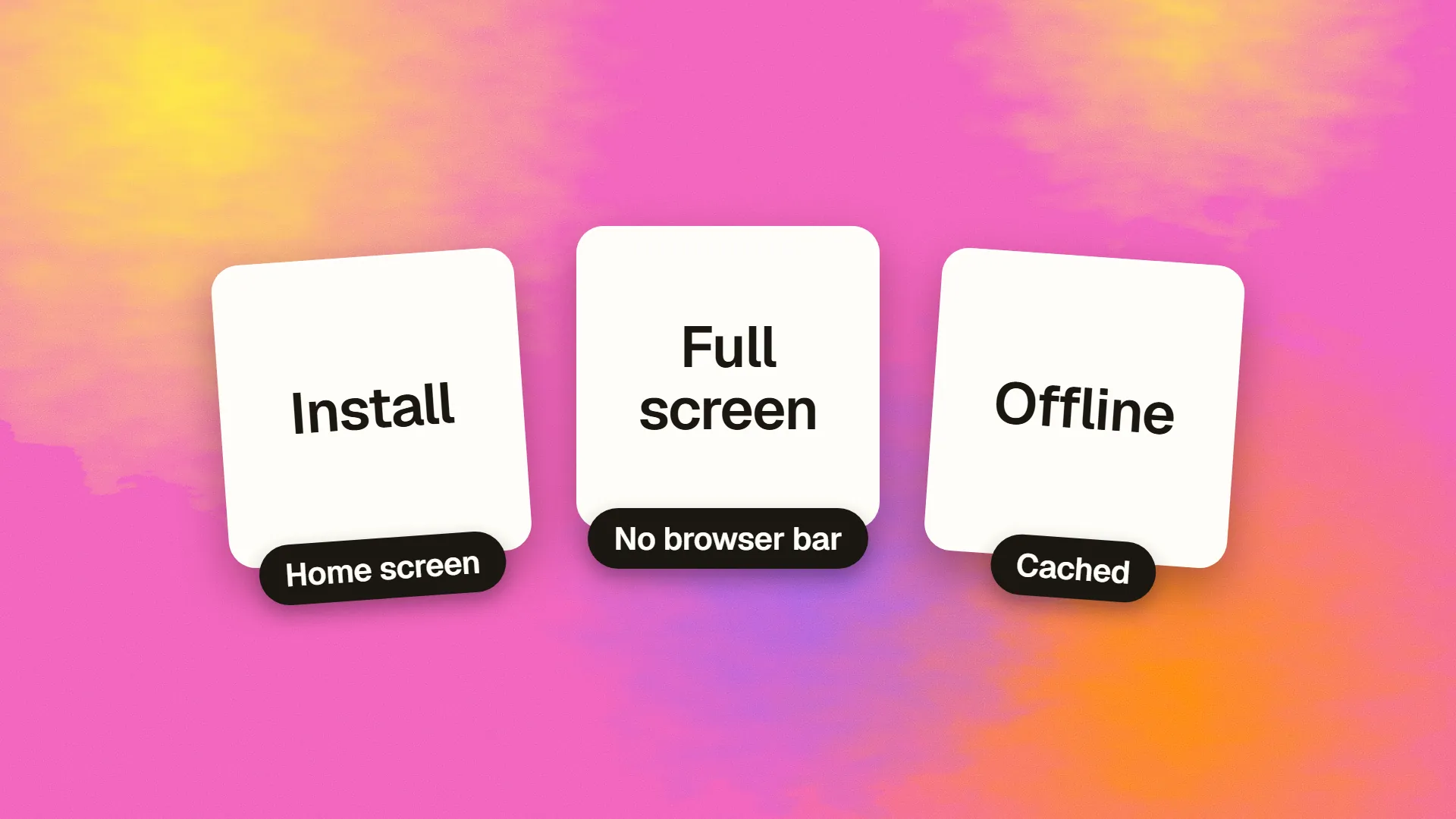
A progressive web app is a website with a web app manifest and a service worker, which together let browsers offer installation to the home screen, launch it full-screen without browser chrome, cache it for offline use, and, on most platforms, send push notifications. It is built with ordinary web technology and reached by URL. PWAs suit products that want app-like convenience without app-store distribution: internal tools, e-commerce, news, productivity apps and anything used repeatedly from a phone. They fall short where deep hardware access, reliable iOS push or store presence is essential.
What makes a site a PWA
Three things, and two of them are files:
A web app manifest. A small JSON file declaring the app's name, icons, colours, start URL and display mode. It tells the browser the site can be installed and how it should look when launched.
A service worker. A script the browser runs in the background, separate from the page, that can intercept network requests, serve cached responses, sync data when a connection returns, and receive push messages. It is what makes offline and notifications possible.
HTTPS, which service workers require.
Add those to a responsive site and browsers treat it as installable: Chrome and Edge on desktop and Android prompt or offer an install option; Safari on iOS and macOS supports adding to the home screen and, since 2023, notifications for installed apps. The term was coined at Google in 2015, and the capabilities have grown steadily since.
What it unlocks
Installation without a store. An icon on the home screen or in the app launcher, from a link, with no review process and no store cut.
Full-screen launch. No address bar or browser controls; the app looks and feels native.
Offline and resilient loading. The service worker caches the shell and chosen content, so the app opens instantly and works, in whole or in part, without a connection. This is also a large performance win for repeat visits.
Push notifications, on Android, desktop, and on iOS for apps added to the home screen.
Background sync, so actions taken offline are sent when the connection returns.
A share of native APIs: camera capture, geolocation, file access, clipboard, web payments, some Bluetooth and USB on Chromium browsers.
One codebase for web, Android and iOS, with instant updates and no app-store dependency.
What it cannot do, and where
The gap is mostly iOS. Safari supports the core of PWAs but limits them: installation requires the user to find "Add to Home Screen" in the share menu rather than being prompted, storage can be evicted if the app is unused for a period, some APIs available on Android are absent, and push works only for installed apps. Android and desktop Chromium browsers support nearly everything.
Across all platforms, a PWA cannot access some hardware, run true background processes, integrate with system features such as widgets and watch companions, or appear in the app stores unless wrapped. Where those are requirements, the native or cross-platform route applies.
Where a PWA is the right answer
Internal and business tools used by staff on phones and tablets: no store deployment, instant updates, offline for field use.
E-commerce, where fast repeat visits and a home-screen icon lift conversion and retention without the cost of a store app.
News, content and media consumed repeatedly, where offline reading and notifications matter.
Productivity and utility apps whose users would benefit from an icon and offline access but who would not install a native app.
Any product deciding between web and mobile app that needs a little more than a website and much less than native. The PWA is the middle option, and it is usually cheaper to try first.
Where it is not
Products depending on reliable iOS push, deep hardware integration, background processing, or an app-store presence the audience expects. Games and media-processing apps. Anything whose users are predominantly on iOS and need to be prompted to install. For these, a PWA is a good web app and an inadequate mobile app.
Building one
Most frameworks generate the manifest and a service worker with a plugin or a template; the work is deciding what to cache and how. Cache the application shell and static assets aggressively; cache content according to its freshness needs; never cache authenticated or personalised responses carelessly. Provide an offline page and clear feedback when the connection is absent. Version the service worker so updates deploy cleanly, since a stale service worker serving old assets is the classic PWA bug. Test on a real iPhone as well as Android, because the platforms differ in exactly the ways that matter.
The static and server-rendered parts of a site remain crawlable; the PWA layer adds behaviour without removing that.
The decision
If your site is used repeatedly from phones and would benefit from an icon, instant loading and offline resilience, add the manifest and service worker; the cost is small and the site loses nothing. If your product needs what only native provides, a PWA will not substitute. If you are unsure which side of that line a product sits on, book a call; the four native-only capabilities usually decide it quickly.
Common questions
What is the difference between a PWA and a native app?
A PWA is a website with a manifest and service worker, reached by URL, installable from the browser, updated instantly and running on every platform from one codebase. A native app is built for iOS or Android specifically, installed from a store, and has full access to device hardware and system features. PWAs cover most app-like needs; native covers the rest.
Do PWAs work on iPhone?
Yes, with limits. Safari supports installation via Add to Home Screen from the share menu, full-screen launch, offline caching and, since iOS 16.4, push notifications for installed PWAs. It does not prompt users to install, may evict storage for unused apps, and lacks some APIs available on Android. A PWA works on iPhone; it works better on Android.
Can a PWA be listed in the App Store or Google Play?
Not directly. Google Play accepts PWAs wrapped as Trusted Web Activities, which is straightforward. Apple's App Store requires a native wrapper with meaningful native functionality and rejects apps that are merely a website in a shell. Store presence is one of the main reasons to choose native over a PWA.
Does a PWA need a service worker?
Yes, for offline use, caching, push notifications and background sync, and most browsers require one for the install prompt. The service worker is a background script that intercepts requests and serves cached responses. Without it a site with a manifest can still be added to the home screen but behaves as an ordinary web page.
How much does it cost to make a PWA?
Far less than a native app. Adding a manifest, a service worker with sensible caching, an offline page and icons to an existing responsive site is days of work rather than months; most frameworks provide the scaffolding. The main cost is deciding what to cache and testing on real iOS and Android devices.
