In short
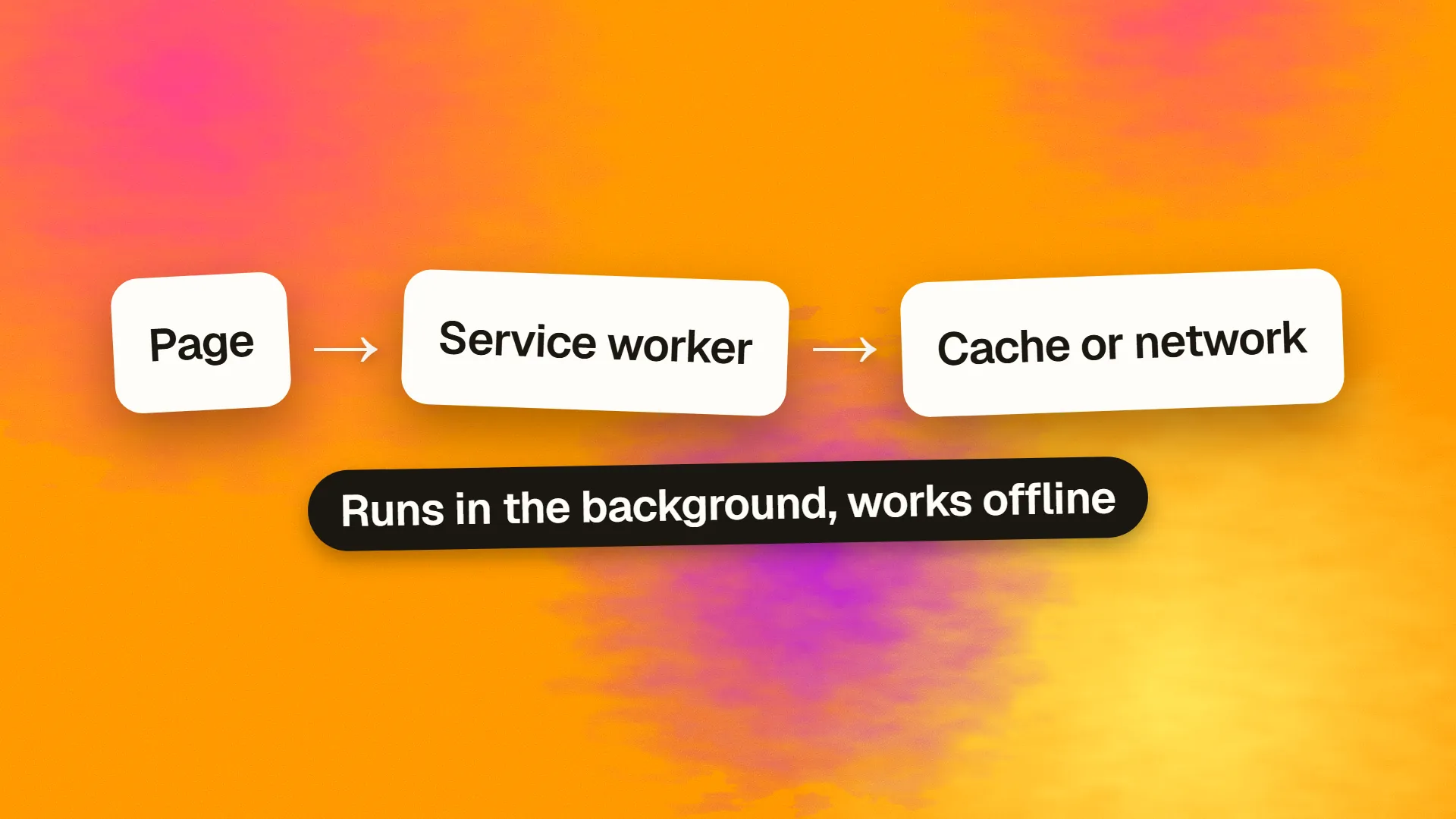
A service worker is a JavaScript file that the browser registers for a site and runs in the background, separate from any page, with the ability to intercept network requests and respond from a cache, to keep working when the page is closed, and to receive push notifications and background sync events. It is what makes offline pages, instant repeat loads and progressive web apps possible. It requires HTTPS, runs on a lifecycle of install and activate that must be understood to update it safely, and can serve stale content indefinitely if versioning is neglected. Content sites gain repeat-visit speed; apps gain offline and notifications.
What it is
Ordinary page JavaScript runs inside a tab and dies with it. A service worker is different: the browser installs it for an origin, runs it in its own thread with no access to the page's DOM, and keeps it available whether or not a page is open. Its defining capability is the fetch event: every request a page under its scope makes passes through it first, and it can respond however it likes, from a cache, from the network, from something it builds itself, or a combination.
That makes it a proxy the site controls. Serve the application shell from cache and the page appears instantly; fall back to a cached page when the network is down and the site works offline; refresh the cache in the background and the next visit is current. Add push notifications, which the browser delivers to the worker even when no page is open, and background sync, which retries failed requests when connectivity returns, and you have the foundation of a progressive web app.
It requires HTTPS, because a script that can rewrite every response for a site is precisely the thing an attacker on an insecure connection would inject.
The lifecycle
Understanding the lifecycle prevents most service worker bugs.
Register. Page code calls navigator.serviceWorker.register("/sw.js"). The browser downloads the script.
Install. The worker's install event fires once, when a new version is first seen. This is where it pre-caches the application shell: the HTML, CSS, JavaScript and icons needed to render something.
Wait. If an older version of the worker is still controlling open pages, the new one waits until every tab is closed, so that all pages run the same version. This is the step that surprises people: a deployed update does not take effect until the user closes the site entirely, unless the worker calls skipWaiting().
Activate. The new worker takes control. This is where it deletes caches from previous versions.
Fetch. From now on, requests from controlled pages fire the worker's fetch event, and it responds.
The browser checks for a new worker script on navigation and periodically; a byte-level difference in sw.js triggers a new install. Versioning the cache names, and cleaning up old caches on activate, is what keeps updates clean.
Caching strategies
The worker decides per request. The standard strategies:
Cache first. Answer from cache if present, otherwise network, then cache. For static assets that are versioned by filename: fonts, hashed scripts, images.
Network first. Try the network, fall back to cache on failure. For content that changes, such as pages and API data, where freshness matters more than speed but offline should still work.
Stale while revalidate. Answer from cache immediately and fetch a fresh copy in the background for next time. Fast and mostly current; the common choice for content that changes occasionally.
Network only for things that must never be cached, such as authenticated API calls with side effects. Cache only for the pre-cached shell.
Libraries such as Workbox implement these with a few lines and handle the edge cases; hand-writing a service worker is instructive once and unnecessary afterwards. The same caching principles that apply to HTTP headers apply here, with the worker as a second, programmable layer.
The stale-worker problem
The most common service worker bug is a site that never updates. A worker with a cache-first strategy for HTML, no versioning and no update handling serves the first version it ever cached, forever, to every returning visitor. The developer deploys fixes and sees them; users see the old site. The remedies: never cache HTML cache-first, version cache names and delete old ones on activate, keep sw.js itself uncacheable at the HTTP level, and provide a way to prompt users when a new version is waiting. And keep an emergency plan: a worker that unregisters itself, deployed at the same URL, is how a broken worker is removed from every visitor's browser.
Push and sync
Push notifications arrive at the worker from the browser's push service, which the site subscribes to with the user's permission; the worker shows the notification and handles the click. Background sync lets the worker retry requests that failed offline once the connection returns. Both work on Android and desktop; iOS supports push for installed web apps and sync partially. These are the capabilities that move a web app toward what people expect from a native one.
Which sites benefit
Content sites gain faster repeat visits and a graceful offline page, which is worth having and cheap to add. Applications used repeatedly gain instant shell loading, offline operation and notifications, which can be the difference between a web app and a native one. Small brochure sites gain little and take on an update mechanism to maintain; for them, good HTTP caching on a static site achieves most of the speed without the lifecycle.
If you are adding one, use Workbox or your framework's plugin, version everything, cache HTML network-first, test the update path before shipping, and keep the unregister script ready. If a site of yours is serving stale content to returning visitors and nobody knows why, book a call; it is very often a forgotten service worker.
Common questions
What does a service worker do?
It runs in the browser in the background, separate from any page, intercepts the network requests a site makes and can respond from a cache, the network or both. That enables instant repeat loads, offline pages, background sync and push notifications. It is the technical foundation of progressive web apps.
Does a service worker need HTTPS?
Yes, except on localhost for development. A script that can rewrite every response for a site would be dangerous if it could be injected over an insecure connection, so browsers register service workers only on secure origins.
Why is my service worker not updating?
Usually because the old worker still controls open tabs and the new one is waiting until every tab closes; because sw.js is being cached by HTTP headers so the browser never sees the new version; or because HTML is cached cache-first with no versioning. Make sw.js uncacheable, version cache names and delete old ones on activate, and cache HTML network-first.
What is the difference between a service worker and a web worker?
A web worker runs computation in a background thread for a single page and dies with it. A service worker is registered for the whole origin, persists independently of pages, cannot touch the DOM, and specialises in intercepting network requests, caching, push and sync. They solve different problems and a site can use both.
Should every website have a service worker?
No. Content sites and applications used repeatedly benefit from faster repeat visits, offline support and notifications. Small brochure sites gain little and inherit an update mechanism that can serve stale pages if neglected. Good HTTP caching on a static site delivers most of the speed benefit with none of the lifecycle.
