In short
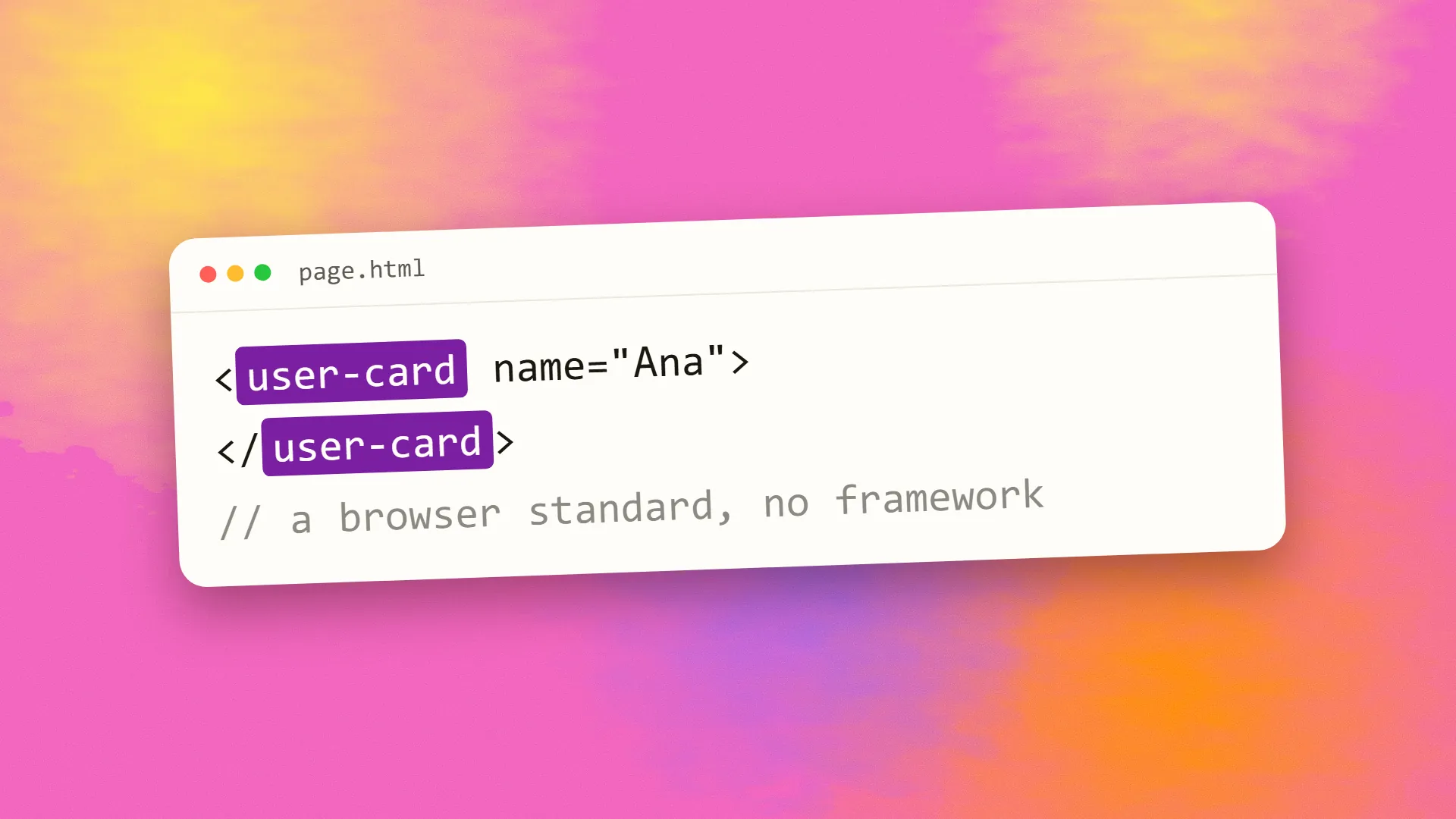
A web component is a reusable custom HTML element defined with three browser standards: Custom Elements, which register a new tag and its behaviour in JavaScript; Shadow DOM, which gives the element its own encapsulated markup and styles; and HTML templates for declaring its structure. Because they are built into browsers, web components work in any page or framework without a dependency, which makes them well suited to design systems shared across teams and stacks, embeddable widgets and long-lived components. They are more verbose than framework components, and styling, form participation and server rendering need care.
The three standards
Custom Elements let JavaScript define a new element name, containing a hyphen to avoid clashing with built-in tags, and a class describing its behaviour: what happens when it is created, added to the page, removed, or when its attributes change. Once registered, <user-avatar> works like any other tag: in HTML, created by scripts, styled by CSS.
Shadow DOM gives an element a private subtree, with its own markup and its own styles, that the page's CSS does not reach and whose CSS does not leak out. The element's internal structure is hidden from the page the way a native <video> element's controls are.
HTML templates (<template> and <slot>) declare inert markup that the element clones into its shadow tree, and slots let the page pass content into designated places inside it.
Together they produce an element that is self-contained: its behaviour, structure and styling travel with it, and dropping it into a page is enough.
A minimal example
class HelloBadge extends HTMLElement {
  connectedCallback() {
    const root = this.attachShadow({ mode: "open" });
    root.innerHTML = `
      <style>span { padding: .25em .5em; background: #eef; border-radius: 4px; }</style>
      <span>Hello, <slot>stranger</slot></span>`;
  }
}
customElements.define("hello-badge", HelloBadge);
Then <hello-badge>Erjon</hello-badge> renders a styled badge in any page, framework or none, with the styling isolated from the page's CSS.
What they are good for
Design systems shared across stacks. An organisation with a React product, a Vue marketing site and a WordPress blog can ship one set of components that work in all three. This is the strongest case, and it is why design-system tooling such as Lit and Stencil exists.
Embeddable widgets. A chat launcher, a booking form, a payment element dropped into customers' pages, where the host page's CSS and JavaScript are unknown and isolation is essential.
Long-lived components. Frameworks come and go; the browser's standards persist. A component written to the platform outlasts the framework churn around it.
Progressive enhancement. A custom element can wrap existing HTML and add behaviour, degrading to the plain markup if JavaScript fails, which fits the progressive enhancement approach naturally.
Framework-free sites. Small, dependency-free interactivity on a static site without adopting a framework for a few widgets.
The pain points
Verbosity. The raw APIs are low-level; a component that takes five lines in a framework takes twenty. Libraries such as Lit add reactive properties and templating to fix this while remaining standards-based.
Styling. Shadow DOM's isolation cuts both ways: the page cannot style the component's internals except through CSS custom properties and the ::part() selector the component exposes. Design tokens as custom properties are the answer, and it takes planning.
Forms. Custom form controls need the ElementInternals API to participate in form submission and validation; older approaches did not, and it remains fiddly.
Server rendering. Components define themselves in JavaScript, so on the server there is nothing to render until recently; Declarative Shadow DOM, now supported in all major browsers, allows the shadow tree to be sent as HTML, and frameworks such as Lit support it. It is workable but newer than framework SSR.
Accessibility. Shadow DOM complicates some ARIA relationships across the boundary; native form elements inside a component and careful labelling are needed.
Ecosystem. Smaller than React's; fewer ready-made components, less tooling, and framework integration that varies. React's support for custom elements improved substantially in version 19, removing the largest friction.
Relationship to frameworks
Web components are not a framework replacement. Frameworks manage application state, routing, data and rendering; web components define reusable elements. They combine: a React or Vue application can render web components as it would native tags, and a design system built as web components can be consumed by any application. The library-versus-framework distinction applies: web components are a platform capability, and Lit is a small library over it.
When to use them
When components must work across different stacks or in pages you do not control; when longevity beyond the current framework matters; when shipping widgets into third-party pages; or when adding contained interactivity to a site without a framework. When building a single application in one framework, that framework's own components are usually simpler and better integrated.
The practical path is Lit or Stencil for authoring, custom properties for theming, Declarative Shadow DOM where server rendering matters, and a test in every host environment the components will live in. If you are building a design system for more than one stack, book a call; web components are usually the right foundation for it.
Common questions
Are web components a replacement for React?
No. React and similar frameworks manage application state, routing, data and rendering; web components define reusable custom elements. They combine: a React application can render web components as native tags, and a component library built as web components can be used from React, Vue, Angular or plain HTML. Web components replace the framework's component format, not the framework.
What is shadow DOM?
A private subtree attached to an element, with its own markup and styles that the page's CSS does not reach and that do not leak out. It is what lets a web component carry its own styling safely into any page, the same mechanism browsers use to hide the internals of native elements such as video controls. Styling from outside goes through CSS custom properties and exposed parts.
Do web components work in all browsers?
Yes. Custom Elements, Shadow DOM and templates have been supported in all major browsers since 2020, and Declarative Shadow DOM for server rendering is now supported across them too. Polyfills are no longer needed for current browsers.
Can you server-side render web components?
Yes, with Declarative Shadow DOM, which lets the server send the component's shadow tree as HTML so it renders before JavaScript loads; Lit and other libraries support it. It is newer and less mature than framework server rendering, so check the tooling for your stack before depending on it for content pages.
When should I use web components instead of framework components?
When components must be shared across different frameworks or stacks, embedded into pages you do not control, or outlast the current framework; and when adding small contained interactivity to a site without adopting a framework. For a single application built in one framework, that framework's components are usually simpler and better integrated.
