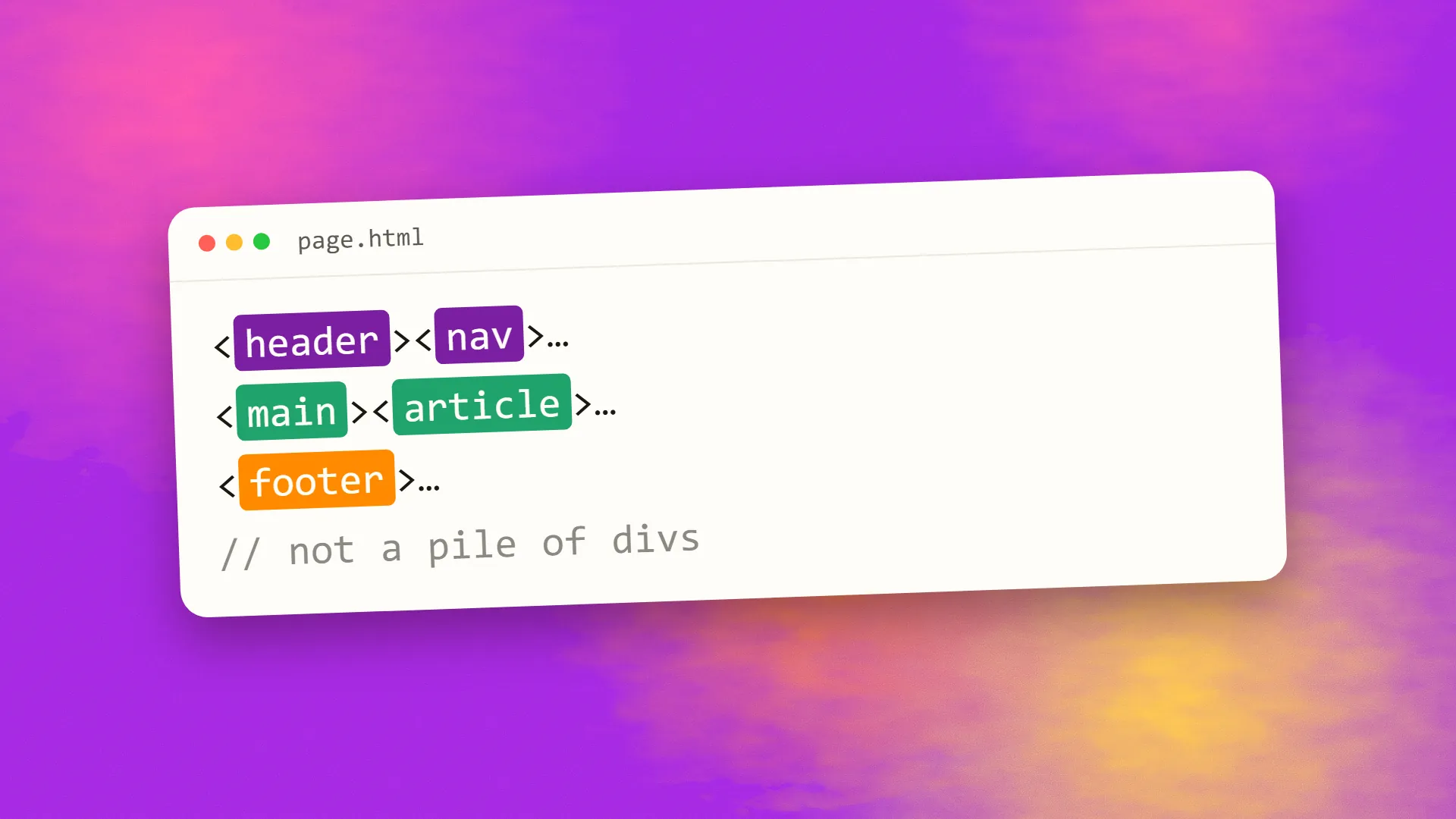
In short
Semantic HTML means choosing elements by what the content is rather than how it should look: header, nav, main, article, section, aside and footer for structure; h1 to h6 for headings in order; button for actions, a for links, ul and ol for lists, table for tabular data, form and label for inputs. These elements carry meaning that browsers expose to screen readers, that search engines and AI crawlers use to understand a page, and that CSS can style however the design requires. Generic div and span elements carry no meaning and should be reserved for pure layout.
What it means
HTML has around a hundred elements, and most of them mean something. A nav is navigation; a button is a control that does something; an h2 is a heading of the second level; a table is tabular data. Browsers know what these are and treat them accordingly: buttons are keyboard-operable and announced as buttons, headings form an outline, tables are navigable cell by cell by a screen reader.
Two elements mean nothing: div and span. They are containers for layout and styling. A page built entirely from them, with styling to make some look like headings and some like buttons, is called div soup, and it looks identical to a semantic page in a browser while being a different thing to everyone and everything else.
Semantic HTML is the practice of using the meaningful element wherever one exists and reserving div and span for the cases where nothing more specific applies.
<div class="nav">
  <div onclick="go()">Home</div>
</div>
<nav>
  <a href="/">Home</a>
</nav>
Why it matters
Accessibility. Screen readers build their picture of a page from the elements. Landmarks (header, nav, main, footer) let users jump between regions; headings let them navigate an outline; lists announce their length; buttons and links are operable and announced by role. A div styled as a button is invisible to keyboard users and silent to screen readers unless a great deal of ARIA is added to imitate what the button element provides for free. Most of the fundamentals of making a site accessible are semantic HTML.
Search and AI. Crawlers use headings to understand structure and topic, article and main to find the primary content, nav and footer to discount boilerplate, and tables and lists to extract structured answers. A page with clear semantics is easier to index correctly and easier for an answer engine to quote from.
Browser features. Reader modes, print styles, translation, and content extraction all work from semantics. Native form controls bring validation, keyboard behaviour and mobile keyboards without code.
Maintenance. Markup that says what things are is readable by the next developer and stable under redesigns; styling changes in CSS while the structure stays meaningful.
The elements that do the work
Landmarks: header, nav, main (one per page), aside, footer, and section with a heading. Content: article for self-contained pieces, h1 to h6 in order without skipping, p, ul and ol with li, blockquote, figure with figcaption, time with a machine-readable datetime, address. Interaction: button for actions, a with an href for navigation, form with label for every input, fieldset and legend for groups, details and summary for disclosure. Data: table with thead, th and caption for genuine tables, never for layout. Text: strong and em for emphasis with meaning, code, abbr.
Each one replaces a div plus a class plus a script plus ARIA attributes, and does the job better.
The button rule
The most consequential single choice: anything that performs an action on the page is a button; anything that takes the user somewhere is an a with an href. A clickable div is neither. It is not focusable by keyboard, not announced by screen readers, not activated by Enter or Space, and not recognised by anything as interactive. Frameworks and design systems that generate clickable divs and spans produce the most common accessibility failure on the modern web, and the fix is a different element.
Why frameworks produce div soup
Component frameworks wrap everything in containers, styling systems attach classes to generic elements, and developers copying from examples inherit both habits. The result is interfaces that look right and mean nothing. The remedy is not to abandon the tools but to choose the element inside the component: a Card component renders an article, a NavBar renders a nav, a Button renders a button. Most component libraries allow this, and the good ones do it by default.
Reviewing markup
Open the page with CSS disabled, or in a reader mode, or in the browser's accessibility tree, and ask: is the structure visible? Can you tell the navigation from the content, the headings from the paragraphs, the buttons from the text? Tab through the page: does every interactive element receive focus, in a sensible order? Run an automated checker for missing labels, skipped headings and clickable non-elements. Then check the heading outline reads as a table of contents. A page that passes these is semantic; one that does not is div soup with good CSS.
Semantic HTML is the cheapest quality improvement in web development, because it is a matter of choosing the right element the first time rather than adding anything later. It is also the foundation that progressive enhancement builds on. If a site of yours is failing accessibility checks or reading badly to crawlers, book a call; the markup review is where we would start.
Common questions
What is an example of semantic HTML?
Using nav for the navigation, main for the primary content, article for a post, h1 to h3 for headings in order, button for a control that performs an action, a with an href for a link, and ul with li for a list, instead of divs and spans styled to look like each. The elements tell browsers, screen readers and crawlers what the content is.
Why is semantic HTML important for SEO?
Crawlers use headings to understand a page's structure and topic, main and article to locate the primary content, nav and footer to discount boilerplate, and lists and tables to extract structured answers. Pages with clear semantics are indexed more accurately and are easier for search engines and AI assistants to quote from.
Why is semantic HTML important for accessibility?
Screen readers and keyboard navigation depend on it: landmarks let users jump between regions, headings provide an outline, lists announce their length, and buttons and links are focusable, operable and announced by role. A div styled as a button provides none of that without extensive additional code, and is the most common accessibility failure on the web.
When should I use a div?
For layout and grouping when no meaningful element applies: wrapping elements to apply a grid, creating a visual container with no semantic role, or holding styling hooks. If the content is navigation, a heading, a list, a button, a link, an article or a table, use that element instead and style it with CSS.
Should I use a div or a button for a clickable element?
A button, if it performs an action on the page, or an a with an href, if it navigates somewhere. A clickable div is not keyboard-focusable, not activated by Enter or Space, and not announced as interactive by screen readers. Style the button element to match the design rather than adding scripts and ARIA to a div.
