In short
An OpenAI-compatible API accepts the same request format and returns the same response format as OpenAI's API, so you can often switch provider by changing the base URL, API key and model name. It's common for local tools and hosted providers alike. Compatibility is rarely complete, though: advanced features such as tool calling, caching and reasoning output can differ or be silently ignored, so test each feature you rely on.
What it means
OpenAI's API became so widely used that its format turned into a kind of informal standard. A provider is “OpenAI-compatible” when it accepts requests in that shape, usually at /v1/chat/completions, and replies in the same shape.
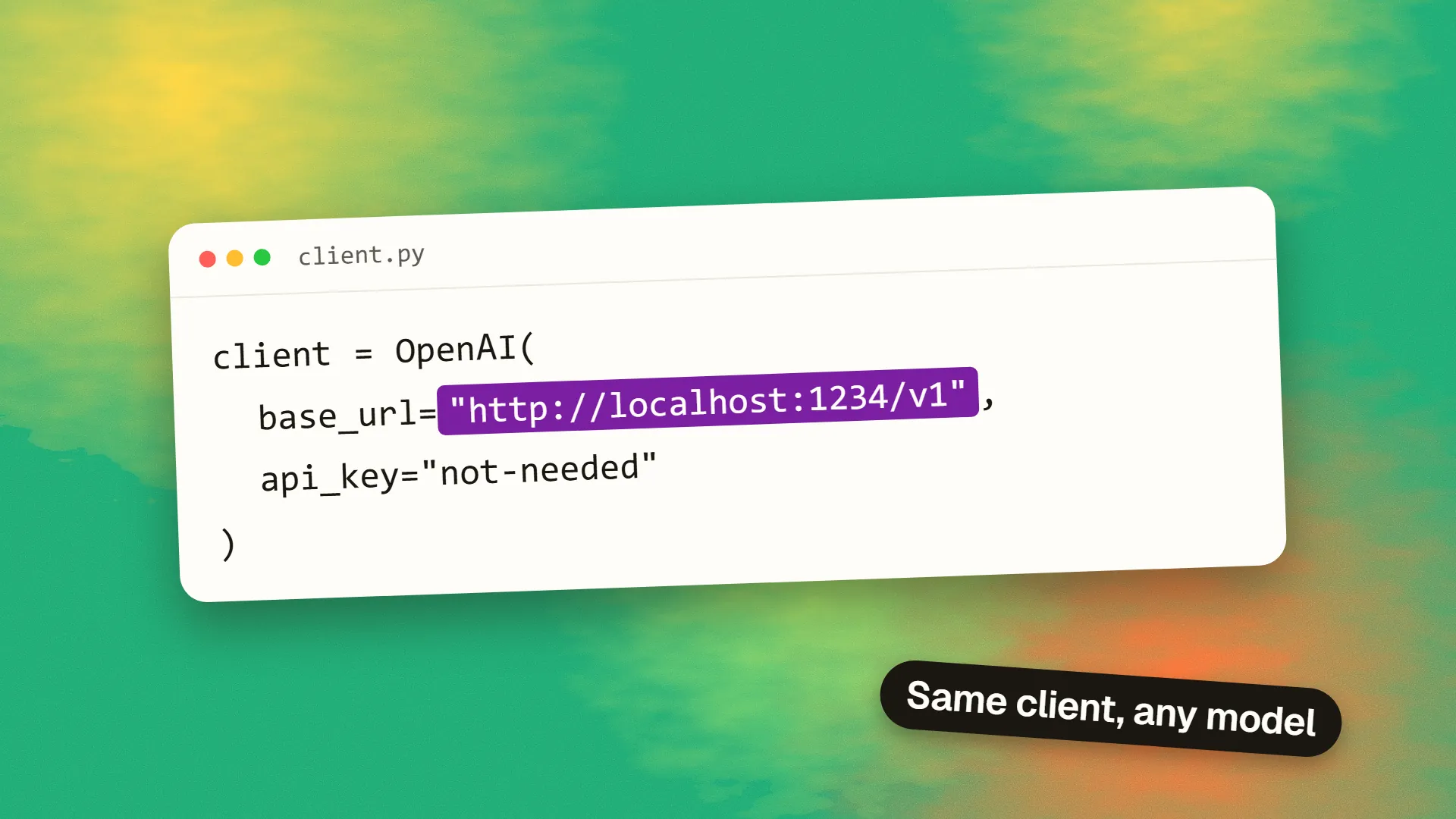
This means that you can use the official OpenAI client libraries with a different service:
from openai import OpenAI

client = OpenAI(
    base_url="https://api.example-provider.com/v1",
    api_key="YOUR_KEY",
)

reply = client.chat.completions.create(
    model="their-model-name",
    messages=[{"role": "user", "content": "Hello"}],
)
print(reply.choices[0].message.content)
Three values change, and your application logic stays the same.
api_key = your key
model = their model
api_key = their key
model = their model
Who offers it
- Local tools: Ollama on port 11434, LM Studio on port 1234, and llama.cpp's server.
- Hosted inference providers: many offer it as their main interface, including those serving open models.
- Routers: services like OpenRouter sit in front of many models and speak this format.
- Major labs: several provide compatibility layers. Anthropic has one, for instance.
Why it's useful
You can compare models quickly. Run the same test set against several providers, without having to rewrite anything.
You can run locally in development. Use a local model while building, and a hosted one in production, by switching an environment variable. See how to use LM Studio as a local API server.
You've got an escape route. If a provider raises prices or has an outage, you have options. Some teams keep a fallback provider configured.
Tools work out of the box. Most agent frameworks and coding tools can accept a custom base URL, which means they can use almost any compatible model. See how to use other models in Claude Code and Codex.
Where compatibility breaks down
The basic chat request tends to work everywhere. Problems arise at the edges.
Anthropic's documentation is a useful example, because it's frank about the limits of its own compatibility layer. It describes it as primarily for testing and comparing models, and not a long-term production solution for most uses. It lists specifics:
- Prompt caching isn't available through the OpenAI SDK, although it is on the native SDKs
- The
strictparameter for tool calls is ignored, so the output isn't guaranteed to match your schema - Multiple system messages get merged into one
- Most unsupported fields are silently ignored, instead of producing errors
That last point is the dangerous one. Your code keeps running, and it may just stop doing what you think it's doing.
// the code keeps running
Common differences across providers:
| Feature | What can differ |
|---|---|
| Tool calling | Support, format details, parallel calls, strict schemas |
| Structured output | JSON mode may exist; schema enforcement may not |
| Streaming | Event details, usage data, tool call chunks |
| Prompt caching | Availability, controls and pricing |
| Reasoning output | Field names, or whether it's returned at all |
| Vision and audio | Formats and size limits |
| Newer endpoints | A provider may support Chat Completions, but not Responses |
| Errors and rate limits | Codes, headers and retry advice |
| Token counting | Each model has its own tokenizer |
And models behave differently, even when the API is identical. A system prompt tuned for one model can produce weaker results on another. Compatibility of the interface says nothing about compatibility of quality. How to evaluate an LLM feature explains how to test this.
Also note that switching provider is a data decision, not only a technical one. Each provider has its own terms on retention, training and where data is processed. Read is it safe to send customer data to an LLM? before pointing production traffic at a new endpoint.
How to stay portable
- Put model access behind one small module. Your app calls
generateReply(), and not the provider directly. - Keep the base URL, key and model name in configuration.
- Keep a provider-independent test set of real inputs, and check outputs when you switch. Include tool calls and structured outputs.
- Validate model output yourself, using a schema check, even when a provider promises structure.
- Log which provider and model served each request, along with tokens and latency.
- Handle failures explicitly, with timeouts, retries and a fallback. See how to handle LLM failures gracefully.
Libraries that abstract several providers can help, although they add their own layer of complexity, and their abstractions can hide useful features.
When to use a native API instead
Use a provider's own API and SDK when you depend on its distinctive features, such as advanced caching, citations, extended reasoning, or the latest capabilities. Since compatibility layers can lag behind and may ignore parameters, you'll generally get better results, and sometimes lower costs, from the native route.
A sensible pattern is to use a compatible interface for simple, swappable tasks, and native APIs for the handful of features where a provider is really strong. For pricing, see our LLM API pricing comparison.
If you're designing an AI feature and want to avoid lock-in, book a call.
Common questions
What does OpenAI-compatible mean?
It means an API accepts the same request format as OpenAI's API and returns the same response format. So, you can usually use OpenAI's client libraries with that service by changing the base URL, API key and model name.
Can I use any model with the OpenAI SDK?
Many hosted and local services support it, but not all features will work. Basic chat is usually reliable, while tool calling, structured outputs and caching vary. Check each provider's documentation, and test what your application depends on.
Is an OpenAI-compatible API production ready?
It depends on the provider. Some treat it as their main API; others, like Anthropic, describe theirs as mainly for testing and comparison. Read the provider's guidance, and use the native API where you rely on specific features.
Does switching provider change my results?
Often, yes. Different models respond differently to the same prompt, even when the API format matches. Keep a test set of real inputs, measure quality before switching, and expect to adjust your prompts for each model.
