In short
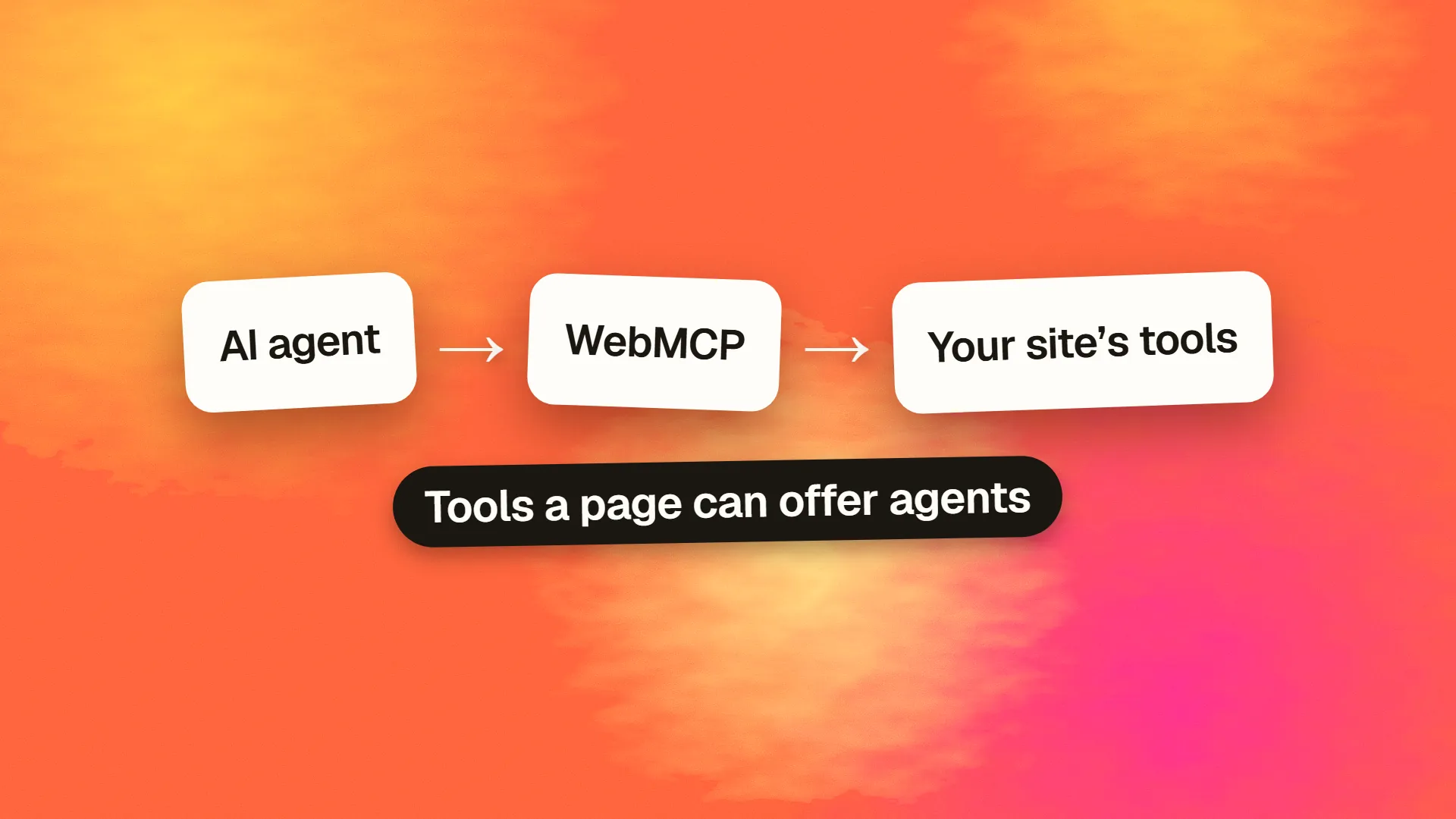
WebMCP is a proposed web standard that lets a page expose its features to AI agents as tools, each with a name, description, input schema and code to run. It uses the page's existing logic and the user's session, rather than having agents simulate clicks. It is experimental: Chrome has tested it behind a flag and announced an origin trial. Most sites should watch it, and only experiment now.
The problem it tackles
When an agent books a table or files a support ticket on a website, it usually works like a very patient, very confused person. It looks at the page, tries to work out what the buttons mean, clicks, waits and checks what happened. This is slow, expensive and breaks whenever a layout changes.
WebMCP offers a more direct path. The site declares what actions are available and what inputs they need, and the agent calls them like functions.
click the date picker
click 'Tuesday'
click 'Book'
// the page's own logic
How it works
A page registers a tool with a name, a plain-language description, a JSON schema for its input, and a function to run. The project's current proposal looks like this:
await document.modelContext.registerTool({
  name: "add-todo",
  description: "Add an item to the user's to-do list",
  inputSchema: {
    type: "object",
    properties: { text: { type: "string" } },
    required: ["text"]
  },
  async execute({ text }) {
    return addTodo(text); // reuses the page's own logic
  }
});
The important part is that last line. The tool runs inside the page, using code that you already have and the session of the signed-in user. The agent does not need its own credentials, and you don't need to build a new back-end API for it.
Details are still changing. Some early material refers to navigator.modelContext, while the repository's current examples use document.modelContext, so check the latest version before writing anything you plan to keep. A declarative approach based on forms has been explored as well, and the repository says it is not yet part of the specification.
WebMCP vs MCP
The names cause confusion. MCP, the Model Context Protocol, connects an AI application to a server that exposes tools, typically on the back end. WebMCP puts similar ideas directly in the browser.
| MCP | WebMCP | |
|---|---|---|
| Where tools run | On a server | In the web page |
| Authentication | Handled separately | Uses the user's existing browser session |
| Needs a page open? | No | Generally, yes |
| Who's it for | Agents working on their own | Users and agents together in one page |
The project describes itself as complementing back-end protocols, not replacing them. A business could reasonably offer both: an MCP server for autonomous work, and WebMCP for assistants that help someone already on the page.
Current status
As of November 2026, WebMCP is still experimental:
- Specification: a draft in the Web Machine Learning group on GitHub, first published in August 2025, with authors from Microsoft and Google listed.
- Chrome: an early preview arrived in February 2026 behind a flag in Chrome 146 Canary, and a report on Google's documentation says an origin trial was planned for Chrome 149.
- Other browsers and agents: do not assume support. A standard only helps when agents actually use it, so check which assistants consume these tools before you invest.
It could still change substantially, or fade away. Plenty of proposed web APIs never become widely adopted.
The risks to consider
Letting an agent call functions under a user's session is powerful, and the risks grow alongside it.
- Prompt injection. A malicious page or email could trick an agent into calling tools that the user never intended. See how to stop prompt injection.
- Excessive authority. A
delete-accounttool is a very different proposition fromsearch-products. Consider which actions should need explicit confirmation. - Misleading descriptions. Agents decide based on text you provide, and a site could describe a tool dishonestly. Trust is an open issue.
- Data exposure. Tool results go to the agent and possibly to its model provider, which can matter for sensitive data.
Sensible defaults: start with read-only tools, keep server-side authorisation exactly as strict as for any other request, require a human to confirm anything costly or irreversible, and log tool calls.
What should you do now?
Most businesses: watch, and prepare your foundations. The work that helps agents today also helps every other visitor: clear HTML forms, meaningful labels, stable URLs, good semantic markup and honest structured data. Our guide on making your website agent-ready covers those steps.
Product teams with repeated, high-value tasks: consider a small experiment. If your customers book, search or configure things, identify one or two actions and prototype them behind the flag, or through the trial if available. You'll learn how well your existing code maps on to tools.
E-commerce teams: track this alongside agentic commerce, where agents buying on behalf of people is a much more direct commercial question.
Avoid shipping it into production only because it's new, or paying someone who promises that it will raise your AI rankings. Nothing suggests that it does.
Want help working out which agent-readiness work is worth doing for your site? Book a call.
Common questions
Is WebMCP the same as MCP?
No. MCP connects AI applications to tools, typically running on servers. WebMCP is a proposed browser API that lets a web page expose tools directly, using the page's own code and the user's session. They are designed to complement each other.
Can I use WebMCP today?
Only for experimenting. It has been available in Chrome behind a flag, with an origin trial reported for Chrome 149. Check the latest Chrome documentation, and expect details to change, because the specification is still a draft.
Will WebMCP help my SEO or AI visibility?
There is no evidence that it does. WebMCP is about letting agents take actions, not about ranking or citations. Be sceptical of anyone selling it as an AI search tactic while the standard is still experimental.
Is WebMCP safe?
It adds real risks, including prompt injection and agents acting with the user's permissions. Keep authorisation on the server, begin with read-only tools, require confirmation for sensitive actions, and log every call an agent makes.
