In short
Choose Wix if you want a site up quickly with hosting, security and updates handled, and you do not expect complex needs. Choose WordPress if you need specialist plugins, heavy content, or full ownership and the ability to move hosts. Wix's paid plans start around $17.77 a month billed yearly. WordPress itself is free, but hosting, plugins and maintenance add cost and responsibility.
The basic choice
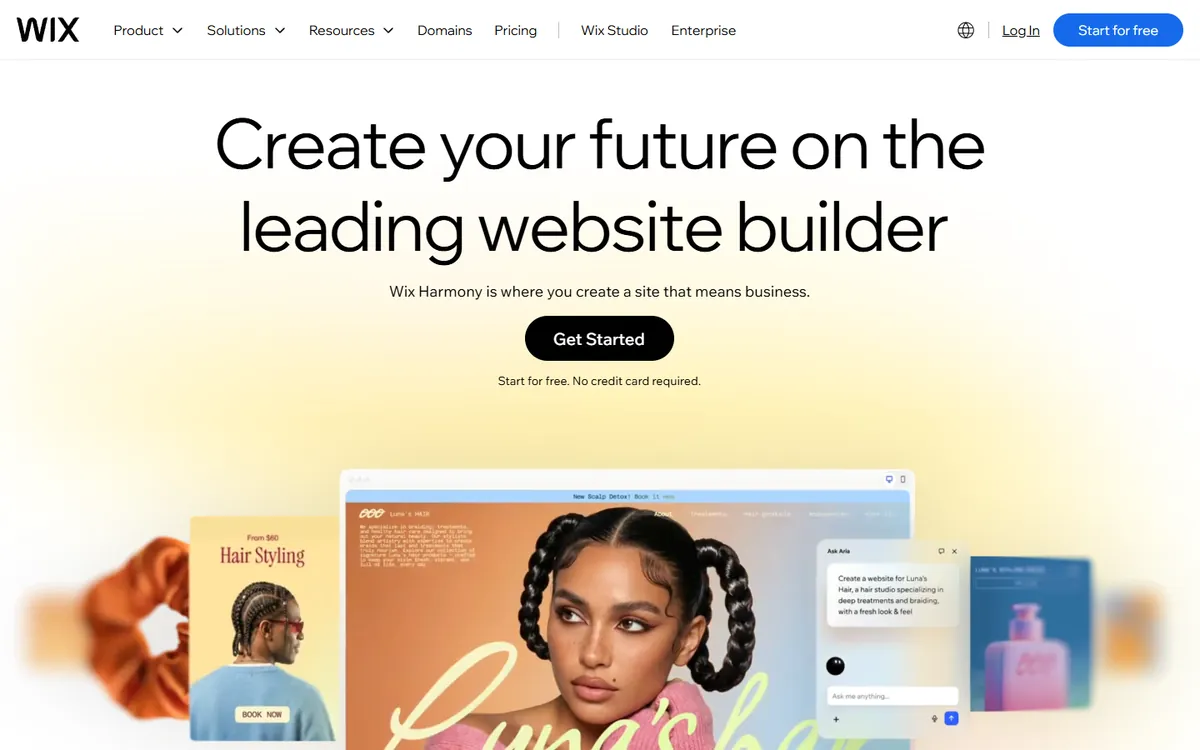
Wix is a hosted website builder. You choose a template, edit it visually and pay a subscription that covers hosting, security and updates. Everything comes from one company, which is the appeal and also the limit.
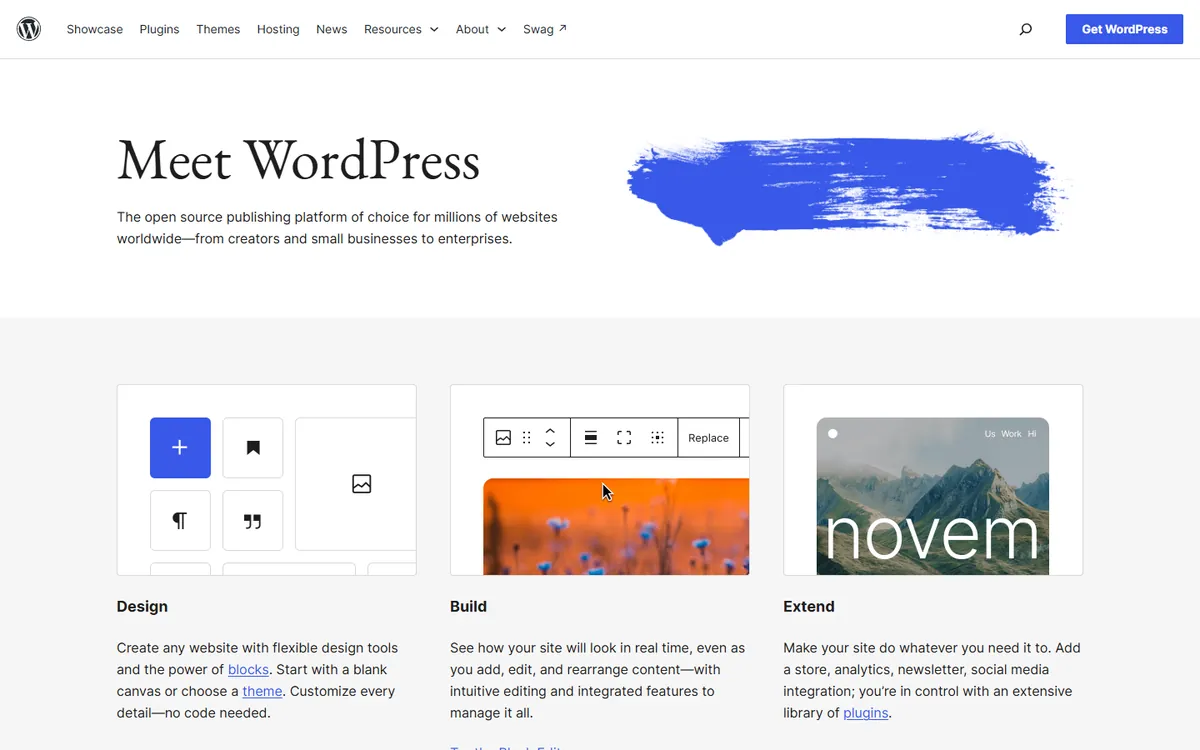
WordPress is free, open-source software that you install on hosting of your choice. W3Techs reports it runs on 39.5% of all websites. That enormous ecosystem gives you options for nearly anything, and it also leaves you responsible for keeping everything working.
Cost compared
From Wix's plans page, checked on 4 November 2026. Wix notes that US dollar prices are a reference and that local pricing varies. Figures are per month, billed yearly, excluding tax.
| Plan | Price | Storage | E-commerce |
|---|---|---|---|
| Wix Light | $17.77 | 2 GB | Not listed |
| Wix Core | $29.77 | 50 GB | Basic |
| Wix Business | $39.77 | 100 GB | Standard |
| Wix Business Elite | $159.77 | Unlimited | Advanced |
WordPress has no equivalent single price, because you build your own stack:
- Software: free.
- Hosting: varies from budget shared plans to managed services. See how much hosting costs.
- Theme and plugins: many are free, while premium ones commonly charge annual fees.
- Maintenance: your time, or a provider's fee. See what website maintenance should include.
A cheap WordPress site can undercut Wix on hosting alone, but once you add good hosting, paid plugins and someone to maintain it, the gap may close or reverse. There's also a hosted middle ground: WordPress.com sells plans from $4 a month billed yearly, with plugins on paid plans.
Ease of use
Wix is easier on the first day. You can drag elements around the page and see the result immediately, and most people can publish without any help. The AI tools it now offers can speed up a first draft as well.
WordPress has a steeper learning curve, since it involves hosting, themes, plugins and updates. The block editor is much better than it once was, and a developer can set up a simple editing experience so that your team only touches what it needs. After that setup, day-to-day editing is not hard.
Maintenance and security
With Wix, the platform handles updates and security. There are no plugins of your own to patch, so there's far less to go wrong, and you can spend your time on the business.
WordPress needs regular care. Patchstack's State of WordPress Security in 2026 counted 11,334 new vulnerabilities in the ecosystem during 2025, with 91% in plugins and only six in core. Patchstack sells security products, but the lesson is sound: keep plugins few, reputable and updated, and maintain backups. A neglected WordPress site is a real risk, whereas a maintained one is generally fine.
Flexibility
WordPress wins clearly. Memberships, learning platforms, directories, complex stores and thousands of integrations are all available. A developer can change anything, since the code is yours to edit.
Wix covers common needs well. Bookings, online stores, events and forms are all built in, and it has an app market. It works well until you need something it doesn't offer, and then your options are limited to what the platform permits, although its developer tools extend that range.
SEO
Modern Wix sites can rank, and the old reputation has become outdated. We go through this in is Wix good for SEO?. WordPress offers more control through plugins and direct access to code, which can matter on very large or technical sites. For a local business with a few pages, your content, reviews and local SEO will matter far more than the platform.
Ownership and leaving
This is often underestimated. With WordPress, you can export your content in a standard format, change hosts whenever you like, and keep your site if a supplier disappoints you.
Wix is a closed platform. Your content can be recreated elsewhere, but your design and site structure do not transfer, so leaving generally means rebuilding. Wix also controls pricing and features. Keep your domain registered in your own name in every case, and read who owns your website code, domain and design.
Who should choose what
Wix fits if:
- You run a small business with straightforward needs
- You have no developer and don't want one
- You value getting online this week
- A monthly fee is better for you than ongoing maintenance
WordPress fits if:
- You publish a lot of content or want a large blog
- You need particular plugins or integrations
- You want to own and move your site freely
- You have a developer or a maintenance arrangement
Consider something else if you run a serious online store, where Shopify may fit better, or if you want a design-led site without plugin upkeep, where Webflow vs WordPress is worth a read.
The mistake to avoid
Choosing on today's price alone. A rebuild later usually costs more than any difference in subscription fees. So think about where you will be in three years. Will you still have ten pages, or will you need a member area and a thousand articles? If you honestly don't know, a simple start is fine, as long as you accept that a rebuild is a possibility. Our guide to custom websites vs templates may help you think that through.
If you would like a straight recommendation for your business, book a call.
Common questions
Is Wix or WordPress better for a small business?
Wix is usually better if you want a simple site without technical work. WordPress is better if you need specialist features, plan to publish heavily, or want to own and move your site. Base the decision on your needs over the next few years.
Is WordPress really free?
The software is free, but running a site is not. You'll pay for hosting and a domain, and often for premium themes, plugins and maintenance. Budget for those before comparing WordPress with a subscription such as Wix.
Can you move a Wix site to WordPress?
You can move content, but the design and structure don't transfer, so it generally means a rebuild on WordPress. Plan redirects carefully to protect your search rankings, and allow time for checking every important page after the move.
Is Wix bad for SEO?
Not any more for most small sites. It offers the main controls, including titles, redirects and structured data. WordPress gives you deeper control, which can matter on large or technical sites, but content and reputation count for more.
