In short
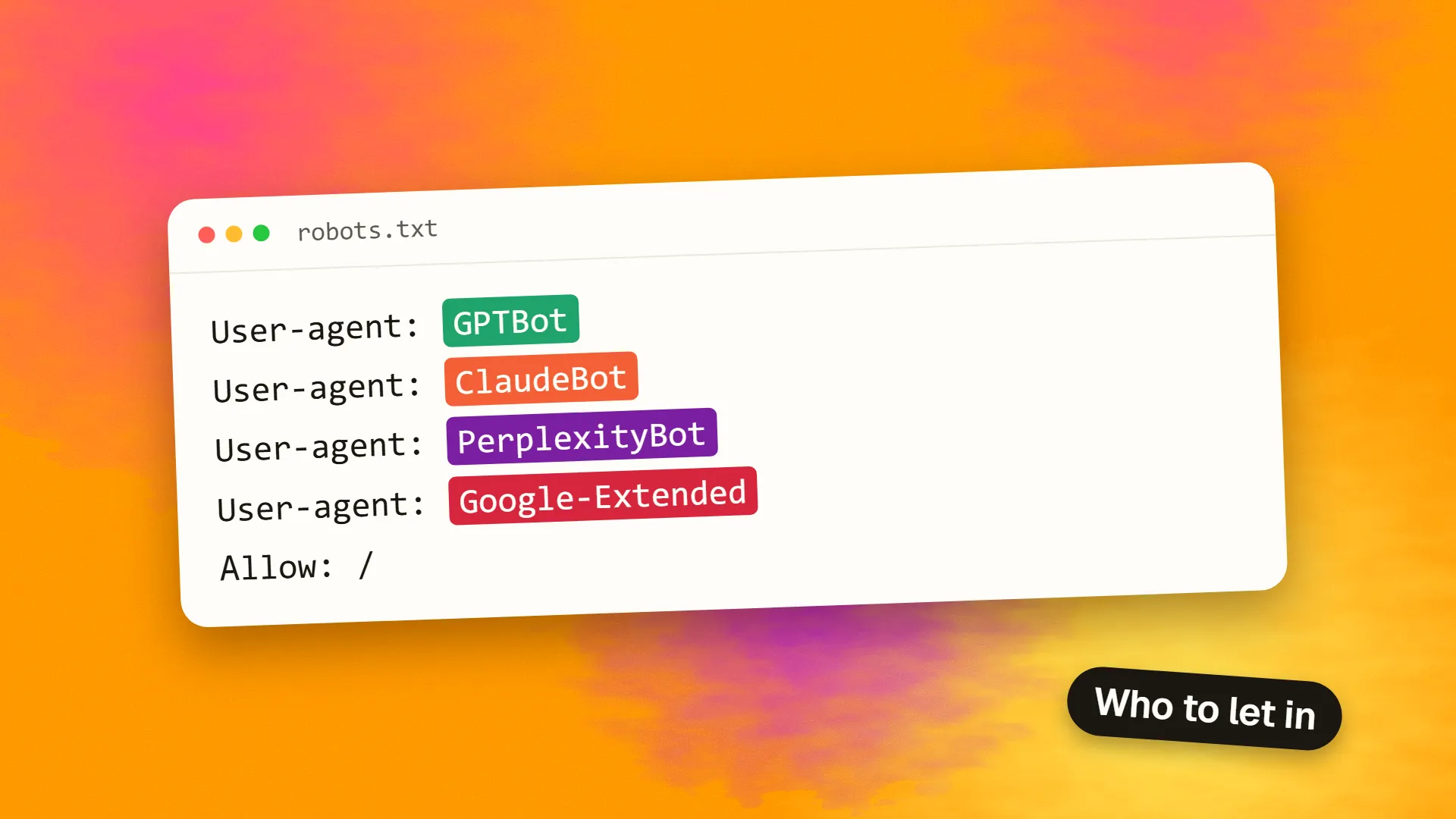
AI crawlers do three different jobs: collecting training data (GPTBot, ClaudeBot), building a search index (OAI-SearchBot, Claude-SearchBot, PerplexityBot), and fetching a page for a user's live question (ChatGPT-User, Claude-User, Perplexity-User). Most sites wanting AI visibility should allow search and user agents, then decide separately about training. Google-Extended affects Gemini training and grounding, not Google Search.
The three jobs
Before editing a robots file, separate what these bots do:
- Training crawlers collect content that may be used to train models. Blocking them signals you do not want future content used this way, and this should not remove you from search results.
- Search crawlers build the index that AI search products draw from. Blocking one can make you less visible in that product.
- User-triggered fetchers visit a page because a person asked a question. Some vendors state that robots.txt may not apply to them.
If you are still deciding on policy, read whether you should block AI crawlers. The reference below is for putting that decision into practice.
The list
Checked against vendor documentation on 4 November 2026. Vendors add and rename agents, so check the linked sources before you rely on this.
| Vendor | User agent token | Job | robots.txt |
|---|---|---|---|
| OpenAI | GPTBot | Training | Honoured |
| OpenAI | OAI-SearchBot | ChatGPT search | Honoured |
| OpenAI | ChatGPT-User | Live user requests | May not apply |
| OpenAI | OAI-AdsBot | Checks ad landing pages | Not stated |
| Anthropic | ClaudeBot | Training | Honoured |
| Anthropic | Claude-SearchBot | Search index | Honoured |
| Anthropic | Claude-User | Live user requests | Honoured |
| Perplexity | PerplexityBot | Search index; vendor says not for model training | Honoured |
| Perplexity | Perplexity-User | Live user requests | Generally ignored |
Googlebot | Google Search | Honoured | |
Google-Extended | Control token: Gemini training and grounding | Token only | |
| Apple | Applebot-Extended | Control token: Apple AI training | Token only |
| Meta | Meta-ExternalAgent | AI training and indexing | Honoured |
| Meta | Meta-ExternalFetcher | User-initiated fetches | May not apply |
Sources: OpenAI, Anthropic, Perplexity, Google, Apple and Meta.
The ones people get wrong
Google-Extended is not a crawler. It has no user agent of its own, and it never appears in your logs. Google says it “does not impact a site's inclusion in Google Search” and is not a ranking signal. AI Overviews and AI Mode are Google Search features, so blocking Google-Extended is not a way to leave them. Blocking Googlebot would take you out of Search altogether.
Applebot-Extended works the same way. It controls use of content for Apple's model training; the separate Applebot crawler still handles features such as Siri and Spotlight. Apple says pages that disallow it can still appear in search results. Limiting AI-generated answers is a separate matter, and Apple points to the nosnippet directive for that.
A robots rule can be a request, not a barrier. OpenAI says that because ChatGPT-User is user-initiated, robots.txt rules may not apply. Perplexity says its user fetcher “generally ignores robots.txt rules”. If you truly need to stop these requests, block them at the server or firewall, using the IP ranges vendors publish where available.
Changes are not instant. OpenAI and Perplexity both say changes can take around 24 hours to take effect.
A sensible default
For a business that wants to be found in AI answers but does not want to contribute to training, this is a reasonable start. Remember that each block applies only to the agent it names.
User-agent: GPTBot
Disallow: /

User-agent: ClaudeBot
Disallow: /

User-agent: Google-Extended
Disallow: /

User-agent: Applebot-Extended
Disallow: /

User-agent: Meta-ExternalAgent
Disallow: /

User-agent: OAI-SearchBot
Allow: /

User-agent: Claude-SearchBot
Allow: /

User-agent: PerplexityBot
Allow: /

User-agent: *
Allow: /

Sitemap: https://example.com/sitemap.xml
Two points to consider. Google-Extended also covers grounding in Gemini Apps and Vertex AI, so if you want to appear in Gemini app answers, you may prefer to leave it unblocked. And if you sell through awareness, allowing training may be a reasonable commercial choice, since models can only recommend brands they know about. There is no universally right answer, but the decision should be deliberate. See how to write a robots.txt for syntax.
Check what is really happening
A robots file only states your preferences. To see actual behaviour:
- Check your CDN or firewall first. Cloudflare and similar services can block AI bots through their own settings, which overrides what your robots file appears to allow. It is a common reason for a site being missing from AI answers.
- Search your server logs for the tokens above, and note the status codes. A run of 403s means you are blocking them somewhere, whatever your robots.txt says.
- Verify unusual traffic. User agents are easy to fake. Vendors such as OpenAI publish IP ranges for checking genuine requests.
- Measure the results. Track AI referral traffic so you can see whether your settings change anything.
Also make sure your important content is in the initial HTML, because a crawler you have allowed may still not run JavaScript. Why AI-built websites struggle in Google explains how to test that.
Need help working out why you are not showing up in AI answers? Book a call.
Common questions
Does blocking GPTBot remove me from ChatGPT?
Not by itself. GPTBot relates to training. ChatGPT search uses OAI-SearchBot, so that is the agent to allow if you want to appear in ChatGPT search answers. OpenAI treats these settings independently.
Does blocking Google-Extended remove me from AI Overviews?
No. Google says Google-Extended does not affect inclusion in Google Search, and AI Overviews are part of Search. It relates to Gemini model training and grounding in Gemini Apps and Vertex AI.
Why do I not see Google-Extended in my logs?
It has no separate user agent. It is a control token you can name in robots.txt, and crawling is done by Google's existing user agents. Applebot-Extended works in a similar way.
Do all AI crawlers obey robots.txt?
No. Major vendors document that their search and training crawlers honour it, but some user-triggered fetchers may not, because a person requested the page. To enforce a block, use server or firewall rules rather than relying on robots.txt.
How do I check whether AI bots can access my site?
Search your server or CDN logs for the agent names and look at the status codes. Successful requests show as 200, while repeated 403s suggest a firewall or CDN rule is blocking them, even when your robots.txt allows access.
