In short
Choose Cursor for polished, hands-on coding in one editor, with autocomplete and steerable agents. Choose Antigravity to run several agents across projects from a desktop manager, with a free individual tier and strong Google integration. Reviewers often rate Cursor as the safer daily driver and Antigravity as stronger for parallel work. Both products and their plans have changed a lot in 2026, so test before you commit.
What each one is today
Both products have moved quickly, and older reviews can mislead.
Antigravity is Google's agentic development platform, with several surfaces that share context: a desktop app with an Agent Manager for sessions across projects, a standalone editor, extensions for VS Code, JetBrains and others, a CLI called agy, and a Python SDK.
Cursor is an AI editor based on VS Code, with an agent in the sidepane, checkpoints, side chats, browser control, an Agents Window and Projects, where a coordinator agent plans and delegates work to others. There's a CLI and cloud agents as well.
So both now offer parallel agents and editor integration. The difference lies in their centre of gravity: Cursor is at its best when you're in the code, and Antigravity's distinguishing idea is a command centre for several agents.
Plans
From Antigravity and Cursor, checked on 4 November 2026.
| Antigravity | Cursor | |
|---|---|---|
| Free | Individuals: agent models, unlimited Tab and Command requests, basic weekly limits | Limited agent and chat use |
| Paid individual | Through Google AI Pro and Ultra, with higher limits and AI credits | Plus $8 (introductory, Grok only); Premium $30; Super $100; Ultra $200 |
| Business | From $30/seat/month through Google Cloud, or pay as you go | See vendor page |
| Other models | “A variety of agent models”; see its model guide | Grok bundled; third-party at API list price from Premium |
Where Antigravity stands out
Managing many agents. Its Agent Manager runs sessions across projects, in local mode or in an isolated Git worktree, so agents don't trample on each other's files. If your work naturally splits into several parallel tasks, that's useful.
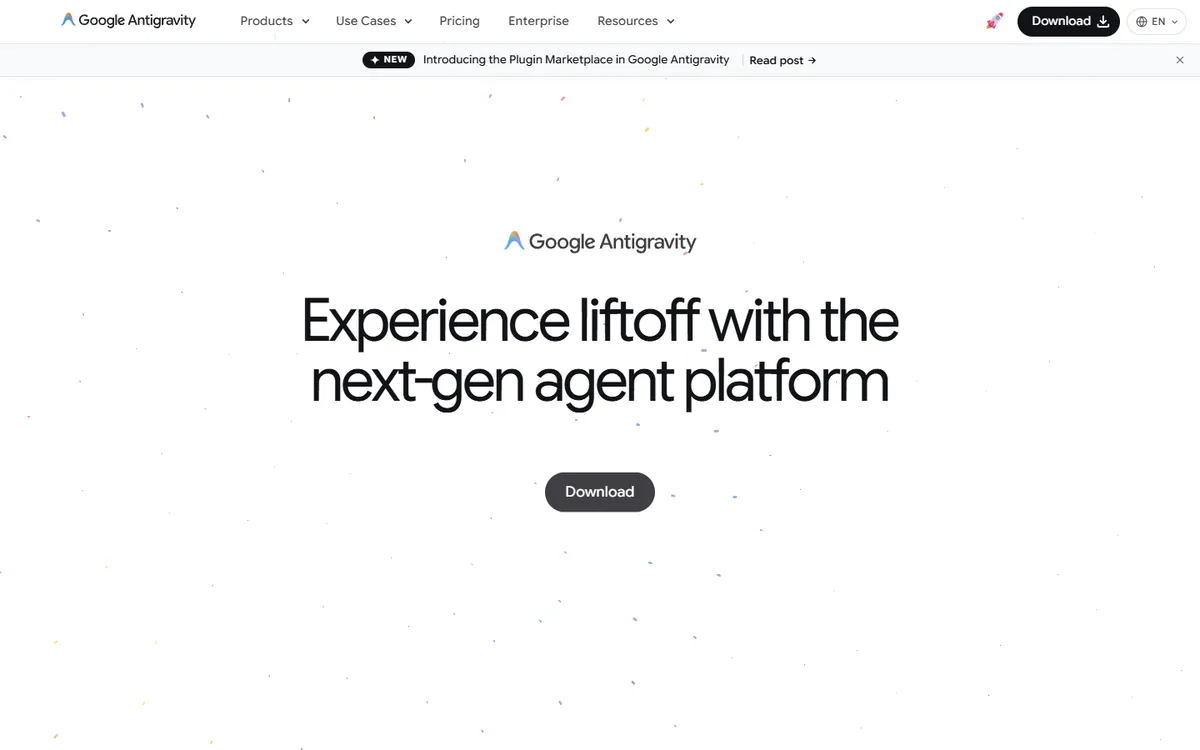
Reviewable artifacts. Agents can produce plans and other artifacts that you can check before accepting. Reviewers often mention this as a strength, as it suits a delegate-and-review style.
A free start. A free plan with unlimited Tab completions is a low-risk way to try it.
Editor choice. Extensions for VS Code, JetBrains, Visual Studio, Zed, Xcode and Eclipse mean that you may not need to switch editor at all.
Google ecosystem. Authentication through Gemini Enterprise or a Gemini API key, as well as spend caps for business customers, may fit teams already on Google Cloud.
Where Cursor stands out
Polish for everyday coding. Independent comparisons frequently describe it as the lower-risk pick for teams and single-session work, though reviews vary, and some are sponsored.
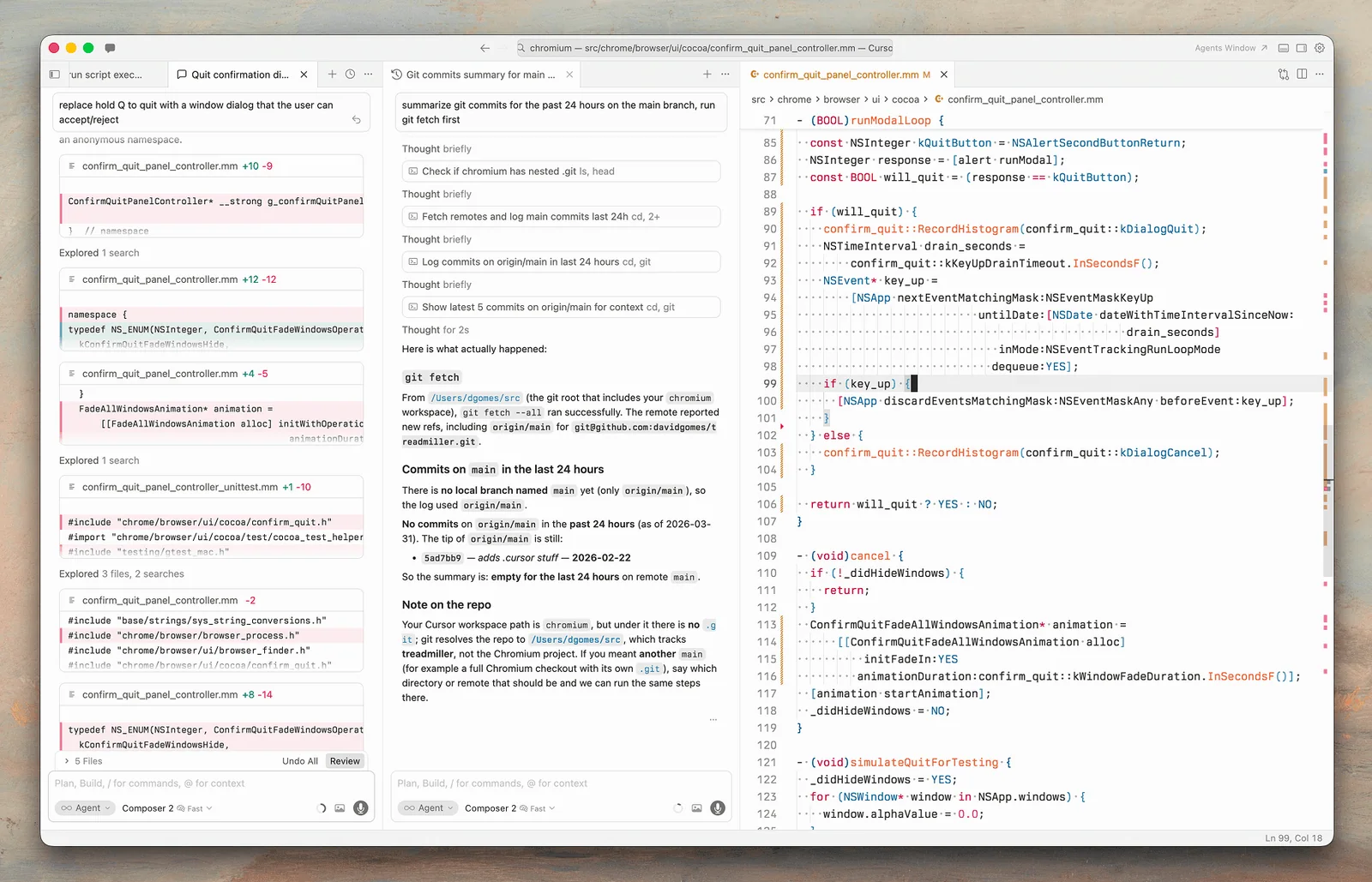
Fine-grained control. Quick edits, inline autocomplete, steering an agent mid-run, and checkpoints all reward people who like to stay close to the code.
Model choice in one editor. You can select a model for each task, although third-party usage is now billed separately.
Maturity of workflow. It has been a daily tool for many developers for longer, so there are many shared practices and rules files to learn from.
Concerns to weigh
Usage limits. One review reports that Antigravity's quotas were cut several times in its early months. Limits are a moving target with free or heavily subsidised AI tools in general, so test whether your typical week fits and be prepared for changes.
Commercial direction. Cursor's plans now pool usage with Grok, and third-party reports describe its parent being acquired by SpaceX. That may affect which models are the best value inside it. Google has also moved users around between its own tools, as shown by the Gemini CLI change.
Review load. Parallel agents are only useful if somebody can review all the output. Running five agents can turn a developer into a full-time reviewer, and quality suffers if that review gets rushed. Start with two.
Security. Agents can run commands. Antigravity's CLI offers modes such as plan and accept-edits, plus a sandboxed auto mode, and Cursor has its own controls. Check permissions and keep production credentials out of reach. See how to handle secrets and API keys.
How to test them fairly
Give each one a week on real work, including:
- A small fix, to get a feel for day-to-day speed.
- A multi-file feature, from one prompt.
- Two tasks at once, to see how well parallel work goes, and how easy the review is.
- Your limit, by noting when you run out on your plan.
Use the same starting commit and a shared instructions file such as AGENTS.md. Score on the code you'd actually keep. Our Claude Code vs Cursor and Cursor vs Codex comparisons use a similar method, if you're comparing more widely.
How to choose
- You code by hand, and want AI alongside you: Cursor.
- You split work across several agents and review the results: Antigravity.
- You want to spend nothing to begin with: Antigravity's free plan, plus Cursor's free tier.
- You don't want to change your editor: Antigravity's extensions, or an agent like Codex.
- You're rolling out to a team: run a short pilot, and look closely at admin controls, data terms and predictable costs.
Since these two tools are changing every few months, avoid annual plans until you've used one for a while. Whichever you choose, keep reviewing the code it produces.
If you need help choosing tools and setting team standards, book a call.
Common questions
Is Antigravity free?
Google lists a $0 plan for individuals, including access to a variety of agent models, unlimited Tab completions and basic weekly rate limits. Higher limits come with Google AI Pro and Ultra. Reports suggest limits have changed over time, so check before relying on them.
Is Antigravity a VS Code fork?
Its standalone editor has been widely described as VS Code-based, like Cursor. Google's docs now present it as several surfaces, including a desktop app, an editor, extensions for other IDEs, a CLI and an SDK, so it's more than just one editor.
Can Cursor run multiple agents like Antigravity?
Yes. Cursor has an Agents Window, cloud agents and Projects, in which a coordinator agent can delegate work to others. Antigravity's Agent Manager is more central to how its product is designed. Try both to see which approach you prefer.
Which is better for a team, Antigravity or Cursor?
Reviewers often see Cursor as the lower-risk choice for broad rollouts, and suggest piloting Antigravity first. Teams on Google Cloud may have reason to prefer Antigravity. Compare admin controls, data terms and predictable costs during a short trial.
