In short
The best cheaper alternatives to Grammarly Pro in 2026 are LanguageTool (from $5/month), ProWritingAid (from $10/month), QuillBot (from $8.33/month), Hemingway Editor (free, or $19.99 one-time) and Wordtune (from $4.89/month). Grammarly Pro itself starts at $12 a month, so most teams can cut the cost substantially without losing the features they actually use.
Grammarly is the best-known writing assistant, installed in millions of browsers and Office apps. Its paid plan — now called Grammarly Pro — costs $12 per month when billed annually ($144 a year) or a steep $30 if you pay monthly. Pro includes tone and clarity rewrites, full-sentence suggestions, a plagiarism checker and about 2,000 AI prompts a month. Grammarly's parent company rebranded as Superhuman in 2025 and is reshaping its plans, so expect further changes.
If you mainly need spelling and grammar checks, write in more than one language, edit long manuscripts, or just want clearer copy, there are cheaper — and in some cases better — options.
 Grammarly Provs
 LanguageTool
 ProWritingAid
 QuillBot
 Hemingway Editor
 Wordtune
What Grammarly actually costs in 2026
| Plan | Price | Key features |
|---|---|---|
| Free | $0 | Spelling, grammar, punctuation; 100 AI prompts/month |
| Pro (annual) | $12/member/month ($144/yr) | Full rewrites, tone, plagiarism, 2,000 AI prompts |
| Pro (monthly) | $30/month | Same as annual |
| Enterprise | Custom | Admin, security, style guides |
A 7-day free trial is available on the annual Pro plan. The current tiers are listed on Grammarly's official pricing page.
The 5 cheaper alternatives at a glance
| Tool | Starts at | Model | Best for |
|---|---|---|---|
| Grammarly Pro | $12/mo | subscription | The benchmark |
| LanguageTool | $5/mo | subscription | Multilingual writers (great for Albanian/Italian/German too) |
| ProWritingAid | $10/mo | subscription | Authors and long-form writers |
| QuillBot | $8.33/mo | subscription | Students and paraphrasing-heavy work |
| Hemingway Editor | Free tier or $19.99 one-time | free | Making copy shorter and clearer |
| Wordtune | $4.89/mo | subscription | Rewriting emails and marketing copy |
How we picked these alternatives
We compared grammar and spelling accuracy, style and clarity suggestions, language support, integrations (browsers, Word, Google Docs) and price. We included specialist tools for paraphrasing and readability because many people buy Grammarly for those features. Prices checked 27 October 2026.
1. LanguageTool
Price: Free tier (more limited since 2026, when the browser extension moved behind the paywall). Premium about $59.90–69.99/year (around $5–6/month on annual billing). See LanguageTool's official pricing page for current plans.
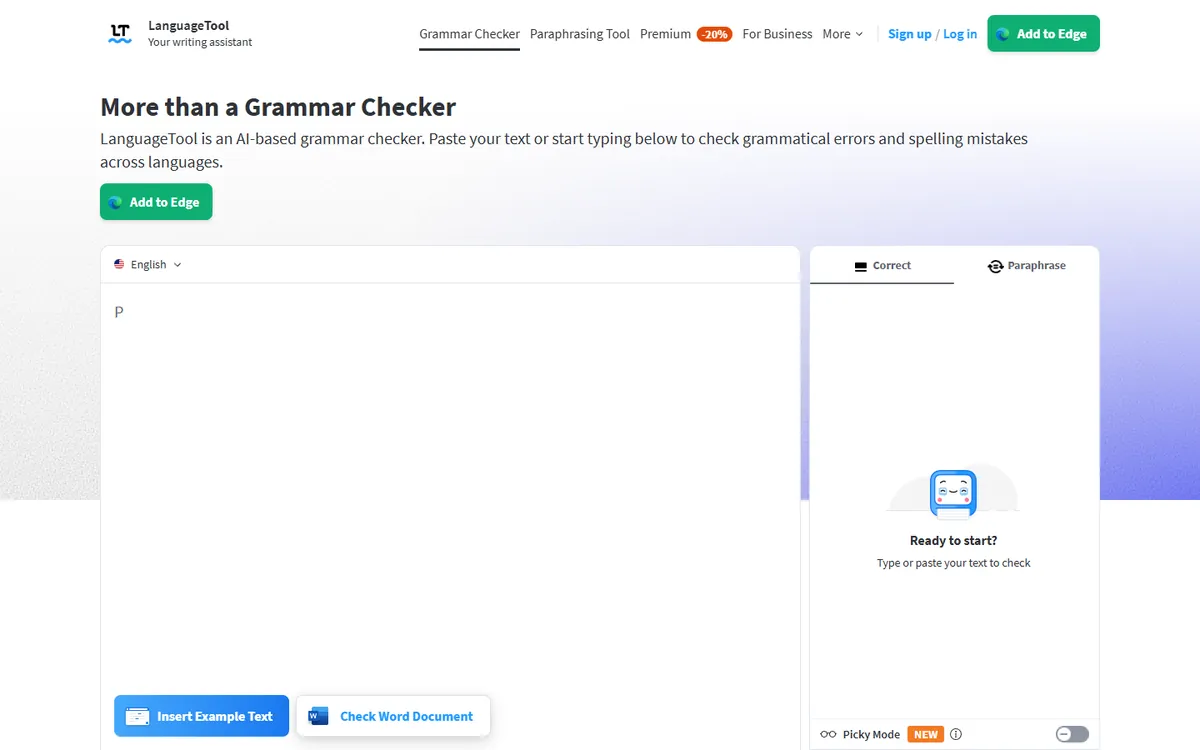
LanguageTool was started in 2003 as an open-source project in Germany and is now run by LanguageTooler GmbH (majority-owned by Learneo, the parent of QuillBot). Its defining strength is language support: it checks grammar, spelling and style in more than 30 languages, which makes it the go-to tool for multilingual writers and international teams.
LanguageTool pricing in detail
| Plan | Price (approx.) | Highlights |
|---|---|---|
| Free | $0 | Basic grammar and spelling on the web editor and some integrations |
| Premium (annual) | ~$59.90–69.99/yr | Style and tone checks, browser extension, longer texts, paraphrasing |
| Premium (monthly/quarterly) | Higher per month | Same features, shorter commitment |
| Team / Business | Per user | Shared dictionaries, style guides, admin |
| Self-hosted server | Free (open-source core) | Run checks on your own infrastructure |
What you get
- 30+ languages, including German, French, Spanish, Italian, Portuguese, Dutch, Polish and Ukrainian — with variants such as British, American and Australian English.
- Grammar, spelling, punctuation and style checks, including formality and tone.
- AI paraphrasing to rephrase sentences.
- Integrations with Chrome, Firefox, Edge, Safari, Word, Google Docs, Outlook and desktop apps.
- Personal dictionaries and team style rules.
- An open-source core you can self-host for confidential documents.
Where it falls short
- The free plan shrank in 2026, and the browser extension now needs Premium.
- English style suggestions are slightly less extensive than Grammarly's.
- Pricing varies by region and billing period.
Good to know
At roughly $60–70 a year, LanguageTool Premium costs about half of Grammarly Pro's annual price — and a fifth of Grammarly's monthly plan.
Who it's best for
Writers who work in more than one language, European businesses and privacy-conscious teams. Skip it if you only write in English and want the most in-depth English style coaching.
2. ProWritingAid
Price: Free (500-word checks). Premium $120/year (about $10/month) or $30 monthly; Premium Pro $144/year. Lifetime licences: $399 (Premium) and $699 (Premium Pro). See ProWritingAid's official pricing page for current plans.
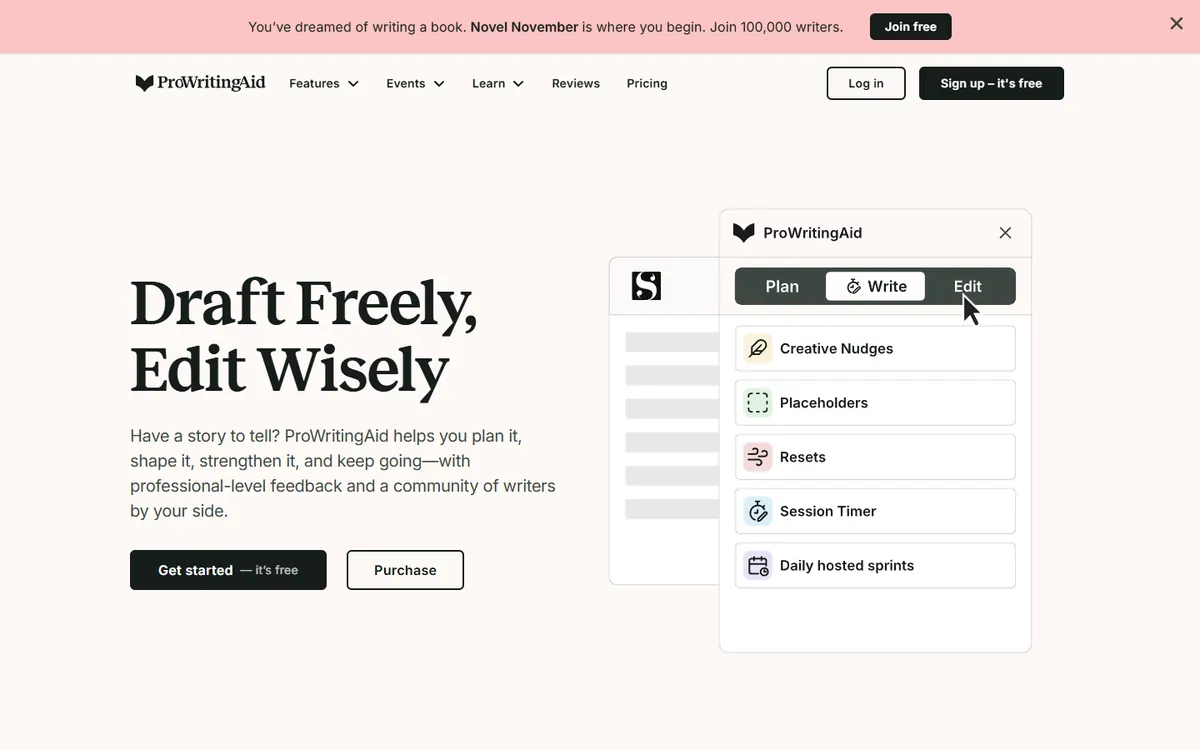
ProWritingAid, founded in the UK in 2012, is built for long-form writers. Instead of just fixing errors, it produces detailed reports on style, pacing, repetition and readability — which is why it is a favourite among novelists and editors.
ProWritingAid pricing in detail
| Plan | Annual | Monthly | Lifetime | Highlights |
|---|---|---|---|---|
| Free | $0 | $0 | — | 500-word checks, limited reports |
| Premium | $120 | $30 | $399 | Unlimited words, all reports, integrations |
| Premium Pro | $144 | $36 | $699 | Adds advanced AI features and critique tools |
What you get
- 20+ in-depth reports: overused words, sentence length variation, sticky sentences, pacing, dialogue tags, clichés and readability.
- Manuscript-level analysis for novels and long reports.
- Integrations with Word, Google Docs, Scrivener, Final Draft and browsers.
- AI rephrasing and critique features on higher tiers.
- A lifetime licence — pay once and stop subscribing.
Where it falls short
- Annual price is close to Grammarly's; the real saving comes from the lifetime option.
- Busier interface with many reports to learn.
Good to know
The $399 lifetime licence pays for itself in under three years compared with Grammarly Pro's annual plan.
Who it's best for
Authors, editors and long-form writers. Skip it if you just want quick fixes in emails.
3. QuillBot
Price: Free (grammar checker and limited paraphrasing). Premium $99.95/year (about $8.33/month) or $19.95 monthly. See QuillBot's official pricing page for current plans.
QuillBot started in 2017 as a paraphrasing tool built by university students and is now owned by Learneo, the parent company of Course Hero. It has grown into a full writing suite with tens of millions of users, especially students and non-native English writers.
QuillBot pricing in detail
| Plan | Price | Highlights |
|---|---|---|
| Free | $0 | Grammar checker, paraphraser (limited modes and length), summariser, citation generator |
| Premium (annual) | $99.95/yr (~$8.33/mo) | Unlimited paraphrasing, all modes, longer summaries, plagiarism checks (page limits), faster processing |
| Premium (monthly) | $19.95/mo | Same features, no commitment |
| Student rate | ~$74.95/yr | Where offered |
| Team plans | Per user | Shared billing and admin |
QuillBot doubled its annual price in 2025, from $49.95 to $99.95.
What you get
- Paraphraser with Standard, Fluency, Formal, Academic, Simple, Creative, Expand, Shorten and custom modes, plus a synonym slider.
- Free grammar checker for spelling, grammar and punctuation.
- Summariser that condenses articles into key sentences or paragraphs.
- Citation generator for APA, MLA, Chicago and other styles.
- Translator for dozens of languages.
- AI detector and plagiarism checker (with page limits on Premium).
- Integrations with Chrome, Word and Google Docs.
Where it falls short
- Style and tone coaching is lighter than Grammarly's.
- Plagiarism checks are capped by pages per month.
- The price rise narrowed the gap with Grammarly.
Good to know
QuillBot's annual Premium still costs about $44 less per year than Grammarly Pro annual, and a fraction of Grammarly's $30 monthly plan.
Who it's best for
Students and writers who paraphrase, summarise and cite sources. Skip it if you need team style guides or in-depth tone feedback.
4. Hemingway Editor
Price: Free web editor. Hemingway Plus $10/month or $100/year (AI rewrites). Desktop app $19.99 one-time. See Hemingway Editor's official site for current plans.
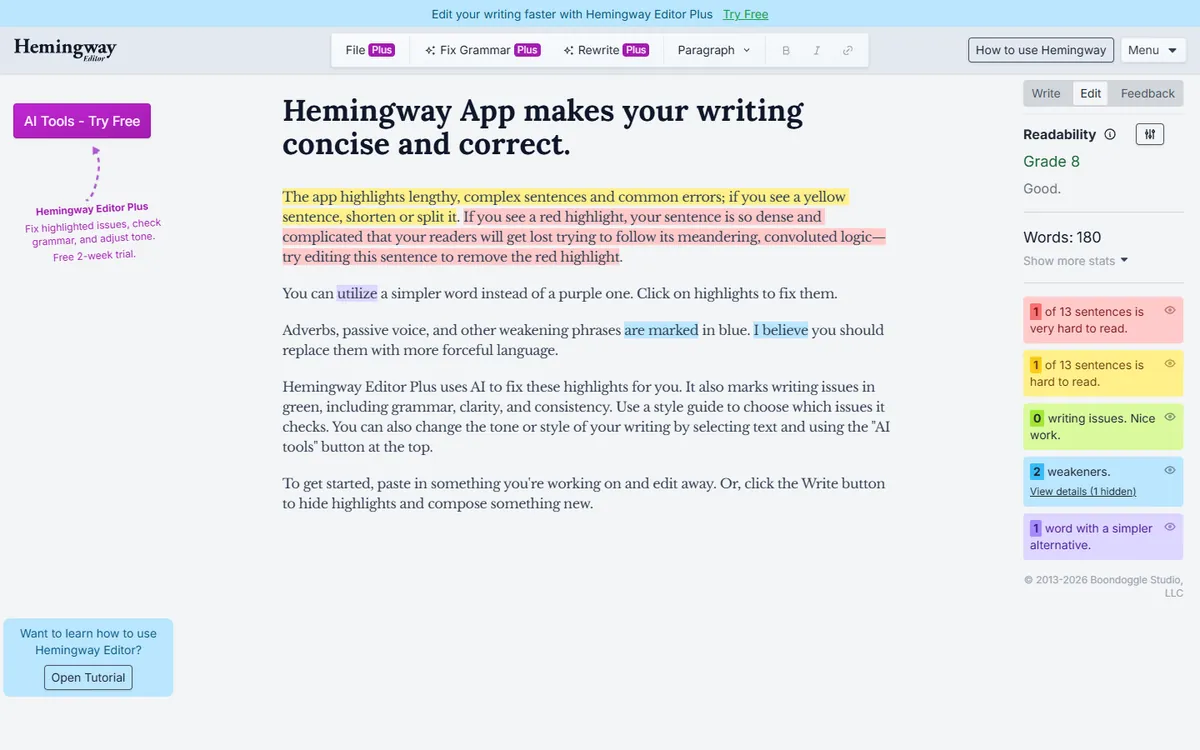
Hemingway Editor, named after the author famous for short, clear sentences, has been a favourite of copywriters and bloggers since 2013. It does one thing exceptionally well: it shows you exactly which sentences are hard to read and why.
Hemingway pricing in detail
| Option | Price | Highlights |
|---|---|---|
| Web editor | Free | Readability highlighting, grade level, basic statistics |
| Desktop app (Mac/Windows) | $19.99 one-time | Works offline, export to Word, HTML and Markdown, publish to WordPress and Medium |
| Hemingway Plus | $10/mo or $100/yr | AI rewrites (about 5,000 credits per month), grammar and spelling fixes, tone suggestions |
What you get
- Colour-coded highlights: yellow for long sentences, red for very hard sentences, purple for complex words, blue for adverbs and green for passive voice.
- Readability grade showing the reading level needed to understand your text.
- Suggestions for simpler alternatives to complex words.
- Offline desktop app for a single one-time payment.
- AI rewrites on Plus that simplify sentences while keeping your meaning.
- Distraction-free writing mode.
Where it falls short
- Not a full grammar checker (except on Plus).
- No browser extension that works across every site like Grammarly's.
- Style rules are fixed and may not suit every genre.
Good to know
The $19.99 desktop app is one of the cheapest writing tools you can own — less than two months of Grammarly Pro on annual billing.
Who it's best for
Copywriters, marketers, bloggers and anyone writing for the web. Skip it if you need grammar correction everywhere you type.
5. Wordtune
Price: Free (10 rewrites per day). Advanced about $4.89–6.99/month billed annually. See Wordtune's official pricing page for current plans.
Wordtune is made by AI21 Labs, an Israeli artificial-intelligence company co-founded by AI researchers. Instead of correcting mistakes, Wordtune focuses on rewriting: select a sentence and it offers several alternatives — more casual, more formal, shorter or longer.

Wordtune pricing in detail
| Plan | Price | Highlights |
|---|---|---|
| Free | $0 | 10 rewrites per day, limited summaries and AI prompts |
| Advanced | ~$4.89–6.99/mo (annual) | Many more rewrites, summaries and prompts |
| Unlimited | Higher | Unlimited rewrites and AI features |
| Business | Per user | Team features and admin |
Several users report automatic annual renewals without reminders, so note your renewal date.
What you get
- Rewrite suggestions for any sentence, with tone and length controls.
- Spices — options to add examples, counterarguments, statistics or explanations.
- Summaries of articles, PDFs and YouTube videos.
- Chrome extension that works in Gmail, Google Docs, LinkedIn and more.
- Basic grammar and spelling corrections.
Where it falls short
- Light grammar checking compared with Grammarly.
- Auto-renewal complaints from some users.
- Rewrites can change meaning — always review.
Good to know
On annual billing, Wordtune Advanced costs about half as much as Grammarly Pro.
Who it's best for
Professionals rewriting emails, LinkedIn posts and marketing copy. Skip it if you need comprehensive proofreading.
What you pay per year
| Option | Annual cost |
|---|---|
| Grammarly Pro (monthly billing) | $360 |
| Grammarly Pro (annual) | $144 |
| ProWritingAid Premium | $120 (or $399 once) |
| QuillBot Premium | $99.95 |
| Hemingway Plus | $100 (or $19.99 desktop once) |
| LanguageTool Premium | ~$60–70 |
| Wordtune Advanced | ~$59–84 |
How to switch without losing your work
- Export your personal dictionary from Grammarly and add the words to the new tool.
- Install the new browser extension and Office/Docs add-ins, then disable Grammarly's to avoid conflicts.
- Recreate style rules if your team used a Grammarly style guide.
- Turn off Grammarly's auto-renewal before your renewal date.
Which one should you choose?
- You write in several languages or want strong privacy: LanguageTool.
- You write books, long reports or fiction: ProWritingAid — ideally the lifetime licence.
- You are a student who paraphrases and cites sources: QuillBot.
- You write marketing copy and want it shorter and clearer: Hemingway Editor.
- You rewrite emails and social posts all day: Wordtune.
Hidden costs and gotchas
- Monthly billing. Grammarly's monthly price is 2.5 times the annual rate per month; the same pattern applies to several alternatives. Pay annually only for a tool you have tested.
- Auto-renewal. Annual plans renew automatically. Set a reminder a week before renewal.
- Privacy. Writing assistants process everything you type. For confidential documents, check data policies or use LanguageTool's self-hosted server.
- Team plans. Style guides, brand tones and admin controls usually require business tiers, which cost more per user.
- Overlapping AI. Microsoft Copilot, Google Gemini and ChatGPT can now check and rewrite text. If you already pay for one, you may need only a lightweight grammar checker.
Our verdict
LanguageTool is the best value overall — about half the price of Grammarly with far better language support. Novelists should get ProWritingAid (ideally the lifetime licence), students should use QuillBot, copywriters will love Hemingway, and anyone rewriting emails and posts should try Wordtune.
More cheaper alternatives: see our breakdowns of the cheaper options to Semrush, Ahrefs and HubSpot.
Related reading: What Is a Readability Score?, How to Write Microcopy That Reduces Support Tickets and What Is ChatGPT? The Complete Guide.
Planning a switch, or not sure which tool fits the way your team works? Book a free call and we will look at your stack with you.
Prices are US list prices in USD unless marked, checked on 27 October 2026. "Annual" means the per-month price when billed yearly. Vendors change pricing often, so confirm on the vendor's site before buying. Product names and logos are trademarks of their respective owners and are used here for identification only.
Common questions
What is the best free alternative to Grammarly?
QuillBot's free grammar checker and Hemingway's free web editor are useful free tools. LanguageTool also has a free tier, though it was reduced in 2026.
Which Grammarly alternative is best for non-English languages?
LanguageTool supports more than 30 languages and is the strongest multilingual option.
Is ProWritingAid better than Grammarly?
For fiction and long-form writing, many authors prefer ProWritingAid's detailed reports. Grammarly is easier for quick everyday writing.
Is there a lifetime Grammarly alternative?
Yes. ProWritingAid offers lifetime licences, and Hemingway's desktop app is a one-time purchase.
Can these tools check plagiarism?
QuillBot and ProWritingAid include plagiarism checking (with limits). Grammarly Pro includes it too.
