In short
The best cheaper alternatives to Adobe Photoshop in 2026 are Affinity (by Canva) (free), Photopea (free), GIMP (free), Pixelmator Pro ($49.99 one-time) and Luminar Neo ($119 one-time). Adobe Photoshop itself starts at $22.99 a month, so most teams can cut the cost substantially without losing the features they actually use.
Photoshop is still the industry standard for photo editing and compositing, but the way you pay for it has not changed in a decade: you rent it, every month, for as long as you use it. In 2026 the single-app plan costs $22.99 a month on an annual commitment, $34.49 if you want to cancel any time, or $263.88 if you prepay the year. Over five years that is roughly $1,380 for one app on one seat — and if you stop paying, you lose access to the software you learned.
That price makes sense for retouchers, compositors and agencies who live in Photoshop eight hours a day. For everyone else — marketers who crop social images, small business owners editing product photos, students, hobbyists, designers who only open Photoshop a few times a week — it is hard to justify. The good news is that 2026 is the best year yet to leave. Canva made the entire Affinity suite free, Apple bundled Pixelmator Pro into a cheap subscription, and the browser-based editors have become genuinely capable.
 Adobe Photoshopvs
 Affinity (by Canva)
 Photopea
 GIMP
 Pixelmator Pro
 Luminar Neo
What Photoshop actually costs in 2026
Adobe sells Photoshop in several ways, and the cheapest headline number is not always the cheapest option for you.
| Plan | Price | What you get |
|---|---|---|
| Photoshop single app (annual, billed monthly) | $22.99/mo | Photoshop desktop + iPad + web, 100GB cloud storage, monthly generative credits |
| Photoshop single app (month-to-month) | $34.49/mo | Same, cancel any time |
| Photoshop single app (annual, prepaid) | $263.88/yr | Same, about $21.99/mo |
| Photography plan (20GB) | $19.99/mo | Photoshop + Lightroom + Lightroom Classic |
| Creative Cloud Standard | $54.99/mo | 20+ apps, limited AI features |
| Creative Cloud Pro | $69.99/mo | All apps, full generative AI allowance |
Two details catch people out. First, the "annual, billed monthly" plan is a twelve-month contract: cancel half-way and Adobe charges an early-termination fee of 50% of the remaining months. Second, renewal pricing and promotional pricing differ, so the price on your second year can be higher than the one you signed up for. If you only need Photoshop for photos, the Photography plan is the cheapest legitimate way to stay with Adobe — but every option below costs less still.
The 5 cheaper alternatives at a glance
| Tool | Starts at | Model | Best for |
|---|---|---|---|
| Adobe Photoshop | $22.99/mo | subscription | The benchmark |
| Affinity (by Canva) | Free tier | free | Designers who want a pro desktop editor with no subscription |
| Photopea | Free tier | free | Quick edits on any computer, Chromebooks, occasional users |
| GIMP | Free tier | open source | Budget-zero users and Linux users |
| Pixelmator Pro | $49.99 one-time | one time | Mac users who hate subscriptions |
| Luminar Neo | $119 one-time | one time | Photographers who mostly retouch and grade photos |
How we picked these alternatives
We looked for editors that can replace Photoshop for real work, not just cropping. Every pick had to support layers and masks, open or export PSD files (or at least common pro formats), run on a mainstream desktop or in a browser, and cost meaningfully less than $22.99 a month over a two-year period. We checked every price on 27 October 2026 and ranked by a mix of capability, price and how easy it is for a Photoshop user to switch.
1. Affinity (by Canva)
Price: Free. AI features require Canva Pro (about $15/month). See Affinity's official site for current plans.
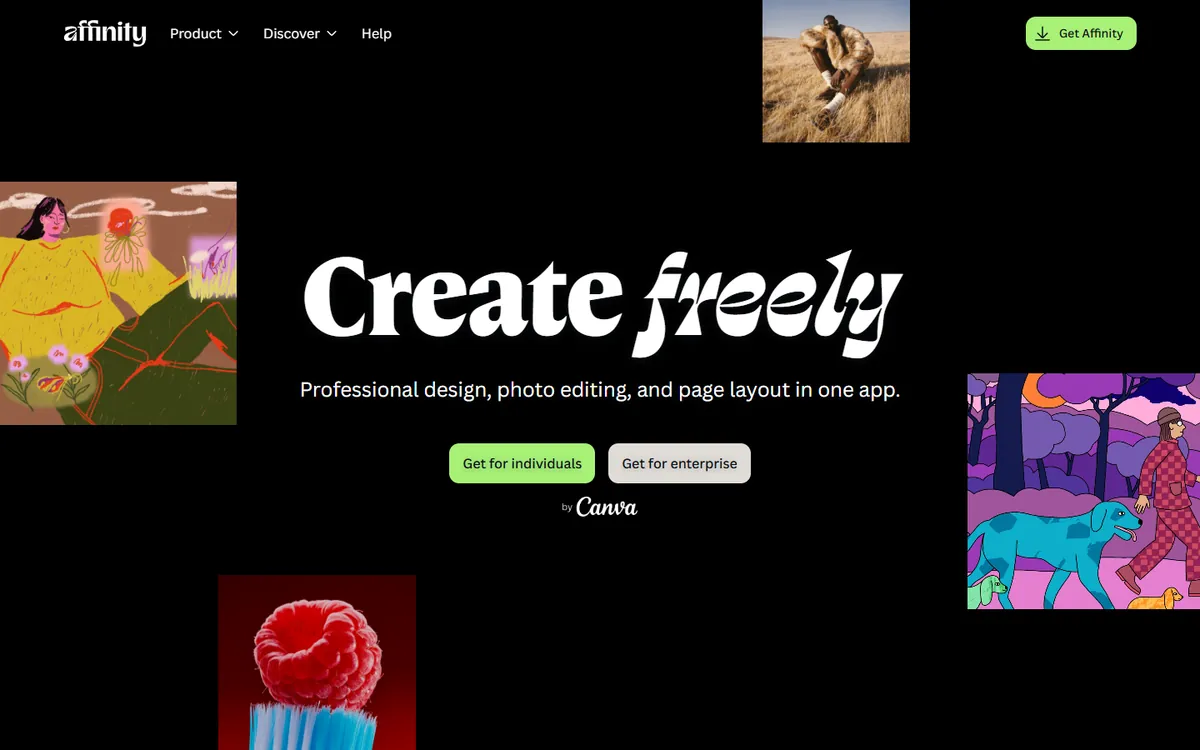
Affinity Photo was the best paid Photoshop alternative for years, selling for a one-time price. In October 2025 Canva — which bought Serif, the company behind Affinity, in 2024 — merged Affinity Photo, Designer and Publisher into a single free app. You sign in with a free Canva account and get the full professional toolset on Windows and macOS with no watermark and no export limits.
What you get
- Non-destructive editing: adjustment layers, live filters, layer masks, clipping, blend modes and smart-object-style embedded documents.
- PSD import and export: layered Photoshop files open with most layers, masks and adjustments intact.
- Retouching tools: frequency separation, inpainting, healing, clone, dodge/burn, liquify.
- RAW development with its own Develop persona, HDR merge, focus stacking and panorama stitching.
- Vector and layout in the same app: switch to the vector or publishing tools without leaving the document — something Photoshop users normally need Illustrator and InDesign for.
Where it falls short
Generative tools (fill, expand, background removal) are reserved for paying Canva Pro or Teams subscribers, so if you depend on Firefly-style AI, the "free" price becomes roughly $15 a month. There is no iPad version of the new unified app yet, Photoshop actions and many third-party plugins do not carry over, and very complex PSDs (smart filters, 3D layers, some layer effects) may rasterise on import.
Best for
Designers and photographers who want a full professional desktop editor and are happy to stop paying a subscription. For most people reading this article, this is the answer.
2. Photopea
Price: Free with ads. Premium about $5/month (or roughly $50/year) removes ads and adds more history and storage. See Photopea's official site for current plans.
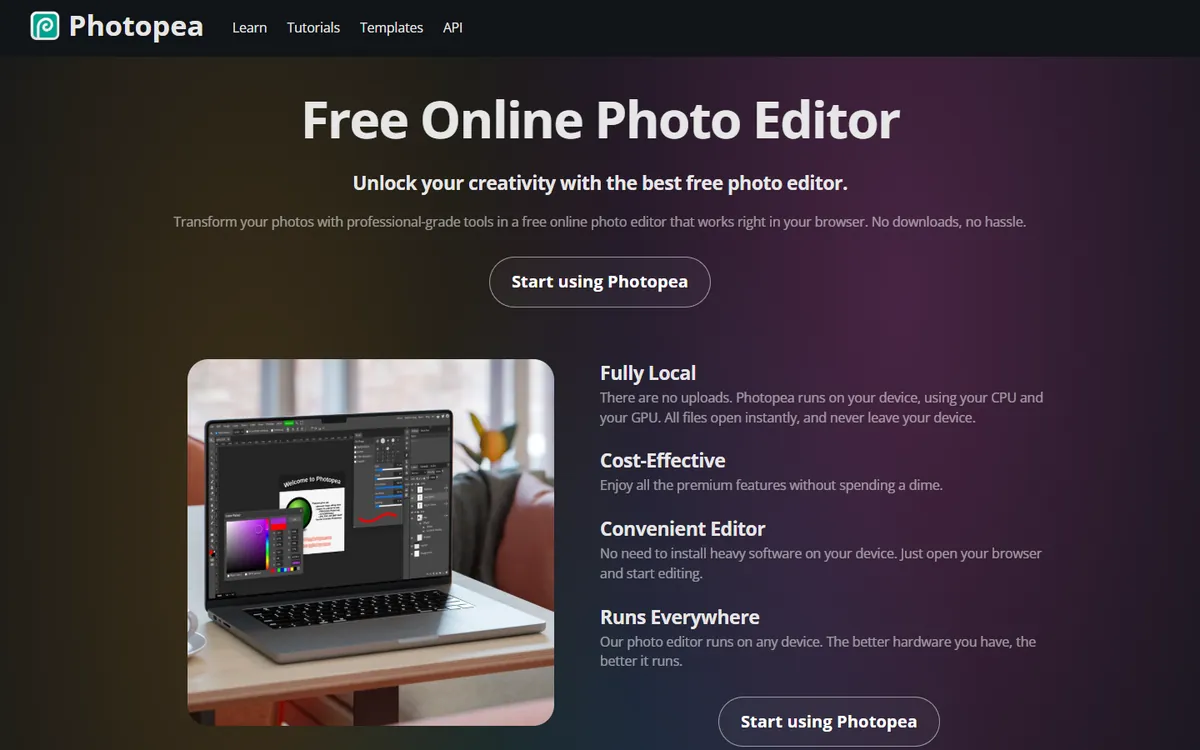
Photopea is the work of a single developer, Ivan Kutskir, who has built it since 2013 into one of the most-used image editors on the web. It runs entirely in your browser — no install, no account — and its interface deliberately mirrors Photoshop's menus, panels and keyboard shortcuts. If you know Photoshop, you can use Photopea within minutes.
Photopea pricing in detail
| Plan | Price | What changes |
|---|---|---|
| Free | $0 | All editing features, ads beside the canvas |
| Premium | ~$5/mo, ~$50/yr (shorter terms also offered) | No ads, more undo history, more storage for files and fonts, priority email support |
| Team | Per seat | Premium for several people |
What you get
- Opens almost any format: PSD (with layers, smart objects and layer styles), AI, XD, Sketch, XCF (GIMP), PDF, RAW camera files, SVG and more — often more reliably than other free tools.
- Real Photoshop-style editing: adjustment layers, layer masks, clipping masks, blend modes, smart objects and layer effects.
- Familiar tools: pen tool, content-aware fill, spot healing, clone stamp, magic wand, refine edge, text with full typography and warp.
- Actions and scripts — many Photoshop actions can be run directly.
- Works offline after loading and stores nothing on Photopea's servers by default, since files are processed in your browser.
- Runs anywhere — Chromebooks, Linux, locked-down work PCs and even tablets.
Where it falls short
- Ads on the free version take some screen space.
- Browser limits: very large composites and 100+ megapixel images can be slow or run out of memory.
- No professional print colour management to match Photoshop's CMYK workflows.
Good to know
Many designers keep Photopea bookmarked even if they own another editor, simply to open the occasional PSD a client sends.
Who it's best for
Occasional users, students, marketers and anyone who needs Photoshop-like editing on any computer. Skip it if you work on huge, complex print projects every day.
3. GIMP
Price: Free and open source. See GIMP's official site for current plans.
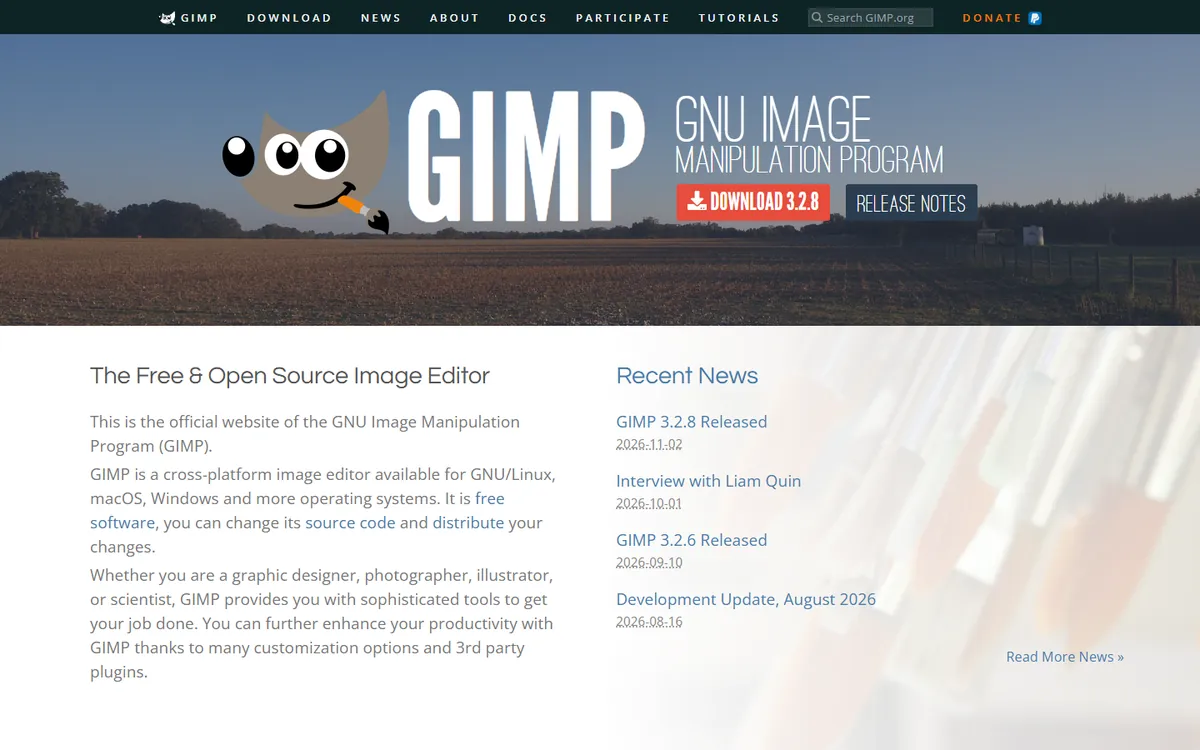
GIMP — the GNU Image Manipulation Program — has been the best-known free Photoshop alternative since the late 1990s. It is developed by volunteers and runs on Windows, macOS and Linux. The GIMP 3 release modernised its interface and added the long-requested non-destructive filters, which means you can adjust an effect after applying it instead of starting over.
GIMP pricing in detail
| Option | Price | Notes |
|---|---|---|
| GIMP desktop | Free | No account, no subscription, no telemetry |
| Plugins (G'MIC, Resynthesizer, etc.) | Mostly free | Community-built extensions |
| Donations | Optional | Support development |
What you get
- Layers, layer masks, channels and paths for full compositing work.
- Non-destructive filters (GIMP 3) that stay editable.
- Powerful selection tools, including foreground select, fuzzy select and paths.
- Retouching tools: healing, clone, perspective clone, dodge/burn and smudge.
- Colour tools: curves, levels, hue/saturation and colour balance.
- Plugin ecosystem, including G'MIC with hundreds of filters and Resynthesizer for content-aware fill.
- Scripting in Python and Script-Fu for automation.
Where it falls short
- Different interface conventions from Photoshop, so expect a learning curve.
- Weaker CMYK and print workflows.
- Limited PSD support for complex files with smart objects and effects.
- No generative AI built in.
Good to know
GIMP is the image editor many Linux distributions include by default, and it is widely taught in schools that use free software.
Who it's best for
Hobbyists, students, Linux users and anyone who wants a capable editor at zero cost forever. Skip it if you need seamless PSD exchange with Photoshop users.
4. Pixelmator Pro
Price: $49.99 one-time on the Mac App Store, or included in Apple Creator Studio at $12.99/month ($129/year), which also bundles Final Cut Pro and Logic Pro and can be shared with up to six family members. See Pixelmator Pro's official site for current plans.
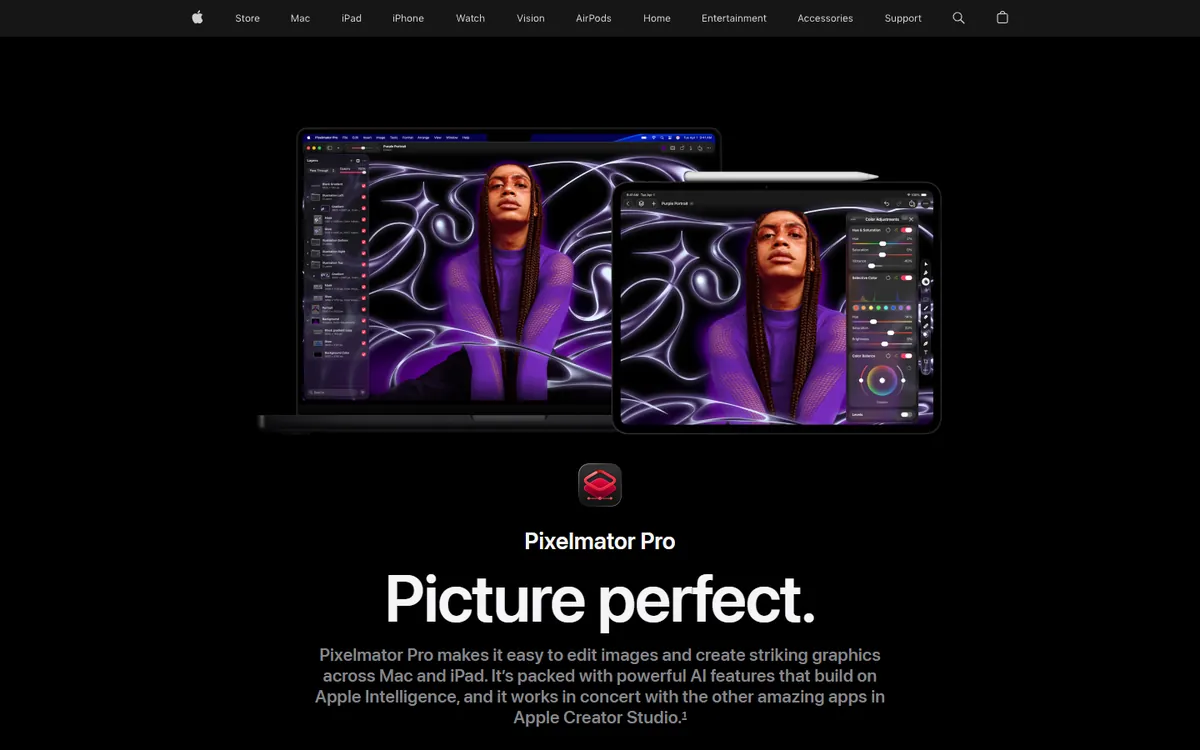
Pixelmator Pro was created by a small team in Lithuania and became one of the most acclaimed Mac apps of the past decade. Apple acquired Pixelmator in 2024 and, in January 2026, included Pixelmator Pro in its new Creator Studio subscription — while keeping the one-time purchase available.
Pixelmator Pro pricing in detail
| Option | Price | Includes |
|---|---|---|
| Pixelmator Pro (Mac App Store) | $49.99 one-time | Full app with updates |
| Apple Creator Studio | $12.99/mo or $129/yr | Pixelmator Pro, Final Cut Pro, Logic Pro; Family Sharing for up to 6 |
| Creator Studio (education) | $2.99/mo | Students and educators |
What you get
- Machine-learning tools: ML Super Resolution upscales images up to three times with remarkable detail, plus ML Denoise, ML Enhance and automatic colour matching.
- One-click selection and background removal powered by Apple's neural engine.
- Layer-based editing with masks, effects, vector shapes and a full typography engine.
- PSD import and export with layers.
- Native Apple-silicon performance that makes editing large images feel instant.
- Integration with Photos, Shortcuts and iCloud.
Where it falls short
- Mac only (an iPad version has been announced).
- No 3D, fewer plugins and less scripting depth than Photoshop.
Good to know
At $49.99, Pixelmator Pro costs less than three months of Photoshop — and you own it.
Who it's best for
Mac users who want a polished editor without a subscription. Skip it if you work on Windows or need Photoshop-specific plugins.
5. Luminar Neo
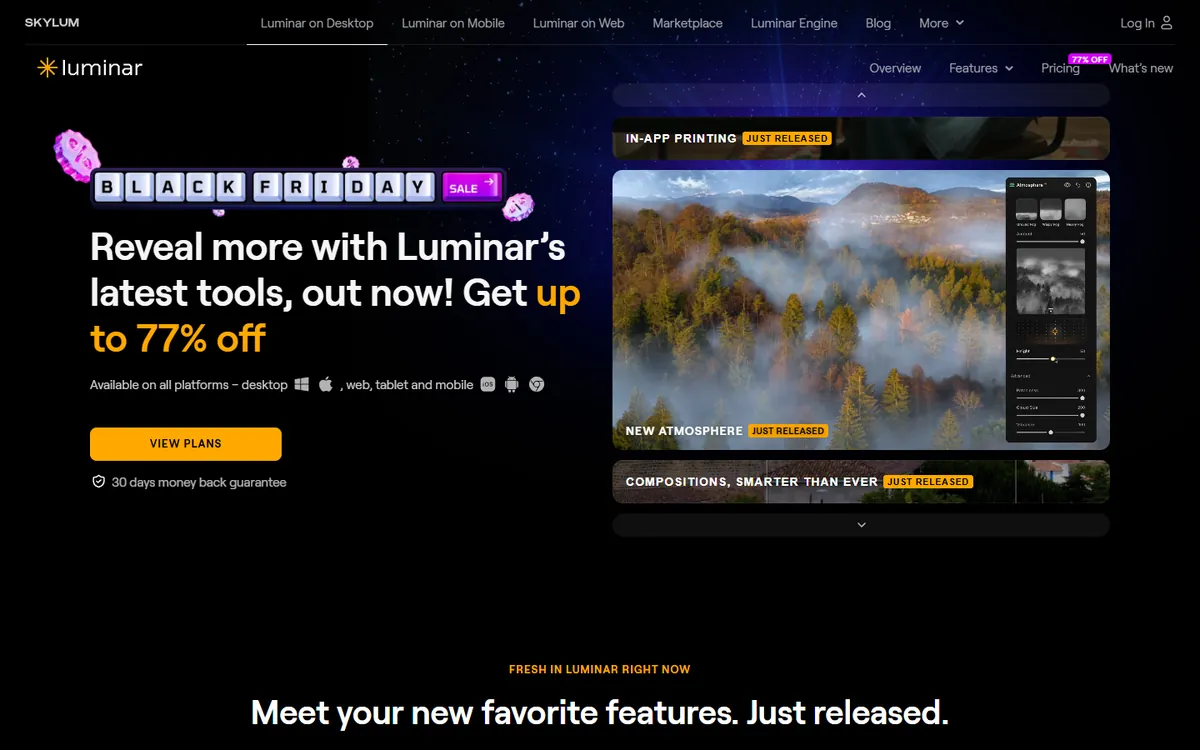
Price: Perpetual licence from $119 (Desktop), $159 (Cross-device) or $179 (Max). Generative AI tools are included for one year. Skylum runs frequent sales. See Luminar Neo's official pricing page for current plans.
Luminar Neo, from Skylum (the company behind Aurora HDR), is an AI-first photo editor. It is not a general replacement for Photoshop's design and compositing tools; it replaces what many photographers actually open Photoshop for — making photos look great, fast.
Luminar Neo pricing in detail
| Licence | Price (one-time) | Devices | Notes |
|---|---|---|---|
| Desktop | $119 | 1 computer | Core editing and AI tools |
| Cross-device | $159 | Computer + mobile | Sync edits between devices |
| Max | $179 | Multiple | All extensions |
| Generative tools | Included for 1 year | — | GenErase, GenExpand, GenSwap |
What you get
- AI sky replacement with automatic relighting of the scene.
- Relight AI to brighten foregrounds as if you had added a light.
- Portrait tools for skin, eyes, teeth and body shaping.
- GenErase, GenExpand and GenSwap generative tools.
- Extensions for HDR merge, focus stacking, upscaling and noise reduction.
- Plugin for Photoshop and Lightroom.
Where it falls short
- Not a compositing or design tool.
- Major upgrades and gen-AI tools after year one may cost extra.
Good to know
Many photographers pair Luminar Neo with a free editor like Affinity for the occasional composite.
Who it's best for
Landscape, portrait and real-estate photographers. Skip it if you design layouts, posters or UI.
What you would actually pay over two years
Here is the real cost for one person over 24 months, using list prices.
| Option | Year 1 | Year 2 | 2-year total |
|---|---|---|---|
| Photoshop (annual, billed monthly) | $275.88 | $275.88 | $551.76 |
| Photoshop Photography plan | $239.88 | $239.88 | $479.76 |
| Affinity (by Canva) | $0 | $0 | $0 |
| Photopea Premium | ~$50 | ~$50 | ~$100 |
| GIMP | $0 | $0 | $0 |
| Pixelmator Pro (one-time) | $49.99 | $0 | $49.99 |
| Luminar Neo Desktop | $119 | $0 | $119 |
For a five-person design team, moving from Photoshop to Affinity saves about $1,380 a year before you count anything else in Creative Cloud.
How to switch without losing your work
- Export your important PSDs while you still have Photoshop. Keep layered PSDs, but also save flattened TIFF or PNG copies of finished work.
- Rasterise or flatten complex smart filters you cannot live without — they are the feature most likely to break on import.
- Rebuild your actions as macros (Affinity) or scripts (GIMP). Photopea can run many Photoshop actions directly.
- Install your fonts locally. Adobe Fonts stop syncing when your subscription ends, so licence or replace them first.
- Run both apps for a month. Do real projects in the new editor before cancelling, and cancel at the end of your annual term to avoid Adobe's early-termination fee.
Our verdict
If you are paying $22.99 a month for Photoshop and you are not a full-time retoucher, switch to Affinity. It is free, professional and handles PSDs well. Use Photopea when you need to edit on a computer that is not yours, choose Pixelmator Pro if you are on a Mac and want to own your software for $49.99, and pick Luminar Neo if your work is mostly making photos look stunning rather than designing layouts. Keep Photoshop only if your clients or your workflow genuinely depend on Adobe-only features — and if you do, the $19.99 Photography plan is the cheapest way to keep it.
More cheaper alternatives: see our breakdowns of the cheaper options to Adobe Illustrator, Adobe Premiere and Figma.
Related reading: Should You Use AI-Generated Images on Your Website?, How to Optimize Images for Speed and Search and Should You Use Stock Photos on Your Website?.
Planning a switch, or not sure which tool fits the way your team works? Book a free call and we will look at your stack with you.
Prices are US list prices in USD unless marked, checked on 27 October 2026. "Annual" means the per-month price when billed yearly. Vendors change pricing often, so confirm on the vendor's site before buying. Product names and logos are trademarks of their respective owners and are used here for identification only.
Common questions
Is there a completely free alternative to Photoshop?
Yes. Affinity by Canva, GIMP and the free version of Photopea are all free. Affinity is the closest to Photoshop for professional work; Photopea is the closest in look and feel.
Can these alternatives open PSD files?
Affinity, Photopea and Pixelmator Pro all open layered PSD files, with Photopea offering the most faithful import. GIMP opens basic layered PSDs. Luminar Neo opens flattened images rather than editing PSD layers.
Which alternative has AI features like Generative Fill?
Affinity's generative tools are available with Canva Pro. Luminar Neo includes GenErase and GenExpand for the first year. Pixelmator Pro has strong machine-learning tools (super resolution, auto-selection) but not prompt-based generation. Photopea and GIMP have limited or no generative AI.
Is Affinity really free forever?
Canva has said the unified Affinity app is free, funded by Canva subscriptions for the AI features. As with any free product, terms can change, but your files are standard formats you can always export.
What do professionals use instead of Photoshop?
Many studios still use Photoshop, but Affinity has a large professional following in print and illustration, Pixelmator Pro is popular with Mac-based creatives, and DaVinci Resolve and Luminar are common in photo and video pipelines.
