In short
Choose GitHub Copilot if your team lives on GitHub and wants completions in the editor, a cloud coding agent and centrally managed seats, starting at $10 a month. Choose Claude Code if you mainly want an autonomous agent for larger tasks from a terminal, IDE or desktop app, starting at $20 a month. Copilot completions do not use credits on paid plans, so the two pair well.
How they differ
GitHub Copilot began with code completion, and it has grown into chat, a cloud coding agent, a CLI and more. Its big advantage is that it sits within the place where many teams already work: issues, pull requests and code review on GitHub.
Claude Code is an agent first. You describe a task, and it reads your codebase, edits files, runs commands and verifies its work, from the terminal, an IDE, a desktop app or the web. It does not offer the same always-on typing completions as Copilot.
So these are not strict substitutes. Copilot's completions help you while you type, and Claude Code is built for handing over a task.
Plans compared
From the Copilot and Claude pricing pages, checked on 4 November 2026.
| Copilot plan | Price | AI credits | Claude plan | Price |
|---|---|---|---|---|
| Free | $0 | Limited use | Free | $0; no Claude Code |
| Pro | $10 | $15 worth | Pro | $20 ($17 annually) |
| Pro+ | $39 | $70 worth | Max | $100 |
| Max | $100 | $200 worth | Ultra | $200 |
Copilot defines one credit as $0.01, and its plans include a “flex” portion on top of the base amount. Code completions and next-edit suggestions don't use credits on paid plans, so typing assistance won't eat into your allowance. Agent and chat use does.
Claude plans use usage limits rather than a credit balance, and Team and Enterprise options are available. You can also use Claude Code through API billing.
Headline prices can't be compared directly, because a credit and a usage limit are different units. Track a typical week.
Where Copilot is the better fit
Everyone on GitHub. Assigning an issue to an agent and receiving a pull request is a natural extension of how many teams already work. Reviewers stay in a familiar place.
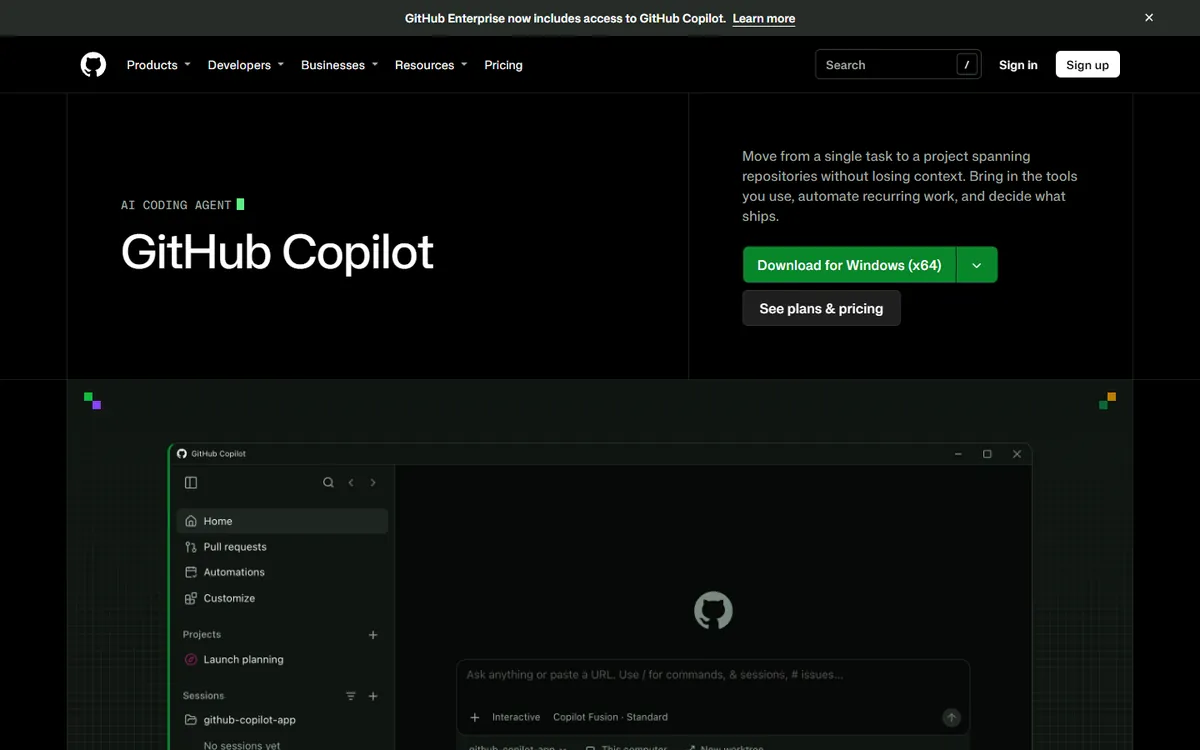
Typing assistance. Completions and next-edit suggestions make small, continual gains that many developers rely on, and they do not use credits on paid plans.
Org-wide rollout. Business and Enterprise plans include admin controls, usage limits and credits that can be pooled. If you need to give hundreds of developers access under one policy, that matters. Check the current enterprise plans for pricing.
A choice of models and agents. Copilot's pricing page mentions third-party agents, including Claude and Codex, but its details differ between sections of the page, so confirm which plan includes what.
Low entry cost. At $10 a month, it's an inexpensive way to get started with AI assistance, and the free tier is enough to evaluate it.
Where Claude Code is the better fit
Large, delegated tasks. Refactors, test suites, migrations and bug investigations across many files are the core use case.
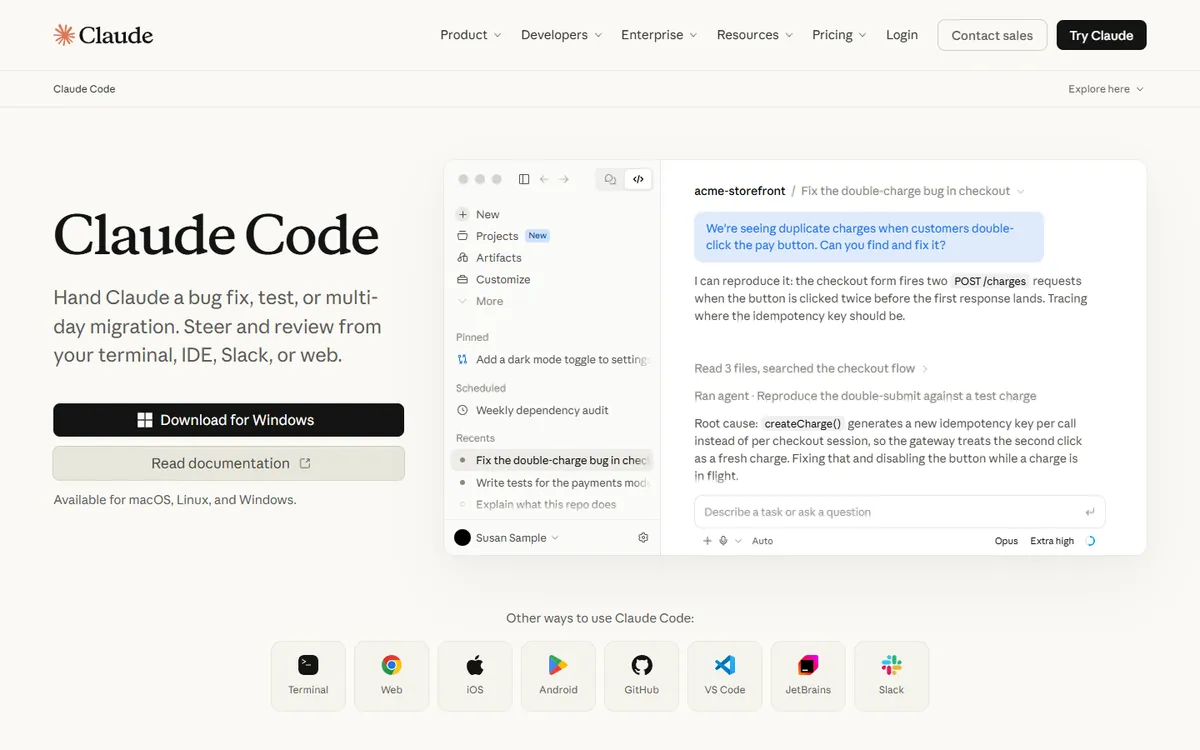
Automation. It's designed to be scripted, so you can pipe logs into it, run it in CI, and schedule recurring tasks.
Customisation. Project memory through CLAUDE.md files, skills, hooks and subagents let you encode how your team works. It's worth reading what Claude Skills are and how to write a CLAUDE.md file if you go this route.
Not tied to GitHub. If your repositories are on GitLab or elsewhere, or if you often work in JetBrains or over SSH, then it fits without changing where you host your code.
Using both
This is a very common setup, and it's sensible, as the overlap is smaller than the names suggest:
- Copilot in the editor for completions and small questions.
- Claude Code for bigger tasks, run on a branch and reviewed as a pull request.
- Copilot's code review or a colleague's review for what the agent produced.
Use a shared instructions file so that the tools follow the same conventions. Claude Code can read AGENTS.md. Check Copilot's documentation for its own custom instructions support, which also has a role in keeping both aligned.
What teams should check
- Data handling. Read each vendor's terms on training and retention for your plan, especially on individual plans. See is it safe to send customer data to an LLM?
- Permissions. Agents can run commands. Set sensible limits, and keep production credentials out of reach. See how to handle secrets and API keys.
- Review policy. Agent output should go through the same code review as anything else. Volume increases, so reviewing often becomes the new bottleneck.
- Cost controls. Set a cap on additional paid usage, especially on the higher tiers.
How to choose
- Individual on a budget: Copilot Pro, then add an agent if you need it.
- Team centred on GitHub issues and pull requests: Copilot, with a trial of Claude Code on harder tasks.
- Experienced developer who delegates large tasks: Claude Code.
- Automation in CI or on a schedule: evaluate Claude Code, and compare it with Copilot's agent features for your workflow.
- Unsure: run the same three tasks with each, following the method in Claude Code vs Codex.
If you want to set up an AI-assisted workflow that your team can trust, book a call.
Common questions
Is GitHub Copilot or Claude Code better?
They serve different habits. Copilot excels at in-editor help and fits teams that work on GitHub. Claude Code is built for delegating larger tasks and automation. Many developers use both, so compare them against your real work, not against a general ranking.
Can GitHub Copilot use Claude models?
Copilot's pages refer to Claude and other third-party models and agents, but availability differs by plan and may change. Check GitHub's current documentation for exactly which models and agents your plan includes before relying on them.
Does Copilot charge for code completions?
GitHub says code completions and next-edit suggestions don't use AI credits on paid plans. Chat and agent use draw on your credits. The Free plan has its own limits on chat and agent usage.
Can I use Claude Code without GitHub?
Yes. Claude Code works with local files and Git repositories wherever they are hosted, and it can run in a terminal, IDE, desktop app or the web. Some of its integrations, such as GitHub Actions, naturally require GitHub.
