In short
Choose Framer for design-led marketing sites with fewer than a few hundred pages and little need for plugins: plans start at $10 a month with hosting and maintenance included. Choose WordPress for larger content libraries, specialist functionality, complex stores or full ownership. WordPress is free software, but you take on hosting, plugins and security. Check Framer's limits against your two-year content plan.
Two very different tools
Framer is a hosted design tool that publishes websites. Designers work on a visual canvas, and it handles animations, responsive layouts, hosting and updates. Many startups use it for their marketing sites.
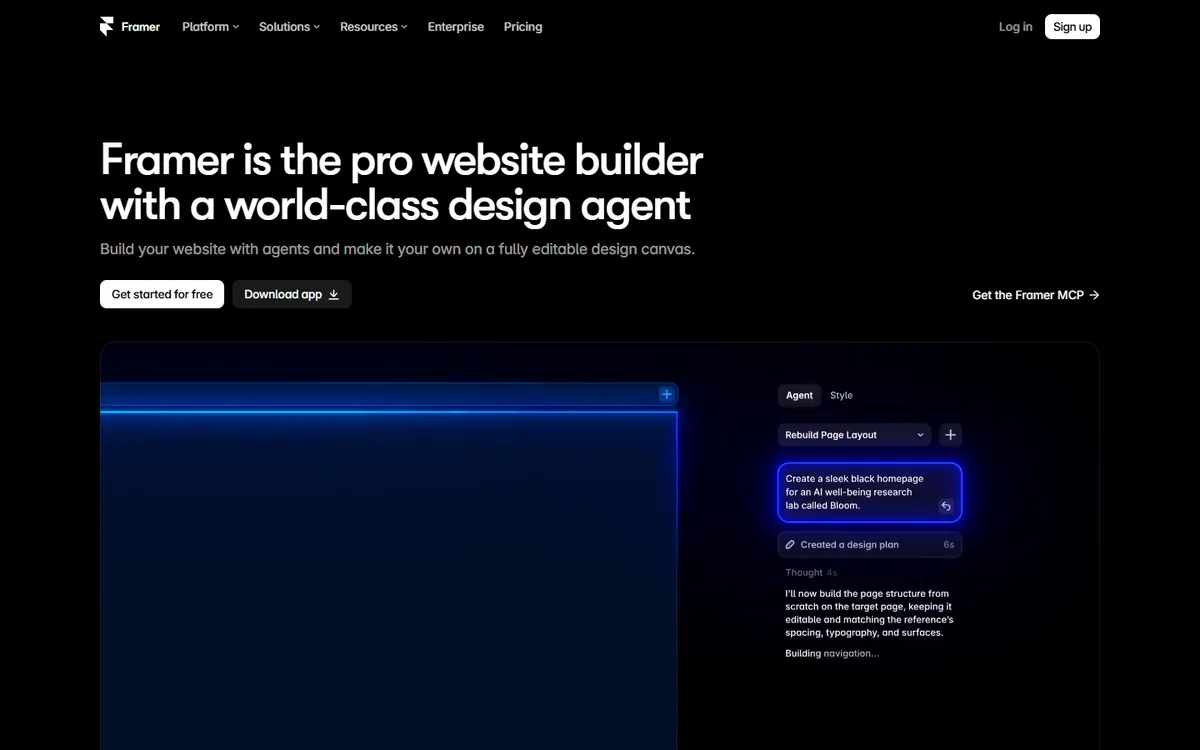
WordPress is open-source content management software, running on 39.5% of all websites, per W3Techs. It's installed on hosting of your choice and extended with themes and plugins.
Cost and limits
From Framer's pricing page, checked on 4 November 2026. Prices are monthly, and billed according to the cycle you select.
| Framer Basic | Framer Pro | WordPress (self-hosted) | |
|---|---|---|---|
| Price | $10/month | $30/month | Software free; hosting varies |
| Pages | 30 | 150 | No platform limit |
| CMS items | 1,000 | 2,500 | No platform limit |
| Bandwidth | 50 GB | 100 GB | Depends on host |
| Translation locales | $20 each | $20 each | Plugin-dependent |
Framer sells capacity in blocks if you need more: $20 per 100 pages, up to 700; $20 per 10,000 CMS items, up to 40,000; and $40 per 100 GB of bandwidth, up to 2 TB. Above those limits, you'd be talking about Enterprise.
Comparing costs takes some care. WordPress hosting could be cheaper than Framer on paper, but you may pay for premium plugins and a theme, plus maintenance. Framer's cost grows mainly with pages, content and locales.
Design and speed of building
Framer's main advantage. A designer familiar with Figma can publish a polished, animated site without needing a developer. Changes happen on the canvas, and go live with one click. For a startup whose positioning changes every few months, that speed is often worth more than anything else here.
WordPress depends on the build. With a good custom theme or block setup, it can look excellent, but it usually needs a developer to get there, and major layout changes take longer. Page builders provide more freedom, but they can add bulk and inconsistency.
Upkeep and security
Framer handles hosting and updates, so there are almost no moving parts to look after.
WordPress needs ongoing care. Patchstack's 2026 report counted 11,334 new vulnerabilities across the ecosystem in 2025, with 91% in plugins and only six in core. Patchstack sells protection, but the practical advice stands: limit plugins, update promptly, and keep backups. If no one on your team will take ownership of that, either budget for a maintenance provider or choose a hosted platform.
Content and scale
This is where WordPress pulls ahead. It has custom content types, editorial workflows, user roles and scheduling, and it can handle very large archives. A publisher with thousands of articles or several authors will find it far more capable.
Framer's CMS is simple and pleasant to use, and it's fine for a blog and a set of case studies. If your plan involves a large programme of content, however, model the cost and any editing limitations first. Our Framer vs Webflow comparison shows how quickly the costs can move on Framer at volume.
Functionality
WordPress has a plugin for nearly everything: memberships, courses, bookings, directories and complex e-commerce through WooCommerce. A developer can also write whatever's missing.
Framer focuses on marketing sites. It offers forms, a CMS, analytics, localisation and A/B testing through an add-on called Convert, and you can add custom code components. For application-like features, you'll generally connect external services or build them elsewhere.
SEO and performance
Both can rank well. Framer provides the main controls, and sites are hosted on a fast global network, though heavy animations and large media can hurt performance. WordPress offers a broader set of SEO tools, and more technical control, but it can slow down with too many plugins. Either way, what makes a website fast comes down to what you add to the page.
For small sites, the platform makes little difference. For large sites with complicated structure, WordPress's flexibility is useful.
Ownership
With WordPress, you can export everything, move hosts at any time, and keep your code. No one company controls your site's future.
Framer is a closed platform. Its pricing page doesn't list code export, so plan on rebuilding the design if you ever leave, although you can move your content. Keep your domain registered in your own name in either case. See who owns your website code, domain and design.
Who should choose what
Framer fits:
- Startups and SaaS marketing sites
- Designers who want to publish without a developer
- Small to medium sites with frequent visual changes
- Teams with no appetite for maintenance
WordPress fits:
- Publishers and content-led businesses
- Sites needing memberships, directories or complicated stores
- Organisations that need full ownership or self-hosting
- Those with a developer or a maintenance plan
A common pattern
Some companies use both: Framer for the marketing pages, and WordPress, or a headless CMS, for a large blog. That lets each tool do what it's best at, but you'll be running two systems, and you'd need to decide between a subdomain or a subfolder for the blog. Keep it simple until you clearly need this.
If you want a recommendation for your own plans, book a call.
Common questions
Is Framer better than WordPress?
For design-led marketing sites with little maintenance, often yes. For large content libraries, specialist plugins or full ownership, WordPress is usually better. Judge it based on your content plans and on who will look after the site.
Is Framer good for blogging?
It's fine for a modest blog. The CMS is simple and pleasant to use, but WordPress is much stronger for large archives, many authors and editorial workflows. Check Framer's CMS limits against your plans before committing.
Can I migrate from WordPress to Framer?
Yes, as a rebuild. You'd redesign your pages in Framer and import content into its CMS, then set up redirects for any changed URLs. Plugins won't carry over, so find a replacement for any function that you depend on.
Can I export my site from Framer?
Framer's pricing page doesn't list code export, so assume that you'd rebuild the design elsewhere if you left, and check with Framer for current options. WordPress, in contrast, lets you move your full site between hosts.
