In short
Connect your project to GitHub, available on all plans, or download a ZIP on a paid plan. Deploy that repository to a host such as Vercel, Netlify or Cloudflare Pages. Your backend can stay in place at first. Moving the built-in database means exporting a PostgreSQL archive to Supabase, and stored files, Edge Function code, secrets and auth settings have to be moved separately.
Decide what you are really moving
A Lovable project usually has two halves, and they move separately:
- Front end: a React project. This is simple to export and host elsewhere.
- Backend: the database, user accounts, stored files, edge functions and secrets. This is where the work lies.
Lovable's external hosting documentation says the built-in backend can stay in place while you move the front end. So you can do this in two stages, which is much safer than moving it all at once.
These steps are based on Lovable's docs, checked on 4 November 2026. The product changes frequently, so confirm details against the current documentation.
Step 1: get the code
Use GitHub sync, if you can. It's available on all plans and syncs in both directions on one branch. You'll have version history, and if you disconnect later, the repository stays on GitHub.
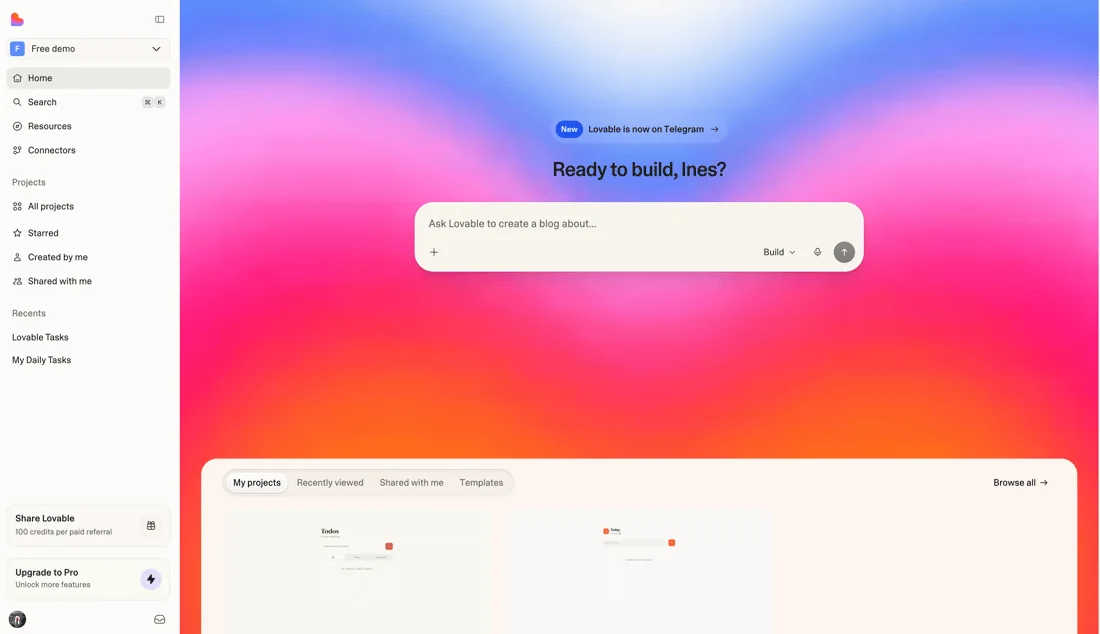
- Open your project's Git settings in Lovable.
- Connect GitHub and create the repository.
- Confirm that recent commits appear on GitHub.
Or download a ZIP. On paid plans, use Download codebase in Project settings under Git, or from the code editor's file tree. A ZIP has no history, so use it as a backup, not as your main route.
Before anything else, search the repository for secrets. Look for keys in the code and in the commit history, using the method in how to find exposed API keys in your front-end bundle.
Step 2: run it locally
Clone the repository and follow its setup:
git clone your-repository-url
cd your-project
npm install
npm run dev
You'll probably need environment variables, such as your database URL and public key. Copy them from your project settings into a local .env file, and make sure that file is in .gitignore. If the app doesn't run from what's written down, fix that now and document it. A project only one tool can run is a real risk.
Step 3: host the front end
Connect the GitHub repository to Vercel, Netlify or Cloudflare Pages. Typical settings for a Vite-based React project:
- Build command:
npm run build - Output folder:
dist - Environment variables: the same public values as your local file
Check that the URL works. Then check a deep link by refreshing an inner page. Single-page apps need a rewrite to index.html, or inner pages can return a 404. Remember that public values are public: never add secret keys to variables that are included in the browser build.
Test everything on the temporary URL, including sign-in. Authentication providers typically need your new domain added to their allowed list of redirect URLs, or logins will fail.
Step 4: move the backend, if you need to
If you connected your own Supabase project from the start, you already control the data, and this step is much smaller. If you use Lovable's built-in backend, its docs name managed Supabase and self-hosted Supabase as destinations.
The documented process involves an export in custom PostgreSQL archive format, which can't be pasted into an SQL editor. You restore it with pg_restore, applying migration files first, in timestamp order.
Importantly, the export leaves things out:
| Item | What to do |
|---|---|
| Stored files | Download and re-upload them to your new storage |
| Edge Function code | Get it from your code or redeploy it, then test it |
| Secrets | Recreate them, ideally rotating them at the same time |
| Auth providers | Reconfigure them; expect users to need to sign in again |
| Connectors | Set them up again |
Lovable warns that removing the built-in database permanently deletes the database, its backups, user accounts and stored files. Do not remove anything until the new setup has been running well for some time. And check that your backup restores before relying on it.
Step 5: test, then switch over
Run through the journeys that matter on the new setup: sign up, sign in, password reset, the core action, payments and email. Then check webhooks, because a payment provider may still be sending events to the old address.
For the cut-over itself:
- Choose a quiet time and tell your users if they'll need to sign in again.
- Freeze writes on the old system, or you may lose changes made after your export.
- Export and restore a final copy.
- Switch your domain to the new host, with a low DNS TTL set ahead of time. See how DNS works.
- Watch errors closely for the first few days, and keep the old system available as a fallback.
If you have search traffic, keep URLs the same where you can, or follow a migration checklist.
Check security while you are at it
Moving is a good moment to fix the things that were skipped. Confirm Row Level Security on all tables, and rotate your keys. Run through the vibe-coded app security checklist. Since Lovable's own scanners won't follow you, add dependency checks and monitoring to your new pipeline.
Should you leave at all?
Not necessarily. Lovable's two-way sync means that a developer can work on the code in a normal editor, while others keep using Lovable. Move if you need something that the platform won't do, or if your costs or compliance needs require it. Otherwise, connecting GitHub and confirming that you could leave may be all you need for now. See which builders you can actually leave.
If you want help planning a migration, book a call.
Common questions
Can I export my code from Lovable for free?
Yes. GitHub sync is available on all plans, including Free, according to Lovable's documentation. Downloading a ZIP of the codebase requires a paid plan. GitHub is usually the better route either way, because it preserves your history.
Do I own the code Lovable generates?
Lovable's pricing page says you own your code, subject to third-party rights in the underlying AI models. Read its current terms if this matters for investment or legal reasons, and keep your own copy in a repository you control.
What happens to my database when I leave Lovable?
If you use your own Supabase project, it stays yours. If you use the built-in backend, you export a PostgreSQL archive and restore it into Supabase. Stored files, secrets, edge function code and auth settings have to be moved separately.
Will my users have to log in again after migrating?
Very probably. Lovable's documentation says that auth providers must be reconfigured and sessions do not carry over. Tell your users beforehand, test password reset thoroughly, and add your new domain to your providers' allowed redirect list.
