In short
For portability, Lovable is the easiest of the three to leave: GitHub sync works on all plans, though your database and secrets need separate planning. Replit gives you real files and Git, but secrets and database contents do not come with an export. Base44 offers GitHub sync from its Builder plan, but exported code is reported to still rely on Base44 to run, so expect to replace the backend if you ever move.
Why the exit matters more than the demo
Comparisons of these tools usually focus on which one produces the best first version. That matters less than it seems, because all three can produce a credible first version. The expensive surprise arrives months later, when you need something the platform will not do, costs climb, or an investor asks who actually controls the product.
So this comparison looks at the exit. Facts below come from each vendor's own pages and docs, checked on 4 November 2026. These products change quickly, so verify anything you plan to rely on.
The comparison
| Lovable | Replit | Base44 | |
|---|---|---|---|
| Entry price | Free tier; Pro reported from $25/month | Core $20/month ($18 billed annually) | Starter $16/month, billed annually |
| Billing unit | Credits; monthly credits expire after two months | Effort-based checkpoints drawn from monthly credits | Message and integration credits |
| Getting code out | GitHub sync on all plans; ZIP download on paid plans | Git pane with auto-sync; ZIP download | Two-way GitHub sync from Builder ($40/month, billed annually) |
| Main lock-in risk | Database and secrets if you rely on Lovable Cloud | Secrets, database contents and deployment setup | The backend, which is built on Base44's platform |
Lovable: the clearest route out
Lovable's GitHub integration is available on all plans and syncs in both directions on one branch. If you disconnect, the repository stays on GitHub with its history. On paid plans you can also download the codebase. Its pricing page states “You own your code”, subject to third-party rights in the underlying AI models.
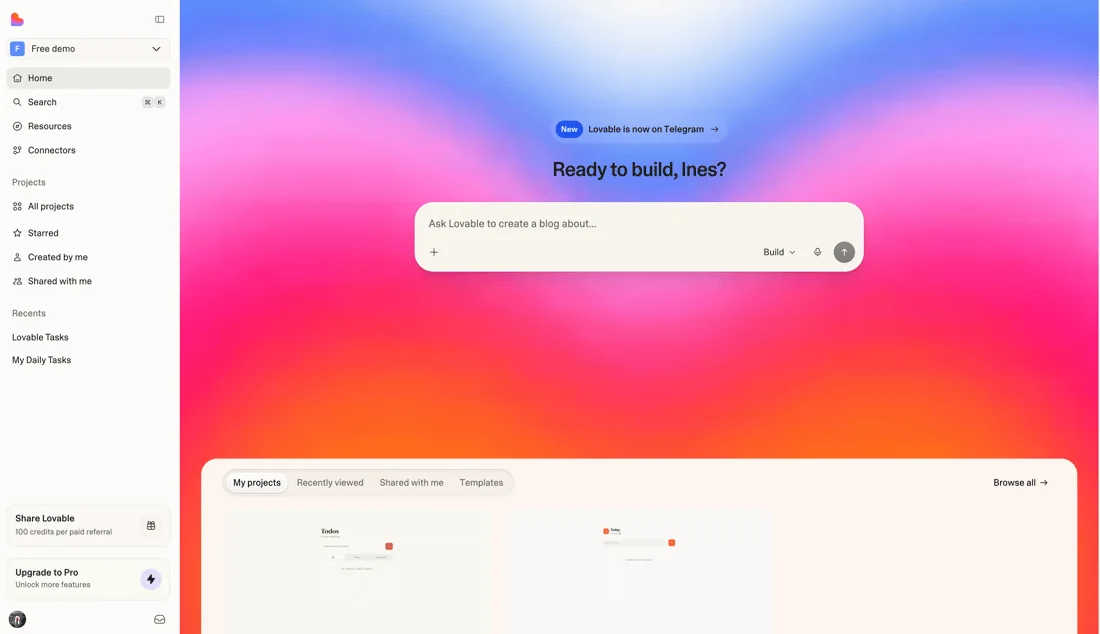
Git sync covers code, not everything. Check how your data is held, particularly if you use Lovable Cloud rather than your own Supabase project, and plan to move environment variables and secrets by hand. On our reading, connecting your own database project early gives you the cleanest exit, since you then already control the data.
Best for: founders who want a React front end and expect a developer to take over at some point.
Replit: real files, but a variable bill
Replit is closer to a full development environment. You can download a project as a ZIP or connect a GitHub repository with two-way sync, and it handles more languages and app types than a typical front-end builder. If you have some technical comfort, that flexibility is its strongest point.
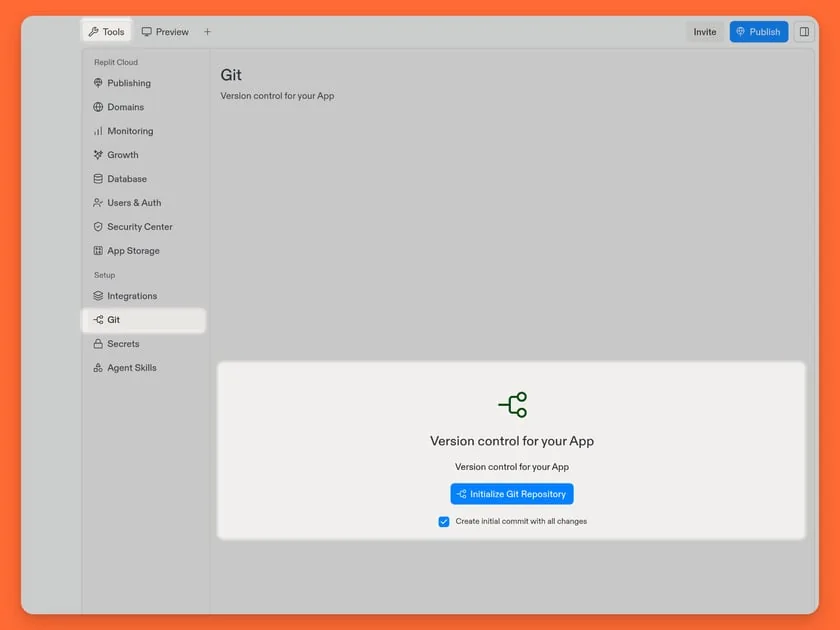
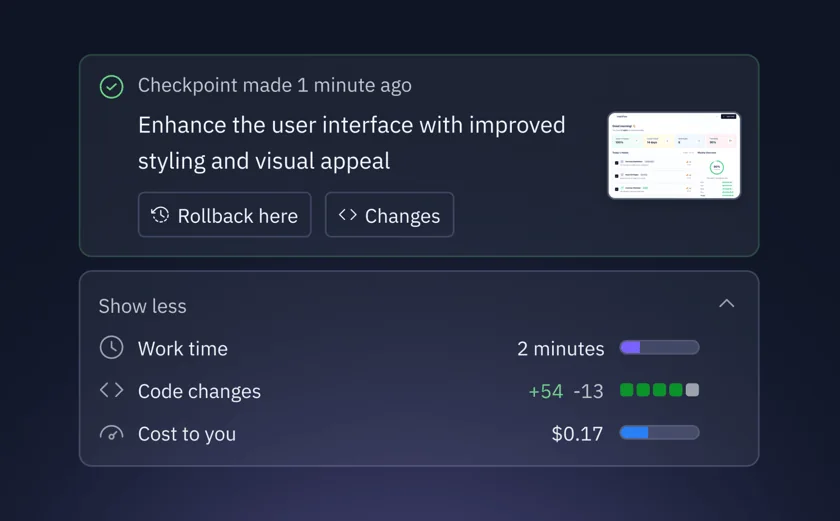
Two things need attention. First, an import or copy brings the code, while secrets, database contents and deployment configuration have to be set up again. Plan a proper database export before you need one. Second, Agent charges by effort per checkpoint, and monthly credits also cover published apps, storage and databases. That makes costs harder to predict, although Replit offers usage alerts and budget limits, so turn them on from the first day.
Best for: technical builders, internal tools, and anything beyond a standard web app.
Base44: simple to run, hardest to leave
Base44's pricing is easy to understand, and every plan includes an integrated backend and database. For an internal tool you never plan to move, that convenience is the point.
Its FAQ says two-way sync “exports the full source code to your own repo at any time”, which is more generous than many older comparisons suggest. Read that next to the developer docs, though. Sync requires Builder or higher, runs on the main branch only and cannot be paused. Local development uses base44 dev, which runs a local Base44 backend, and the page does not describe running the app with no Base44 backend at all. One detailed analysis quotes Base44's developer docs as saying exported code “still relies on Base44 to run”, and reports that functions import Base44's SDK and read its database, with no self-hosting option. Having your source code and being able to run it elsewhere are different things, so treat a move as replacing the backend layer.
Best for: internal tools and small apps where speed matters more than portability.
Which should you choose?
- You expect to hire developers later: Lovable, with your own database project.
- You or your team can code and want flexibility: Replit, with budget limits switched on.
- You need a simple internal tool and will not move it: Base44.
- You are building the core product of a funded company: consider whether a coding agent on a normal codebase suits you better than a builder at all. Our comparison of no-code and custom MVPs sets out that decision.
Run an exit test before you commit
Do this in your first week, while it costs almost nothing:
- Export the code to a repository you own.
- Run it on your own machine, following only what is written down.
- Deploy it to an independent host such as Vercel, Netlify or a VPS.
- Export the database and restore it somewhere else.
- List every secret, webhook and third-party service you would need to recreate.
Whatever fails on that list is your real lock-in, whatever a comparison table says. Write it down, because you may accept it knowingly, and that is a perfectly reasonable decision for an internal tool. It is a much worse discovery when your product depends on it.
If you have outgrown a builder and want help planning the move, book a call. Before you start, check the vibe-coded app security checklist, since exposed data matters more than any migration.
Common questions
Can you export code from Lovable?
Yes. GitHub sync is available on all plans and works in both directions, and paid plans can also download the codebase. Your repository stays on GitHub if you disconnect. Plan separately for your database, environment variables and secrets.
Can you export code from Base44?
Base44 says two-way GitHub sync exports the full source code, on the Builder plan and above. However, its docs describe local development with a Base44 backend, and exported code is reported to still rely on Base44 to run. Getting the code is easy; running it elsewhere means replacing the backend.
Is Replit more expensive than Lovable?
It depends on use. Replit Core has a lower list price, but Agent is billed by effort and monthly credits also cover published apps, storage and databases. Costs can vary widely, so set budget limits and compare your own monthly usage.
Do you own the code from AI app builders?
Check each vendor's terms. Lovable's pricing page says you own your code, subject to third-party rights in the underlying models. Ownership is also separate from portability: owning code tied to one platform's backend does not mean you can easily run it elsewhere.
