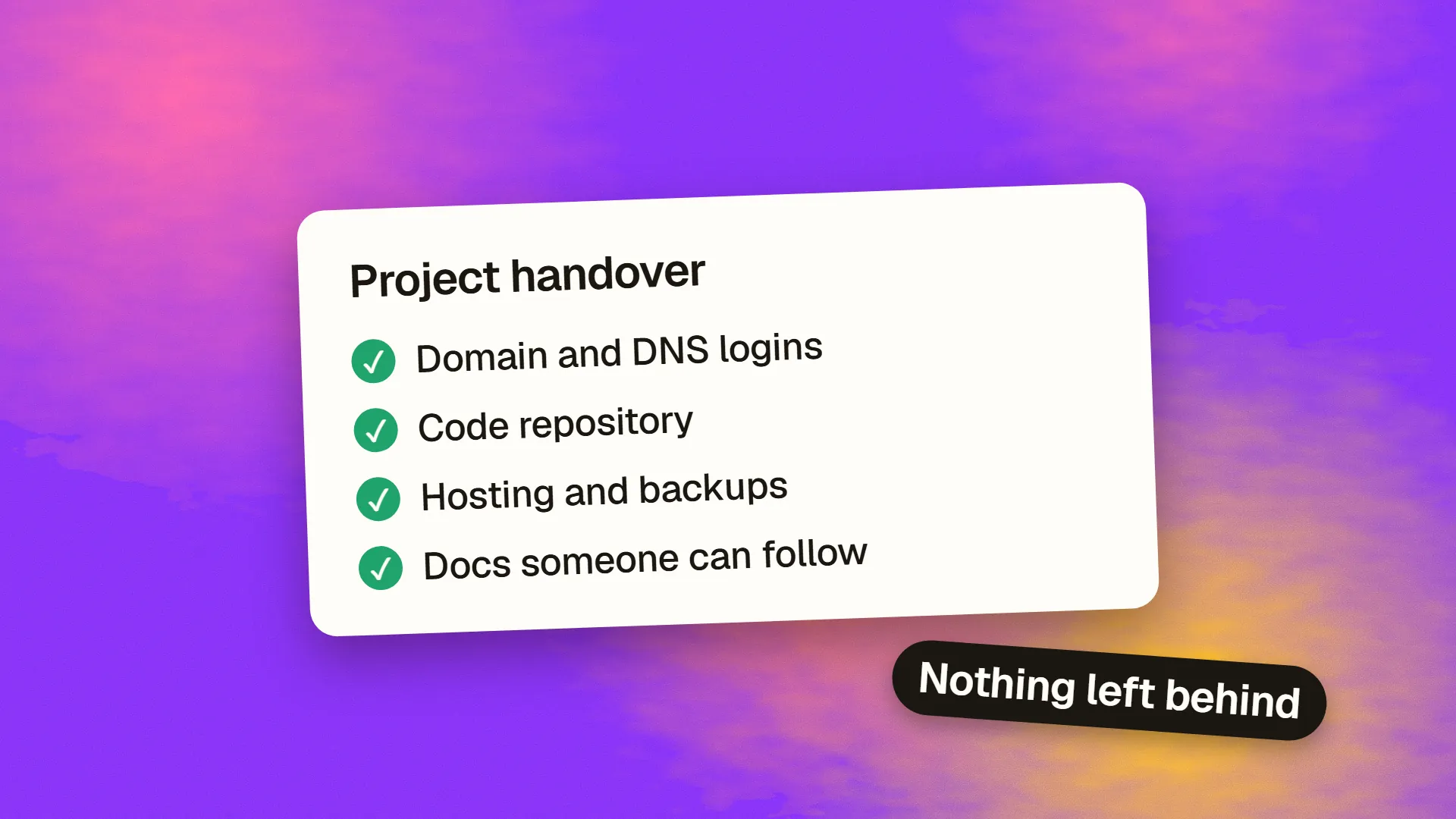
In short
A good handover transfers access, code, knowledge and responsibility. Move every account into the client's name, deliver the code with full history, document how to run and deploy it, list known problems, and hold live walkthroughs. Then prove it works: have the receiving team deploy a small change without help. Plan handover from the start of a project, rather than in its final week.
What it needs to achieve
A handover has one test: can someone new run, change and fix this system without calling the person who built it? Documents are only a means to that end. Plan for that test, and everything else becomes clearer.
This applies whether an agency is finishing a project, a freelancer is moving on, an employee is leaving or a team is taking over. For the commercial side, your contract should already say what's included. See what should be in a web contract.
1. Access and accounts
Start here. It's the part most likely to turn into a dispute, and the hardest to fix later. Make a list of every service, and record who owns each one.
| Category | Examples | Check |
|---|---|---|
| Domain and DNS | Registrar, Cloudflare | In the client's name; registrar lock on; renewal card is theirs |
| Hosting | Server, Vercel, database host | Client is the owner, with billing |
| Code | GitHub, GitLab | Repository owned by the client's organisation |
| Email and SMS | SendGrid, mail hosting, SPF and DKIM records | Domain verified under the client's account |
| Payments | Stripe, PayPal | Client's legal entity and bank details |
| Analytics and search | GA4, Search Console | Client is an owner |
| Design | Figma, fonts, stock licences | Files transferred; licences in the client's name |
| App stores | Apple, Google Play | Client's developer accounts |
Then remove access for anyone who no longer needs it, and rotate shared credentials and API keys. Shared passwords that were sent over chat should be considered compromised. A password manager with a shared vault makes this much simpler. See how to handle secrets and API keys.
2. Code
- Full repository with history, not a ZIP of the latest version.
- All branches that matter, with old ones removed or labelled.
- No secrets in the code or history.
- An
.env.examplethat lists every required variable, with descriptions. - Tagged releases, including the version now in production.
- A list of dependencies, plus anything paid or licensed.
If a tool such as Lovable or Replit was used to build it, confirm the code can run outside that platform. See how to export code from Lovable.
3. Documentation that gets read
Don't write a 50-page manual that nobody opens. A short README and a few focused documents are much better. Cover these:
Getting started. How to run the project locally, from a clean machine, step by step. Test it by having somebody follow it.
Architecture on a page. Main components, how they connect, and where data lives. A rough diagram will do.
Deployment. How code gets to production, how to roll back, and who can do it. See how to do a zero-downtime deploy.
Decisions and the reasons for them. Why this database? Why this odd workaround? Short notes prevent the next person from “fixing” something that's there for a reason.
Known problems. Be honest about bugs, technical debt, fragile areas and things you'd do differently. This is the most valuable section, and the one most often left out.
Operations. Backups and how to restore them, monitoring and alerts, scheduled jobs, renewal dates for domains and certificates, and contact details for third-party suppliers.
Content editing guide, if non-technical people will update the site. A short screen recording is often better than written instructions.
AI tools are useful for producing a first draft by reading the code, but a person who knows the history has to correct it. An AI can't tell you why a decision was made unless somebody wrote it down.
4. Data and files
- Confirm that database backups run, and restore one to prove it. See how to back up a production database.
- Transfer design source files, not just exports: Figma files, brand assets and fonts.
- Hand over content and media, including originals.
- Review what personal data is held, and where, and update any data agreements. See what a DPA is.
5. Knowledge transfer
Documents only go so far. Schedule live time too:
- Walkthrough of the system. Record it.
- Deploy together. The outgoing person leads while the new person watches.
- Reverse it. The new person deploys, with the outgoing person watching.
- Fix a real small bug together. This reveals more than any document.
- Agree on a support period, such as two to four weeks of paid or included questions after handover.
Overlap time is the best investment you can make. Rushing this step often costs many times more later.
6. The final test
Before signing off:
- A person from the new team sets up the project on their own, from the README.
- They make and deploy a small change, and roll it back.
- They restore a backup to a test environment.
- They can name who to contact for each third-party service.
- The outgoing team's access has been removed, and the site still works.
If any of those fails, the handover isn't finished.
Plan it from the start
It's far easier to do this along the way. Register accounts in the client's name from the first day, keep the README updated with each change, record decisions as they're made, and keep documentation in the repository next to the code. Include handover in your original estimate. A client should be able to own their code, domain and designs throughout the project, and not just at the end.
If the handover is difficult
If a supplier has gone quiet or won't cooperate, start with what you control: your domain registrar, your payment accounts and your own hosting. Ask for a list of credentials in writing, referring to your contract. Then have a new developer do a short audit and work out what can be recovered. Get legal advice if you're being refused access to things you've paid for.
If you need help taking over or handing over a project, book a call.
Common questions
What should a website handover include?
Ownership of all accounts, the code with its history, documentation on running and deploying it, design source files, backups, a list of known issues, and live walkthroughs. The test is whether a new person can run and change it without help.
How long should a project handover take?
It depends on the system. A simple site could take a few days. A complex product can need several weeks of overlap. Plan time for a new person to deploy changes under supervision, because that's what reveals missing knowledge.
Who owns the code when a project ends?
That depends on your contract and local law. Don't assume that payment transfers ownership. Your agreement should state who owns the code and designs and when ownership transfers, and accounts should be in your organisation's name from the start.
What if my old developer won't hand over the project?
Secure what you control first, such as your domain and payment accounts. Then request access in writing, referring to your contract, and ask a new developer to assess what can be recovered. Take legal advice if you've paid for work and are being refused access.
