In short
A knowledge panel is the information box Google displays on the right of desktop results, or at the top on mobile, for a search about an entity it recognises: an organisation, person, place, product or concept, drawing on its Knowledge Graph, which is built from Wikipedia and Wikidata, structured data on websites, and consistent references across the web. A local business panel comes from its Google Business Profile; a brand panel requires Google to recognise the brand as an entity, which is earned through consistent naming, Organization structured data, authoritative third-party references and, often, a Wikidata entry. Entity recognition also underpins how AI assistants describe a company.
What it is
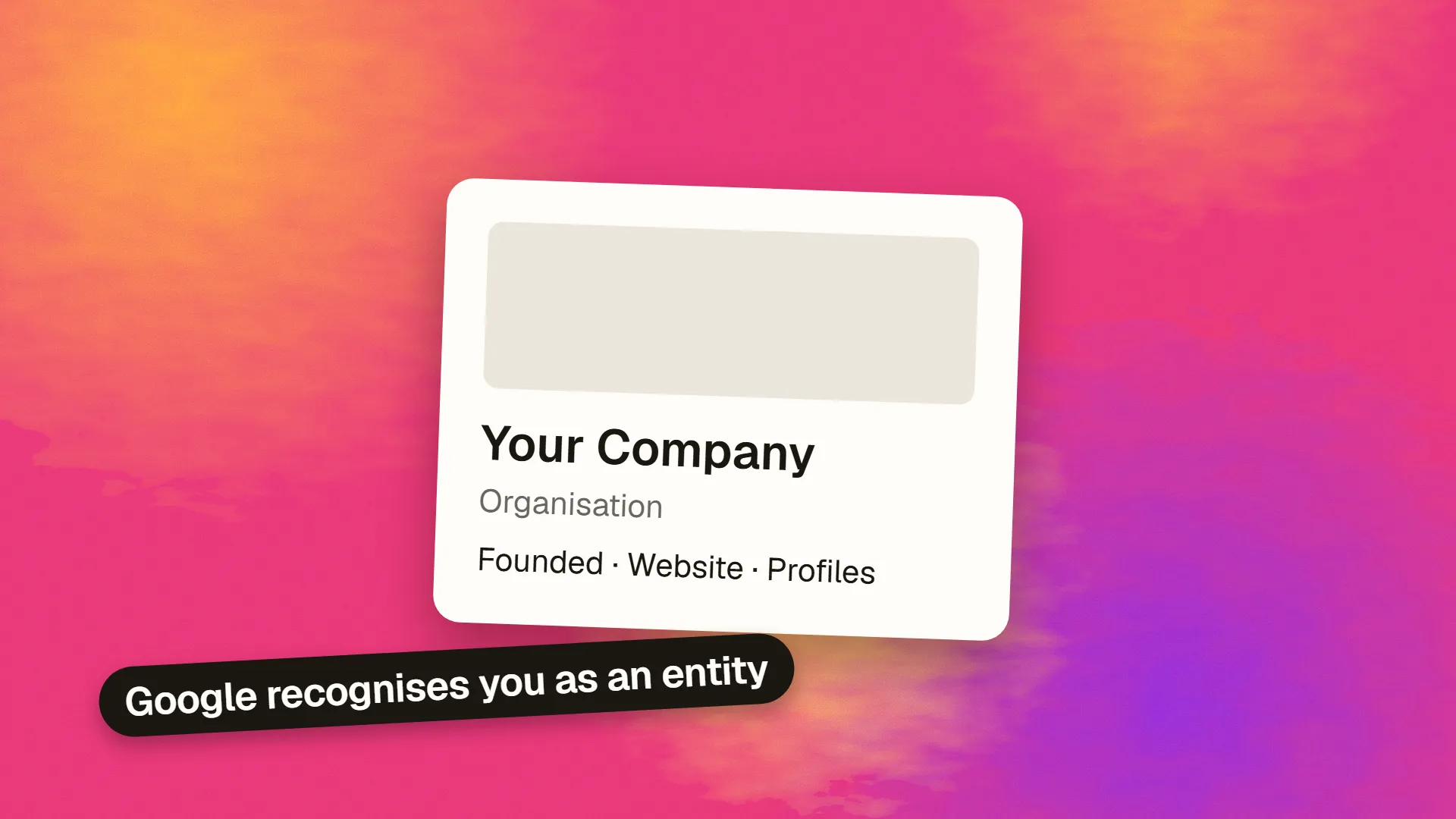
Search for a well-known company and a box appears with its logo, a description, founding date, headquarters, founders, social profiles and related searches. That is a knowledge panel: Google's summary of what it knows about the entity, assembled from its Knowledge Graph, the database of things and relationships it began building in 2012.
The panel is not a page on your site and not an advertisement. It is Google stating, with confidence, that this name refers to this thing, and here is what the thing is. For a brand, it is the clearest visible sign of being recognised as an entity rather than as a string of words.
Two kinds of panel
Local business panels appear for businesses with a physical location or service area and are generated from the Google Business Profile: address, hours, reviews, photos, directions. Any business can create one by claiming its profile.
Brand and entity panels appear for organisations, people, products and concepts that Google has in its Knowledge Graph, regardless of location. They show descriptions, facts, profiles and related entities. These cannot be created directly; they appear when Google's systems decide the entity is real, notable enough and well enough described.
Many businesses have the first and want the second. The steps below are about the second.
From your Business Profile
Something you can claim
From the Knowledge Graph
Earned, by Google recognising you
Where the data comes from
Wikipedia and Wikidata are the largest sources; a Wikipedia article almost always produces a panel, and a Wikidata entry, which has lower notability requirements, often does. Structured data on the entity's own site, particularly Organization schema with the name, logo, founding date, founders, social profiles and a description, tells Google what the entity says about itself. Consistent references across authoritative sites, company registries, industry directories, news coverage and social profiles, corroborate it. Google's own products, Business Profile, YouTube and Merchant Center, contribute. The panel's description is usually taken from Wikipedia or from the site's own description when no Wikipedia article exists.
Becoming an entity Google trusts
Use one name, everywhere. The exact same organisation name on the site, social profiles, registries, directories and press. Variants dilute the signal.
Publish Organization structured data on the homepage: name, alternate names, logo, URL, founding date, founders, address, contact points, and sameAs links to every official profile. Add Person schema for founders and key people with their own profiles. The structured data guide covers the format.
Create a Wikidata entry if the organisation meets its notability standard, which is lower than Wikipedia's: a real, verifiable organisation with references. Cite the company registry, the official site and any coverage. Do not create a Wikipedia article about your own company; it will be deleted and the attempt noted.
Get described by others. Press coverage, industry listings, partner pages, event listings, awards. Third-party references are what turn a self-description into corroborated fact, and they are the same references that build topical authority and E-E-A-T.
Fill in Google's own surfaces. A complete Business Profile, a YouTube channel with the brand name, Merchant Center where applicable.
Be findable for the name. Rank first for your own brand, with a homepage whose title states it.
Panels for small and medium businesses typically appear after these are in place and the brand has some external presence; for a new company with no coverage, they can take a year or more, and the Wikidata entry is often the step that tips it.
Claiming and correcting
Once a panel exists, Google lets the entity's official representative claim it, by verifying through a connected Google account such as the Business Profile, YouTube channel or Search Console property. Claiming allows suggesting edits to the description, facts and featured image, and adding official profiles. Google reviews suggestions against its sources; a change the web does not corroborate is refused, which is why fixing the underlying references usually precedes fixing the panel.
Why it matters beyond the box
Entity recognition is what lets Google connect a brand's site, profiles, reviews and mentions into one picture, which supports brand-name rankings, sitelinks and trust assessments. The same Knowledge Graph and the same web references are what AI assistants draw on when someone asks who a company is and whether it is credible. A business that is a recognised entity is described accurately by Google and by the assistants; one that is not is described from whatever the model can piece together, or not at all.
If you would like an entity audit, checking the name consistency, structured data, Wikidata and references that decide whether a panel appears, book a call.
Common questions
How do I get a knowledge panel for my business?
A local panel comes from claiming and completing a Google Business Profile. A brand panel cannot be requested; it appears when Google recognises the organisation as an entity, which is built by using one consistent name everywhere, publishing Organization structured data with sameAs links to official profiles, creating a Wikidata entry with references, earning third-party coverage and listings, and ranking first for the brand name.
What is the difference between a knowledge panel and a Google Business Profile?
A Business Profile is a listing you create and manage for a business with a location or service area; Google displays it as a local knowledge panel with hours, reviews and directions. A brand or entity knowledge panel is generated by Google from its Knowledge Graph for organisations, people and things it recognises, and can only be claimed and edited, not created.
Where does knowledge panel information come from?
Google's Knowledge Graph, built mainly from Wikipedia and Wikidata, from structured data on the entity's own website, from consistent references across authoritative sites such as registries, directories and news, and from Google's own products including Business Profile and YouTube. The description usually comes from Wikipedia or from the site's own description.
How do I edit or claim my knowledge panel?
Search for the entity, use the claim option on the panel, and verify through a connected official account such as the Business Profile, YouTube channel or Search Console property. Once claimed, you can suggest edits to facts, the description and the image. Google checks suggestions against its sources and refuses changes the web does not support, so correct the underlying references first.
Does a knowledge panel help SEO?
It does not change rankings directly, but it reflects entity recognition, which supports brand-name rankings, sitelinks and trust assessments, and it occupies prominent results space with an authoritative summary. The same recognition determines how accurately AI assistants describe the business when asked.
