In short
Choose Squarespace if you want a polished site with hosting, security and updates included, and your needs are straightforward: plans run from $12 to $25 a month on annual billing. Choose WordPress if you need deep customisation, specialist plugins, large-scale publishing or full ownership. WordPress software is free, but hosting, plugins and maintenance are yours to fund and manage.
Two different products
Squarespace is an all-in-one website builder with hosting, templates, e-commerce and support from one company. Its templates have a strong reputation for design, and there's little for you to maintain.
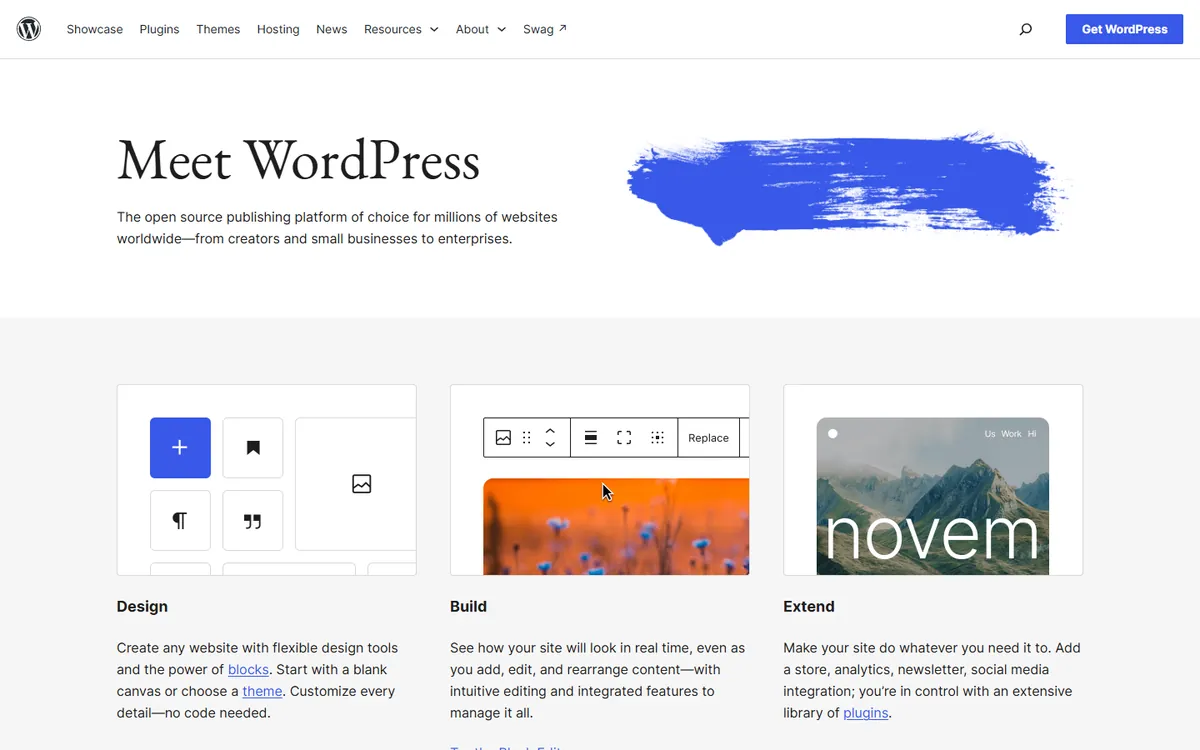
WordPress is open-source software that you run on a host of your choice. It has a vast plugin ecosystem and powers 39.5% of all websites, according to W3Techs. You get freedom, and you take on the upkeep that comes with it.

Cost
From Squarespace's pricing page, checked on 4 November 2026.
| Plan | Annual billing | Monthly billing | Online store fee | Digital content and memberships fee |
|---|---|---|---|---|
| Basic | $12/month | $19/month | 2% | 7% |
| Core | $17/month | $27/month | 0% | 5% |
| Advanced | $25/month | $36/month | 0% | 0% |
Note those fees. If you sell $5,000 of online products a month on Basic, the 2% store fee is $100, so moving to Core for a few dollars more is an obvious saving. If you sell memberships or courses, the 5–7% fee on lower plans matters even more. Standard payment processing costs are charged separately.
With WordPress, you pay for hosting and a domain, and often for a premium theme and plugins, many of which charge annual fees. See how much hosting costs. You may also pay someone for maintenance. The software has no percentage fee on your sales, although payment providers and some plugins do have their own charges.
Design
Squarespace gives you strong templates and guardrails. Spacing and typography tend to look good by default, which is why photographers, restaurants and creative businesses often like it. The limit shows when you want something the system doesn't anticipate.
WordPress ranges from excellent to dreadful, because results depend on your theme and who builds it. A skilled designer can build almost anything. Without one, you may find that heavy page builders and mismatched plugins produce a slow, inconsistent site.
Upkeep and security
Squarespace takes care of updates, hosting and security. You mostly focus on the content.
WordPress core is relatively secure, but plugins are the weak spot. Patchstack's 2026 report counted 11,334 new vulnerabilities in the ecosystem during 2025, 91% of them in plugins, and 46% with no fix available by public disclosure. Patchstack sells security tools, but its advice applies regardless: use fewer plugins from reputable developers, update them promptly, and keep tested backups.
If you know you won't do this, either pay someone to handle it or don't use self-hosted WordPress.
Flexibility and features
WordPress wins when you need advanced memberships, a large directory, learning platforms, complex booking, bespoke integrations or large-scale publishing. There's usually a plugin, and a developer can write what's missing.
Squarespace covers common needs well: online stores, scheduling, email campaigns, courses and member areas, sometimes as paid add-ons. That is plenty for many small businesses, but extending it is limited to what the platform allows. It has fewer third-party options, so check any integration you rely on before committing.
Blogging and content
WordPress began as a blogging platform, and it's still excellent for serious publishing. It offers editorial workflows, custom content types, and a very mature set of SEO tools. Squarespace handles a modest blog perfectly well, but it isn't designed for thousands of posts with a complicated taxonomy.
SEO
Both can rank well, and neither is a magic solution. We looked at this in is Squarespace good for SEO?. WordPress offers finer control for technical SEO, which can be helpful on large sites. On a small site, your content, reviews and links will make much more difference than your platform.
Ownership and lock-in
WordPress is portable. You can export your content, move to a new host and keep every file. Your site doesn't depend on any one company's prices or decisions.
Squarespace is a closed platform. You can export some content to the standard WordPress format, although not all content types carry over, and your design stays behind. Moving away generally means a rebuild. Whichever one you choose, keep your domain in your own name. See who owns your website code, domain and design.
Who should choose what
Squarespace suits:
- Photographers, designers, restaurants and consultants
- Small businesses with simple needs and no technical staff
- Anyone who values good design and low upkeep
- Small shops that fit the Core plan or higher
WordPress suits:
- Publishers and content-led businesses
- Sites needing specific plugins or custom features
- Organisations that need full ownership and portability
- Those with a developer or a maintenance budget
Also consider Wix for a broader builder with more apps, Webflow for more design control and Shopify if selling is the main purpose of the site.
How to decide
Write down the three things your site must be able to do in two years. Test those in Squarespace's free trial. If you hit a wall on something essential, then you have your answer. If everything works, you'll probably be happier with less to manage.
If you'd like an honest opinion on which fits your business, book a call.
Common questions
Is Squarespace better than WordPress?
For people who want a polished site with little maintenance, often yes. For those needing specialist features, large-scale publishing or full ownership, WordPress is usually better. Your budget for ongoing care is often the deciding factor.
Is Squarespace cheaper than WordPress?
Not always. Squarespace plans run from $12 to $25 a month on annual billing, with fees on some plans. WordPress can be cheaper on hosting alone, but paid plugins and maintenance can exceed a Squarespace subscription. Compare your total costs.
Can you move from Squarespace to WordPress?
Yes, in part. Squarespace can export some content in a format that WordPress can import, but not everything transfers, and your design doesn't. Expect to rebuild the layout and to check every page, then set up redirects.
Does Squarespace charge transaction fees?
According to its pricing page, the Basic plan has a 2% online store fee, while Core and Advanced have none. Digital content and membership fees run from 7% on Basic to 0% on Advanced. Payment processing fees are separate.
