In short
Google AI Mode is a conversational experience inside Google Search, built to answer questions using the web and link to sources. Gemini is a general assistant app for writing, analysis, tasks and agents, and it isn't tied to a results page. Use AI Mode for research, and Gemini for producing work. For website owners, AI Mode follows Google's Search rules, while Gemini is also affected by the Google-Extended control.
The short version
AI Mode is search. You ask a question and get an AI-written answer with links, then ask follow-ups, all inside Google Search.
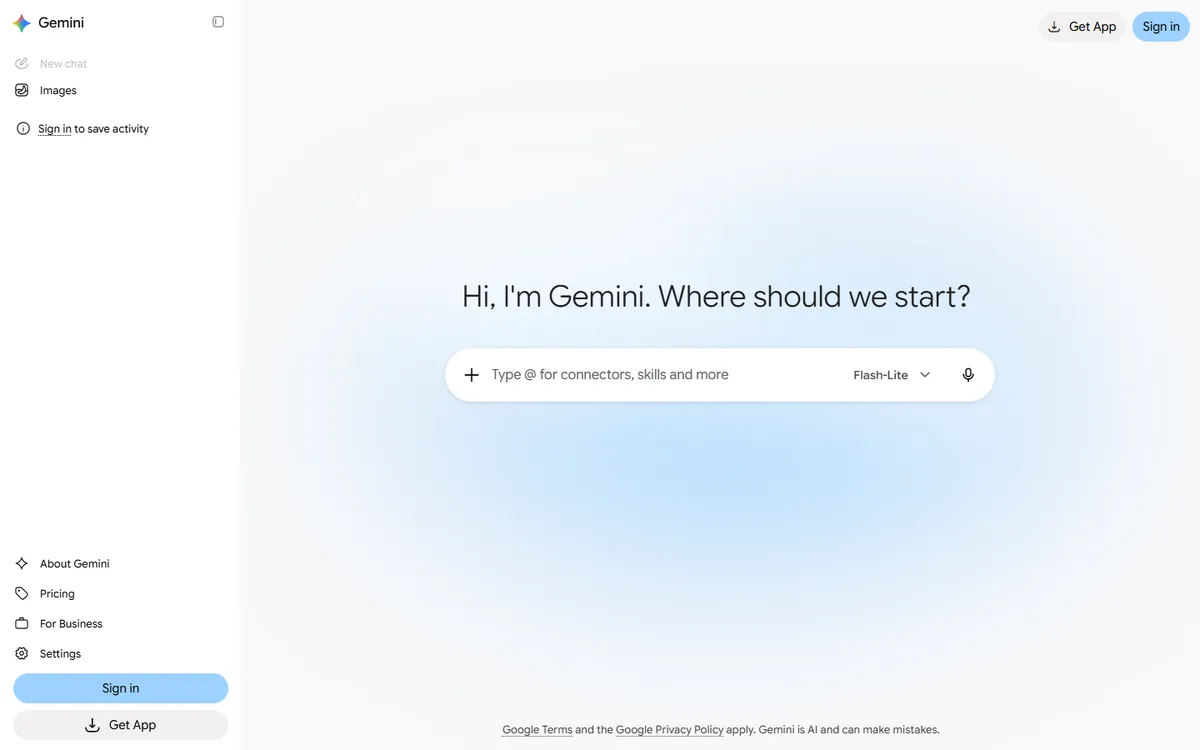
Gemini is an assistant. You use it to write, summarise, brainstorm, analyse files, generate images and carry out tasks. It can search the web, but searching isn't its main purpose.
The confusion comes from the names: “Gemini” is also the family of models behind both. So AI Mode is powered by Gemini models, without being the Gemini app. Our guide to Google AI Mode and AI Overviews covers the other common mix-up.
Side by side
| AI Mode | Gemini app | |
|---|---|---|
| Where it lives | Inside Google Search | Its own app and website, plus Google products |
| Main job | Finding and explaining information from the web | Creating, analysing and doing tasks |
| Web links | Central to the answer | Used when browsing is needed |
| Files and documents | Limited focus | A core use |
| Personal tools | Depends on features enabled | Connects to Google apps, with options |
| Best for | Research and comparisons | Writing, analysis, agents and tasks |
Features here shift often and vary by country, plan and account, so treat this as the general picture. Comparison guides and Google's own guidance are worth checking for current details.
When to use AI Mode
- Complex research questions. “What should I check before buying a heat pump for a 1970s house?” It may break the question into several searches, then combine the results.
- Shopping and local comparisons, where current web information matters.
- Follow-up questions on a topic, without having to start your search again.
- When you want to see sources. Links are built in, so you can check claims.
When to use Gemini
- Writing and editing, such as drafts, summaries and translations.
- Working with your own material, including documents, spreadsheets and images.
- Multi-step tasks and agents, where available on your plan.
- Creative work, such as images and brainstorming.
- Google Workspace tasks, when your account supports them.
If you only want one quick fact, a normal search, possibly with an AI Overview, is still fine.
Always check the answer
Both can be wrong, and with total confidence. AI systems can invent details, misread sources or blend several sources together. For anything important, such as health, legal or financial matters, open the source. AI Mode makes this quite easy. In Gemini, ask for sources, and then verify that they really say what's claimed.
Privacy
Check your settings and account type, as these differ. Some coverage, such as one opinion piece at BGR, argues that one is better than the other for privacy, but such advice dates quickly, and the policies change. Work accounts and consumer accounts can also have very different protections. Don't paste confidential information into either until you've read the terms for your account. See is it safe to send customer data to an LLM?
What it means if you run a website
This is where the distinction is important for a business.
AI Mode is part of Google Search. Google says that there are no extra requirements for it: pages must be indexed and eligible to appear with a snippet. The usual SEO fundamentals apply. Traffic appears in Search Console's Performance report, under the Web search type. See how to appear in AI Overviews.
The Gemini app is a different question. Google says that the Google-Extended token controls use of crawled content for training Gemini models, and for grounding in Gemini Apps and Vertex AI, and that it doesn't affect inclusion in Google Search. So you could, in principle, block one and stay visible in the other:
| Your robots.txt | AI Mode and Search | Gemini app grounding and training |
|---|---|---|
| Default, nothing blocked | Eligible | May be used |
| Block Google-Extended | Still eligible | Opted out |
| Block Googlebot | Removed from Search | See Google's documentation |
Think hard before blocking Google-Extended, if you want your business to come up in Gemini answers. Our AI crawler list has the full picture.
How to check where you appear
- Write 10–20 questions that a real customer would ask.
- Ask them in AI Mode, and record whether you appear, and who's cited.
- Ask the same ones in the Gemini app. The results may differ considerably.
- Repeat each once or twice, as answers vary.
- Read the pages that get cited, to see what they include that yours doesn't.
For a wider method, see how to measure whether AI engines are citing you. AI Mode's reported usage, of a billion monthly users, makes this worth a look, although usage varies widely by audience, so check your own analytics before investing heavily.
The bottom line
Use AI Mode when you want to find things out, and Gemini when you want to get things done. As a business owner, focus first on being a strong, crawlable source for Google Search, since that's the foundation of AI Mode, and then decide deliberately how you feel about Gemini's use of your content.
If you'd like help understanding how your business shows up across Google's AI products, book a call.
Common questions
Is AI Mode the same as Gemini?
No. AI Mode is a conversational experience inside Google Search, focused on the web. Gemini is a separate assistant app for writing, analysis and tasks. Both use Gemini models, which is the main reason people confuse them.
Is Google AI Mode free?
AI Mode is offered through Google Search, generally at no charge in supported regions, with some features tied to paid plans. Gemini has both free and paid tiers. Availability changes by country and account, so check Google's current information.
Which is better for research, AI Mode or Gemini?
For questions needing current web information and sources, AI Mode is generally the better starting point. Gemini's deeper research features can also be strong for longer reports. Verify the claims from either one, especially on important topics.
Does blocking Google-Extended remove me from AI Mode?
No. Google says Google-Extended doesn't affect inclusion in Google Search. It relates to Gemini model training and grounding in Gemini Apps and Vertex AI. AI Mode is part of Search, so its eligibility follows normal Search rules.
