In short
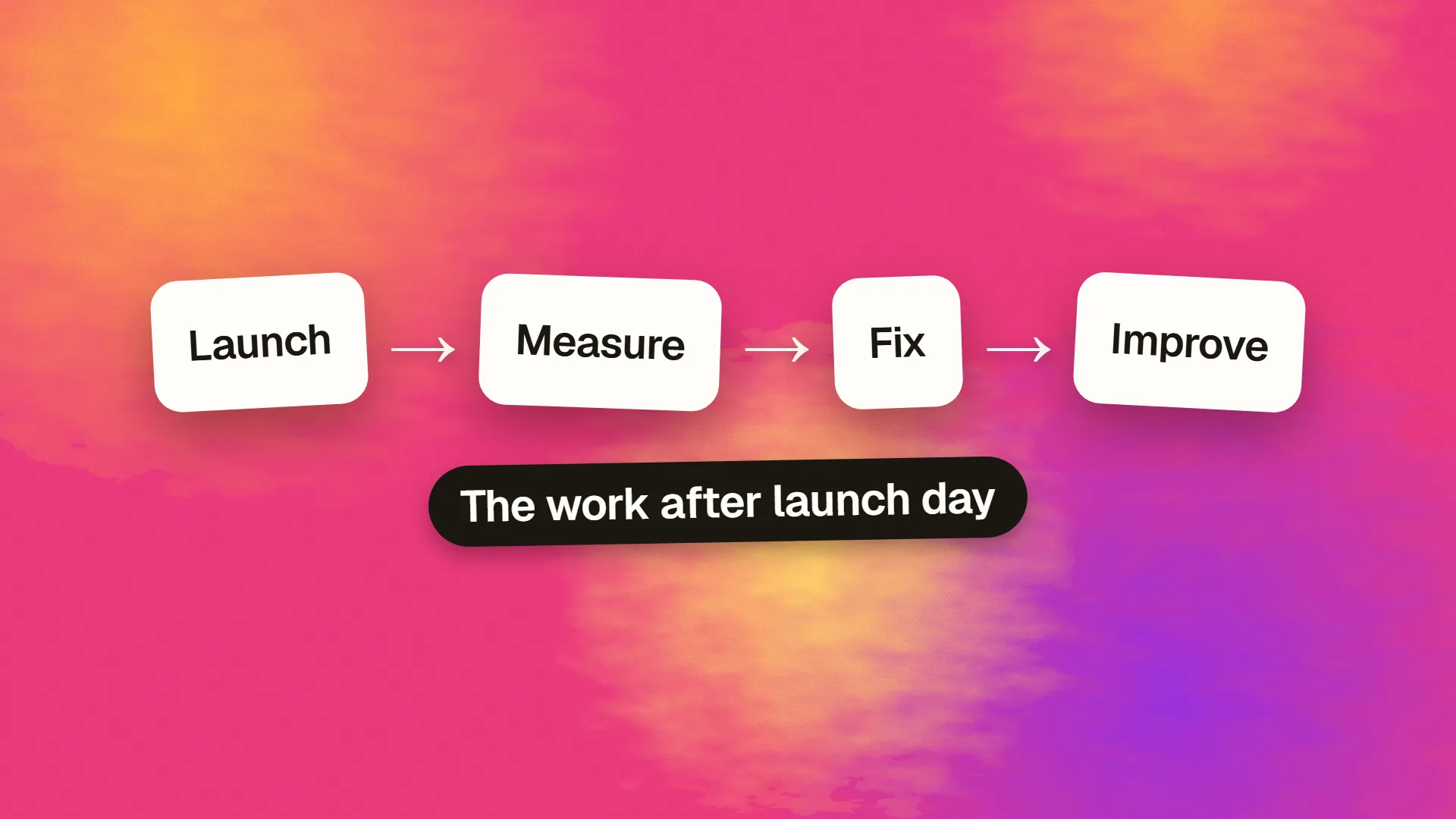
After launch, watch errors and key journeys closely for 48 hours, and check redirects, analytics and search indexing. During the first 30 days, fix what users stumble over, and collect real feedback. After that, set a routine: security updates, backups, performance checks, and a monthly review of what's working. Budget for this upfront, because launch is when learning starts, not when work ends.
Launch is the start of the learning
Before launch, every decision is a guess. Afterwards, you've got evidence. Teams that treat launch as the end tend to leave real problems unfixed and waste what they might have learned. Plan and budget for the period after launch. A sensible rule is to keep some of your budget back for it, instead of spending it all on getting to launch.
The first 48 hours
Watch for breakage.
- Monitor errors and uptime. If you don't have this, set it up now. See how to monitor a production app.
- Run through the critical journeys yourself on a phone and a laptop: sign up, buy, contact, password reset.
- Submit a real test purchase or a form, and confirm that the email arrives. See why your emails go to spam.
- Check payment webhooks, scheduled jobs and third-party integrations in production.
Check your search setup, especially after a redesign or migration.
- Is
noindexleft over from staging? This is a very common and very damaging mistake. - Is
robots.txtallowing crawling? - Do old URLs redirect properly? Test the most important ones. See how to build a redirect map.
- Is the sitemap live and submitted in Search Console? See how to set up Google Search Console.
Check your measurement. Are analytics recording pages and conversions? A broken tag on launch day means that you lose the most useful comparison data.
Keep the team available. Avoid launching on a Friday if you can help it, and agree who's on call and how to roll back. If a problem emerges, decide quickly whether to fix forward or revert.
The first two weeks
Watch real people. Session recordings, support emails and direct conversations are far more useful than opinions from inside the company. Check the legal side of recordings first: see are session recordings legal?
Keep a single list of issues, and sort them:
| Priority | What it means | When to fix |
|---|---|---|
| Critical | Money, data or access is affected | Today |
| High | Key journey is broken for some users | This week |
| Medium | Annoying, but with a workaround | This month |
| Low | Polish | Later, or never |
Resist big changes. You'll get loud opinions in the first week. Fix what's broken, but give new features and redesign ideas time to prove themselves against data. A single complaint isn't a pattern.
Check performance under real conditions. Look at real-user speed, not just tests from your office. See how to measure real user performance.
The first 30 days
Review your numbers against the goals you set before launch. If you didn't set any, decide now, and use your first month as a baseline. Choose a small number: enquiries, purchases, activation or task completion. See what analytics you should actually track.
Follow up with your search data. After a migration, it's normal to see some movement for a few weeks. Check Search Console for crawl errors, pages that have dropped out, and the 404s that real visitors are hitting. New sites usually take longer, as how long SEO takes to work explains.
Ask customers. Five short conversations can reveal more than a large survey. Ask what nearly stopped them, and what they expected but didn't find.
Do a security check. Launch rushes can leave debug settings, old accounts and open test routes. Remove them, and confirm that backups can be restored. If the app was built with AI, work through the security checklist.
Tidy up the handover. Confirm that you own all accounts and have documentation. See how to hand a project over.
The first quarter and beyond
Now move from reaction to routine.
Monthly:
- Apply updates to dependencies, plugins and platform
- Review errors, uptime and speed
- Review traffic, conversions and top search queries
- Decide on the next few improvements
Quarterly:
- Test a backup restore
- Review who has access, and remove anyone who has left
- Run a usability test with five people
- Refresh your key pages and content
- Check renewal dates for domains, certificates and licences
Our guide to what website maintenance should include has the complete list.
How to decide what to do next
You'll have more ideas than time. For each one, ask what evidence supports it, which goal it moves and how much effort it takes. Fix leaks before adding features: if half of your users abandon a form, improving that form probably beats a new feature. How to prioritise a backlog offers a method, and what to test explains which experiments are worthwhile.
Set a limit on the list. Most of the ideas gathered during a project don't turn out to matter once real users arrive, so review them against what you've learned before building any of them.
Who owns all this?
This is the question that often gets missed. Name a person for each of these: the product's direction, the technical upkeep and the content. If an agency built it, decide on what happens next: a retainer, an in-house owner or a pay-as-you-go arrangement. A site with no owner decays quietly, until something breaks in public.
Also plan for how long it should last. Most sites don't need a complete redesign every couple of years if they're improved steadily. See how often you should redesign your website.
If you've just launched and want a second pair of eyes, or an ongoing partner, book a call.
Common questions
What should I check right after a website launch?
Check errors and uptime, run the main user journeys on real devices, confirm forms and payment emails work, make sure noindex was removed, test redirects, submit your sitemap and verify that analytics and conversion tracking are recording correctly.
How long should a developer stay available after launch?
It depends on the project, but plan for close support in the first few days, then a warranty or support period of several weeks. Agree on this in advance, including what counts as a bug and what's new work.
When should I make changes after launching?
Fix critical bugs straight away. Give larger ideas a few weeks, so that you can see real usage patterns rather than reacting to early opinions. Then use your agreed goals and evidence to decide on what comes next.
How much should I budget after launch?
There's no universal figure. Plan for hosting, licences and maintenance, plus time for improvements based on what you learn. Keeping part of your overall budget back is far better than spending everything before you've met your first real user.
