In short
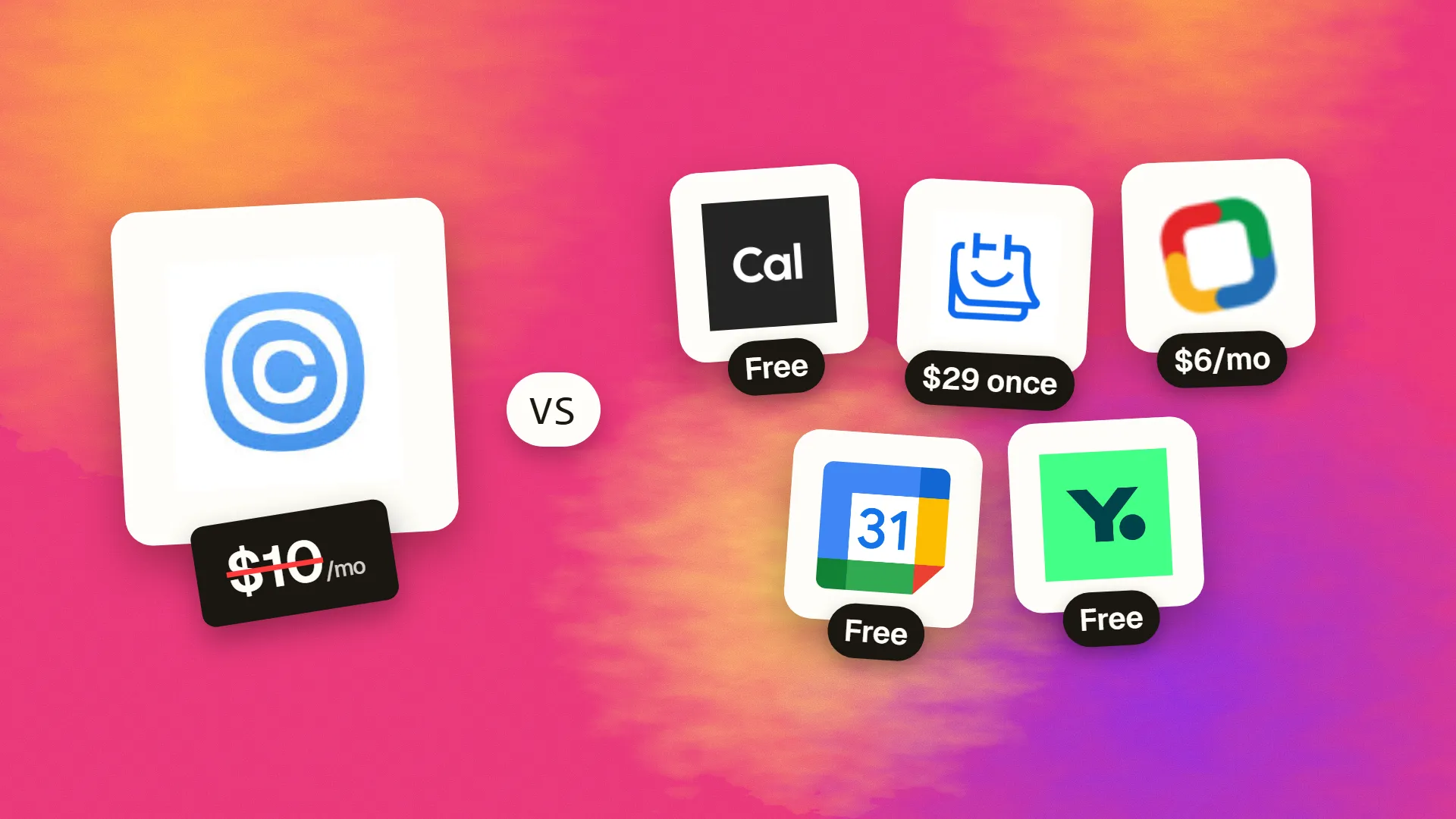
The best cheaper alternatives to Calendly in 2026 are Cal.com (free), TidyCal ($29 one-time), Zoho Bookings (from $6/month), Google Calendar appointment schedules (free) and YouCanBookMe (free). Calendly itself starts at $10 a month, so most teams can cut the cost substantially without losing the features they actually use.
Calendly made sharing a booking link the normal way to schedule meetings. Its free plan is limited to one event type, so most professionals pay for Standard at $10 per seat per month billed annually ($12 monthly). Teams that need round-robin routing, team pages and Salesforce integration pay $16 per seat annually ($20 monthly), and Enterprise starts around $15,000 a year.
For a ten-person sales team on Teams, that is about $1,920 a year just for scheduling. Booking pages are now a commodity, and several tools offer them for free, for a single payment, or bundled with software you already pay for.
 Calendlyvs
 Cal.com
 TidyCal
 Zoho Bookings
 Google Calendar appointment schedules
 YouCanBookMe
What Calendly actually costs in 2026
| Plan | Annual billing | Monthly billing | Key features |
|---|---|---|---|
| Free | $0 | $0 | 1 event type, 1 calendar |
| Standard | $10/seat | $12/seat | Unlimited event types, reminders, integrations |
| Teams | $16/seat | $20/seat | Round-robin, routing, team pages, Salesforce |
| Enterprise | from ~$15,000/yr | — | SSO, admin, SLAs |
Teams pricing steps down slightly above 30 seats. The current tiers are listed on Calendly's official pricing page.
The 5 cheaper alternatives at a glance
| Tool | Starts at | Model | Best for |
|---|---|---|---|
| Calendly | $10/mo | subscription | The benchmark |
| Cal.com | Free tier | open source | Solo professionals (free) and dev-friendly teams |
| TidyCal | $29 one-time | one time | Freelancers who want to pay once |
| Zoho Bookings | $6/mo | subscription | Service businesses with multiple staff |
| Google Calendar appointment schedules | Free tier | free | Gmail users needing one simple booking page |
| YouCanBookMe | Free tier | free | Teams wanting custom booking forms |
How we picked these alternatives
We required unlimited booking types, calendar sync (Google/Outlook), automatic video links, reminders and buffers. We compared free plans, team features and payment options. Prices checked 27 October 2026.
1. Cal.com
Price: Free for individuals with no usage limits. Teams $12/user/month (billed yearly); Organizations $28. Open source. See Cal.com's official pricing page for current plans.
Cal.com started in 2021 as an open-source answer to Calendly and has grown into a full scheduling platform used by individuals, start-ups and large companies. Its free plan for individuals is the most generous in the category: unlimited event types, calendars and bookings, with no "Cal.com branding unless you pay" trap on core features. Developers can also self-host it or embed it deeply into their own products.
Cal.com pricing in detail
| Plan | Price | Who it's for | Highlights |
|---|---|---|---|
| Free | $0 | Individuals | Unlimited event types and calendars, payments, workflows, 100+ integrations |
| Teams | $12/user/mo (yearly) | Teams | Round-robin, collective events, routing forms, team pages, insights |
| Organizations | $28/user/mo (yearly) | Larger companies | Sub-teams, SSO, domain-wide settings, advanced admin |
| Enterprise | Custom | Enterprises | Custom contracts, dedicated support, compliance |
| Self-hosted | Free (open source) | Developers | Run on your own servers |
What you get
- Unlimited event types and calendars on the free plan — Calendly's free plan allows only one event type.
- Calendar sync with Google, Outlook, Apple and CalDAV, with conflict checking across several calendars.
- Automatic video links for Google Meet, Zoom, Microsoft Teams, Daily and others.
- Paid bookings via Stripe and PayPal.
- Email and SMS reminders and workflows for confirmations and follow-ups.
- Routing forms and round-robin on Teams to send leads to the right person.
- One-click import from Calendly, plus Salesforce and HubSpot two-way sync.
- Open-source code for self-hosting and white-labelled embedding.
Where it falls short
- Team pricing is close to Calendly's ($12 versus $16 annual), so the biggest savings are for individuals.
- Many settings can feel overwhelming at first.
- Self-hosting needs technical skills and maintenance.
Good to know
An individual who upgraded to Calendly Standard just to get multiple event types can drop to Cal.com Free and save $120–144 a year.
Who it's best for
Freelancers, consultants and anyone scheduling for themselves — completely free — plus developer-friendly teams. Skip it if your team wants the simplest possible admin experience.
2. TidyCal
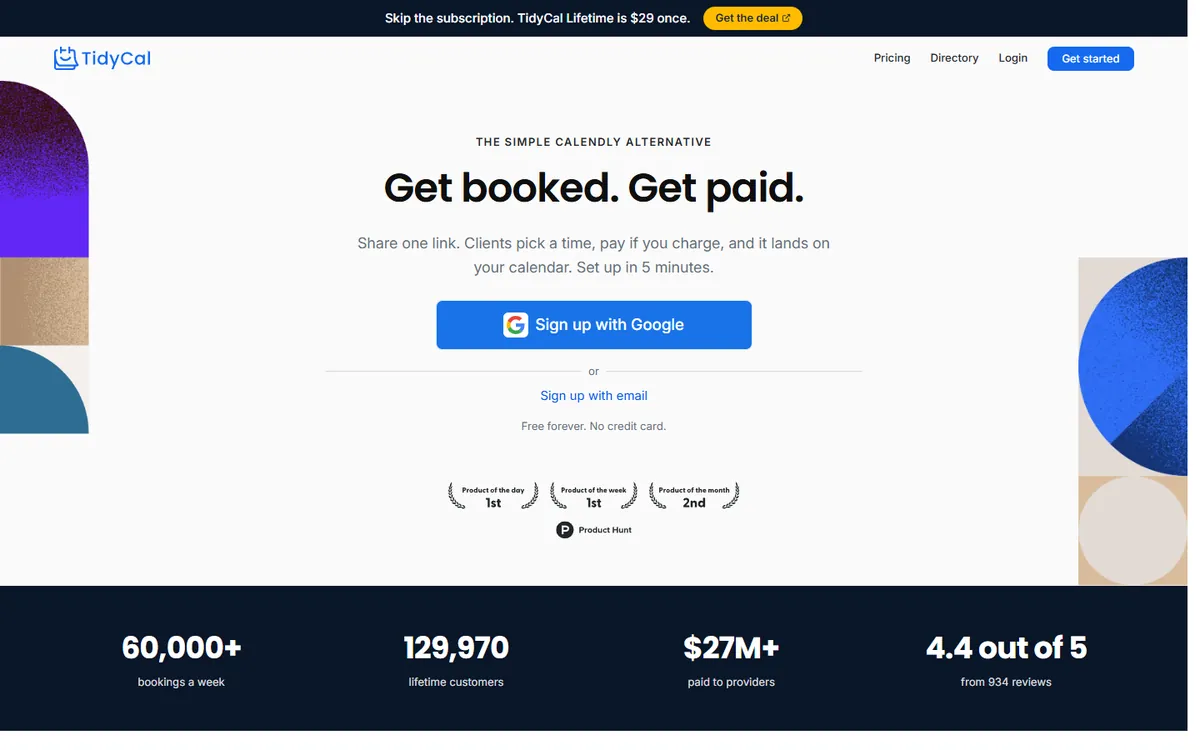
Price: About $29 one-time for a lifetime individual licence (some sources list $39). Pro about $12/month or $99/year. See TidyCal's official pricing page for current plans.
TidyCal is made by AppSumo, the software-deals marketplace. It was built to prove that a scheduling tool did not need to be a subscription: you pay once and keep it. For freelancers who simply want a booking page with paid sessions, it is one of the best-value tools on the market.
TidyCal pricing in detail
| Option | Price | Highlights |
|---|---|---|
| Individual lifetime | ~$29 one-time | Unlimited booking types, multiple calendars, paid bookings |
| Pro (subscription) | ~$12/mo or $99/yr | Additional advanced features as offered |
| Extra licences | Per licence | For team members |
What you get
- Unlimited booking types — consultation, discovery call, paid coaching session, office hours.
- Paid bookings through Stripe and PayPal, so clients pay when they book.
- Group bookings for workshops and classes.
- Multiple calendar connections (Google, Outlook, iCloud) to avoid double-booking.
- Video links for Zoom and Google Meet.
- Custom booking-page branding and questions.
- Pay once, use forever — no renewals.
Where it falls short
- Limited team features — no advanced round-robin or routing forms.
- Fewer integrations than Calendly or Cal.com.
- Lifetime pricing varies by promotion.
Good to know
At $29 one-time, TidyCal costs less than three months of Calendly Standard and never renews.
Who it's best for
Freelancers, coaches and consultants who sell sessions and dislike subscriptions. Skip it if you need sales-team routing.
3. Zoho Bookings
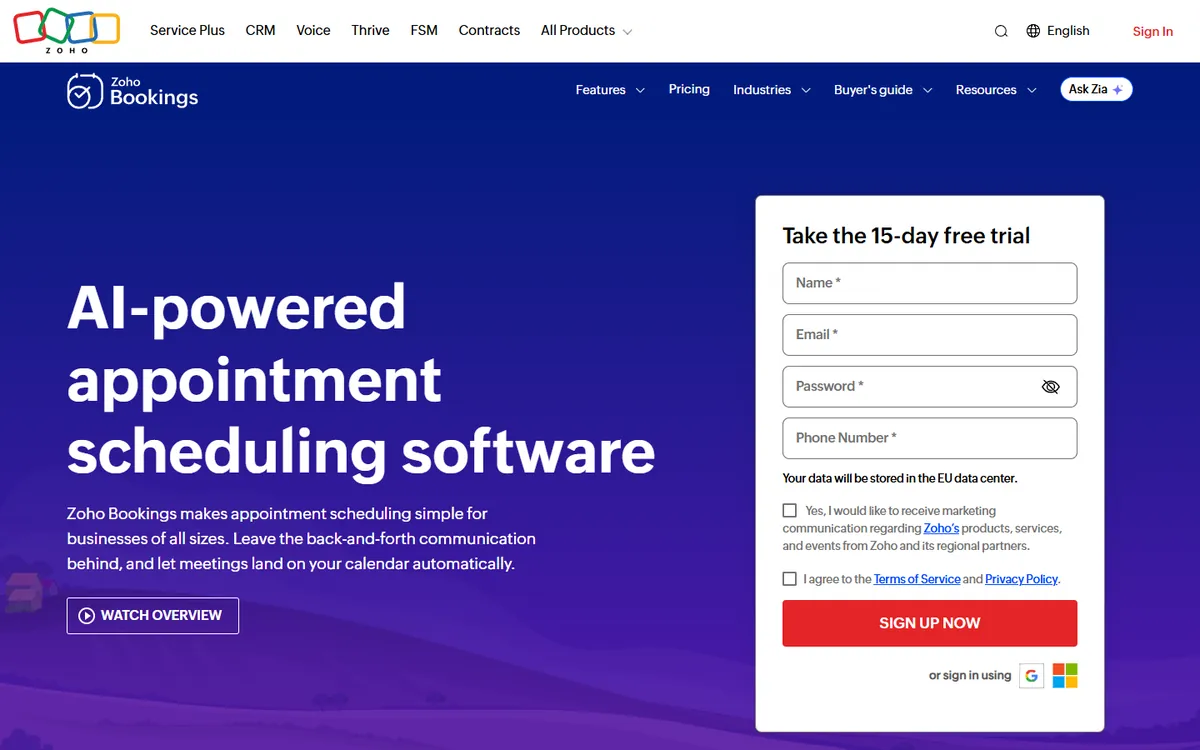
Price: Free tier. Basic about $6/user/month annual ($8 monthly); Premium about $9. See Zoho Bookings' official pricing page for current plans.
Zoho Bookings is built for service businesses rather than salespeople. Where Calendly focuses on individuals sharing a link, Zoho Bookings manages staff, services, rooms and equipment — the way a salon, clinic, repair shop or consultancy actually runs.
Zoho Bookings pricing in detail
| Plan | Annual billing | Monthly billing | Highlights |
|---|---|---|---|
| Free | $0 | $0 | Single user, basic booking page |
| Basic | ~$6/user | ~$8/user | Unlimited staff, services and appointments, reminders, payments |
| Premium | ~$9/user | Higher | Group bookings, resources, custom domain, advanced integrations |
What you get
- Staff and resource scheduling — book a specific person, room or piece of equipment.
- Multiple services with different durations, prices and buffers.
- Payments and deposits through Stripe, PayPal and others.
- Email and SMS reminders to cut no-shows.
- Intake forms with custom questions.
- Workspaces for different locations or departments.
- Integration with Zoho CRM, Google and Microsoft calendars and video tools.
Where it falls short
- Group bookings require Premium.
- Interface is functional rather than elegant.
- Best inside the Zoho ecosystem.
Good to know
For a five-person service team, Zoho Bookings Basic costs about $360 a year versus about $960 for Calendly Teams.
Who it's best for
Salons, clinics, consultancies and other businesses with several staff and services. Skip it if you are a solo professional who only needs a booking link.
4. Google Calendar appointment schedules
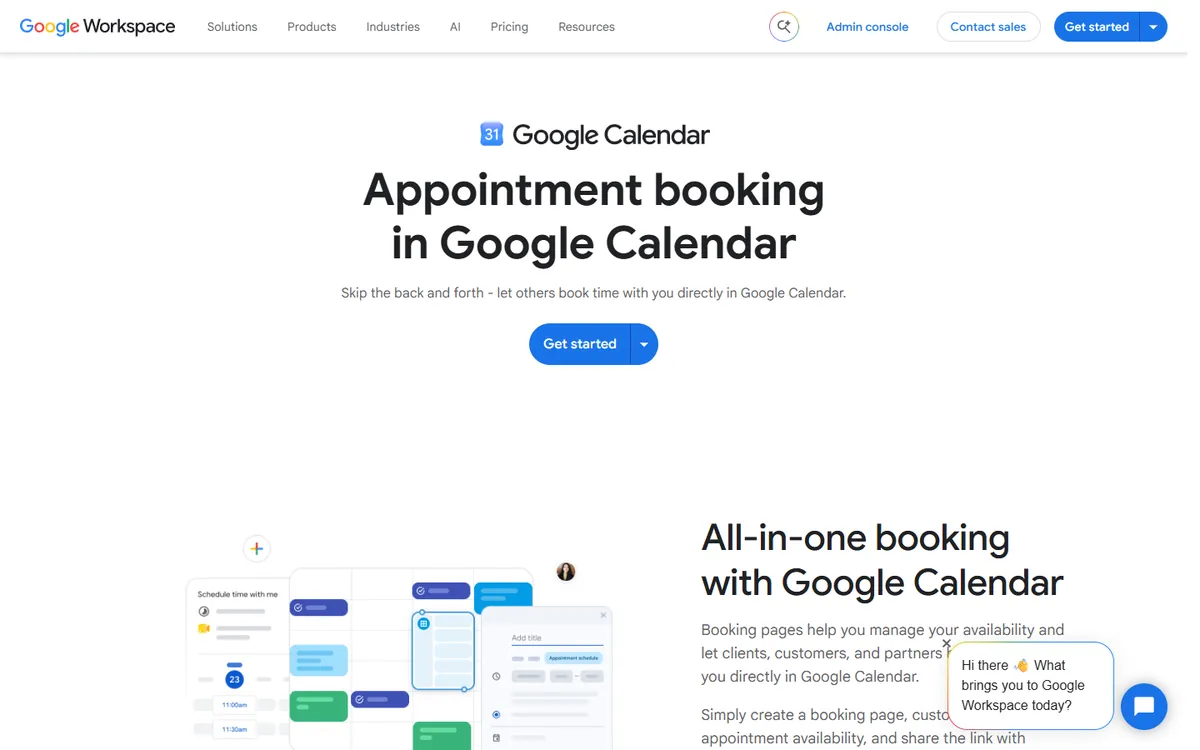
Price: Free with a personal Google account (one booking page). Multiple booking pages, payments and email reminders come with Google Workspace Business Standard ($14/user). See Google Calendar appointment schedules' official site for current plans.
Google added appointment schedules to Google Calendar in 2023. If you live in Gmail and Google Calendar, you may already have everything you need — without adding another app or subscription.
What each Google plan includes
| Account | Price | Booking pages | Extras |
|---|---|---|---|
| Personal Google account | Free | 1 | Basic availability, buffers, booking limits |
| Workspace Business Starter | $7/user | Limited | Basic features |
| Workspace Business Standard | $14/user | Multiple | Email reminders, Stripe payments, verification, co-hosts |
| Workspace Business Plus and above | $22+/user | Multiple | Same, plus advanced admin |
What you get
- Built into Google Calendar — availability comes straight from your calendar.
- Automatic Google Meet links on every booking.
- Buffers, daily booking limits and minimum notice to protect your time.
- Guests do not need a Google account to book; they verify by email code.
- Paid appointments with Stripe on Business Standard.
- Shareable booking link for email signatures and websites.
Where it falls short
- Only one booking page on free personal accounts.
- Limited branding and no routing or round-robin.
- Integrations are mostly within Google's ecosystem.
Good to know
If your company already pays for Workspace Business Standard, you can cancel Calendly Standard for most staff and use built-in booking pages at no extra cost.
Who it's best for
Gmail users who need a simple booking page. Skip it if you need advanced routing or many integrations.
5. YouCanBookMe
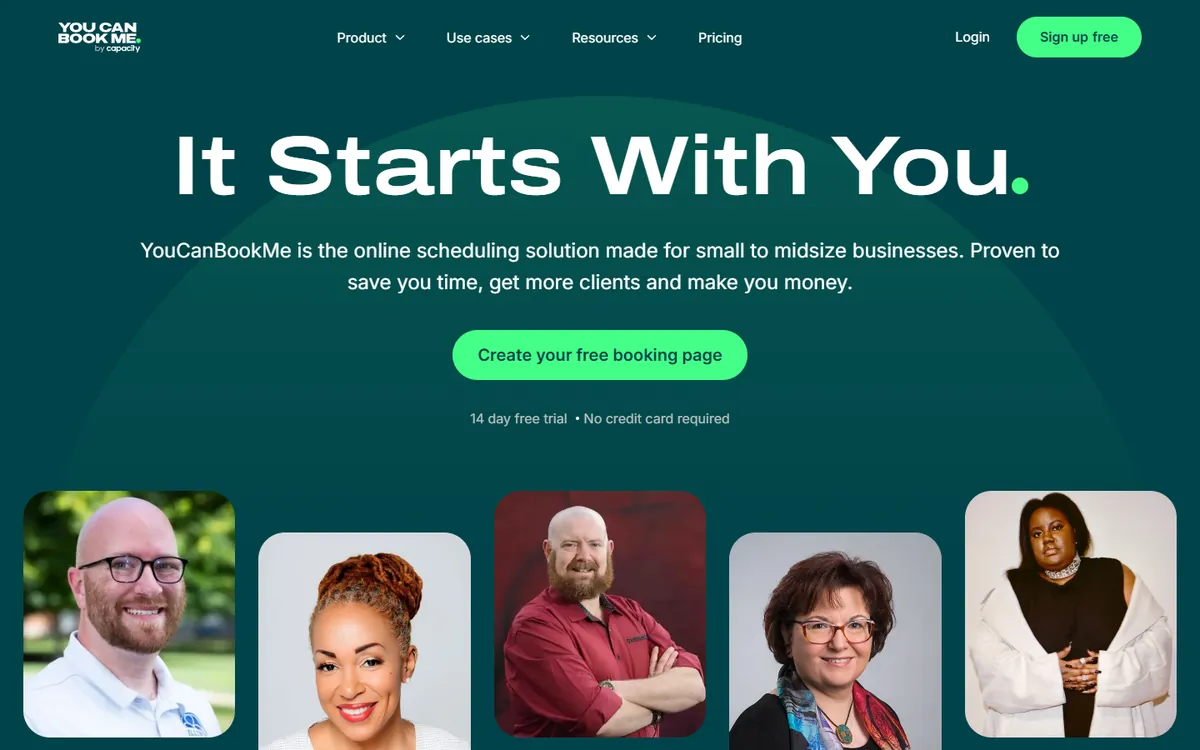
Price: Free tier (one booking page). Paid plans around $10–12/month (check current pricing). See YouCanBookMe's official pricing page for current plans.
YouCanBookMe is a UK-based scheduler that has been around since 2011. Its strength is flexibility: booking forms, questions, notifications and page design can all be customised in detail, which makes it popular with universities, tutoring services and teams that need specific information before each appointment.
YouCanBookMe pricing in detail
| Plan | Price (approx.) | Highlights |
|---|---|---|
| Free | $0 | 1 booking page, basic features, YouCanBookMe branding |
| Paid (per booking page or user) | ~$10–12/mo | Unlimited booking pages, branding removal, SMS reminders, payments |
| Team / Enterprise | Varies | Team scheduling, admin |
The vendor's published pricing is less clear than competitors', so confirm the current plan before buying.
What you get
- Highly customisable booking forms with conditional questions.
- Calendar-first setup — availability comes from one or more connected calendars.
- SMS and email reminders with custom wording.
- Stripe payments for paid sessions.
- Team booking pages that check several calendars at once.
- Detailed notification templates for confirmations, cancellations and reschedules.
Where it falls short
- Pricing is less transparent than competitors.
- Interface looks dated in places.
- Fewer native integrations than Calendly or Cal.com.
Good to know
YouCanBookMe is popular in education, where staff need booking pages that collect student details and course information.
Who it's best for
Teams that need detailed booking forms and custom notifications. Skip it if you want the most modern interface.
What a 10-person team pays per year
| Option | Annual cost |
|---|---|
| Calendly Teams | $1,920 |
| Calendly Standard | $1,200 |
| Cal.com Teams | $1,440 |
| Zoho Bookings Basic | $720 |
| TidyCal lifetime (10 licences) | ~$290 once |
| Cal.com free (individuals) / Google Calendar free | $0 |
How to switch without losing your work
- Recreate your event types — Cal.com can import from Calendly in one click.
- Connect your calendars and test availability.
- Update booking links in email signatures, websites and proposals.
- Redirect your old Calendly link by editing its description to point to the new one before cancelling.
- Check integrations (CRM, Zoom, payments).
Which one should you choose?
- You are an individual professional: Cal.com Free — unlimited event types at no cost.
- You are a freelancer who hates subscriptions: TidyCal lifetime.
- You run a service business with staff, rooms or equipment: Zoho Bookings.
- You need one simple booking page and use Gmail: Google Calendar appointment schedules.
- You need detailed booking forms and custom questions: YouCanBookMe.
Hidden costs and gotchas
- SMS reminders. Text reminders often cost extra or use credits.
- Payments. Stripe and PayPal fees apply to paid bookings on every platform.
- Round-robin and routing. Lead routing for sales teams is usually on team or enterprise tiers; check before moving a sales team.
- CRM integrations. Salesforce and HubSpot sync may require higher plans on some tools.
- Video links. Make sure the tool connects to the video platform you use (Meet, Teams, Zoom, Jitsi).
Our verdict
Individuals should switch to Cal.com — it is free with no limits. Freelancers who prefer to pay once should buy TidyCal. Service businesses with staff should use Zoho Bookings, Gmail users with one booking page can use Google Calendar for free, and teams needing custom forms should try YouCanBookMe.
More cheaper alternatives: see our breakdowns of the cheaper options to Zoom, Typeform and Intercom.
Related reading: What Your Web Agency Needs Before the Project Starts, How to Design Forms People Finish and Build vs Buy Software: A Practical Decision Framework.
Planning a switch, or not sure which tool fits the way your team works? Book a free call and we will look at your stack with you.
Prices are US list prices in USD unless marked, checked on 27 October 2026. "Annual" means the per-month price when billed yearly. Vendors change pricing often, so confirm on the vendor's site before buying. Product names and logos are trademarks of their respective owners and are used here for identification only.
Common questions
What is the best free Calendly alternative?
Cal.com is free for individuals with no usage limits; Google Calendar's appointment schedules are free for one booking page.
Is there a lifetime Calendly alternative?
Yes. TidyCal sells a lifetime licence for a one-time fee.
Which alternative supports round-robin?
Cal.com Teams and Zoho Bookings support round-robin scheduling.
Can I take payments for bookings?
Yes — Cal.com, TidyCal, Zoho Bookings and YouCanBookMe support payments; Google requires Workspace Business Standard.
Can I import my Calendly event types?
Cal.com offers a one-click Calendly import.
