In short
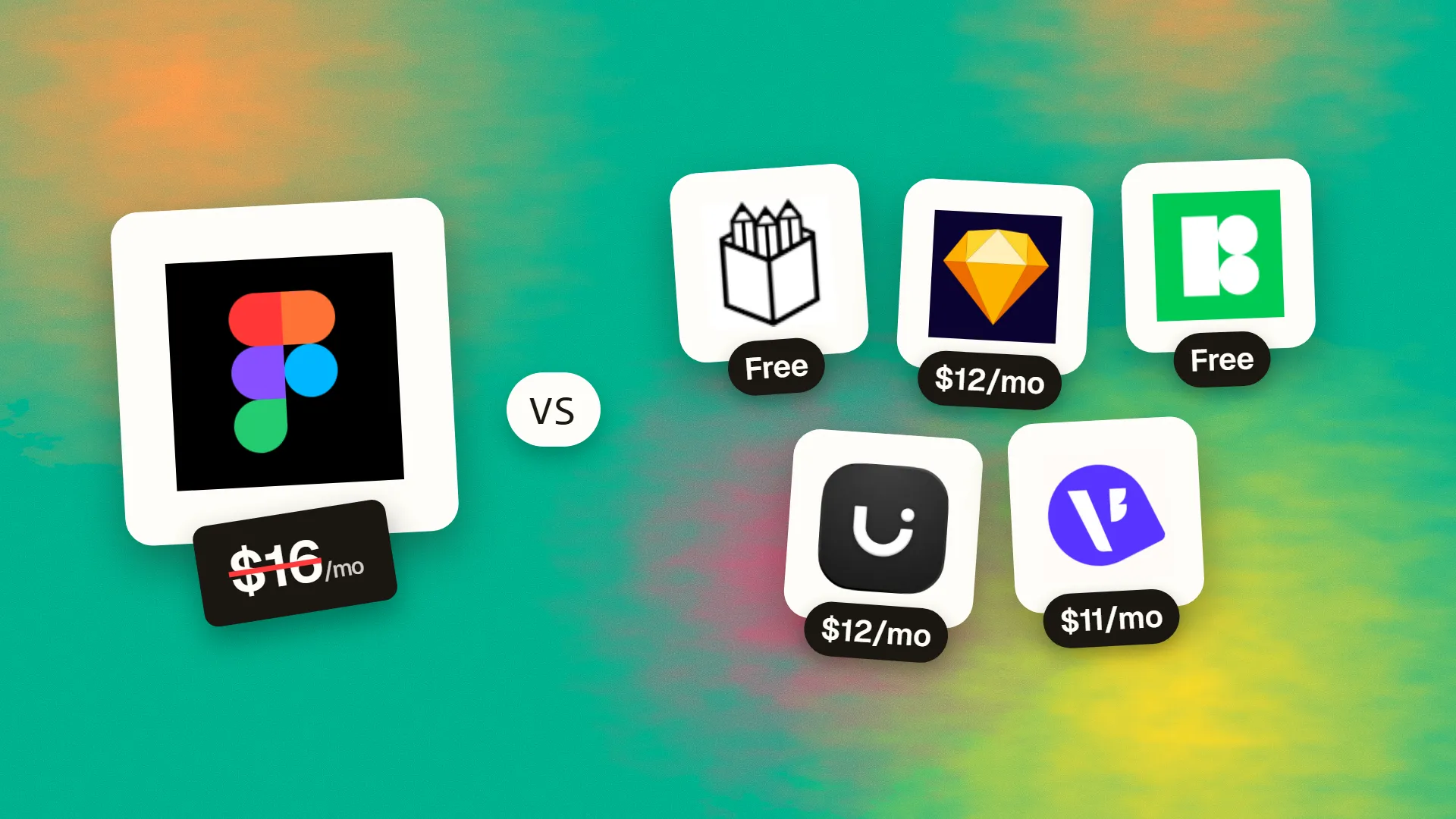
The best cheaper alternatives to Figma in 2026 are Penpot (free), Sketch (from $12/month), Lunacy (Icons8) (free), Uizard (from $12/month) and Visily (from $11/month). Figma itself starts at $16 a month, so most teams can cut the cost substantially without losing the features they actually use.
Figma changed product design by putting it in the browser and making it multiplayer. Since its 2025 move to seat-based pricing, what you pay depends on each person's role. On the Professional plan, a Full seat costs $16 per month billed annually ($20 monthly), a Dev seat $12 and a Collab seat $3. The Organization plan charges $55 per Full seat (annual only). View-only seats are free. AI features in Figma Make and other tools draw on credits.
For a design team of five designers and five developers on Professional, that is around $1,680 a year; on Organization it jumps to roughly $4,800. Figma remains the industry standard for collaborative UI design, but several alternatives now handle real product work at a lower cost — one of them completely free and open source.
 Figmavs
 Penpot
 Sketch
 Lunacy (Icons8)
 Uizard
 Visily
What Figma actually costs in 2026
| Seat type | Professional (annual) | Professional (monthly) | Organization (annual) |
|---|---|---|---|
| Full seat (design, prototypes, Make) | $16/mo | $20/mo | $55/mo |
| Dev seat (Dev Mode, inspect) | $12/mo | ~$15/mo | $25/mo |
| Collab seat (FigJam, Slides, comments) | $3/mo | ~$5/mo | $5/mo |
| View seat | Free | Free | Free |
The free Starter plan limits you to three design files and three FigJam files. The current tiers are listed on Figma's official pricing page.
The 5 cheaper alternatives at a glance
| Tool | Starts at | Model | Best for |
|---|---|---|---|
| Figma | $16/mo | subscription | The benchmark |
| Penpot | Free tier | open source | Teams wanting a free, open Figma replacement |
| Sketch | $12/mo | subscription | Mac-based designers, solo work |
| Lunacy (Icons8) | Free tier | free | Windows/Linux designers and offline work |
| Uizard | $12/mo | subscription | Founders and PMs mocking up ideas fast |
| Visily | $11/mo | subscription | Wireframing by non-designers |
How we picked these alternatives
We required vector-based UI design, components or symbols, auto-layout or flexbox-style layout, prototyping and developer hand-off, and we checked how well each handles Figma files. We also included two AI-first tools for teams that mainly need fast wireframes. Prices checked 27 October 2026.
1. Penpot
Price: Free (Professional plan with unlimited projects and files). Unlimited $7/editor/month, capped at $175/month for the whole team. Enterprise about $25/editor. Free to self-host. See Penpot's official pricing page for current plans.
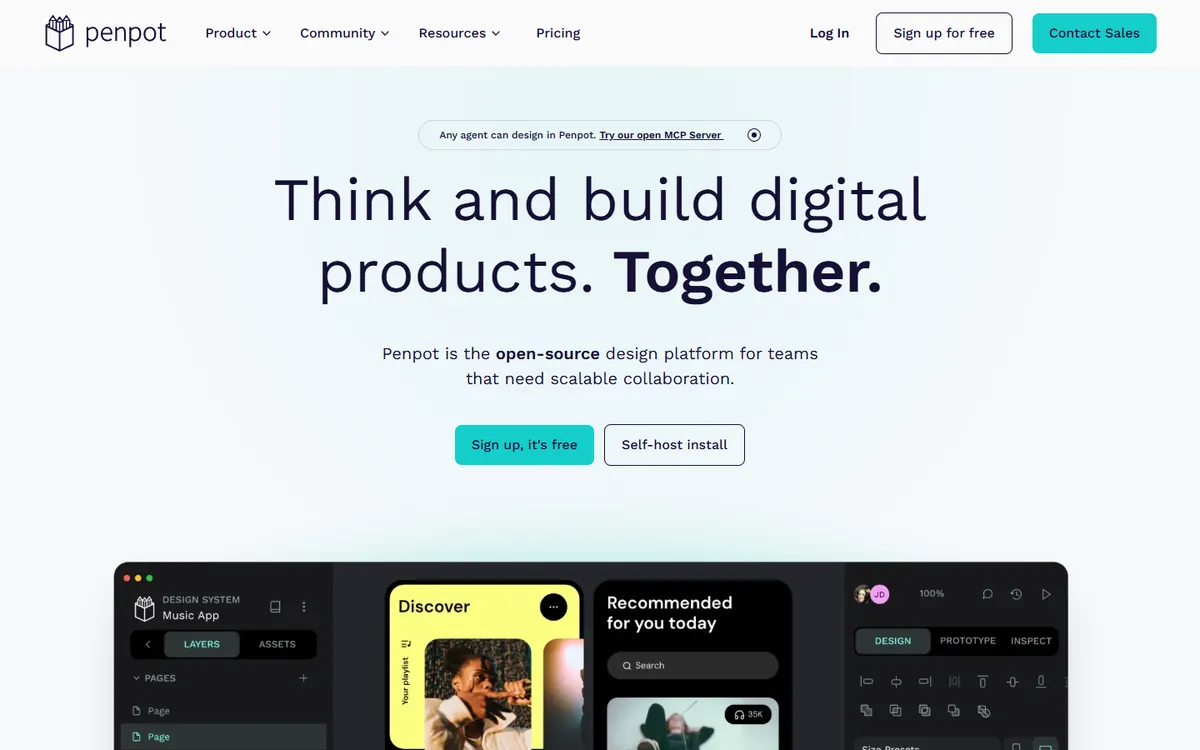
Penpot is an open-source design and prototyping platform created by Kaleidos, a Spanish software company. It runs in the browser like Figma, but it is built on open standards (SVG, CSS and HTML), so designs map directly to code. When Adobe tried to buy Figma in 2022, Penpot's user base exploded, and it has matured quickly since.
Penpot pricing in detail
| Plan | Price | Who it's for | Highlights |
|---|---|---|---|
| Professional | Free | Individuals and small teams | Unlimited files and projects, real-time collaboration |
| Unlimited | $7/editor/mo (max $175/mo) | Growing teams | More storage, version history, priority features |
| Enterprise | ~$25/editor/mo | Larger organisations | SSO, admin controls, support |
| Self-hosted | Free software | Privacy-conscious teams | Run on your own server or private cloud |
What you get
- Real-time multiplayer design in the browser — comments, cursors, shared libraries.
- CSS Grid and Flexbox layouts. Penpot's layout engine uses the same model as the web, so developers get exactly what designers built.
- Components, variants and design tokens for scalable design systems.
- Interactive prototypes with flows, overlays and transitions.
- Inspect mode that outputs CSS, SVG and HTML for developers — free for everyone.
- Plugins API and import tools for Figma files.
- Self-hosting for governments, banks, healthcare and anyone who must keep data in-house.
Where it falls short
- Smaller plugin and community-file ecosystem than Figma's.
- Some advanced features — such as Figma's Dev Mode extras, variables depth and AI tools — are less mature.
- Import fidelity from complex Figma files with nested auto-layout and variants may need cleanup.
Who it's best for
Design teams that want a free, collaborative Figma replacement, design-to-code teams and privacy-focused organisations. Skip it if your workflow depends on specific Figma plugins or community files.
2. Sketch
Price: Standard $12/editor/month (billed yearly); Professional $24; Enterprise $44. Or a Mac-only licence for $120 per seat one-time, including one year of updates (no collaboration features). See Sketch's official pricing page for current plans.
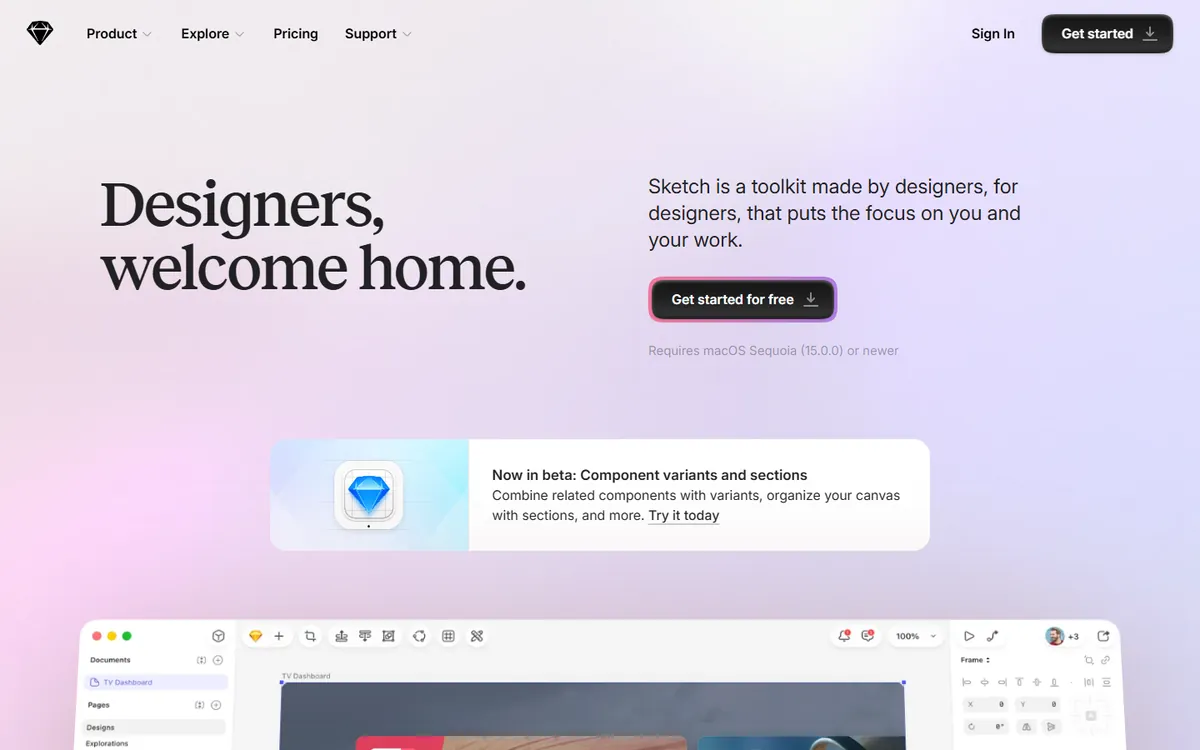
Sketch, from Dutch company Sketch B.V., launched in 2010 and defined the modern UI design tool: artboards, symbols, shared styles and a plugin ecosystem that Figma later built upon. It remains a fast, native Mac app — and it is the only major UI design tool that still lets you buy a licence outright.
Sketch pricing in detail
| Plan | Price | Highlights |
|---|---|---|
| Mac-only licence | $120/seat one-time | Native Mac app, offline work, local files, 1 year of updates; no collaboration or web sharing |
| Standard | $12/editor/mo (yearly) | Real-time collaboration, workspace, web inspector, free viewers and commenters |
| Professional | $24/editor/mo (yearly) | Advanced permissions and admin features |
| Enterprise | $44/editor/mo (yearly) | Enterprise security, SSO, dedicated support |
| Private Cloud | Custom (setup fee) | Dedicated hosting for regulated organisations |
What you get
- Native macOS performance — fast with large documents and fully usable offline.
- Symbols, shared libraries and smart layout for design systems.
- Prototyping with flows, hotspots and transitions.
- Real-time collaboration on subscription plans.
- Web workspace where developers inspect designs and export assets, and stakeholders comment — free for viewers.
- A decade-old plugin ecosystem for content, icons, accessibility checks and hand-off.
Where it falls short
- Editing is Mac only; Windows team members can only view and inspect in the browser.
- Collaboration requires a subscription — the one-time licence is for solo work.
- Smaller community than Figma today.
Good to know
A solo designer on the $120 Mac-only licence pays less than eight months of a Figma Professional Full seat — and keeps the app.
Who it's best for
Mac-based designers and teams who want a native, offline-first tool. Skip it if anyone on your design team uses Windows or Linux.
3. Lunacy (Icons8)
Price: Free design app for Windows, macOS and Linux. Optional paid plans (about $9.99–11.99/month) unlock premium Icons8 assets and cloud features. See Lunacy's official site for current plans.
Lunacy is made by Icons8, the company known for its huge libraries of icons, illustrations and photos. It is a native desktop UI design tool that works offline and runs on Windows, macOS and — unusually — Linux, which makes it one of the few serious options for designers outside the Mac ecosystem.
Lunacy pricing in detail
| Plan | Price | Highlights |
|---|---|---|
| Free | $0 | Full design app, offline work, cloud documents, collaboration, built-in assets with attribution |
| Paid (Pro / graphics subscription) | ~$9.99–11.99/mo | Premium Icons8 assets without attribution, extra cloud features |
What you get
- Native apps for Windows, macOS and Linux that work fully offline.
- Opens .sketch files natively and imports Figma files.
- Built-in libraries of icons, photos, illustrations and UI kits from Icons8.
- AI tools for background removal, image upscaling, avatar generation and text.
- Components, auto-layout and prototyping.
- Shared cloud documents with real-time collaboration.
Where it falls short
- Smaller community and fewer third-party plugins.
- Collaboration and hand-off are less mature than Figma's.
- Some assets require attribution on the free plan.
Good to know
Lunacy is one of the few ways to open and edit .sketch files on Windows or Linux.
Who it's best for
Windows and Linux designers, freelancers who work offline, and anyone who wants a capable UI tool for free. Skip it if your team depends on Figma's plugins and community files.
4. Uizard
Price: Free (3 AI generations). Pro about $12/month annual ($19 monthly); Business about $39. See Uizard's official pricing page for current plans.
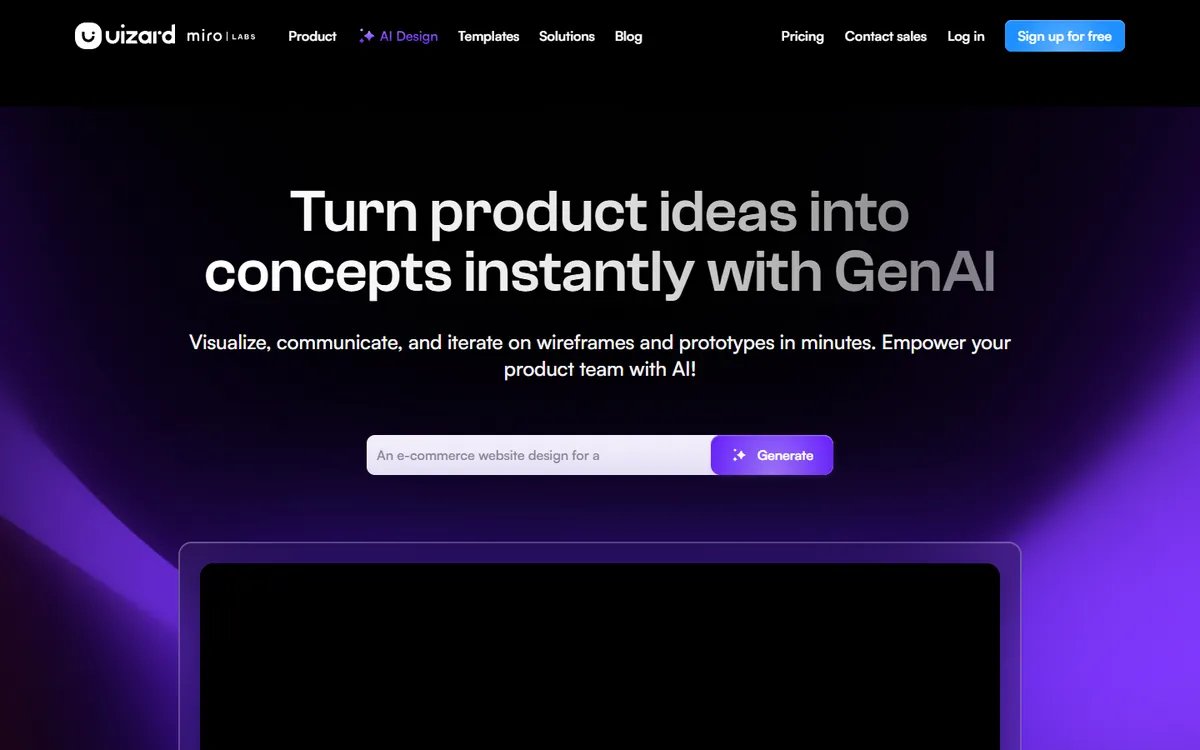
Uizard, a Danish start-up acquired by Miro in 2024, is built for people who are not professional designers. Its AI turns text prompts, screenshots and even hand-drawn sketches into editable app and website mockups — useful for founders, product managers and consultants who need to show an idea quickly.
Uizard pricing in detail
| Plan | Price | Highlights |
|---|---|---|
| Free | $0 | 3 AI generations, limited projects and screens |
| Pro | ~$12/mo annual ($19 monthly) | Around 500 AI generations, unlimited projects, more screens |
| Business | ~$39/creator/mo | Team collaboration, more AI, admin features |
AI allowances change over time; check the current limits.
What you get
- Autodesigner: describe an app in plain language and get multi-screen designs.
- Screenshot scanner that converts an existing app screenshot into editable components.
- Wireframe scanner that turns hand-drawn sketches into digital wireframes.
- Theme generator that applies brand styles across screens.
- Clickable prototypes for user testing and stakeholder demos.
- Templates for common app and website types.
Where it falls short
- Not for production design systems or pixel-perfect developer hand-off.
- AI output needs editing for real products.
Good to know
Many teams use Uizard to explore ideas, then rebuild the chosen direction in Penpot or Figma.
Who it's best for
Founders and product managers validating ideas quickly. Skip it if you are a professional UI designer building a design system.
5. Visily
Price: Free Starter (2 boards); Pro about $11–14/editor/month. See Visily's official pricing page for current plans.
Visily is an AI-powered wireframing and UI tool designed for non-designers — product managers, business analysts, founders and agency account teams. It focuses on getting from idea to clear wireframe fast, with a simpler interface than Figma.
Visily pricing in detail
| Plan | Price | Highlights |
|---|---|---|
| Starter | Free | 2 editable boards per workspace, limited elements, 300 AI credits per workspace per month |
| Pro | ~$11–14/editor/mo | Unlimited boards, about 3,000 AI credits per editor, export options |
| Business / Enterprise | Custom | Admin, security and support |
What you get
- Text-to-design and screenshot-to-design AI that creates editable screens.
- Large library of templates and pre-built components.
- Smart components that are easy to edit without design experience.
- Collaboration and comments for teams and clients.
- Prototyping with clickable flows.
- Export to images and hand-off formats.
Where it falls short
- Limited for advanced UI systems and detailed visual design.
- Free plan is small (two boards).
Good to know
For product specs and client proposals, Visily wireframes are often enough — with no need for a full Figma seat.
Who it's best for
Product managers, analysts and agencies producing wireframes. Skip it if you need full design-system features.
What a team of 5 designers + 5 developers pays per year
| Option | Annual cost |
|---|---|
| Figma Organization | ~$4,800 |
| Figma Professional | ~$1,680 |
| Sketch Standard (5 editors; viewers free) | $720 |
| Penpot Unlimited (10 editors, capped) | $840 |
| Penpot Professional | $0 |
| Lunacy | $0 |
How to switch without losing your work
- Export critical Figma files as .fig backups and as SVG/PDF for key screens.
- Use import tools — Penpot and Lunacy can import Figma files; complex auto-layout and variants may need cleanup.
- Rebuild your design system first: colours, typography, tokens and core components.
- Agree a hand-off process with developers (Penpot's inspect mode, Sketch's web inspector).
- Keep a few Figma Collab or View seats for clients who insist on Figma links.
Which one should you choose?
- Your team collaborates in real time and works closely with developers: Penpot.
- You are a Mac-based designer who prefers a native app and offline work: Sketch (or its $120 Mac-only licence if you work alone).
- You design on Windows or Linux: Lunacy.
- You need to turn ideas into clickable mockups fast, without design skills: Uizard.
- You make wireframes for product specs and client proposals: Visily.
Hidden costs and gotchas
- Community files and plugins. Figma's community library is huge. Check that the plugins you rely on (icons, content generators, accessibility checkers) have equivalents.
- Developer seats. Figma charges for Dev seats; Penpot's inspect mode and Sketch's web inspector are included for free viewers.
- Client expectations. Some clients and developers expect Figma links. Keep a Collab seat ($3) or share exports when needed.
- Self-hosting effort. Penpot self-hosting saves money but needs a server and updates.
- AI credits. Figma Make and other AI tools use credits; AI-first tools like Uizard and Visily also limit generations by plan.
Our verdict
Penpot is the strongest Figma alternative for teams who want to cut costs to zero without losing collaboration. Mac designers who prefer native apps should choose Sketch, Windows and Linux users will like Lunacy, and product managers who need fast mockups should try Uizard or Visily.
More cheaper alternatives: see our breakdowns of the cheaper options to Webflow, Adobe Illustrator and Adobe Photoshop.
Related reading: What Is Figma, and Why Do Designers Use It?, How to Turn Figma Designs Into a Component Library and Building a Design System That Scales.
Planning a switch, or not sure which tool fits the way your team works? Book a free call and we will look at your stack with you.
Prices are US list prices in USD unless marked, checked on 27 October 2026. "Annual" means the per-month price when billed yearly. Vendors change pricing often, so confirm on the vendor's site before buying. Product names and logos are trademarks of their respective owners and are used here for identification only.
Common questions
What is the best free alternative to Figma?
Penpot is the best free and open-source alternative for collaborative UI design. Lunacy is a strong free desktop option.
Can I import Figma files into Penpot?
Yes, through Penpot's import tools and plugins. Simple files import well; complex components may need adjustment.
Is Sketch cheaper than Figma?
Yes. Sketch Standard is $12 per editor per month and viewers are free; the $120 Mac-only licence is cheaper still for solo designers.
Which tool is best for wireframes?
Uizard and Visily are fastest for AI-generated wireframes; Penpot and Figma are better for detailed UI.
Will developers be able to inspect designs?
Yes. Penpot has built-in inspect mode with CSS output, and Sketch has a web-based inspector.
