In short
The best cheaper alternatives to Typeform in 2026 are Tally (free), Fillout (free), Jotform (from $34/month), Google Forms (free) and Zoho Forms (from $10/month). Typeform itself starts at $25 a month, so most teams can cut the cost substantially without losing the features they actually use.
Typeform made forms beautiful with its one-question-at-a-time design. It also has some of the tightest limits in the category. In 2026 Basic costs roughly $25–28 per month on annual billing ($39 monthly) and includes just 100 responses a month; Plus costs about $50–56 (1,000 responses) and Business about $83–91 (10,000 responses). The free plan allows only 10 responses a month. Once you hit your cap, the form stops collecting.
If your forms get more than a handful of submissions, you will either pay a lot or lose responses. The five alternatives below remove most of those limits.
 Typeformvs
 Tally
 Fillout
 Jotform
 Google Forms
 Zoho Forms
What Typeform actually costs in 2026
| Plan | Annual billing (per month) | Monthly billing | Responses/month | Users |
|---|---|---|---|---|
| Free | $0 | $0 | 10 | 1 |
| Basic | ~$25–28 | $39 | 100 | 1 |
| Plus | ~$50–56 | $79 | 1,000 | 3 |
| Business | ~$83–91 | $129 | 10,000 | 5 |
Typeform says it is testing pricing, so offers vary by account.
The 5 cheaper alternatives at a glance
| Tool | Starts at | Model | Best for |
|---|---|---|---|
| Typeform | $25/mo | subscription | The benchmark |
| Tally | Free tier | free | Almost everyone — the best free form builder |
| Fillout | Free tier | free | Typeform look at a fraction of the cost |
| Jotform | $34/mo | subscription | Operational forms with high volume |
| Google Forms | Free tier | free | Internal surveys and quick questionnaires |
| Zoho Forms | $10/mo | subscription | Field data collection and approvals |
How we picked these alternatives
We compared response limits, conditional logic, payments, file uploads, integrations, design flexibility and price. Prices checked 27 October 2026.
1. Tally
Price: Free with unlimited forms and submissions (fair use). Pro $24/month (2 months free on yearly). Business $74/month. See Tally's official pricing page for current plans.
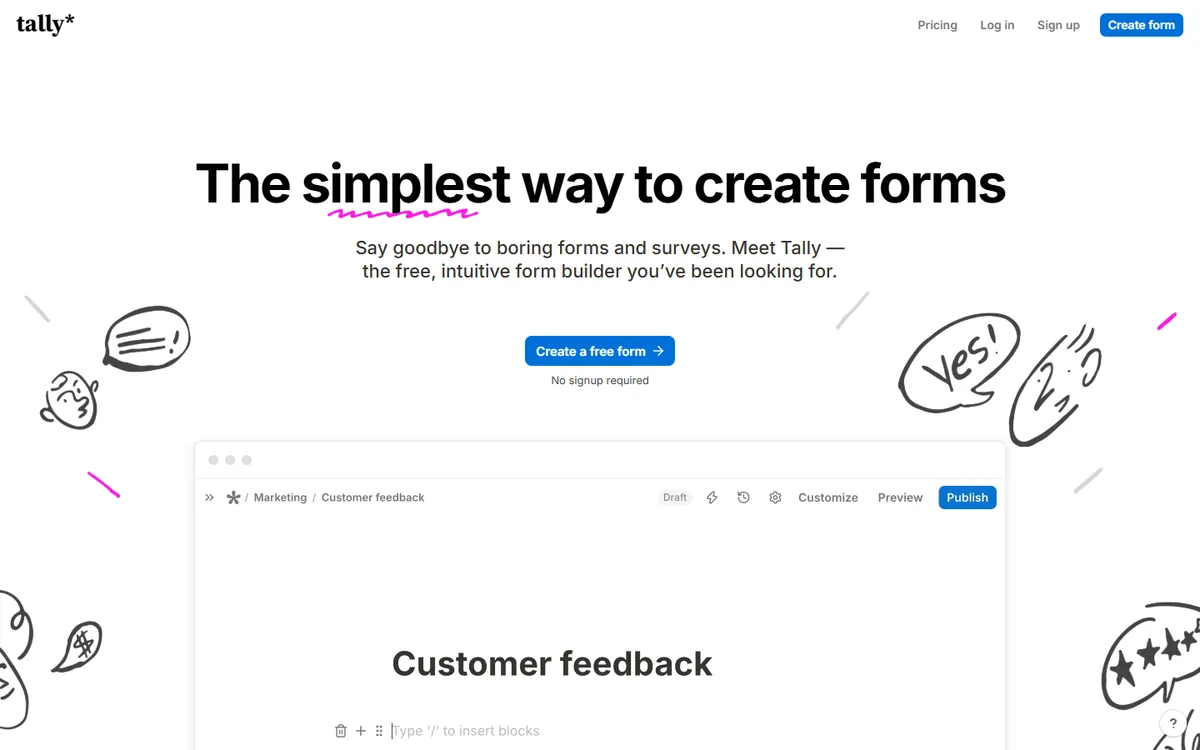
Tally is a small, bootstrapped Belgian company that has become one of the most loved form builders on the internet. Its editor works like a document: you type, and questions appear. Its business model is the opposite of Typeform's — almost everything is free, including unlimited responses, payments and logic, and you pay only for branding removal and team features.
Tally pricing in detail
| Plan | Price | Responses | Highlights |
|---|---|---|---|
| Free | $0 | Unlimited (fair use) | Unlimited forms, payments, signatures, file uploads (10MB), logic, calculations, integrations |
| Pro | $24/mo (2 months free yearly) | Unlimited | Remove branding, custom domains, unlimited team members, partial submissions, custom CSS, analytics |
| Business | $74/mo | Unlimited | Data retention controls, email verification, 90-day version history |
What you get
- Unlimited forms and responses on the free plan — Typeform's free plan stops at 10 responses a month.
- Payments via Stripe (no extra Tally fee) and e-signatures for free.
- Conditional logic, calculations, hidden fields and answer piping for quizzes, quotes and surveys.
- A Notion-like editor — type "/" to insert any question type.
- Integrations with Google Sheets, Notion, Airtable, Slack, Zapier, Make and webhooks.
- One-question-at-a-time mode or classic layouts.
- 45+ languages with right-to-left support.
Where it falls short
- Free forms show Tally branding.
- Custom domains and advanced design require Pro.
- Fair-use policy applies to very high volumes.
Good to know
A form that collects 2,000 responses a month costs nothing on Tally, versus around $83–91 a month on Typeform Business.
Who it's best for
Almost everyone — start-ups, creators, marketers and internal teams. Skip it if you need Typeform's specific design templates or enterprise contracts.
2. Fillout
Price: Free (1,000 responses/month). Starter $15/month ($180/year, 2,000 responses); Pro $40 ($480/year, 5,000); Business $75 ($900/year, unlimited). See Fillout's official pricing page for current plans.
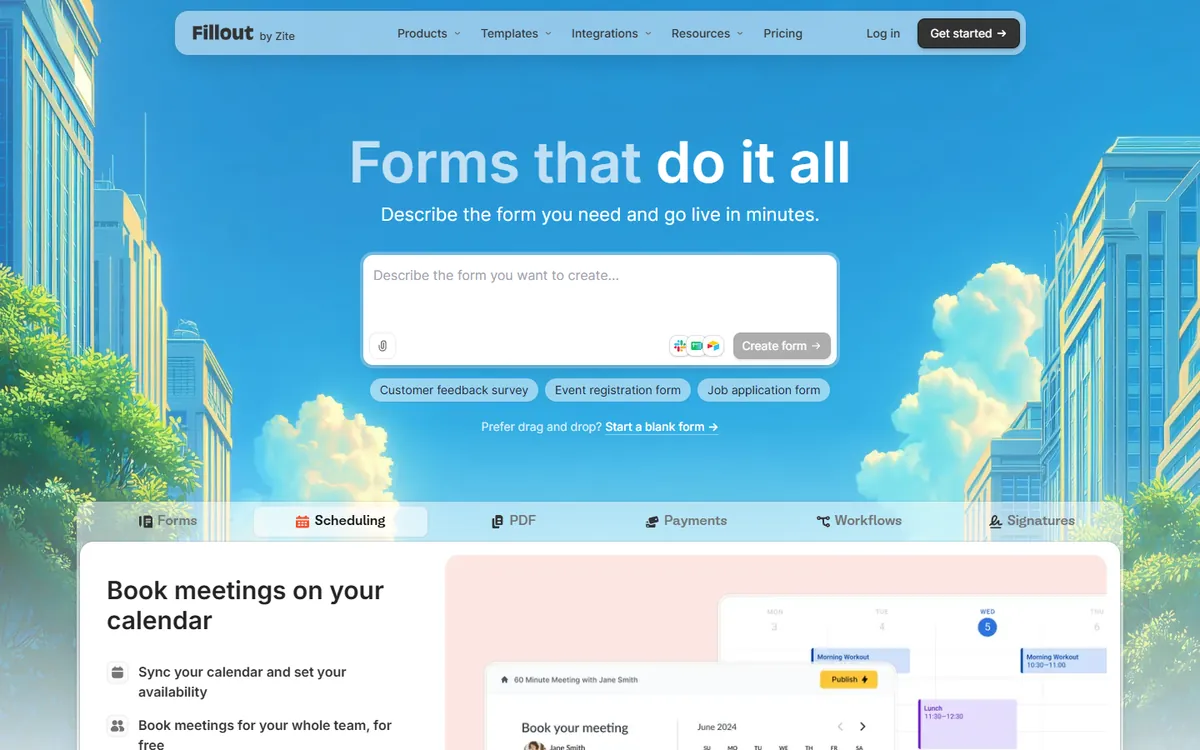
Fillout, launched in 2023 by former Google and Airbnb engineers, is designed to feel like Typeform while being far more generous. It is especially strong at connecting forms to the tools teams already use as databases — Airtable, Notion, HubSpot and Salesforce.
Fillout pricing in detail
| Plan | Annual price | Responses/month | Highlights |
|---|---|---|---|
| Free | $0 | 1,000 | Unlimited forms, logic, payments, integrations, Fillout badge |
| Starter | $180/yr ($15/mo) | 2,000 | Remove badge, custom themes and endings, CAPTCHA |
| Pro | $480/yr ($40/mo) | 5,000 | Custom domains, login forms, advanced field types |
| Business | $900/yr ($75/mo) | Unlimited | Team features, SSO-ready, priority support |
| Enterprise | Custom | 1,000,000+ records | Custom contracts |
What you get
- Typeform-style conversational forms plus classic and multi-page layouts.
- Native two-way integrations with Airtable, Notion, HubSpot, Salesforce and Google Sheets — forms can update existing records.
- Payments, scheduling and quizzes built in.
- Conditional logic and calculations.
- Forms keep collecting after the free cap — counts reset monthly.
Where it falls short
- Free forms show a Fillout badge and lack custom themes.
- Younger product with a smaller template library.
Good to know
Fillout's free plan alone allows 100 times as many responses as Typeform's free plan.
Who it's best for
Teams that want Typeform's look with generous limits, especially Airtable and Notion users. Skip it if you need a very large template library.
3. Jotform
Price: Free (5 forms, 100 submissions/month). Bronze about $34–39/month (1,000 submissions); Silver about $49 (2,500); Gold about $99–129 (10,000). See Jotform's official pricing page for current plans.
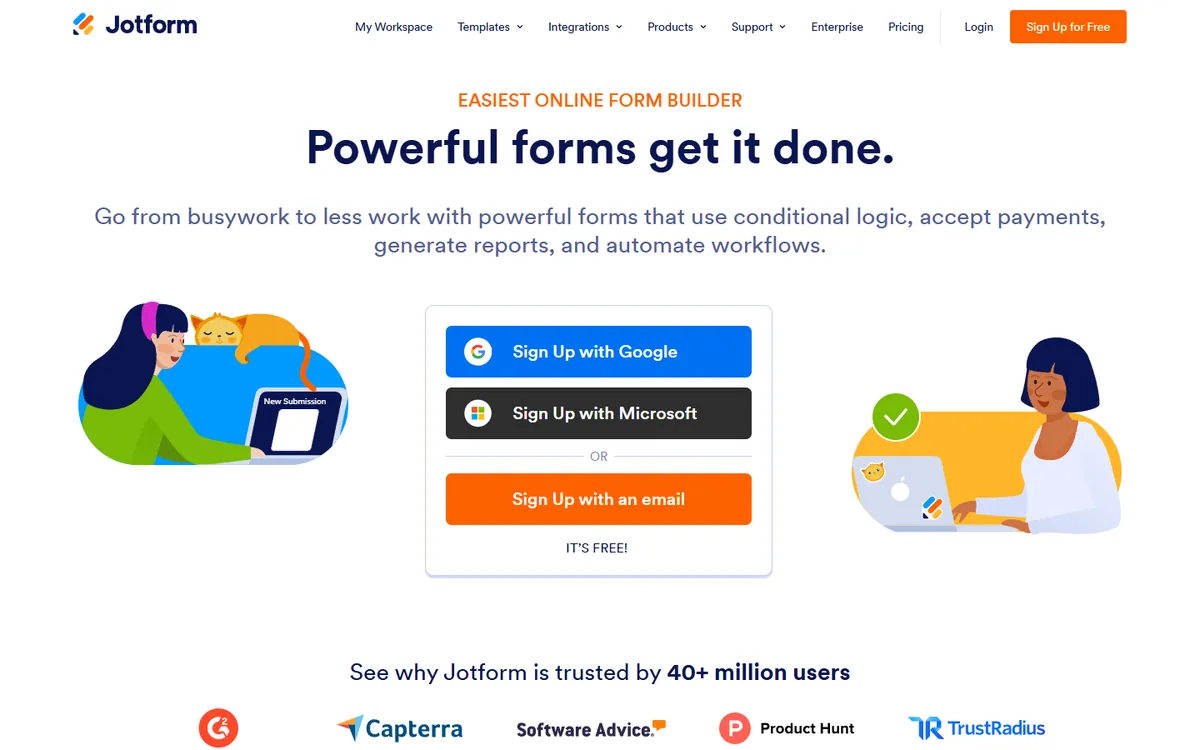
Jotform, founded in 2006, is one of the largest form platforms in the world, with tens of millions of users. It is less about beautiful conversational forms and more about operations: approvals, PDFs, payments, e-signatures and compliance.
Jotform pricing in detail
| Plan | Price (approx.) | Forms | Monthly submissions | Highlights |
|---|---|---|---|---|
| Starter | Free | 5 | 100 | Basic features, Jotform branding |
| Bronze | ~$34–39/mo | 25 | 1,000 | Remove branding, more storage |
| Silver | ~$49/mo | 50 | 2,500 | More payment submissions and storage |
| Gold | ~$99–129/mo | 100 | 10,000 | HIPAA compliance (with BAA), highest limits |
| Enterprise | Custom | Unlimited | Custom | SSO, dedicated support |
Non-profits and educational institutions often get discounts.
What you get
- 10,000+ templates for registrations, orders, applications and surveys.
- Jotform Sign for e-signatures and PDF Editor for generating PDFs from submissions.
- Approval workflows for HR, finance and operations.
- Payments with dozens of gateways.
- HIPAA compliance on Gold for healthcare forms.
- Jotform Tables, Apps and Reports to manage the data you collect.
Where it falls short
- Monthly price is similar to Typeform; savings are per response, not per month.
- Interface feels busier than modern form builders.
Good to know
Jotform Bronze allows 1,000 submissions a month for about the same price as Typeform Basic's 100.
Who it's best for
Operations teams, healthcare, education and non-profits. Skip it if you mainly want beautiful marketing forms.
4. Google Forms
Price: Free with a Google account. See Google Forms' official site for current plans.
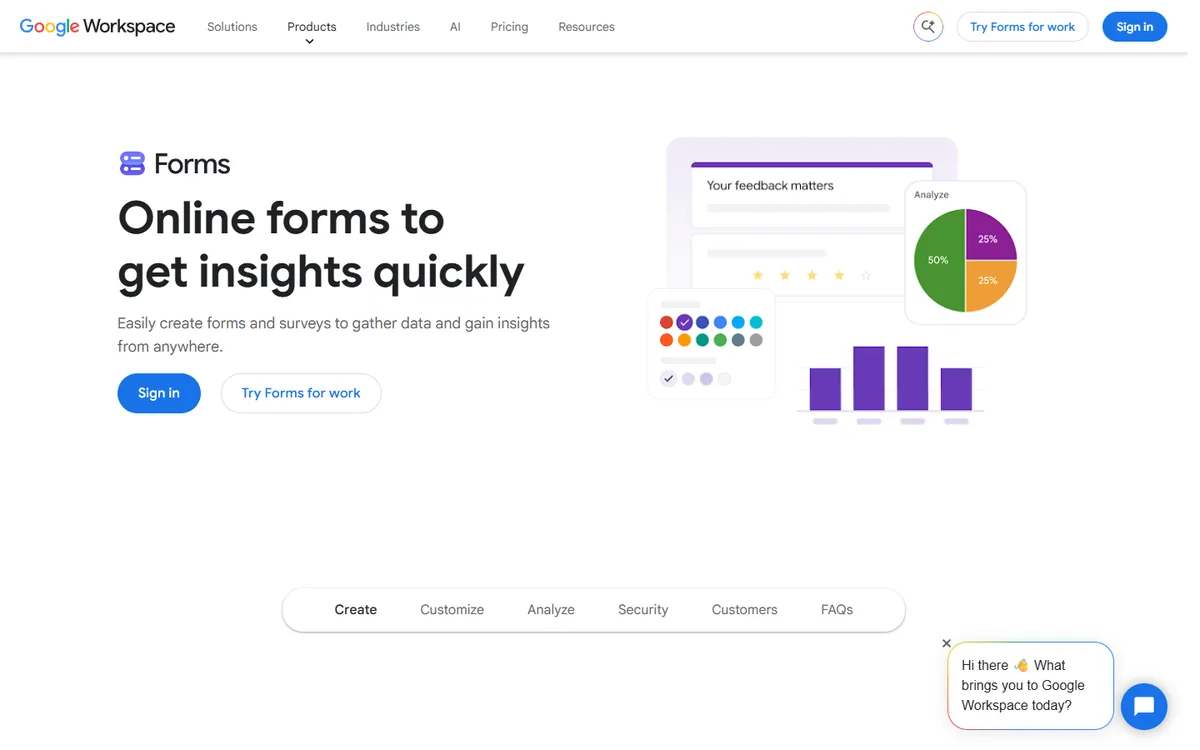
Google Forms is the default free form tool for millions of schools, offices and community groups. It lacks Typeform's style, but it has no response limits and sends results straight into Google Sheets.
Google Forms in detail
| Account | Price | Notes |
|---|---|---|
| Personal Google account | Free | Unlimited forms and responses |
| Google Workspace | Included ($7+/user) | Restrict forms to your organisation, file uploads to Drive, admin controls |
What you get
- Unlimited forms and responses at no cost.
- Live results in Google Sheets with automatic charts and summaries.
- Quizzes with automatic grading and feedback — popular in education.
- Branching sections based on answers.
- File uploads to Google Drive.
- Collaborative editing with colleagues.
Where it falls short
- Plain design with limited branding.
- No payments or advanced logic such as calculations.
- Limited integrations without add-ons or automation tools.
Good to know
For internal surveys, event sign-ups and quizzes, Google Forms covers most needs completely free. If you need to collect a few thousand responses a month, the saving is significant: Typeform Business, the plan you would need above 1,000 responses, costs about $1,000 a year. Many teams pair Google Forms with Google Sheets formulas or Apps Script to build simple workflows — notifications, approvals and automatic replies — without paying for a form builder at all.
Who it's best for
Schools, internal teams and quick surveys. Skip it if your forms face customers and represent your brand.
5. Zoho Forms
Price: Free (3 forms, 500 submissions/month). Basic from about $10–12/month (unlimited forms, 10,000 submissions). See Zoho Forms' official pricing page for current plans.
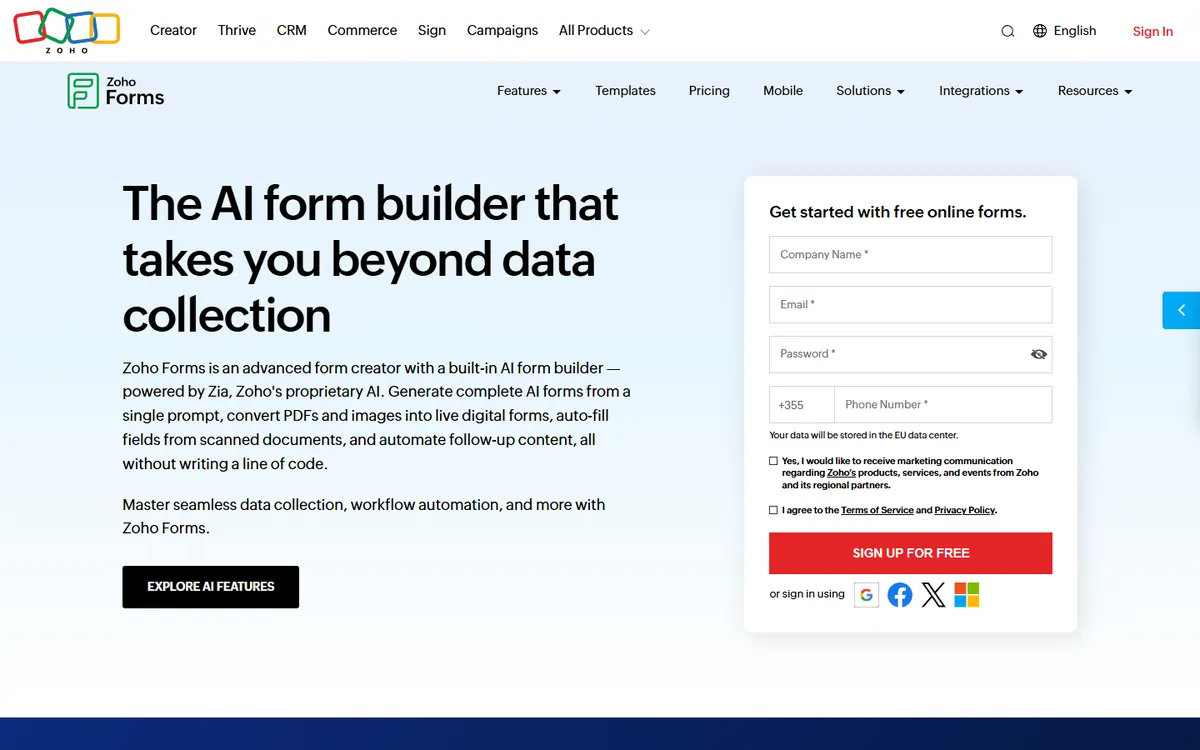
Zoho Forms is a form builder from the Zoho suite, aimed at business data collection. Its submission allowances are some of the most generous in the market, and it supports offline mobile forms for field teams.
Zoho Forms pricing in detail
| Plan | Price (approx.) | Users | Submissions/month | Storage |
|---|---|---|---|---|
| Free | $0 | 1 | 500 | 200MB |
| Basic | ~$10–12/mo | 1 | 10,000 | 500MB |
| Standard | Higher | 10 | 25,000 | 2GB |
| Professional | Higher | 25 | 75,000 | 5GB |
| Premium | Higher | 100 | 150,000 | 10GB |
What you get
- Huge submission allowances — 10,000 a month on Basic.
- Approval workflows for multi-step reviews.
- Offline mobile forms for field inspections and surveys without internet.
- Payments via Stripe, PayPal and others.
- Integration with Zoho CRM and other Zoho apps.
- Custom PDFs generated from submissions.
Where it falls short
- Less stylish design than Typeform.
- Free plan is limited to three forms.
Good to know
Zoho Forms Basic allows 100 times Typeform Basic's monthly responses at a lower price. Its offline mobile apps are a genuine differentiator: inspectors, surveyors and event staff can collect submissions without a connection, and the data syncs once the device is back online — something Typeform does not offer.
Who it's best for
Field teams, approvals and high-volume data collection. Skip it if design is your top priority.
What 2,000 responses a month costs
| Option | Monthly cost (annual billing) |
|---|---|
| Typeform Business (needed above 1,000) | ~$83–91 |
| Jotform Silver | ~$49 |
| Fillout Starter | $15 |
| Zoho Forms Basic | ~$10–12 |
| Tally Free / Google Forms | $0 |
How to switch without losing your work
- Export responses to CSV from Typeform.
- Rebuild forms — Tally and Fillout can import Typeform forms or make rebuilding fast.
- Reconnect integrations (Sheets, CRM, email).
- Replace embed codes and links on your website.
- Test logic and payments before going live.
Which one should you choose?
- You want the most features for free: Tally.
- You love Typeform's conversational style: Fillout.
- You collect payments, signatures or sensitive data at volume: Jotform.
- You run quick internal surveys or quizzes: Google Forms.
- Your team collects data in the field or runs approval workflows: Zoho Forms.
Hidden costs and gotchas
- Branding. Free plans display the provider's badge; removing it requires a paid plan on most tools.
- Response caps. Typeform stops collecting at the cap; Fillout keeps collecting; Tally applies fair use. Know what happens when you hit the limit.
- File uploads and storage. Upload size and storage limits vary by plan.
- Payment fees. Stripe or PayPal fees apply, and some form builders add their own fee on free plans.
- Compliance. GDPR data residency or HIPAA compliance may require specific plans (Jotform Gold for HIPAA, for example).
Our verdict
Tally is the best Typeform alternative for almost everyone — unlimited responses free. Choose Fillout for the Typeform look with generous limits, Jotform for high-volume and regulated forms, Google Forms for quick internal surveys, and Zoho Forms for field teams and approvals.
More cheaper alternatives: see our breakdowns of the cheaper options to Zapier, Mailchimp and Calendly.
Related reading: How to Design Forms People Finish, How to Design an Accessible Form and Why Is My Contact Form Getting Spam?.
Planning a switch, or not sure which tool fits the way your team works? Book a free call and we will look at your stack with you.
Prices are US list prices in USD unless marked, checked on 27 October 2026. "Annual" means the per-month price when billed yearly. Vendors change pricing often, so confirm on the vendor's site before buying. Product names and logos are trademarks of their respective owners and are used here for identification only.
Common questions
What is the best free alternative to Typeform?
Tally offers unlimited forms and responses for free. Google Forms is also free and unlimited.
Does Fillout look like Typeform?
Yes. Fillout supports one-question-at-a-time conversational forms similar to Typeform.
Which form builder supports payments for free?
Tally includes Stripe payments on its free plan.
What happens when Typeform reaches its response limit?
The form stops collecting responses until the next billing period or until you upgrade.
Which alternative is HIPAA compliant?
Jotform offers HIPAA compliance on its Gold plan and above.
