In short
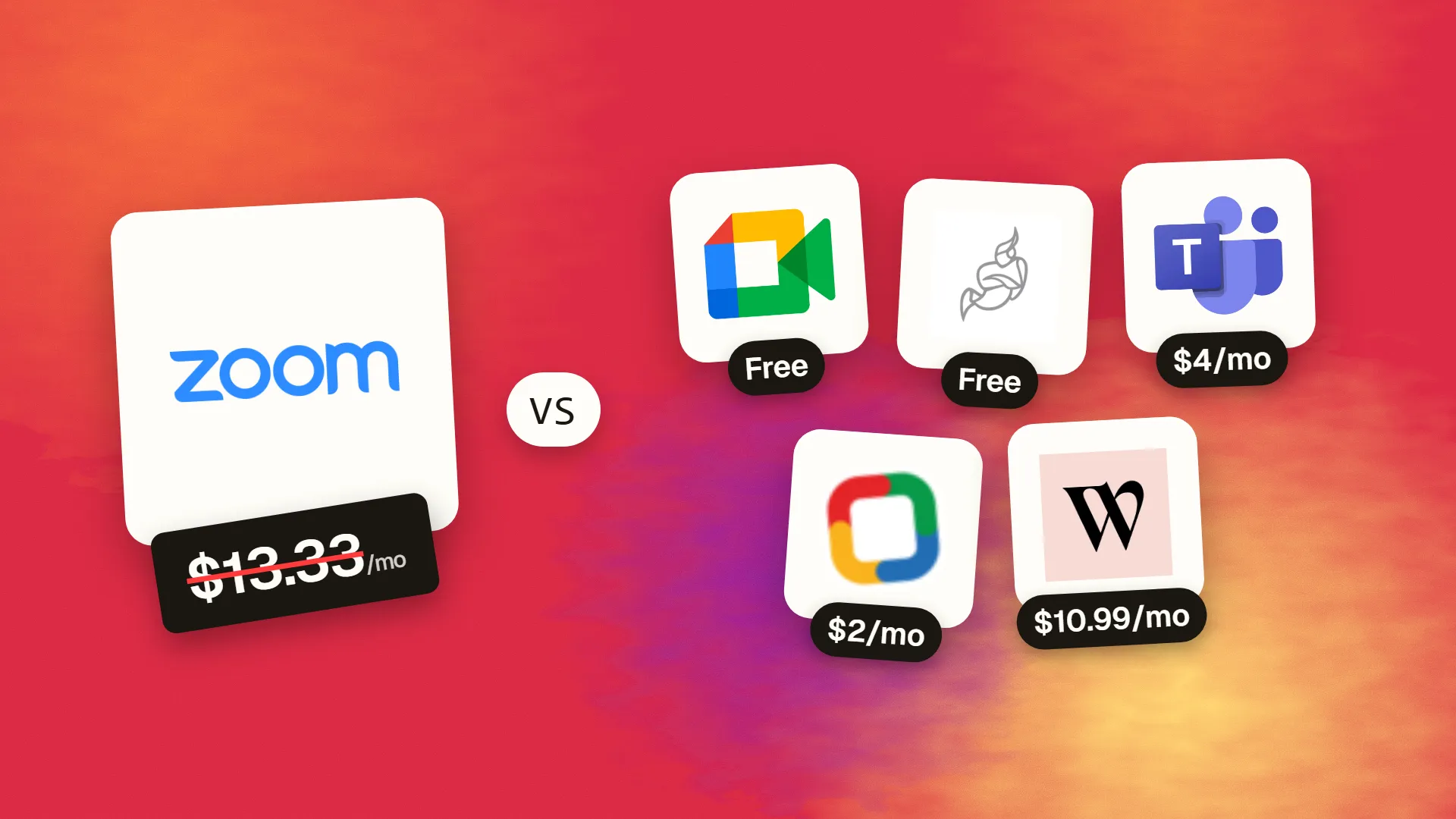
The best cheaper alternatives to Zoom Workplace in 2026 are Google Meet (free), Jitsi Meet (free), Microsoft Teams Essentials (from $4/month), Zoho Meeting (from $2/month) and Whereby (from $10.99/month). Zoom Workplace itself starts at $13.33 a month, so most teams can cut the cost substantially without losing the features they actually use.
Zoom became a verb during the pandemic, and many businesses still pay for it out of habit. The free plan ends meetings after 40 minutes, so anyone who runs client calls, workshops or team meetings ends up on Zoom Workplace Pro at roughly $13.33–14.16 per user per month on annual billing, or $16.99 monthly. Business is about $18.33 annual ($21.99 monthly).
Video calling has become a commodity. Your email suite probably already includes it, and several dedicated tools offer longer meetings for less. Below are five alternatives — two of them free — that handle everyday business calls.
 Zoom Workplacevs
 Google Meet
 Jitsi Meet
 Microsoft Teams Essentials
 Zoho Meeting
 Whereby
What Zoom actually costs in 2026
| Plan | Annual billing | Monthly billing | Key limits |
|---|---|---|---|
| Basic (free) | $0 | $0 | 40-minute meetings, 100 participants |
| Pro | ~$13.33–14.16/user | $16.99/user | 30-hour meetings, 100 participants, 5GB cloud recording, AI Companion |
| Business | ~$18.33/user | $21.99/user | 300 participants, SSO, managed domains |
| Business Plus / Enterprise | Higher / custom | — | Phone, webinars, larger meetings |
Sources disagree slightly on the exact annual Pro price, which varies with promotions and region. Webinars, large-meeting add-ons and Zoom Phone cost extra.
The 5 cheaper alternatives at a glance
| Tool | Starts at | Model | Best for |
|---|---|---|---|
| Zoom Workplace | $13.33/mo | subscription | The benchmark |
| Google Meet | Free tier | free | Teams on Gmail/Google Calendar |
| Jitsi Meet | Free tier | open source | Privacy-minded users and quick ad-hoc calls |
| Microsoft Teams Essentials | $4/mo | subscription | Businesses wanting Zoom-scale meetings for a third of the price |
| Zoho Meeting | $2/mo | subscription | Solo hosts and small teams |
| Whereby | $10.99/mo | subscription | Consultants and coaches with recurring client calls |
How we picked these alternatives
Each tool needed reliable HD video, screen sharing, browser joining for guests, and meetings of at least 60 minutes on its cheapest paid plan. We compared what you get for free and the price per host. Prices checked 27 October 2026.
1. Google Meet
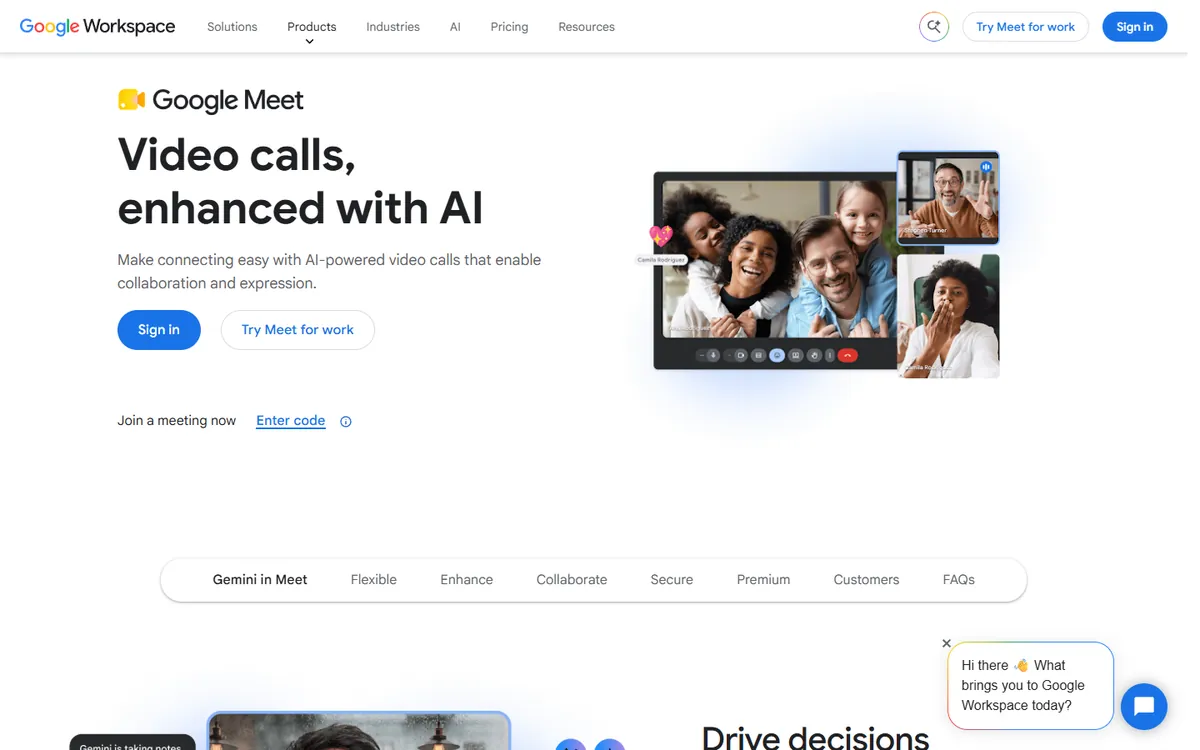
Price: Free with a Google account — group calls up to 60 minutes and 100 participants; one-to-one calls up to 24 hours. Google Workspace Business Starter ($7/user) lifts group calls to 24 hours. See Google Meet's official pricing page for current plans.
Google Meet is built into Gmail, Google Calendar, Android and Chrome. For billions of people with a Google account it is already one click away, and guests can join from any browser without installing anything — which is why it has become the default for many client calls and interviews.
Google Meet pricing in detail
| Plan | Price per user/month | Group call length | Participants | Recording and extras |
|---|---|---|---|---|
| Free (personal account) | $0 | 60 minutes | 100 | No recording |
| Workspace Business Starter | $7 (annual) | 24 hours | 100 | No recording; business email included |
| Workspace Business Standard | $14 | 24 hours | 150 | Recording, transcripts, noise cancellation, breakout rooms, polls |
| Workspace Business Plus | $22 | 24 hours | 500 | Attendance tracking, more admin controls |
| Enterprise | Custom | 24 hours | 1,000 | Live streaming, advanced security |
What you get
- Browser-based joining — guests click a link and join without downloads or accounts.
- Automatic Meet links in every Google Calendar invitation.
- Live captions in many languages, plus translated captions on some paid plans.
- Screen sharing, background blur and effects, and low-light adjustment.
- Companion mode for hybrid meetings where some people are in a meeting room.
- Gemini "take notes for me" and meeting summaries on qualifying paid plans.
- Mobile apps and Nest/Meet hardware for conference rooms.
Where it falls short
- Free group calls end at 60 minutes, with a warning at 55 minutes.
- Recording requires Business Standard or above.
- Webinar features — registration, Q&A at scale — are weaker than Zoom Webinars.
Good to know
If your company already pays for Google Workspace Business Standard, you have recording, transcripts and 150-person meetings included — there is no reason to pay for Zoom Pro as well.
Who it's best for
Teams that use Gmail and Google Calendar, and anyone who wants the simplest possible guest experience. Skip it if you run large public webinars.
2. Jitsi Meet
Price: Free and open source. You can also self-host it. See Jitsi Meet's official site for current plans.
Jitsi is an open-source video-conferencing project that began in 2003 and is now maintained by 8x8, a cloud communications company. The public service at meet.jit.si lets anyone start a meeting by typing a room name into the address bar — no account, no download and no time limit. Organisations that want full control can install Jitsi on their own servers.
Jitsi pricing in detail
| Option | Price | Notes |
|---|---|---|
| meet.jit.si | Free | No account, no time limit, browser and mobile apps |
| Self-hosted Jitsi | Free software | You pay only for servers and bandwidth |
| 8x8 Jitsi as a Service (JaaS) | Usage-based, free tier | Embed video into your own app or website |
What you get
- Instant rooms — create a meeting by visiting a URL; share it with anyone.
- No time limit on the public service.
- End-to-end encryption option for supported browsers.
- Screen sharing, chat, raise hand, polls, breakout rooms and lobby to admit guests.
- YouTube live streaming from a meeting.
- Embeddable in websites and apps with a few lines of code.
- Self-hosting for organisations with strict privacy or data-location rules.
Where it falls short
- Quality on the public service depends on server load; large meetings work best on your own server.
- Recording and transcription require self-hosting extra components or local recording.
- Minimal admin, reporting and user management.
Good to know
Schools, NGOs and privacy-focused organisations often self-host Jitsi so that meetings never touch a third-party cloud.
Who it's best for
Privacy-minded users, quick ad-hoc calls and developers embedding video. Skip it if you need enterprise admin features and support.
3. Microsoft Teams Essentials
Price: $4/user/month annual ($4.80 monthly). See Microsoft Teams Essentials' official site for current plans.
Teams Essentials is the standalone Teams plan for small businesses. For video calls specifically, it offers more than Zoom Pro — larger meetings and longer time limits — for about a third of the price, and it includes unlimited team chat.
Teams pricing in detail
| Plan | Price per user/month | Meeting length | Participants | Extras |
|---|---|---|---|---|
| Teams (free) | $0 | 60 minutes | 100 | 5GB storage |
| Teams Essentials | $4 (annual) | 30 hours | 300 | Unlimited chat, 10GB storage, whiteboard |
| Microsoft 365 Business Basic | $7 | 30 hours | 300 | Email, SharePoint, 1TB OneDrive |
| Microsoft 365 Business Standard | $14 | 30 hours | 300 + webinars | Desktop Office, registration and webinars |
What you get
- Meetings for up to 300 participants and 30 hours.
- Screen sharing, whiteboard, live captions and meeting recaps.
- Together mode and custom backgrounds.
- Unlimited team chat and file sharing between meetings.
- Guest access for external participants.
- Works with any email provider.
Where it falls short
- Heavier app than Zoom on older machines.
- Guests sometimes struggle to join from outside Microsoft's ecosystem.
- Webinars require Microsoft 365 Business Standard or higher.
Good to know
Ten hosts on Zoom Pro cost about $1,600–1,700 a year; ten users on Teams Essentials cost $480.
Who it's best for
Small businesses wanting large meetings plus team chat at the lowest price. Skip it if most of your clients expect Zoom links.
4. Zoho Meeting
Price: Free (up to 100 participants, 60 minutes). Standard from about $2/host/month and Professional about $3 on annual billing at the 10-participant tier, scaling up to 250 participants. See Zoho Meeting's official pricing page for current plans.
Zoho Meeting is the video-conferencing tool from Zoho's business suite. It runs in the browser, prices by host and by the maximum meeting size you need, and includes a separate webinar product for public events — which makes it extremely cheap for consultants and small teams who mostly meet with a few people.
Zoho Meeting pricing in detail
| Plan | Price (annual, approx.) | Participants | Highlights |
|---|---|---|---|
| Free | $0 | 100 | 60-minute meetings, screen sharing, chat |
| Standard | from ~$2/host | 10 (tiers up to 250) | 24-hour meetings, 2 co-hosts, recording with 5GB storage |
| Professional | from ~$3/host | 10 (tiers up to 250) | Breakout rooms, transcripts, API, more storage |
| Webinar plans | from ~$9/host | Larger audiences | Registration, Q&A, polls, attendee reports |
Yearly billing saves more than 15% versus monthly.
What you get
- 24-hour meetings on paid plans.
- Browser joining with no downloads for guests.
- Recording with cloud storage.
- Breakout rooms and transcripts on Professional.
- Integrations with Zoho CRM, Google Calendar and Outlook.
- Separate webinar product for marketing events.
Where it falls short
- Price rises with each participant tier.
- Interface is functional rather than polished.
Good to know
A consultant who meets with up to ten people pays roughly $24–36 a year on Zoho Meeting, versus about $160–200 on Zoom Pro.
Who it's best for
Consultants and small teams with small meetings. Skip it if you regularly host 100+ participants.
5. Whereby
Price: Free tier; Pro about $10.99/month for one host with three permanent rooms and up to 100 attendees. See Whereby's official pricing page for current plans.
Whereby, a Norwegian company founded in 2013 (originally appear.in), is built around permanent meeting rooms with simple URLs such as whereby.com/yourname. Clients bookmark the link and join from any browser, which makes Whereby popular with coaches, therapists, tutors and consultants who see the same people every week.
Whereby pricing in detail
| Plan | Price (approx.) | Rooms | Attendees | Highlights |
|---|---|---|---|---|
| Free | $0 | 1 | Small meetings | Limited meeting length |
| Pro | ~$10.99/mo | 3 | Up to 100 | Recording, custom room names, no time limit |
| Business | Per host | Multiple | Up to 200 | Branding, multiple hosts, admin |
| Embedded (API) | Usage-based | — | — | Video inside your own product |
What you get
- Permanent, memorable room links that never change.
- No downloads or accounts for guests.
- Room locking and knock-to-enter for privacy.
- Custom branding with your logo and colours on Business.
- Integrations with Miro, Google Docs and YouTube inside the room.
- GDPR-friendly European company.
Where it falls short
- Smaller savings than other options.
- Aimed at individual hosts rather than large organisations.
Good to know
Whereby's embedded API is used by telehealth and education platforms that need video inside their own app.
Who it's best for
Coaches, therapists and consultants with recurring clients. Skip it if you need big team meetings.
What a 10-host team pays per year
| Option | Annual cost (10 hosts) |
|---|---|
| Zoom Workplace Business | ~$2,200 |
| Zoom Workplace Pro | ~$1,600–1,700 |
| Whereby Pro | ~$1,319 |
| Google Workspace Starter (with email) | $840 |
| Microsoft Teams Essentials | $480 |
| Zoho Meeting Standard | ~$240+ |
| Google Meet free / Jitsi | $0 |
How to switch without losing your work
- Download your Zoom cloud recordings before cancelling — they are deleted afterwards.
- Update recurring meeting links in calendars and email signatures.
- Replace Zoom integrations in your scheduling tool (Calendly, Cal.com) with Meet, Teams or Jitsi.
- Keep one Zoom licence for a while if clients insist on Zoom webinars.
- Test audio and screen sharing with a few external guests before rolling out.
Which one should you choose?
- You already pay for Google Workspace or Microsoft 365: use Google Meet or Microsoft Teams — they are included.
- You run large internal meetings or all-hands: Teams Essentials supports 300 people for 30 hours at $4 per user.
- You need quick, private calls with no sign-up: Jitsi Meet.
- You are a solo consultant meeting small groups: Zoho Meeting Standard costs a couple of dollars a month.
- You see the same clients every week: Whereby gives each client a permanent, branded room link.
Hidden costs and gotchas
- Recording storage. Cloud recording is often limited or only on higher tiers. Budget for cloud storage, or record locally.
- Webinars. Zoom Webinars, Teams town halls and Zoho Webinar are separate products. If you run public webinars, compare those prices specifically.
- Phone systems. If you use Zoom Phone, moving meetings is easy but moving phone numbers takes longer. Plan number porting separately.
- Guest experience. Browser-based joining (Meet, Jitsi, Whereby, Zoho) is easiest for clients. Teams works in a browser but some guests try to install the app.
- Transcripts and AI notes. Zoom AI Companion is included with paid Zoom plans; on other platforms, AI summaries may require higher tiers or third-party note-takers.
Our verdict
If you already pay for Google Workspace or Microsoft 365, cancel Zoom — Meet or Teams is included. Small businesses that want the most for the least should choose Teams Essentials at $4. For free calls without limits use Jitsi Meet, for cheap hosted meetings try Zoho Meeting, and for a polished client-facing room use Whereby.
More cheaper alternatives: see our breakdowns of the cheaper options to Slack, Microsoft 365 and Calendly.
Related reading: What Is Agile, for a Small Team?, What Is a Design Sprint, and Is It Worth It? and Build vs Buy Software: A Practical Decision Framework.
Planning a switch, or not sure which tool fits the way your team works? Book a free call and we will look at your stack with you.
Prices are US list prices in USD unless marked, checked on 27 October 2026. "Annual" means the per-month price when billed yearly. Vendors change pricing often, so confirm on the vendor's site before buying. Product names and logos are trademarks of their respective owners and are used here for identification only.
Common questions
What is the best free alternative to Zoom?
Jitsi Meet has no time limits and needs no account. Google Meet is free for 60-minute group calls and very easy for guests to join.
Is Microsoft Teams cheaper than Zoom?
Yes. Teams Essentials costs $4 per user per month and supports 300-person meetings up to 30 hours.
Which Zoom alternative is best for client calls?
Google Meet for simplicity, Whereby for a branded permanent room, and Teams Essentials for larger client meetings.
Can I record meetings for free?
Jitsi supports recording when you run your own server (via its Jibri component), and you can always record locally with free tools such as OBS Studio. Google Meet recording requires Workspace Business Standard or higher.
Do Zoom alternatives work on mobile?
Yes. All five have mobile apps or work in mobile browsers.
