In short
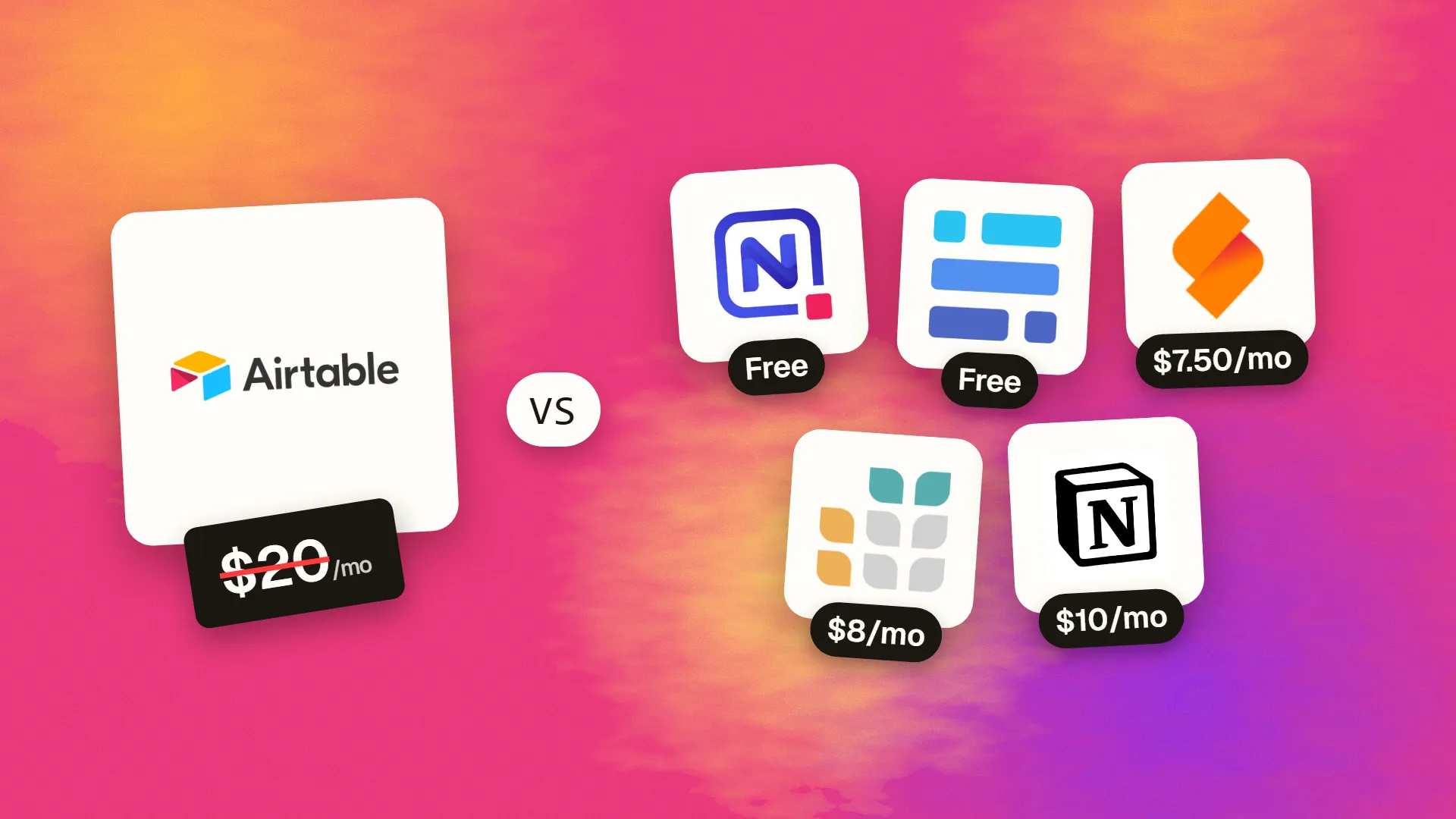
The best cheaper alternatives to Airtable in 2026 are NocoDB (free), Baserow (free), SeaTable (from $7.50/month), Grist (from $8/month) and Notion (from $10/month). Airtable itself starts at $20 a month, so most teams can cut the cost substantially without losing the features they actually use.
Airtable made databases as easy as spreadsheets, and teams use it for everything from content calendars to inventory and CRM. But as bases grow, so does the bill. In 2026 Team costs $20 per editor per month on annual billing ($24 monthly) with 50,000 records per base and 25,000 automation runs per month; Business costs $45 ($54) with 125,000 records per base. Read-only users and form submitters are free, but anyone who edits data needs a paid seat, and AI features are metered.
A 15-editor operations team on Team pays $3,600 a year, and $8,100 if record limits force them onto Business. The alternatives below include open-source tools you can self-host with no record limits at all.
 Airtablevs
 NocoDB
 Baserow
 SeaTable
 Grist
 Notion
What Airtable actually costs in 2026
| Plan | Annual billing | Monthly billing | Records per base | Automation runs/month |
|---|---|---|---|---|
| Free | $0 | $0 | 1,000 | 100 |
| Team | $20/editor | $24/editor | 50,000 | 25,000 |
| Business | $45/editor | $54/editor | 125,000 | 100,000 |
| Enterprise Scale | Custom | — | 500,000 | 500,000 |
The current tiers are listed on Airtable's official pricing page.
The 5 cheaper alternatives at a glance
| Tool | Starts at | Model | Best for |
|---|---|---|---|
| Airtable | $20/mo | subscription | The benchmark |
| NocoDB | Free tier | open source | Teams with a database or big record counts |
| Baserow | Free tier | open source | Airtable users wanting to cut cost or self-host |
| SeaTable | $7.50/mo | subscription | European teams and data-heavy small orgs |
| Grist | $8/mo | subscription | Spreadsheet power users |
| Notion | $10/mo | subscription | Teams using Airtable mainly for lightweight trackers |
How we picked these alternatives
We required relational tables with linked records, multiple views (grid, Kanban, calendar, gallery, form), an API, and sharing permissions. We compared price per editor, record limits and self-hosting options. Prices checked 27 October 2026.
1. NocoDB
Price: Self-hosted Community edition free with unlimited records, storage and seats. Cloud Free (3 users, 1,000 records); Plus $12/seat/month annual ($15 monthly) or $108/month for unlimited seats; Business $24 ($30); Scale $45 ($54). See NocoDB's official pricing page for current plans.
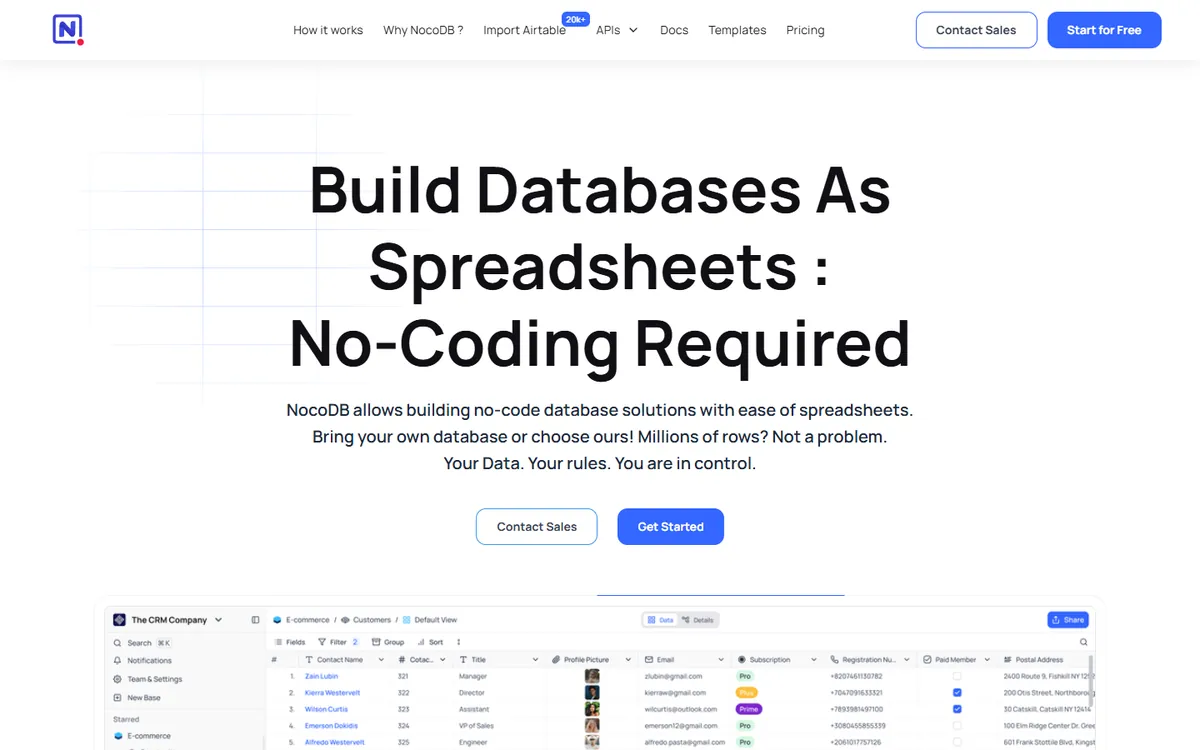
NocoDB describes itself as "the open-source Airtable alternative", and with more than 60,000 GitHub stars and over 20 million downloads it is the most popular one. Its key difference is architectural: NocoDB sits on top of a real SQL database (PostgreSQL, MySQL or SQLite), so your data lives in a standard format you control, and you can even connect it to a database you already have.
NocoDB pricing in detail
| Plan | Annual billing | Monthly billing | Records | Notes |
|---|---|---|---|---|
| Cloud Free | $0 | $0 | 1,000 | 3 editors, 1GB, 1,000 API calls/month |
| Plus | $12/seat or $108/mo unlimited seats | $15/seat or $135/mo | 50,000 | Pay for 9 seats, rest free |
| Business | $24/seat or $216/mo unlimited | $30/seat or $270/mo | 300,000 | Unlimited workflows and interfaces |
| Scale | $45/seat | $54/seat | 1,000,000 | 3-seat minimum |
| Community (self-hosted) | Free | Free | Unlimited | Up to 2 workflows per base, 2 interfaces per workspace |
What you get
- Spreadsheet-style interface on a real database — grid, Kanban, gallery, form, calendar and map views.
- Connect existing databases. Point NocoDB at a PostgreSQL or MySQL database and get an instant collaborative UI over it.
- Auto-generated REST APIs and Swagger docs for every table.
- Linked records, lookups, rollups and formulas like Airtable.
- Webhooks and workflows for automation.
- The unlimited-seat option — $108/month for any number of users makes NocoDB dramatically cheaper than Airtable for large teams.
- Self-hosting with Docker in minutes.
Where it falls short
- Self-hosting requires setup and ongoing maintenance.
- Community edition limits workflows and interfaces.
- Fewer native integrations than Airtable's marketplace.
Who it's best for
Teams with large datasets, existing SQL databases or many editors. Skip it if nobody on your team is comfortable running or configuring a database tool.
2. Baserow
Price: Free cloud plan (3,000 rows per workspace, 2GB). Premium about $10/user/month. Open source and free to self-host. See Baserow's official pricing page for current plans.
Baserow, built in the Netherlands, is the open-source tool that looks and feels most like Airtable. Tables, views, linked records and forms behave almost identically, so Airtable users can switch with very little retraining. It adds an application builder for internal tools and client portals, and it offers EU hosting for GDPR-conscious organisations.
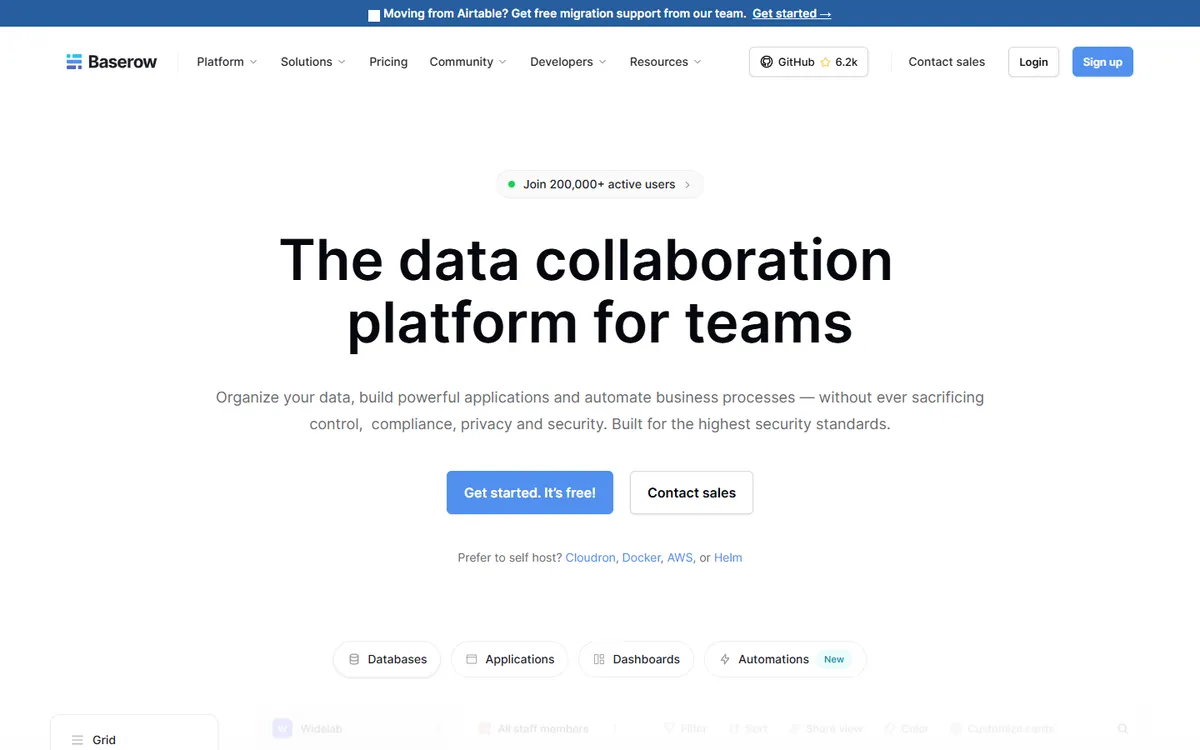
Baserow pricing in detail
| Plan | Price | Rows | Highlights |
|---|---|---|---|
| Free (cloud) | $0 | 3,000 per workspace | 2GB storage, grid and gallery views, forms, API |
| Premium (cloud) | ~$10/user/mo | 50,000 per workspace | Kanban and calendar views, row comments, coloured rows, 20GB storage |
| Advanced / Enterprise | Higher / custom | More | Admin panel, audit log, SSO, role-based permissions, support |
| Self-hosted (open source) | Free | Unlimited | Core features on your own server |
| Self-hosted Premium | Per user | Unlimited | Premium features on your server |
What you get
- An Airtable-like interface with grid, gallery, form, Kanban and calendar views.
- Linked records, lookups, rollups and formulas.
- Application builder for portals, internal dashboards and simple apps on top of your data.
- Automations and webhooks to trigger actions when records change.
- Airtable import to move whole bases in one step.
- REST API and plugins.
- EU hosting and self-hosting for data sovereignty.
Where it falls short
- The free cloud plan's 3,000-row limit is low.
- Fewer integrations than Airtable's marketplace.
- Some views (Kanban, calendar) need Premium.
Good to know
Self-hosting Baserow removes row limits completely, which makes it attractive for teams that have outgrown Airtable's 50,000-records-per-base cap on Team.
Who it's best for
Airtable users who want a near-identical experience for half the price or on their own servers. Skip it if you depend on Airtable extensions.
3. SeaTable
Price: Free for up to 25 users and 10,000 rows. Plus €7/user/month annual (€9 monthly); Enterprise €14 (€18). Self-hosted option. See SeaTable's official pricing page for current plans.
SeaTable comes from the German team behind Seafile, an established file-sync platform. It is a no-code database with a generous free plan, built-in scripting for power users and German hosting, which makes it popular with European businesses, research groups and public institutions.
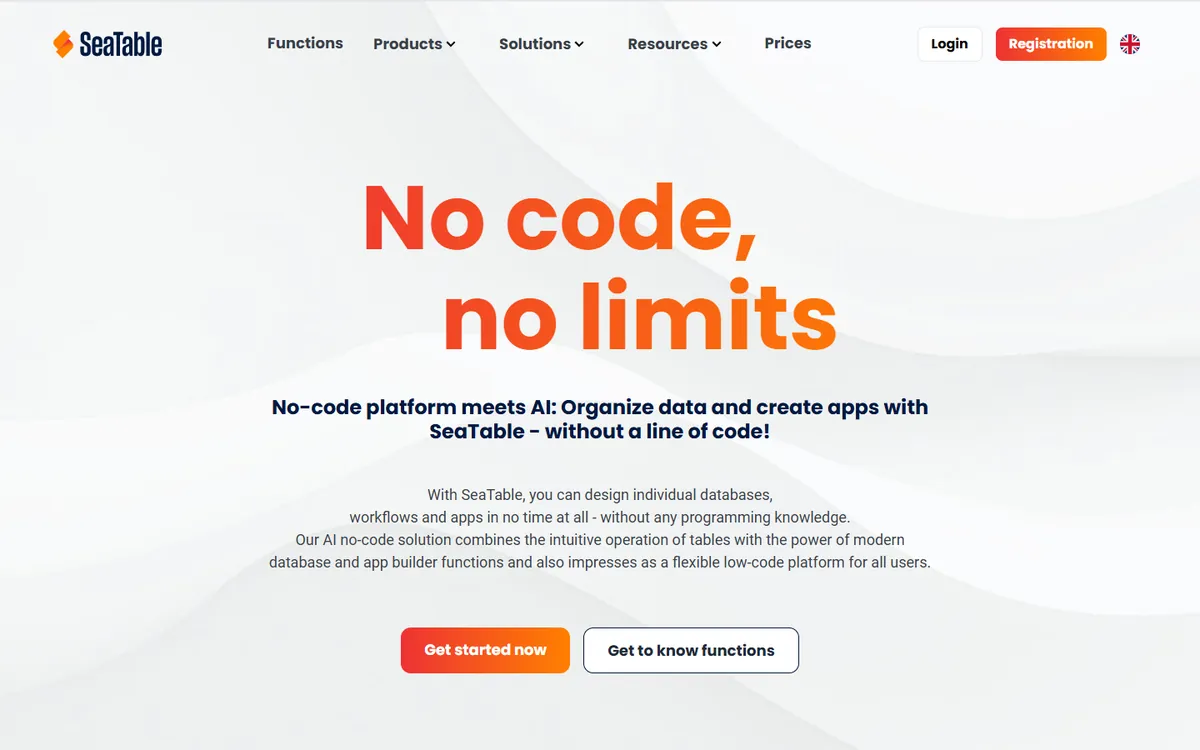
SeaTable pricing in detail
| Plan | Annual billing | Monthly billing | Highlights |
|---|---|---|---|
| Free | €0 | €0 | Up to 25 users, 10,000 rows |
| Plus | €7/user | €9/user | More rows and storage, automations, more API calls |
| Enterprise | €14/user | €18/user | Advanced permissions, more automation, SSO, support |
| Dedicated | Custom (100+ users, annual) | — | Private cloud |
| Self-hosted | Developer (free) and Enterprise editions | — | Run on your own servers |
Prices are per user and exclude VAT.
What you get
- Up to 25 users on the free plan — enough for many small teams.
- Python and JavaScript scripts for data transformation and complex automation.
- Automation rules that trigger on record changes or schedules.
- Forms, statistics dashboards and gallery views.
- Plugins such as map, timeline, calendar and page design.
- API and integrations with Zapier, Make and n8n.
- German/EU hosting and an on-premise option.
Where it falls short
- Prices in euros and a smaller global community.
- Interface less polished than Airtable.
- Fewer native integrations.
Good to know
A 15-editor team on SeaTable Plus pays about €1,260 a year, versus $3,600 on Airtable Team.
Who it's best for
European teams and small organisations that need a generous free plan. Skip it if you rely on Airtable Interfaces.
4. Grist
Price: Free (up to 5,000 records per document). Pro $8/user/month annual ($10 monthly). Community edition free to self-host. Organisations with under $1M revenue can request a free self-hosting activation key. See Grist's official pricing page for current plans.
Grist, created by Grist Labs in New York, is a spreadsheet-database hybrid built for people who love formulas. Every column can use full Python formulas, and pages combine linked tables, cards and charts that filter each other. It is open source, and government agencies in France and elsewhere use it for internal data work.
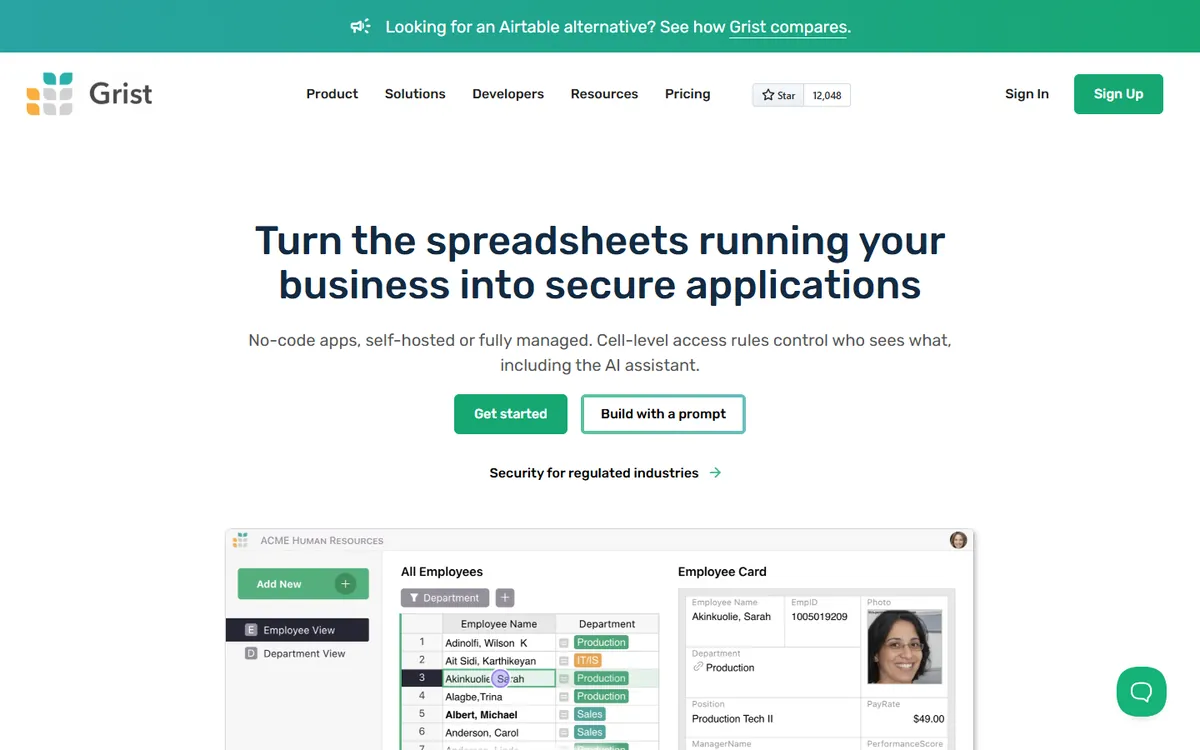
Grist pricing in detail
| Plan | Annual billing | Monthly billing | Records per document |
|---|---|---|---|
| Free | $0 | $0 | 5,000 |
| Pro | $8/user | $10/user | 100,000 |
| Business | $24/user | $30/user (5-user minimum) | 150,000 |
| Enterprise | Custom | Custom | Custom; self-hosted options |
| Community (self-hosted) | Free | Free | Limited by your server |
What you get
- Full Python formulas, far more powerful than Airtable's formula language.
- Linked widgets — tables, cards and charts on one page that filter each other.
- Granular access rules down to rows and columns, so different users see different data.
- Summary tables for pivots and reporting.
- Imports from Excel, CSV and Google Sheets.
- Open source and self-hostable.
Where it falls short
- Fewer automations and integrations than Airtable.
- Feels like a spreadsheet rather than a polished app builder.
Good to know
Small organisations and individuals can request a free activation key for Grist's self-hosted advanced features.
Who it's best for
Analysts and spreadsheet power users. Skip it if you need visual automations.
5. Notion
Price: Free. Plus $10/seat/month annual ($12 monthly); Business $20 ($24). See Notion's official pricing page for current plans.
Notion combines documents, wikis and databases in one flexible workspace. Its databases are not as powerful as Airtable's for large relational datasets, but many teams use Airtable only for lightweight trackers — content calendars, simple CRMs, inventories, hiring pipelines — and for those, Notion works well and puts the related documentation right alongside.
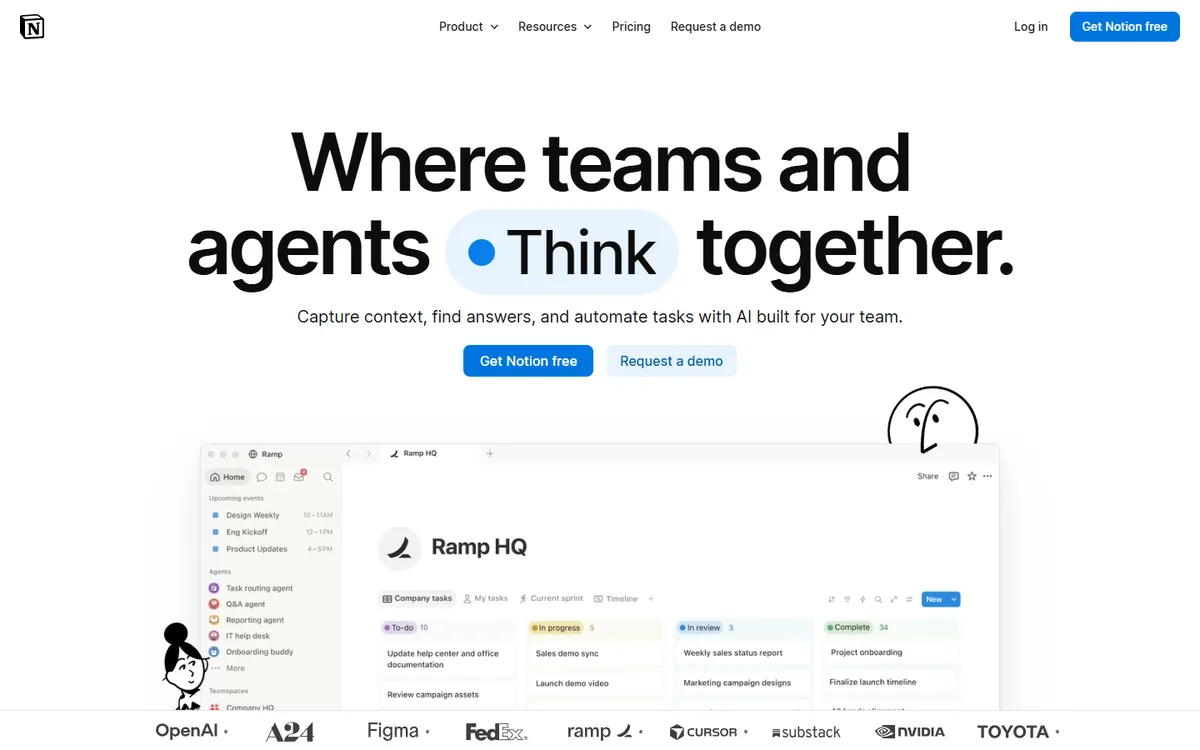
Notion pricing in detail
| Plan | Annual billing | Monthly billing | Highlights |
|---|---|---|---|
| Free | $0 | $0 | Unlimited pages for individuals, limited blocks for teams, 7-day history |
| Plus | $10/seat | $12/seat | Unlimited blocks, file uploads, charts, 30-day history |
| Business | $20/seat | $24/seat | Notion AI, private teamspaces, SAML SSO, 90-day history |
| Enterprise | Custom | Custom | Audit log, advanced security |
What you get
- Databases with relations, rollups and formulas.
- Table, board, timeline, calendar, gallery, list and chart views.
- Docs and wikis in the same workspace as your data.
- Forms that feed directly into databases.
- Buttons and automations for simple workflows.
- Huge template gallery for CRMs, content calendars and trackers.
Where it falls short
- Performance drops with very large databases.
- Limited automation and API flexibility compared with Airtable.
Good to know
Teams that already pay for Notion can often retire Airtable entirely.
Who it's best for
Teams using Airtable for light trackers alongside documentation. Skip it if you manage tens of thousands of linked records.
What a 15-editor team pays per year
| Option | Annual cost |
|---|---|
| Airtable Business | $8,100 |
| Airtable Team | $3,600 |
| NocoDB Plus (unlimited seats) | $1,296 |
| Notion Plus | $1,800 |
| Baserow Premium | ~$1,800 |
| SeaTable Plus | ~€1,260 |
| Grist Pro | $1,440 |
| NocoDB / Baserow / Grist self-hosted | Hosting only |
How to switch without losing your work
- Export each table to CSV (or use built-in Airtable importers in NocoDB and Baserow).
- Recreate linked-record fields — CSV exports flatten them.
- Download attachments, as Airtable attachment URLs expire.
- Rebuild automations and interfaces.
- Update integrations (Zapier, Make, API scripts) to point to the new tool.
Which one should you choose?
- You want the closest Airtable experience at lower cost: Baserow.
- You have large tables or an existing SQL database, or many editors: NocoDB (the unlimited-seat plan is very cheap for big teams).
- You are a small European team that wants a generous free plan: SeaTable.
- You are an analyst who wants real formulas: Grist.
- You use Airtable for light trackers next to documentation: Notion.
Hidden costs and gotchas
- Interfaces and portals. Airtable Interfaces are hard to replicate. Baserow's application builder and NocoDB's interfaces come closest.
- Automations and integrations. Count your automation runs and Zapier/Make connections; limits differ by tool and plan.
- Attachments. Attachment storage counts against plan limits on most tools. Self-hosting moves that cost to your own storage.
- Synced tables and extensions. Airtable sync and marketplace extensions do not carry over.
- Self-hosting. Free self-hosted options still need backups, updates and security — budget a few hours a month.
Our verdict
Baserow is the most Airtable-like replacement, NocoDB the best for large datasets and unlimited seats, SeaTable the most generous free plan, Grist the most powerful for formulas, and Notion the best if you want docs and databases together.
More cheaper alternatives: see our breakdowns of the cheaper options to monday.com, Zapier and Typeform.
Related reading: No-Code MVP vs Custom MVP: Choose by Risk, Not Fashion, How to Design a Database Schema and Does a Website Need a Database?.
Planning a switch, or not sure which tool fits the way your team works? Book a free call and we will look at your stack with you.
Prices are US list prices in USD unless marked, checked on 27 October 2026. "Annual" means the per-month price when billed yearly. Vendors change pricing often, so confirm on the vendor's site before buying. Product names and logos are trademarks of their respective owners and are used here for identification only.
Common questions
What is the best free Airtable alternative?
NocoDB and Baserow are free and open source when self-hosted. SeaTable's free cloud plan supports 25 users.
Can I import Airtable bases?
Yes. NocoDB and Baserow offer direct Airtable import; others accept CSV.
Which alternative has no record limits?
Self-hosted NocoDB, Baserow and Grist have no imposed record limits.
Is Notion a real Airtable replacement?
For light databases, yes. For large relational data and complex automations, NocoDB or Baserow is a better fit.
Do these alternatives have APIs?
Yes. All five provide APIs.
