In short
The best cheaper alternatives to Miro in 2026 are Excalidraw (free), FigJam (from $3/month), Microsoft Whiteboard (free), tldraw (free) and Zoom Whiteboard (free). Miro itself starts at $8 a month, so most teams can cut the cost substantially without losing the features they actually use.
Miro is the online whiteboard most teams reach for when they run workshops, retrospectives, journey maps and planning sessions. Its free plan now allows only three editable boards — create a fourth and the oldest become read-only. Starter costs $8 per member per month billed yearly ($10 monthly) and Business costs $20 per member per month billed yearly ($25 monthly), with AI credits rationed per member. Enterprise starts at 30 members with custom pricing. A 25-person product and design team on Business pays about $6,000 a year.
Most teams use a fraction of Miro's features: sticky notes, shapes, arrows, a few templates and real-time cursors. The alternatives below cover those basics for free, or for a few dollars a seat, and several are already included in tools you pay for.
 Mirovs
 Excalidraw
 FigJam
 Microsoft Whiteboard
 tldraw
 Zoom Whiteboard
What Miro actually costs in 2026
| Plan | Annual billing | Monthly billing | Limits |
|---|---|---|---|
| Free | $0 | $0 | 3 editable boards, 10 AI credits/month |
| Starter | $8/member/mo | $10/member/mo | Unlimited boards, 25 AI credits/member |
| Business | $20/member/mo | $25/member/mo | SSO, guests, 50 AI credits/member |
| Enterprise | Custom (30+ members) | — | Pooled AI credits, advanced security |
Miro bills every member who can edit. Visitors who only view or comment through public links do not need a seat, but workshop participants usually do.
The 5 cheaper alternatives at a glance
| Tool | Starts at | Model | Best for |
|---|---|---|---|
| Miro | $8/mo | subscription | The benchmark |
| Excalidraw | Free tier | open source | Engineers and product teams sketching ideas quickly |
| FigJam | $3/mo | subscription | Design and product teams already in Figma |
| Microsoft Whiteboard | Free tier | free | Teams already running on Microsoft 365 |
| tldraw | Free tier | free | Quick shared sketches with no sign-up friction |
| Zoom Whiteboard | Free tier | free | Teams already paying for Zoom |
How we picked these alternatives
We compared the canvas and drawing tools, templates, real-time collaboration, workshop features (voting, timers), integrations, guest access and the real cost for a 25-person team. Prices checked 28 October 2026.
1. Excalidraw
Price: Free and open source; Excalidraw+ about $6 per user per month billed yearly ($7 monthly). See Excalidraw's official pricing page for current plans.
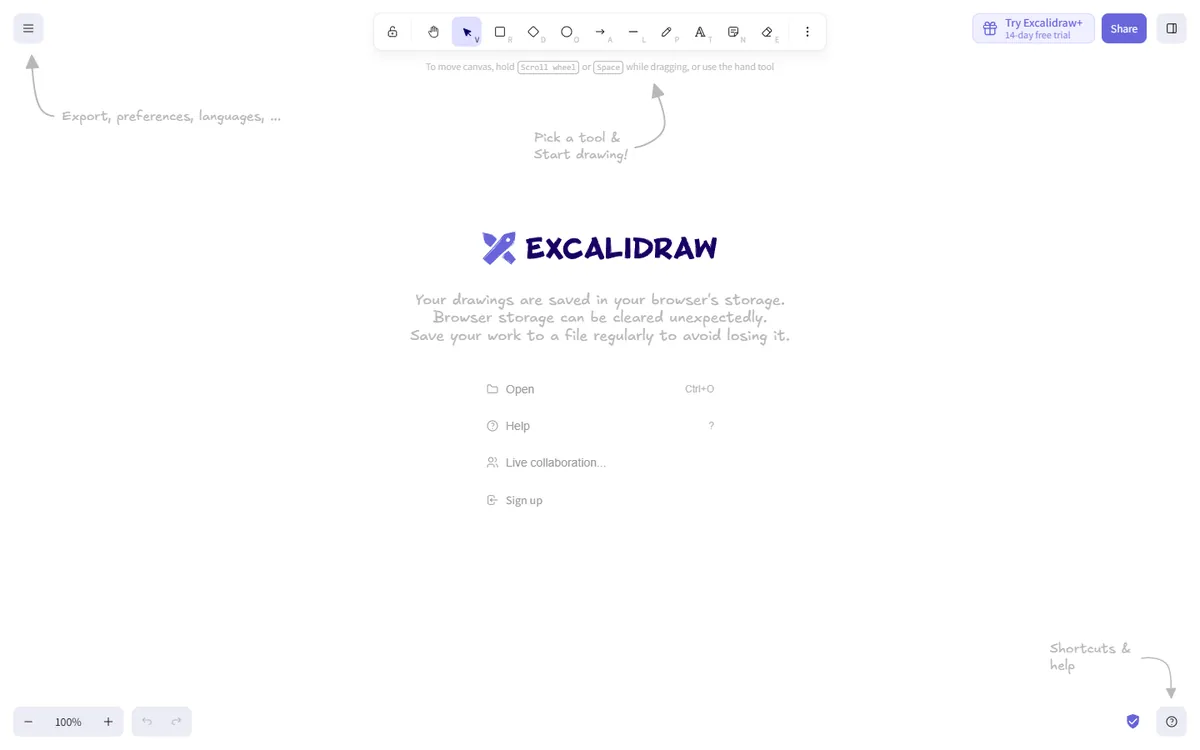
Excalidraw is a fast, minimalist whiteboard with a hand-drawn look that has become hugely popular with engineers, product managers and writers. You can open excalidraw.com and start drawing immediately with no account, invite others to a live session with end-to-end encryption, and export to PNG, SVG or the open .excalidraw format. Excalidraw+ adds persistent workspaces, team libraries and presentation mode.
Excalidraw pricing in detail
| Option | Price | What is included |
|---|---|---|
| Excalidraw (free) | $0 | Unlimited drawings, live collaboration, libraries, export |
| Excalidraw+ | ~$6/user/mo yearly ($7 monthly) | Cloud workspace, unlimited scenes, team collaboration, presentations |
| Self-hosted | Free | Open-source code (MIT licence) |
What you get
- Hand-drawn style diagrams that feel informal and fast.
- Real-time collaboration with end-to-end encrypted sharing.
- Shape libraries for architecture, UX and more.
- Embeds in Notion, Obsidian, VS Code and more.
- Open source, so you can self-host or embed it in your own product.
Where it falls short
- No workshop tools such as voting, timers or facilitation features.
- Few templates compared with Miro's library.
- Large boards slow down.
Who it's best for
Engineering and product teams who sketch ideas, architectures and flows quickly. Skip it if you run facilitated workshops with dozens of participants.
2. FigJam
Price: Free (three FigJam files); Figma Collab seat $3 per month on the Professional plan (billed yearly) for full FigJam access. See FigJam's official pricing page for current plans.
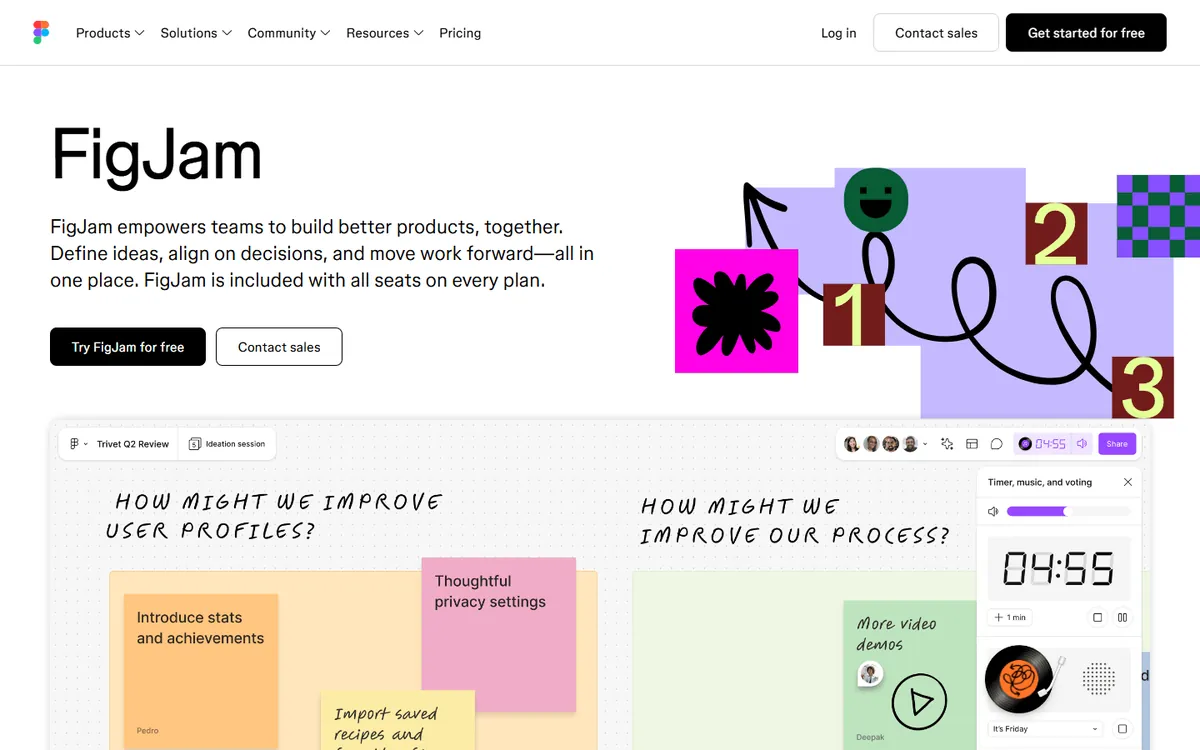
FigJam is Figma's whiteboard. It has sticky notes, stamps, voting, timers, templates and widgets, and its AI can cluster and summarise sticky notes. Its biggest advantage is price: under Figma's seat model, a Collab seat costs about $3 a month on the Professional plan, so you can give an entire product team FigJam for less than half the price of Miro Starter.
FigJam pricing in detail
| Option | Price | What is included |
|---|---|---|
| Starter (free) | $0 | 3 FigJam files, unlimited personal drafts |
| Professional — Collab seat | ~$3/mo (annual) | Unlimited FigJam files, Figma Slides, commenting in design files |
| Organization — Collab seat | ~$5/mo (annual) | Admin, SSO, shared libraries |
What you get
- Sticky notes, stamps, voting and timers for workshops.
- Hundreds of templates for retros, brainstorms and journey maps.
- AI clustering and summaries.
- Widgets for polls, tables and integrations.
- Seamless Figma integration — copy frames from designs into FigJam.
Where it falls short
- Fewer third-party integrations than Miro.
- Less suited to huge canvases and enterprise-wide workshops.
- Seat model changes have confused some buyers — check your plan.
Who it's best for
Product and design teams already using Figma. Skip it if your organisation does not use Figma and needs Miro's integrations with Jira and Azure DevOps.
3. Microsoft Whiteboard
Price: Free with a Microsoft account; included in Microsoft 365 and Teams. See Microsoft Whiteboard's official site for current plans.
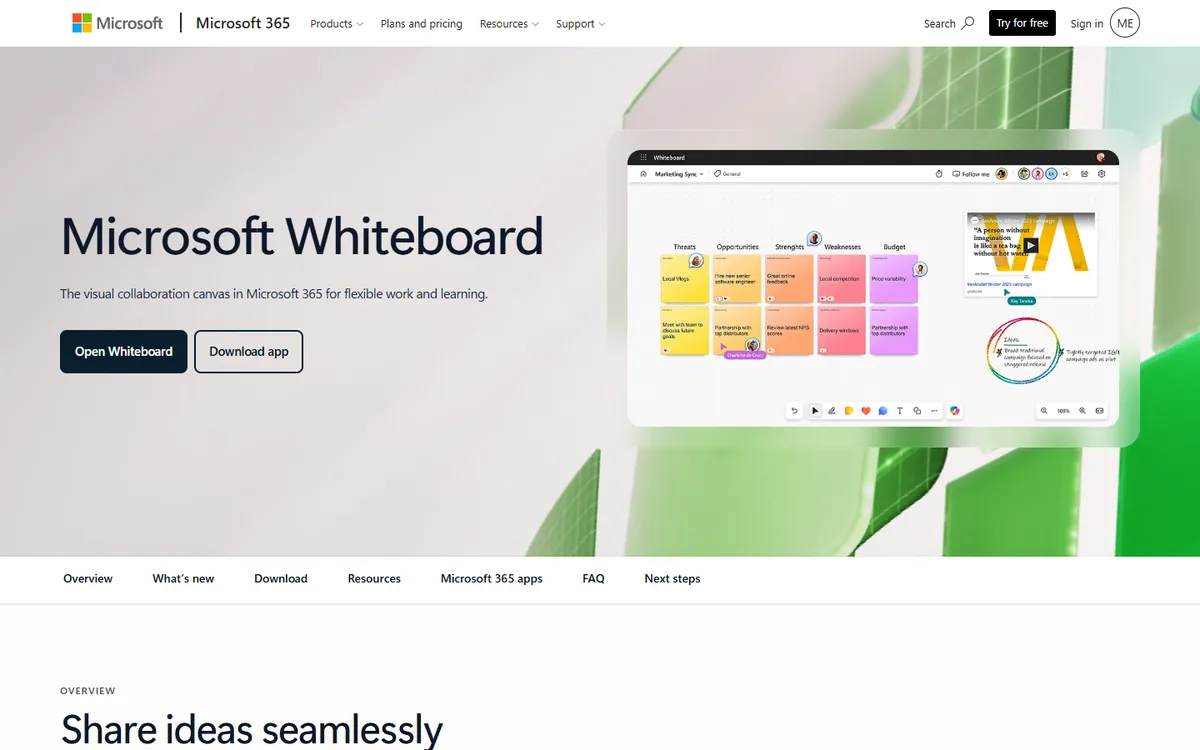
Microsoft Whiteboard is an infinite canvas with sticky notes, templates, reactions and pen support that works in Teams meetings, in a browser and as a Windows app. For companies on Microsoft 365, it is already paid for and covered by the same security and compliance controls as the rest of Office.
Microsoft Whiteboard pricing in detail
| Access | Price | Notes |
|---|---|---|
| Microsoft account | Free | Personal boards |
| Microsoft 365 business plans | Included | Shared boards in Teams, stored in OneDrive |
| Teams meetings | Included | Whiteboard tab in meetings |
What you get
- An infinite canvas with sticky notes, shapes and templates.
- Works inside Teams meetings with participants.
- Pen and touch support on Surface and tablets.
- Copilot features for organisations that pay for Copilot.
- Enterprise security inside your Microsoft 365 tenant.
Where it falls short
- Basic compared with Miro — fewer templates and integrations.
- Limited guest access outside your organisation.
- Mac experience is browser-only.
Good to know
Whiteboards created in Teams meetings are saved automatically in the meeting organiser's OneDrive, so they remain available after the call. Admins can control whether external guests can access boards and how long content is retained, using the same Microsoft 365 policies as other files. For workshops with clients, test guest access in advance, because sign-in requirements differ between organisations.
Who it's best for
Teams that already run on Microsoft 365 and Teams and want a whiteboard without another bill. Skip it if you run external workshops with clients.
4. tldraw
Price: Free at tldraw.com; the open-source SDK is licensed separately for commercial products. See tldraw's official site for current plans.
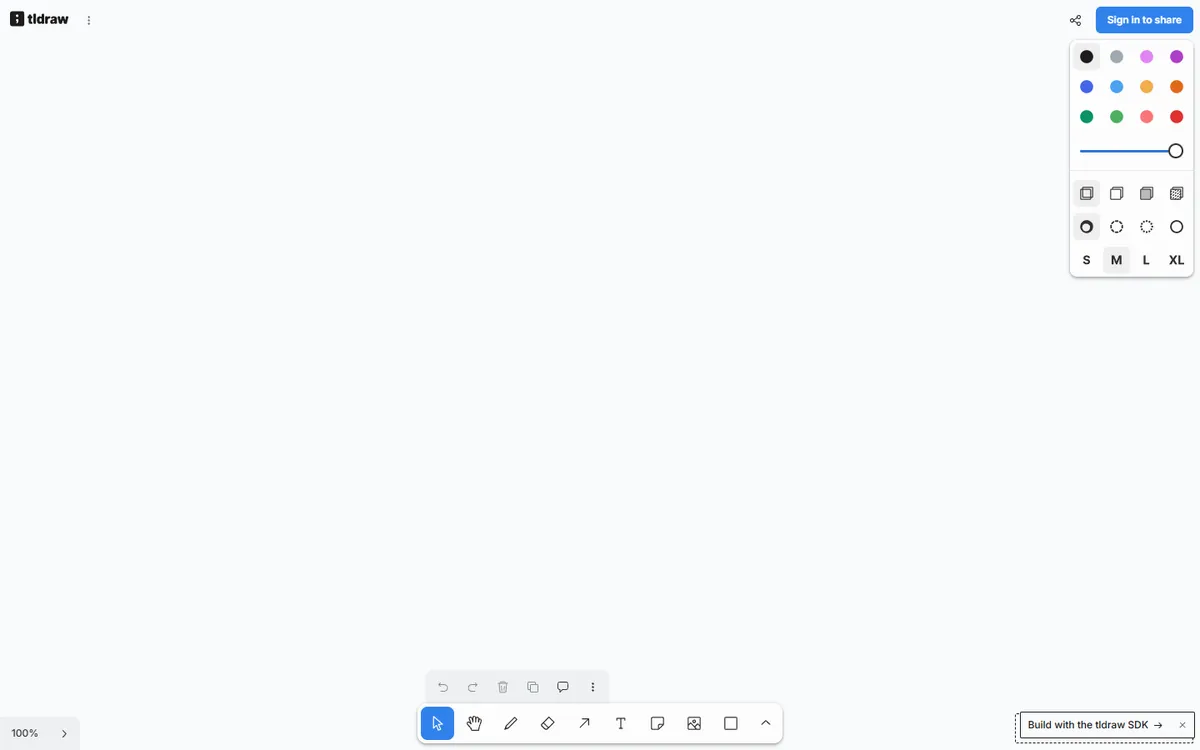
tldraw is a beautifully simple, extremely fast whiteboard. Open tldraw.com, share the link and collaborate in real time — shapes snap neatly, arrows bind to objects and drawing with a pen feels natural. Its SDK powers whiteboards inside many other products. It deliberately skips the complexity of Miro, which makes it perfect for quick sessions.
tldraw pricing in detail
| Option | Price | Notes |
|---|---|---|
| tldraw.com | Free | Unlimited boards, real-time collaboration |
| tldraw SDK | Licence for commercial use | For developers embedding a canvas |
What you get
- Fast, clean canvas with excellent drawing tools.
- Real-time multiplayer via share links.
- Embeds for images, videos and websites.
- Export to PNG and SVG.
- An open-source SDK for developers.
Where it falls short
- Minimal templates and workshop features.
- No admin or team management.
- Not designed for large organisations.
Good to know
tldraw boards can be shared with a link and anyone with the link can edit, so treat links as you would a shared document. For teams that build products, the tldraw SDK can add a whiteboard to your own app, which is how many AI and collaboration startups use it. Export important boards as PNG or SVG if you need a record, since the free web app is designed for quick collaboration rather than long-term archiving.
Who it's best for
Small teams and individuals who want quick shared sketches with zero friction. Skip it if you need governance, templates and integrations.
5. Zoom Whiteboard
Price: Included with Zoom Workplace — Basic (free) allows three editable boards; Pro and higher plans include unlimited boards. See Zoom Whiteboard's official pricing page for current plans.
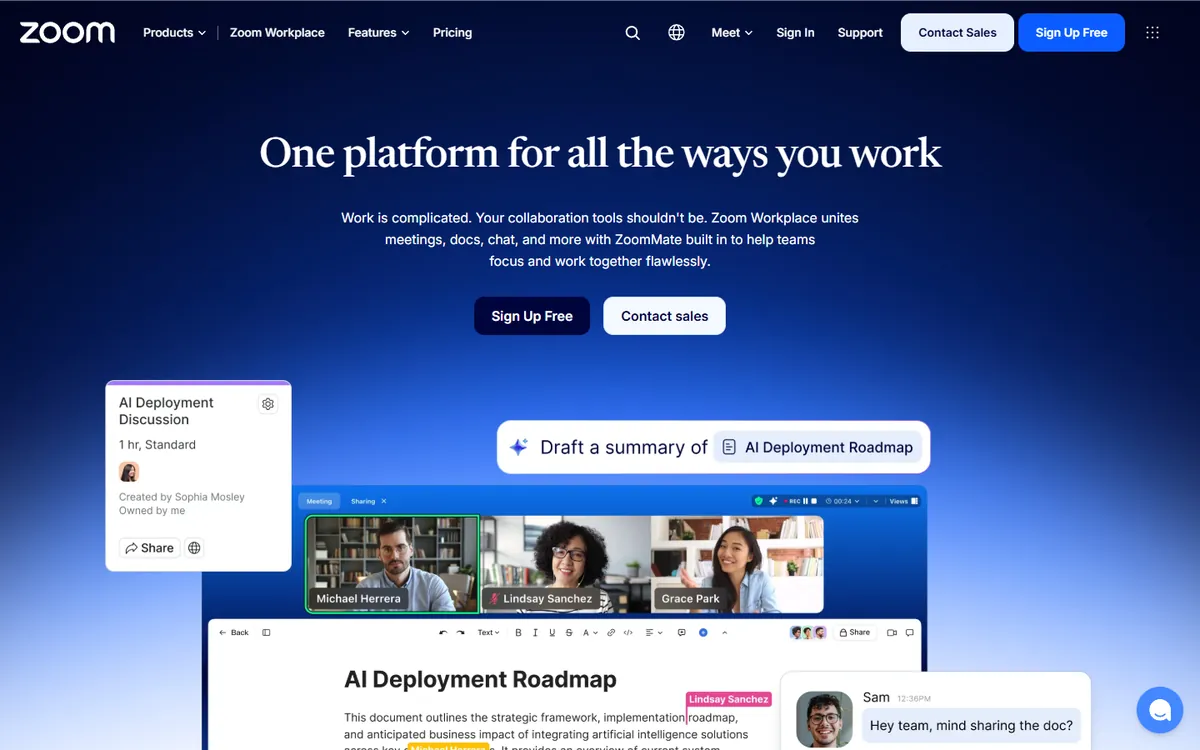
Zoom Whiteboard has grown from a meeting add-on into a full persistent whiteboard. You can use it during Zoom calls or on its own, with templates, sticky notes, voting and integrations. If your company already pays for Zoom Workplace, it costs nothing extra and keeps everything in the platform you use for meetings.
Zoom Whiteboard pricing in detail
| Zoom plan | Whiteboard access |
|---|---|
| Basic (free) | 3 editable boards |
| Pro | Unlimited boards |
| Business and higher | Unlimited boards, admin controls |
What you get
- Persistent boards that work in and out of meetings.
- Templates, sticky notes and voting.
- Sharing with internal and external users.
- Zoom AI Companion features on paid plans.
- Desktop, web and mobile access.
Where it falls short
- Less mature than Miro for large workshops.
- Fewer integrations outside Zoom.
- Template library is smaller.
Good to know
Zoom Whiteboard content is stored in your Zoom account, so admins can manage sharing and retention alongside meeting recordings. Boards can be started during a meeting and continued afterwards, which suits recurring rituals such as weekly planning or retrospectives. If your company is moving off Zoom in the future, export boards as PDF so you keep the content.
Who it's best for
Teams already paying for Zoom Workplace. Skip it if your team does not use Zoom.
What a 25-person team pays per year
| Option | Annual cost |
|---|---|
| Miro Business (25 × $20 × 12) | $6,000 |
| Miro Starter (25 × $8 × 12) | $2,400 |
| Excalidraw+ (25 × $6 × 12) | $1,800 |
| FigJam Collab seats (25 × $3 × 12) | $900 |
| Microsoft Whiteboard (with Microsoft 365) | $0 extra |
| tldraw | $0 |
| Zoom Whiteboard (with Zoom Pro) | $0 extra |
How to switch without losing your work
- Export important Miro boards as PDF or images for archive, and as CSV where boards hold sticky notes.
- Recreate your most-used templates (retro, sprint planning, journey map) in the new tool.
- Move active boards first and leave old boards read-only on Miro Free.
- Train facilitators — the people who run workshops make or break the switch.
- Downgrade seats gradually as teams move.
Which one should you choose?
- You sketch architecture and ideas quickly: Excalidraw.
- Your product team uses Figma: FigJam.
- You run on Microsoft 365 and Teams: Microsoft Whiteboard.
- You want instant, no-friction shared sketches: tldraw.
- You already pay for Zoom: Zoom Whiteboard.
Hidden costs and gotchas
- Member creep. Miro bills editors; workshop participants often become members. Audit seats regularly.
- AI credits. AI features on every tool are rationed; heavy use costs extra.
- Exports. Boards rarely convert cleanly between tools. Archive what you need as PDF.
- Guests and clients. Check how each tool handles external participants before running client workshops.
- Integrations. Miro's Jira and Azure DevOps integrations may matter more than you think for engineering teams.
Our verdict
FigJam is the best Miro alternative for most product teams — real workshop features at about $3 a seat. Excalidraw is the best free tool for quick technical sketches, Microsoft Whiteboard and Zoom Whiteboard are free for teams already paying for those suites, and tldraw is the fastest way to share a canvas.
More cheaper alternatives: see our breakdowns of the cheaper options to Lucidchart, Figma and Notion.
Related reading: What Is a Design Sprint, and Is It Worth It?, How to Run a Design Critique and The Product Design Process, End to End.
Planning a switch, or not sure which tool fits the way your team works? Book a free call and we will look at your stack with you.
Prices are US list prices in USD unless marked, checked on 27 October 2026. "Annual" means the per-month price when billed yearly. Vendors change pricing often, so confirm on the vendor's site before buying. Product names and logos are trademarks of their respective owners and are used here for identification only.
Common questions
What is the best free alternative to Miro?
Excalidraw and tldraw for quick collaboration, and Microsoft Whiteboard or Zoom Whiteboard if you already have those suites.
Is FigJam cheaper than Miro?
Yes. A Figma Collab seat with full FigJam access costs about $3 a month, versus $8 for Miro Starter.
Why can I only edit three boards on Miro Free?
Miro's free plan keeps only your three most recent boards editable; older boards become view-only.
Can I import Miro boards into another tool?
Not reliably. Export boards as images or PDF, and sticky notes as CSV where possible.
Is Excalidraw secure for company work?
Live collaboration sessions are end-to-end encrypted, and you can self-host the open-source version.
