In short
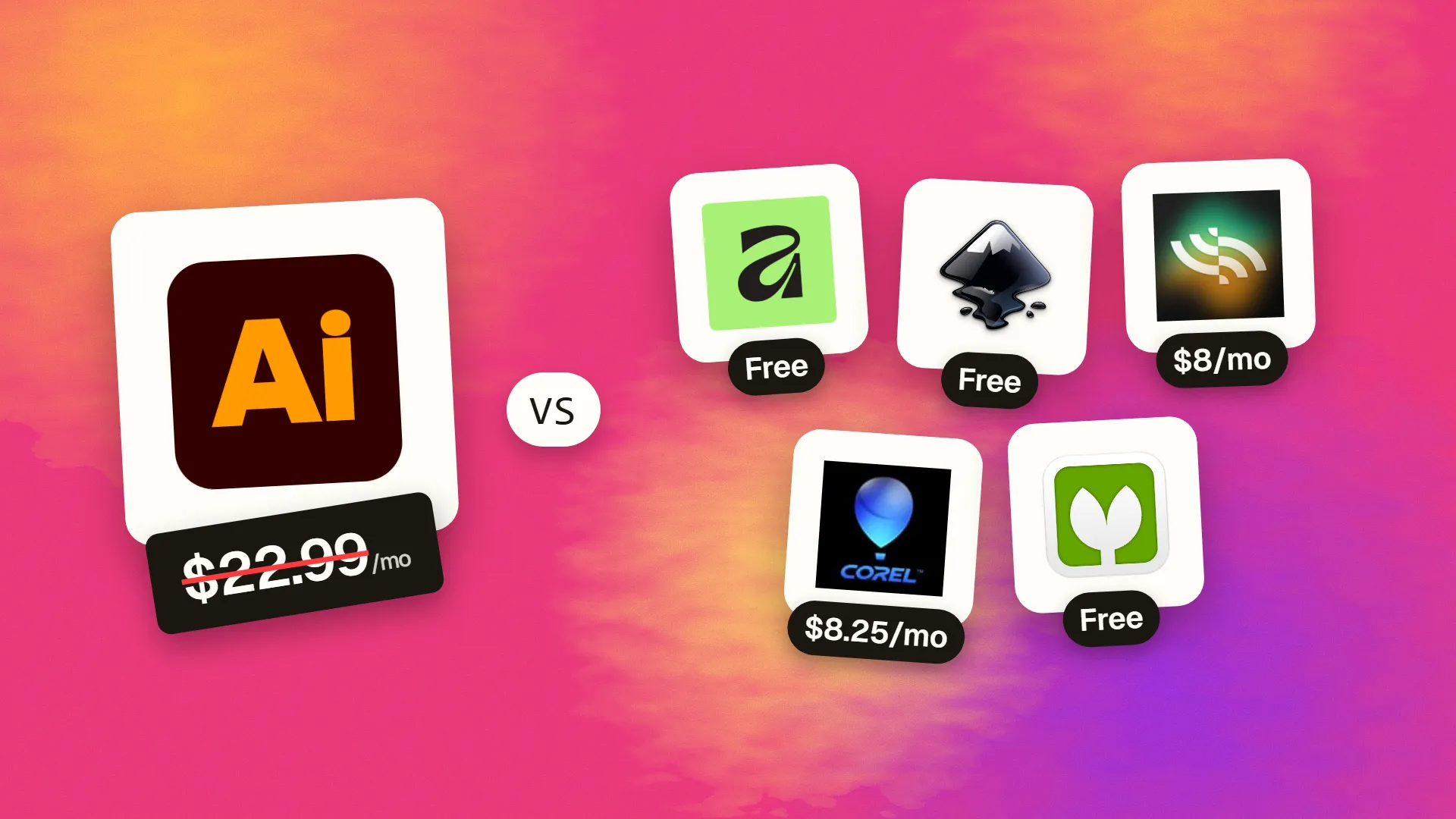
The best cheaper alternatives to Adobe Illustrator in 2026 are Affinity (by Canva) (free), Inkscape (free), Linearity Curve (from $8/month), Corel Vector (from $8.25/month) and Vectorpea (free). Adobe Illustrator itself starts at $22.99 a month, so most teams can cut the cost substantially without losing the features they actually use.
Adobe Illustrator defined vector design for three decades, and if you work in a print shop or a large agency it is still the file format everyone sends around. But the price has become hard to defend for most of the people who use it. In 2026 the single-app plan costs $22.99 a month on an annual contract (around $34.49 month-to-month), which is about $275 a year to draw logos, icons, illustrations and social graphics.
Vector work is also one of the areas where alternatives have caught up the fastest. The core of vector design — the pen tool, Bézier curves, boolean operations, artboards and SVG/PDF export — is well understood, and several free or low-cost apps now do it extremely well. Below are five that can replace Illustrator for most freelancers, small businesses and in-house designers.
 Adobe Illustratorvs
 Affinity (by Canva)
 Inkscape
 Linearity Curve
 Corel Vector
 Vectorpea
What Illustrator actually costs in 2026
| Plan | Price | Notes |
|---|---|---|
| Illustrator single app (annual, billed monthly) | $22.99/mo | 12-month contract; early cancellation fee applies |
| Illustrator single app (month-to-month) | ~$34.49/mo | Cancel any time |
| Creative Cloud Standard | $54.99/mo | Illustrator + 20 other apps, limited AI |
| Creative Cloud Pro | $69.99/mo | All apps plus full generative-credit allowance |
Illustrator's newer AI features — Generative Recolor, Text to Vector Graphic and Generative Shape Fill — consume generative credits, and heavy users can run through the monthly allowance. If you open Illustrator mainly to tweak logos or export SVGs, you are paying for a lot you do not use.
The 5 cheaper alternatives at a glance
| Tool | Starts at | Model | Best for |
|---|---|---|---|
| Adobe Illustrator | $22.99/mo | subscription | The benchmark |
| Affinity (by Canva) | Free tier | free | Pro illustrators leaving Adobe |
| Inkscape | Free tier | open source | Logos, web SVGs, laser/vinyl cutting files |
| Linearity Curve | $8/mo | subscription | Mac and iPad designers, social graphics |
| Corel Vector | $8.25/mo | subscription | Light vector work across devices |
| Vectorpea | Free tier | free | Opening/editing a client's .ai file without Illustrator |
How we picked these alternatives
Every option had to offer a proper pen tool with editable nodes, boolean (pathfinder) operations, multiple artboards or pages, and clean SVG and PDF export. We gave extra weight to the ability to open .ai and .eps files from clients, because that is the main thing that keeps people locked into Illustrator. Prices were checked on 27 October 2026.
1. Affinity (by Canva)
Price: Free. Generative AI features require Canva Pro (about $15/month). See Affinity's official site for current plans.
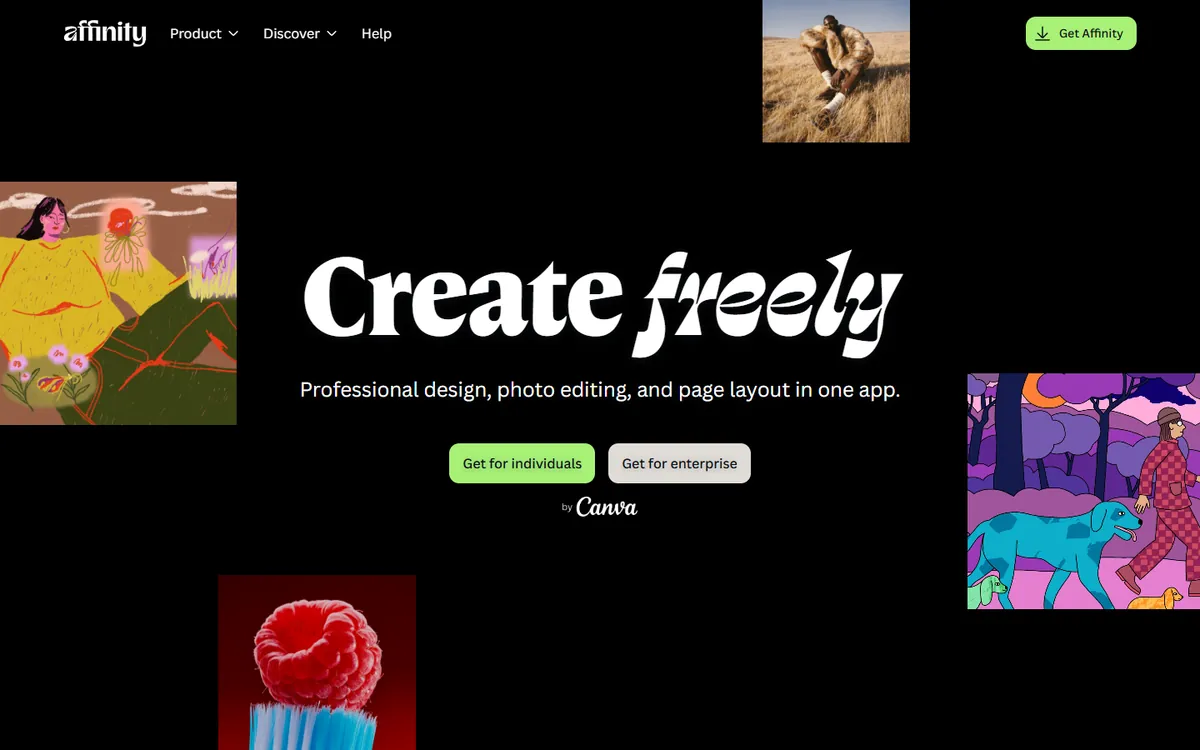
Affinity Designer was built by Serif, a UK company that spent a decade making the most respected one-time-purchase alternative to Adobe's apps. Canva bought Serif in 2024, and in October 2025 merged Designer, Photo and Publisher into one free Affinity app. The vector tools are the same engine professionals used to pay for — now available at no cost on Windows and macOS.
Affinity pricing in detail
| Option | Price | What's included |
|---|---|---|
| Affinity (unified app) | Free | Full vector, pixel and layout tools; all export formats; no watermark |
| Canva Pro (optional) | ~$15/mo or ~$120/yr | Generative Fill, Expand & Edit, background removal inside Affinity |
| Canva Teams (optional) | Per-seat pricing | AI features plus team brand kits |
What you get
- Precision vector tools. Pen, node, pencil, vector brushes, corner tool and live boolean operations behave the way Illustrator users expect.
- Huge-document performance. Documents with thousands of objects stay smooth even at extreme zoom levels — one of Affinity's long-standing strengths.
- Pixel and vector in one file. Switch to the pixel tools to add grain, texture or painted shading to a vector illustration without exporting to Photoshop.
- Print-ready output. CMYK documents, spot colours, overprint control and PDF/X export for commercial printers.
- Imports AI, EPS, PDF and SVG and exports SVG, PDF, EPS, PNG and more.
- Symbols, constraints and unlimited artboards for icon sets, UI kits and multi-size social graphics.
- Page layout included. Build brochures and catalogues with the publishing tools instead of paying for InDesign.
Where it falls short
- Some Illustrator effects do not translate. Appearance stacks, certain live effects and complex gradient meshes may expand or rasterise on import.
- AI tools cost extra. Generative features require a paid Canva plan.
- No iPad version of the unified app yet, and Illustrator scripts and plugins do not run.
Who it's best for
Professional illustrators, brand designers and print designers who want a complete toolset without a subscription. Skip it if your clients require native .ai files with Illustrator-only effects.
2. Inkscape
Price: Free and open source. See Inkscape's official site for current plans.
Inkscape has been the leading open-source vector editor for more than twenty years. It uses SVG — the web's vector format — as its native file type, and version 1.x modernised the interface, improved macOS support and sped up rendering. It is maintained by volunteers and funded by donations.
Inkscape pricing in detail
| Option | Price | Notes |
|---|---|---|
| Inkscape desktop | Free | Windows, macOS, Linux; no account |
| Extensions | Mostly free | Community-built add-ons for cutters, plotters, generators |
What you get
- True SVG editing. What you draw is exactly what ends up in the SVG code, with an XML editor for direct tweaks — ideal for web icons and animations.
- Path effects. Non-destructive effects such as pattern along path, envelope deformation, offset, roughen and taper stroke.
- Trace Bitmap. Convert logos, sketches and scans to editable vectors with several tracing modes.
- Maker-friendly output. Widely used for laser cutters, vinyl cutters, plotters and embroidery workflows.
- Extensions ecosystem. Generators for barcodes, QR codes, gears, grids and more.
- Completely free forever, with no account, telemetry or upsells.
Where it falls short
- CMYK print production needs workarounds — exporting press-ready PDFs is harder than in Affinity or Illustrator.
- Performance with very complex files can lag behind commercial apps.
- Different interface conventions mean Illustrator users need some retraining.
Who it's best for
Web designers, developers, makers, educators and anyone who wants a capable vector tool at zero cost. Skip it if most of your work goes to commercial print.
3. Linearity Curve
Price: Free tier. Pro $8/month billed annually ($10 monthly). Studio from $25/month annual. See Linearity Curve's official pricing page for current plans.
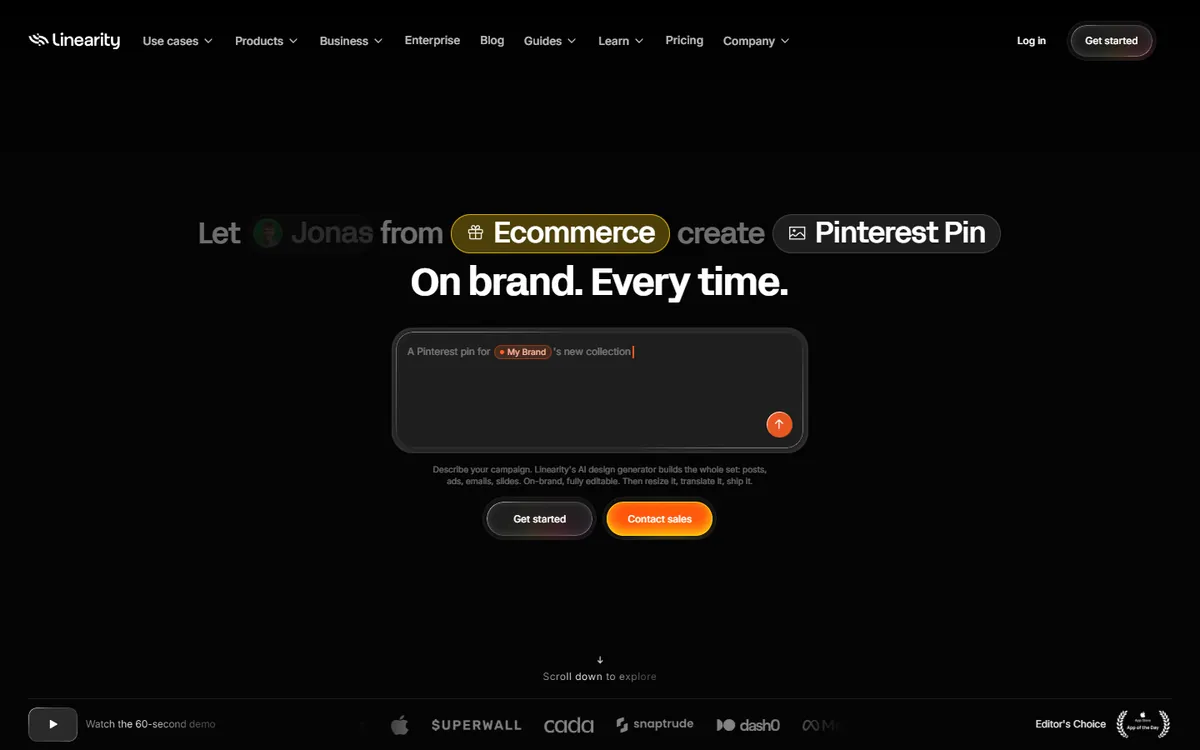
Linearity Curve started life as Vectornator, a popular free iPad vector app. Renamed in 2023, it is now part of the Linearity suite alongside Linearity Move, an animation tool, and is increasingly aimed at marketing teams producing brand assets quickly on Apple devices.
Linearity pricing in detail
| Plan | Annual billing | Monthly billing | Key inclusions |
|---|---|---|---|
| Free | $0 | $0 | 1 brand, 5GB brand storage, basic export, limited Curve and Move |
| Pro | $8/mo | $10/mo | Unlimited Curve and Move, advanced export, 800 AI credits/mo |
| Studio | from $25/mo | from $30/mo | Unlimited brands, 100GB storage, more AI credits |
| Business | from $67/mo | from $80/mo | 500GB storage, unlimited AI brand setups |
What you get
- A drawing experience built for touch. Apple Pencil support on iPad is excellent, with gestures for undo, zoom and snapping.
- Mac and iPad sync so you can sketch on the sofa and finish at your desk.
- Auto Trace and background removal for turning photos and sketches into vectors quickly.
- Animation hand-off to Linearity Move for animated social posts and ads.
- Imports Illustrator, PDF, SVG and Figma files.
Where it falls short
- Apple-only. No Windows, Linux or web editor.
- Credit limits. AI features use monthly credits.
- Product direction is shifting toward brand and marketing automation; some features are listed as "coming soon".
Who it's best for
Illustrators and social-media designers working on iPad and Mac. Skip it if you use Windows or need heavy print production.
4. Corel Vector
Price: About $99 a year (roughly $8.25/month). CorelDRAW Essentials is about $129 one-time. See Corel Vector's official site for current plans.
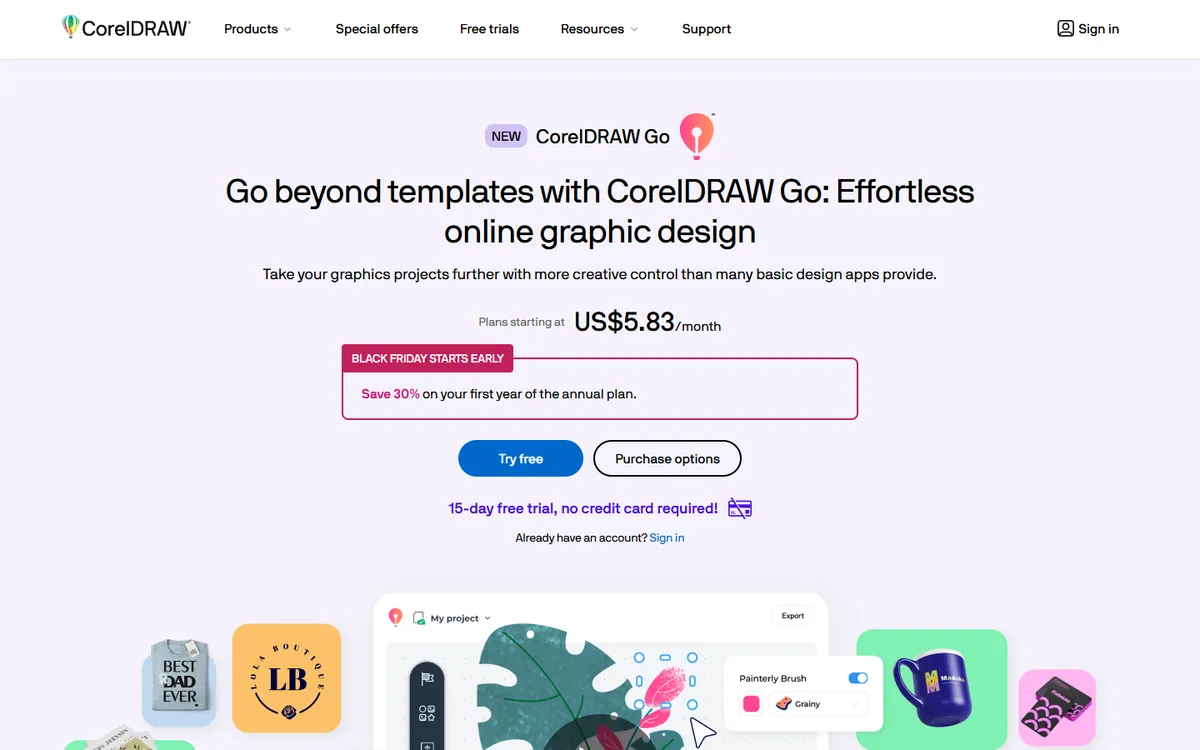
Corel Vector is the new name for Gravit Designer, a browser-based vector editor that Corel acquired in 2018. Corel is best known for CorelDRAW, which has been a staple of sign-makers, print shops and apparel decorators for over thirty years. Corel Vector brings a lighter version of that heritage to the browser, so you can design on any computer — including Chromebooks — and pick up where you left off.
Corel pricing in detail
| Product | Price (approx.) | Platforms | Best for |
|---|---|---|---|
| Corel Vector | ~$99/yr | Browser, Windows, macOS, Linux, ChromeOS | Everyday vector design anywhere |
| CorelDRAW Essentials | ~$129 one-time | Windows | Hobbyists and home businesses |
| CorelDRAW Graphics Suite | ~$269/yr or ~$549 one-time | Windows, macOS | Professional print, signage, apparel |
What you get
- Full vector toolset — pen, Bézier, knife, path boolean operations, shapes and text on a path.
- Symbols and shared styles to keep brand elements consistent across designs.
- Pages and artboards for multi-size social graphics or multi-page documents.
- Cloud storage so files sync between machines automatically.
- Exports to SVG, PDF, PNG and JPG, with options for print and web.
- Templates and asset libraries to start quickly.
- A path up to CorelDRAW if your work grows into professional print production.
Where it falls short
- Lighter than desktop tools for complex print jobs with spot colours and prepress checks.
- Smaller community and fewer tutorials than Illustrator or Inkscape.
- Still a subscription, while Affinity and Inkscape are free.
Good to know
Corel Vector costs about a third of Illustrator per year. If you specifically need CorelDRAW's sign-making tools, its perpetual licence can still work out cheaper than Illustrator over several years.
Who it's best for
Freelancers and small teams who move between computers and want dependable vector editing in a browser. Skip it if you want a free tool or need advanced print production.
5. Vectorpea
Price: Free (ad-supported), from the developer of Photopea. See Vectorpea's official site for current plans.
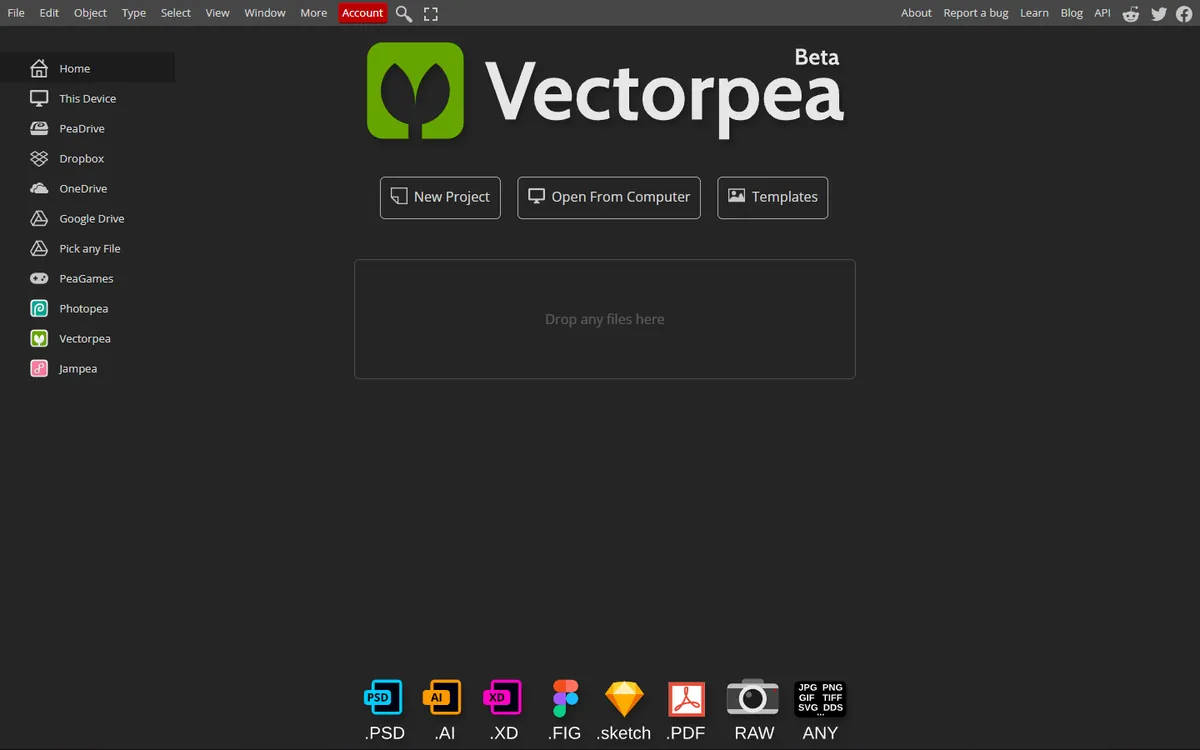
Vectorpea is the vector-focused sibling of Photopea, the browser-based Photoshop alternative. It runs entirely in your web browser with no account, and it reuses Photopea's remarkable file-format engine — which is why it can open Illustrator files that many free tools struggle with.
Vectorpea pricing in detail
| Option | Price | Notes |
|---|---|---|
| Vectorpea | Free | Ads beside the canvas |
| Premium (shared with Photopea) | ~$5/mo | Removes ads, more history |
What you get
- Opens AI, EPS, PDF and SVG directly in the browser — no Illustrator licence required.
- Pen, shapes and boolean operations for drawing and editing paths.
- Text, gradients and strokes with standard controls.
- Layers to organise artwork.
- Exports to SVG, PDF, PNG and JPG.
- Works on any computer, including Chromebooks and locked-down work laptops, and processes files locally in your browser.
Where it falls short
- Basic feature set — no advanced effects, symbols libraries or print preflight.
- Ads on the free version.
- Not designed for long, complex projects; large files can be slow.
Good to know
The most common reason people keep Illustrator is "a client sent me an .ai file". Vectorpea solves that specific problem for free — open the file, change the text or colour, export a PDF or SVG and you are done.
Who it's best for
Anyone who occasionally needs to open, inspect or tweak an Illustrator file. Skip it if vector design is a core part of your job — use Affinity or Inkscape instead.
What you would actually pay over two years
| Option | Year 1 | Year 2 | 2-year total |
|---|---|---|---|
| Illustrator (annual, billed monthly) | $275.88 | $275.88 | $551.76 |
| Affinity (by Canva) | $0 | $0 | $0 |
| Inkscape | $0 | $0 | $0 |
| Linearity Curve Pro (annual) | $96 | $96 | $192 |
| Corel Vector | ~$99 | ~$99 | ~$198 |
| Vectorpea | $0 | $0 | $0 |
How to switch without losing your work
- Save Illustrator files with PDF compatibility turned on (the default "Create PDF Compatible File" option). Almost every alternative imports .ai through that embedded PDF.
- Export a master SVG and a PDF/X of every logo and brand asset so you have clean, software-neutral versions.
- Expand appearances, live effects and brushes on copies of complex artwork — those are the elements most likely to change on import.
- Outline fonts on archive copies or make sure you have licensed desktop versions; Adobe Fonts stop syncing when you cancel.
- Recreate swatch libraries as ASE files, which Affinity and Inkscape can import.
Which one should you choose?
- You design logos, brand identities or print materials professionally: Affinity. It handles CMYK, PDF/X export, spot colours and complex documents, and it costs nothing.
- You mostly make SVGs for websites, apps or cutting machines: Inkscape. Its SVG output is clean and standards-compliant, and it is the community favourite for Cricut, Silhouette and laser-cutter files.
- You sketch on an iPad and finish on a Mac: Linearity Curve. The Apple Pencil experience is the best of the group, and the Pro plan costs about a third of Illustrator.
- You switch between a Chromebook, a work PC and a home Mac: Corel Vector. It runs in any browser and keeps files in the cloud.
- You only need to open the occasional client .ai file: Vectorpea. Bookmark it and stop paying for a whole year of Illustrator.
Hidden costs and gotchas
- Fonts. If your projects rely on Adobe Fonts, they stop syncing when your subscription ends. Licence desktop versions of the fonts you use, or swap to Google Fonts and other open-licence families before you switch.
- Stock assets. Adobe Stock licences you have already downloaded remain valid, but new downloads stop. Free libraries such as Unsplash, Pexels and Openverse — and Affinity's built-in assets — fill most of the gap.
- Plugins and scripts. Illustrator scripts and third-party plugins (Astute Graphics, for example) do not run in other apps. Check whether a built-in feature replaces each one before you cancel.
- Client expectations. Some agencies and printers ask for native .ai files. A PDF/X with editable vectors is accepted almost everywhere, but agree the format up front.
- Early-termination fees. Adobe's annual plan billed monthly charges 50% of the remaining months if you cancel early, so time your switch to the end of your contract year.
Our verdict
For most people, Affinity is now the obvious Illustrator replacement: free, professional and print-ready. Choose Inkscape if you want open source and web-first SVG work, Linearity Curve if you live on a Mac and iPad, Corel Vector for browser-based work across machines, and keep Vectorpea bookmarked for the day a client sends you an .ai file. Unless your clients require native Illustrator files with Adobe-specific effects, there is little reason to keep paying $275 a year.
More cheaper alternatives: see our breakdowns of the cheaper options to Adobe Photoshop, Figma and Adobe Acrobat.
Related reading: What File Format Should a Logo Be?, Logo Mark, Wordmark, or Both? and How Much Should a Logo Cost?.
Planning a switch, or not sure which tool fits the way your team works? Book a free call and we will look at your stack with you.
Prices are US list prices in USD unless marked, checked on 27 October 2026. "Annual" means the per-month price when billed yearly. Vendors change pricing often, so confirm on the vendor's site before buying. Product names and logos are trademarks of their respective owners and are used here for identification only.
Common questions
What is the best free alternative to Illustrator?
Affinity by Canva is the most capable free option for professional and print work. Inkscape is the best open-source option and excels at SVG for the web.
Can I open .ai files without Illustrator?
Yes. Affinity, Inkscape, Linearity Curve, Corel Vector and Vectorpea can all import .ai files, especially those saved with PDF compatibility. Very complex files with Illustrator-only effects may need cleanup.
Which alternative is best for logo design?
Affinity for professional brand work, Inkscape for simple, web-focused logos, and Linearity Curve if you sketch on an iPad.
Is there an Illustrator alternative for iPad?
Linearity Curve is the strongest option on iPad today. Affinity's previous iPad apps are being superseded by the new unified app, which has not yet launched on iPad.
Do print shops accept files from these apps?
Yes, as long as you export a print-ready PDF (PDF/X) in CMYK with fonts outlined or embedded. Affinity handles this natively; Inkscape needs extra steps for CMYK.
